Cloze
 dearvikki18k downloads
Convert highlights, underlines, bolded texts or any selected texts into clozes.
- Overview
- Scorecard
- Updates19
English | 简体中文
Inspired from anki cards, this simple plugin for Obsidian enables you to create a cloze from special text segments (including highlighted, underlined, bolded texts and so on), as well as any selected text in reading mode.
Update: FYI, I just found that there is a fantastic plugin called Spaced Repetition that works just as an Obsidian version Anki, which also supports Cloze Cards. On the other hand, the Cloze plugin serves as more of a helper for reviewing pages/articles.
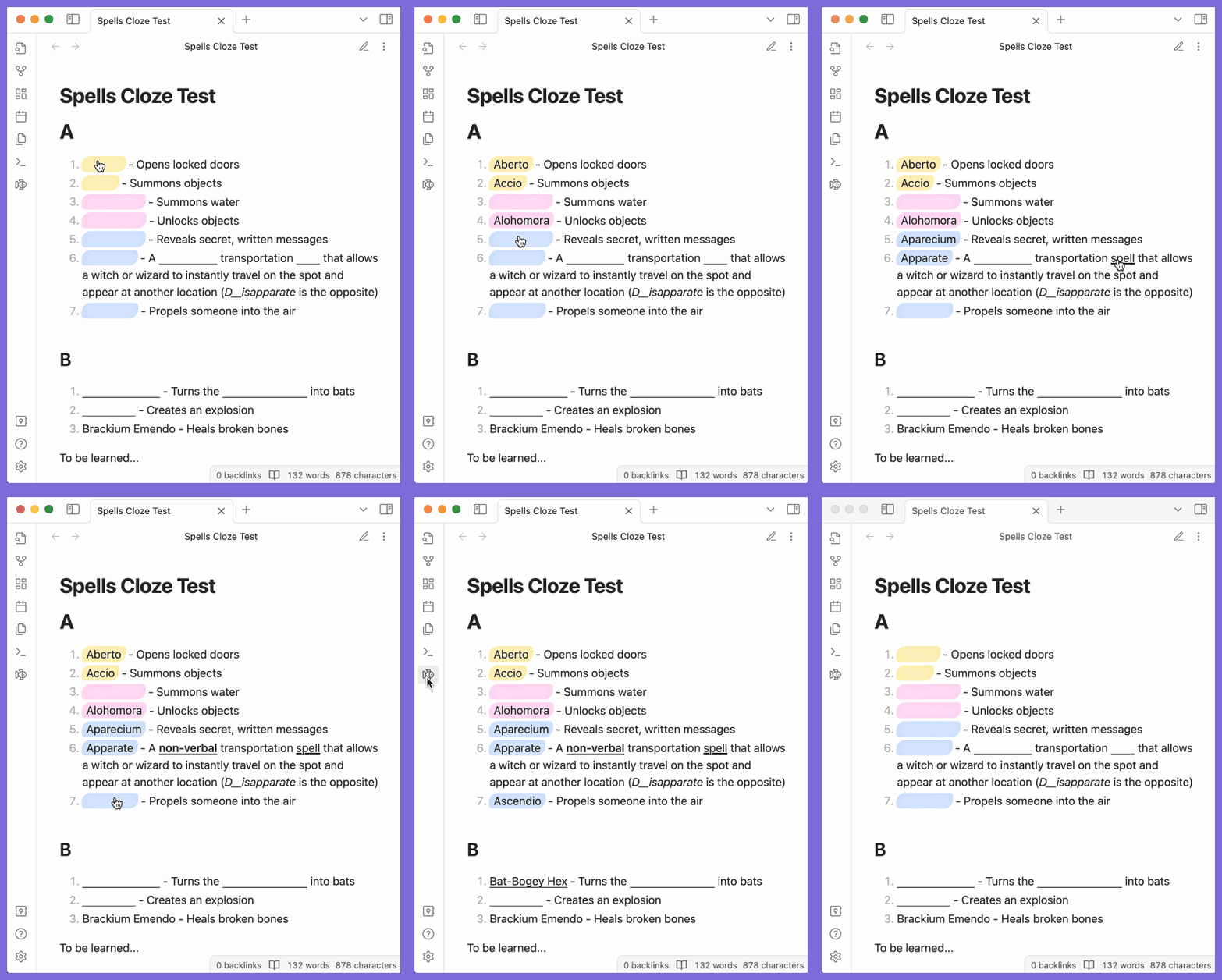
Use
Basic
Auto Convert
By enabling the following settings, the corresponding text will also automatically be converted into clozes in reading mode.

Custom Cloze
Select any text and right-click to open the Editor Menu.
- Create cloze: Quickly convert the selection into a cloze.
- Create cloze with hint: You will be prompted to input a hint for the cloze first.
- Remove cloze: Batch remove clozes from the selected text.

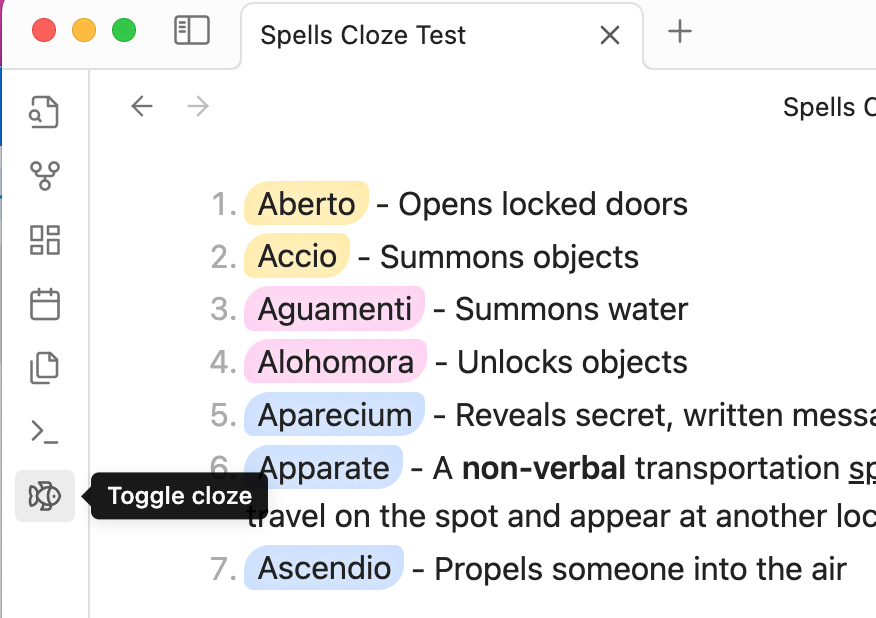
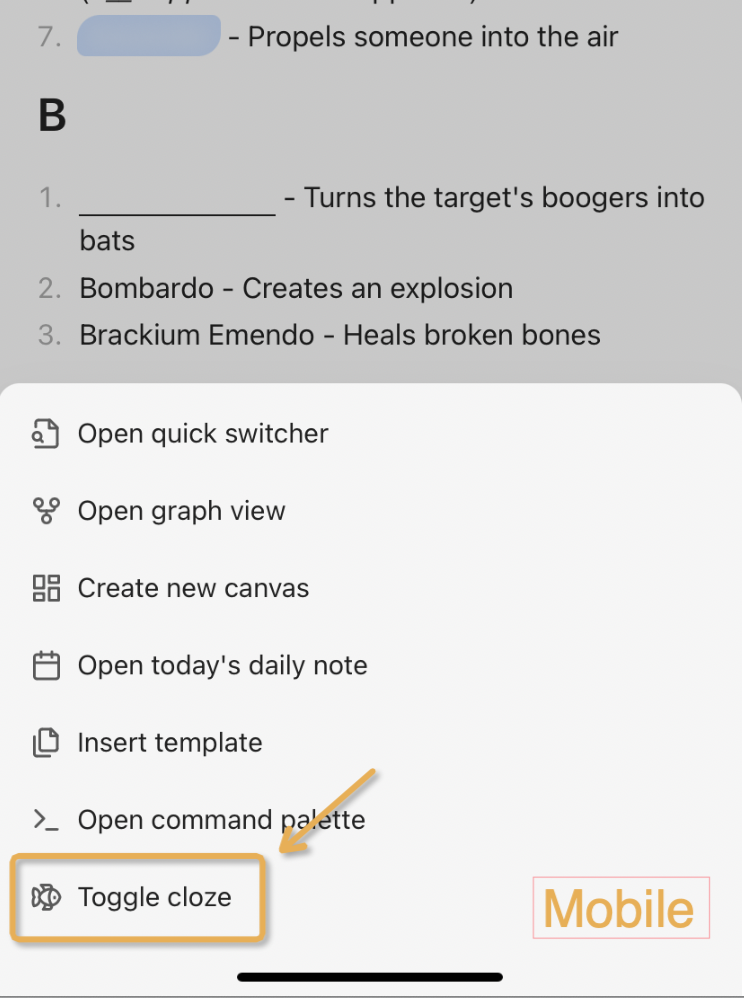
Afterwards in the reading mode, you can toggle the visibility of a cloze area by just clicking it. If you want to toggle the visibility of all clozes, click on the ribbon icon --- the small fish.
Other Features
Hover to reveal
By enabling "Hover to reveal" setting, when the mouse hovers over the cloze, the content will be revealed.
Cloze hint
Cloze hints are displayed as text within hidden cloze elements to serve as reminders.

There're mainly two options to give the cloze a hint by default.
For auto converted cloze:
You have the option to configure the cloze to display the hint by default, either showing the first letters or a specific percentage of the cloze content.

For custom cloze:
Create the cloze with "Create cloze with hint" or manually add
data-cloze-hint="your hint"attribute to clozed<span></span>, e.g.<span class="cloze-span" data-cloze-hint="your hint"></span>
🔥 New feature: You can also right-click on the cloze to access a menu option bar, and then click on "More Hint" to dynamically reveal a portion of the cloze.
Fixed cloze width
You may enable 'Fixed cloze width' in the settings, which helps to ensure that the original text length is not revealed.

Activation
The plugin is active on all notes by default, but you can configure it to only activate on notes with a specific tag. Simply provide the desired tag in the 'Required tag' setting.

Customized Editor Menu
You can customize editor menu by enabling/disabling the following settings.

Customized styles
There are certain css variables that you may customize via css snippets.
| Variable | Description |
|---|---|
| --cloze-underline-color | Cloze underline color |
| --cloze-underline-width | Cloze underline width |
| --cloze-underline-style | Cloze underline style |
| --cloze-hint-color | Cloze hint color |
| --cloze-hint-font-size | Cloze hint font size |
| --cloze-fixed-width | Cloze fixed width (if fix-width enabled) |
Here is an example.
body {
    --cloze-underline-color: pink;
    --cloze-underline-width: 2px;
    --cloze-underline-style: dashed;
    --cloze-hint-color: blue;
    --cloze-hint-font-size: 30px;
    --cloze-fixed-width: 10px;
}
Best practices
- Enable Obsidian hotkey for "Add Cloze" could save you enough time for a cup of tea!


- Cloze-mate: Spaced Repetition #review flag is a best mate for reviewing pages.
Q&As
What's the visibility of the clozes when the page is exported to PDF?
Sadly, it can only be "all visibile" or "all hidden" for the present.
In reading mode, click the ribbon fish first, make sure that the page state is what you expect, and then click "export to PDF".
Installation
This plugin is available in the Obsidian community plugin store. Look for Cloze.
To manually install, simply download the required files and put them in your plugins folder.