Brunet
 masykurisyaifullah159 downloads
Bruno API format support view, edit, and run .bru HTTP requests in your vault.
- Overview
- Scorecard
- Updates4
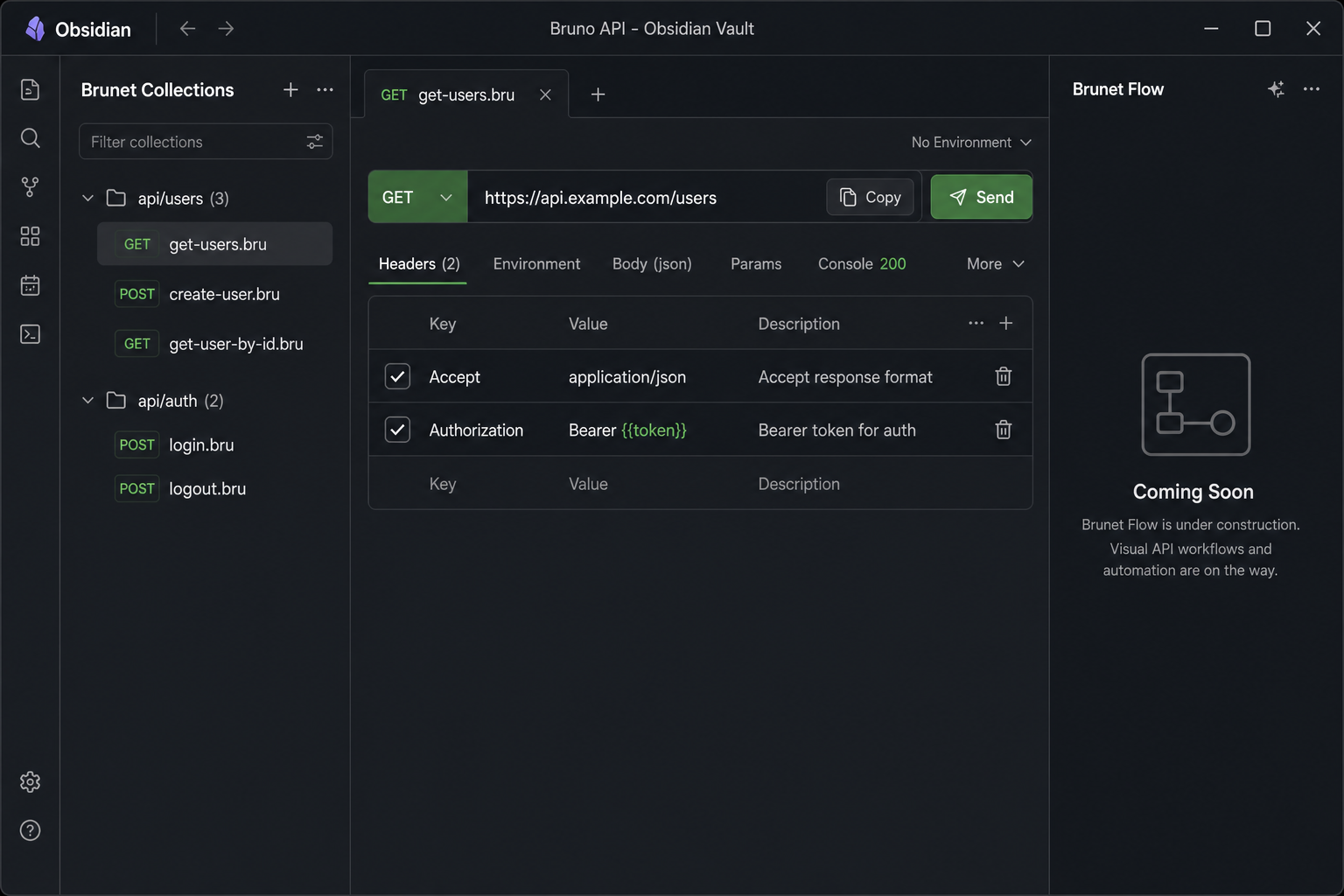
Bruno API collections inside Obsidian. Open .bru and Bruno .yml request files, edit them visually, send HTTP requests, and browse your whole vault from the Collections sidebar — without leaving your notes.
Screenshots
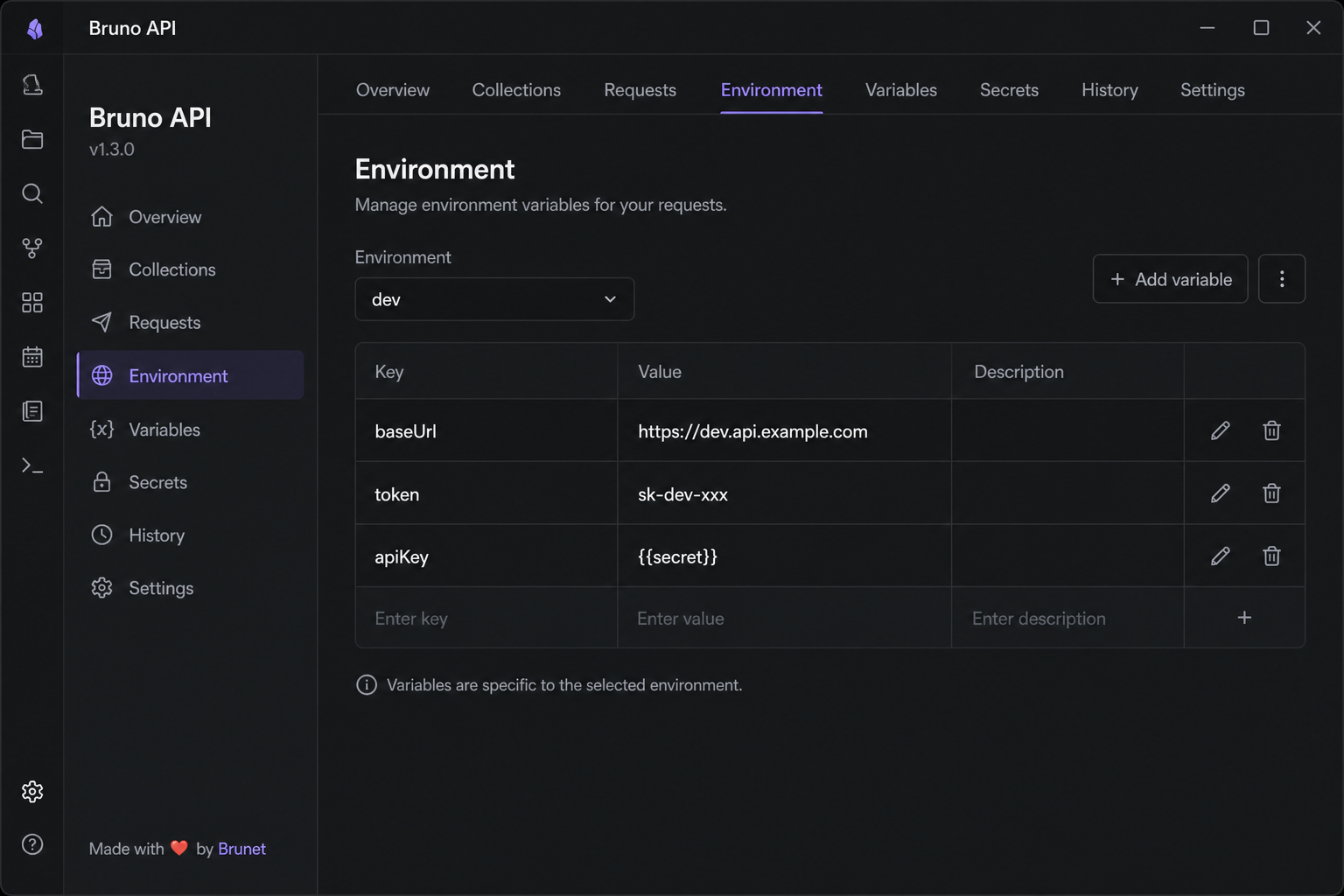
Install
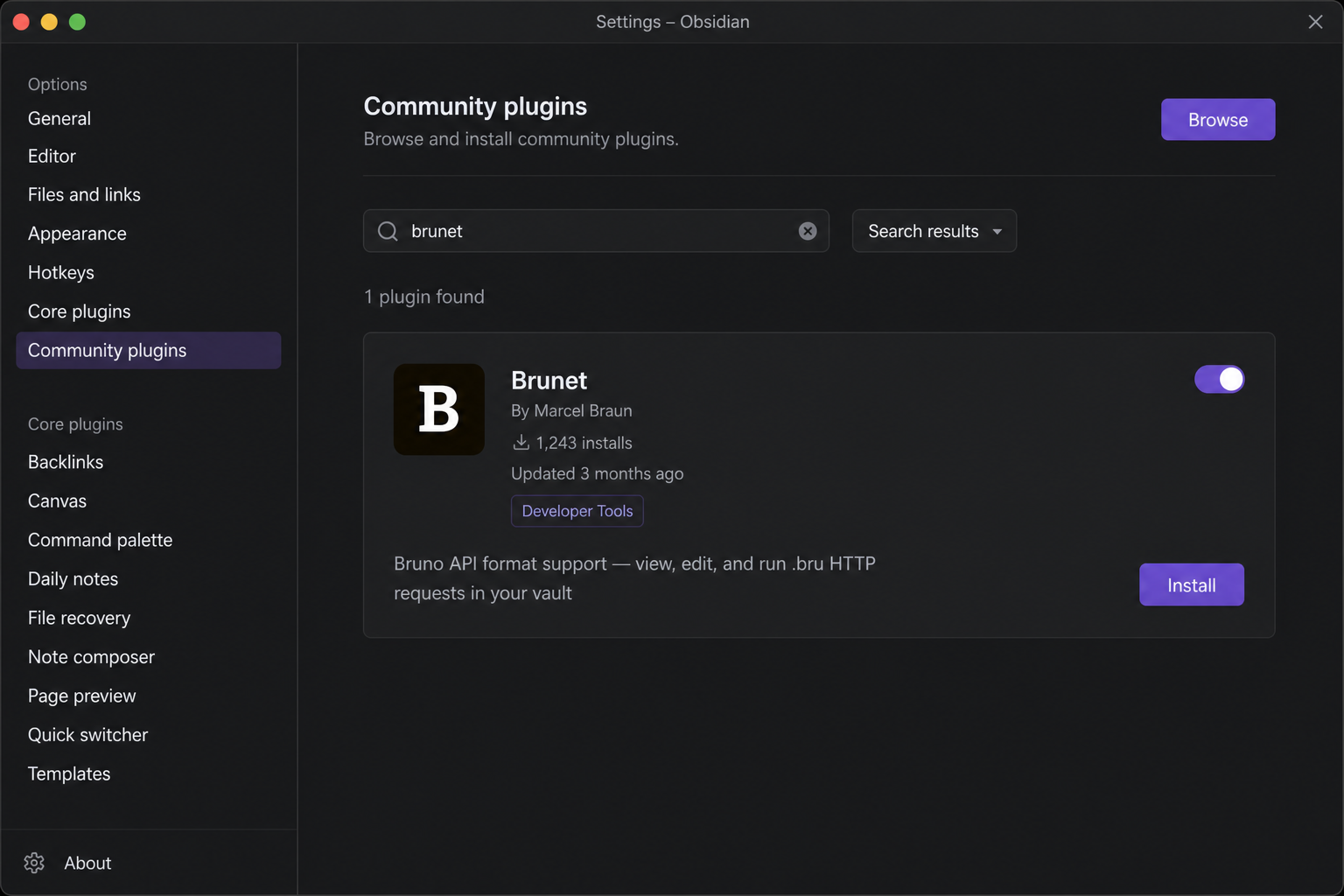
- Open Settings → Community plugins
- Turn off Safe mode if prompted
- Click Browse, search for Brunet
- Install, then enable the plugin
Quick start
- Put a Bruno collection in your vault (a folder with
bruno.jsonorcollection.bruat the root). - Open any request file (
.bruor runnable.yml) from the file explorer. - Click Send to run the request. Results appear in the Console tab.
Brunet opens automatically with two sidebars:
| Panel | Location | Purpose |
|---|---|---|
| Brunet Collections | Left sidebar | Browse and quick-run every request in the vault |
| Request preview | Main editor | Edit and send the active request |
Tip: Use the Environment tab (or Settings → Brunet) to pick a Bruno environment so
{{variables}}resolve fromenvironments/*.brufiles.
Request preview
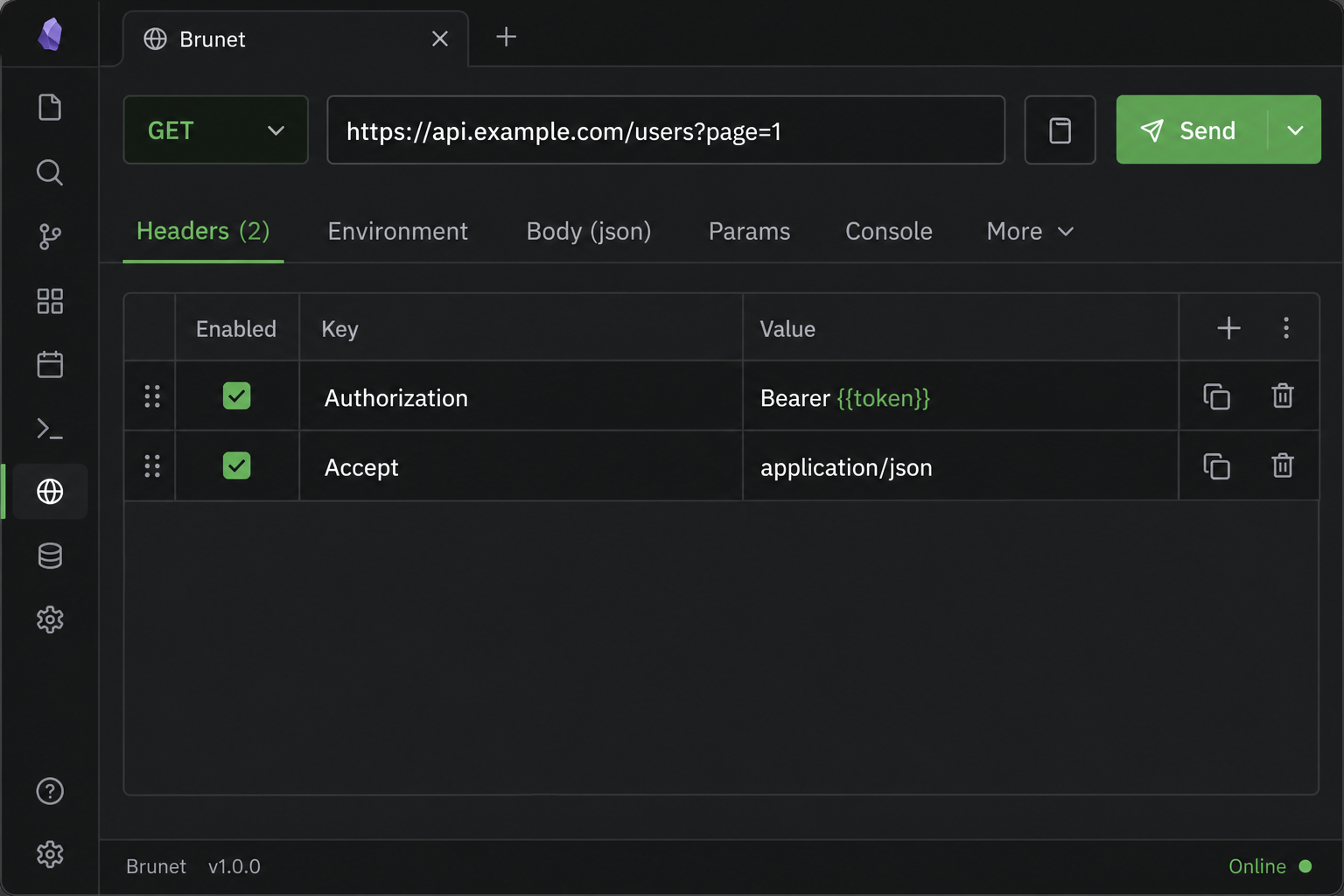
Every HTTP request opens as a formatted card instead of raw text.
Header bar
- Method — change the HTTP verb from the dropdown; saved back to the file.
- URL — edit inline; query and path params sync with the Params tab.
- Copy (clipboard icon) — copies a
bru runCLI command, including the active environment when set. - Send — runs the request inside Obsidian and switches to the Console tab.
Tabs
| Tab | What it does |
|---|---|
| Headers | Edit request headers (enable/disable rows, add or remove keys) |
| Environment | Select a Bruno environment and edit its variables |
| Body | Edit the request body with syntax highlighting, folding, and prettify for JSON |
| Params | Edit query and path parameters |
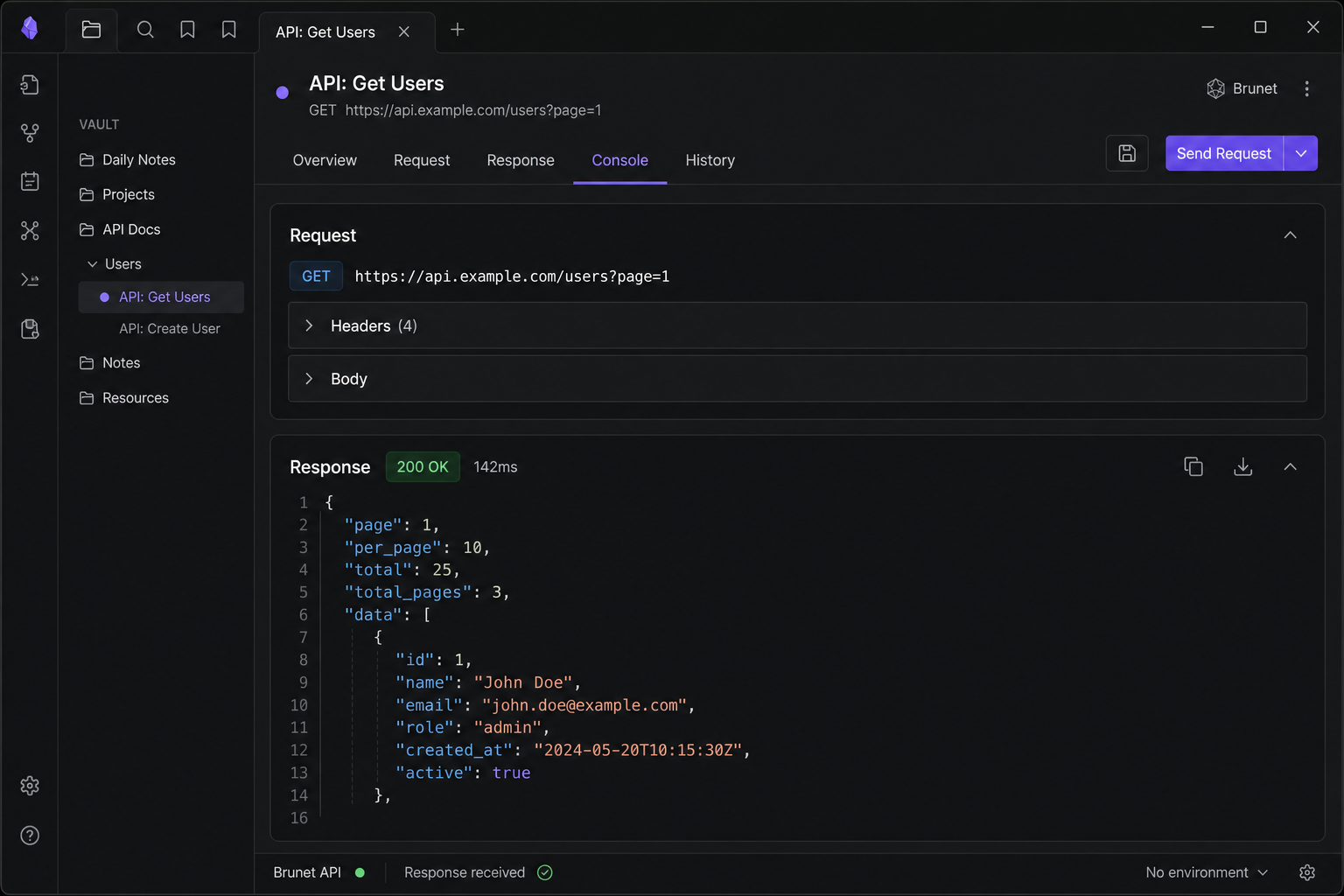
| Console | Request snapshot and full response after Send |
| More | Scripts, assertions, docs, and other Bruno blocks |
Changes in the preview are written back to the .bru / .yml file automatically.
Send a request & read the response
After Send:
- Console shows the resolved request (URL, headers, body) and the response (status, duration, headers, body).
- JSON responses are pretty-printed.
- Requests use Obsidian's built-in HTTP client (works around browser CORS limits on desktop and mobile).
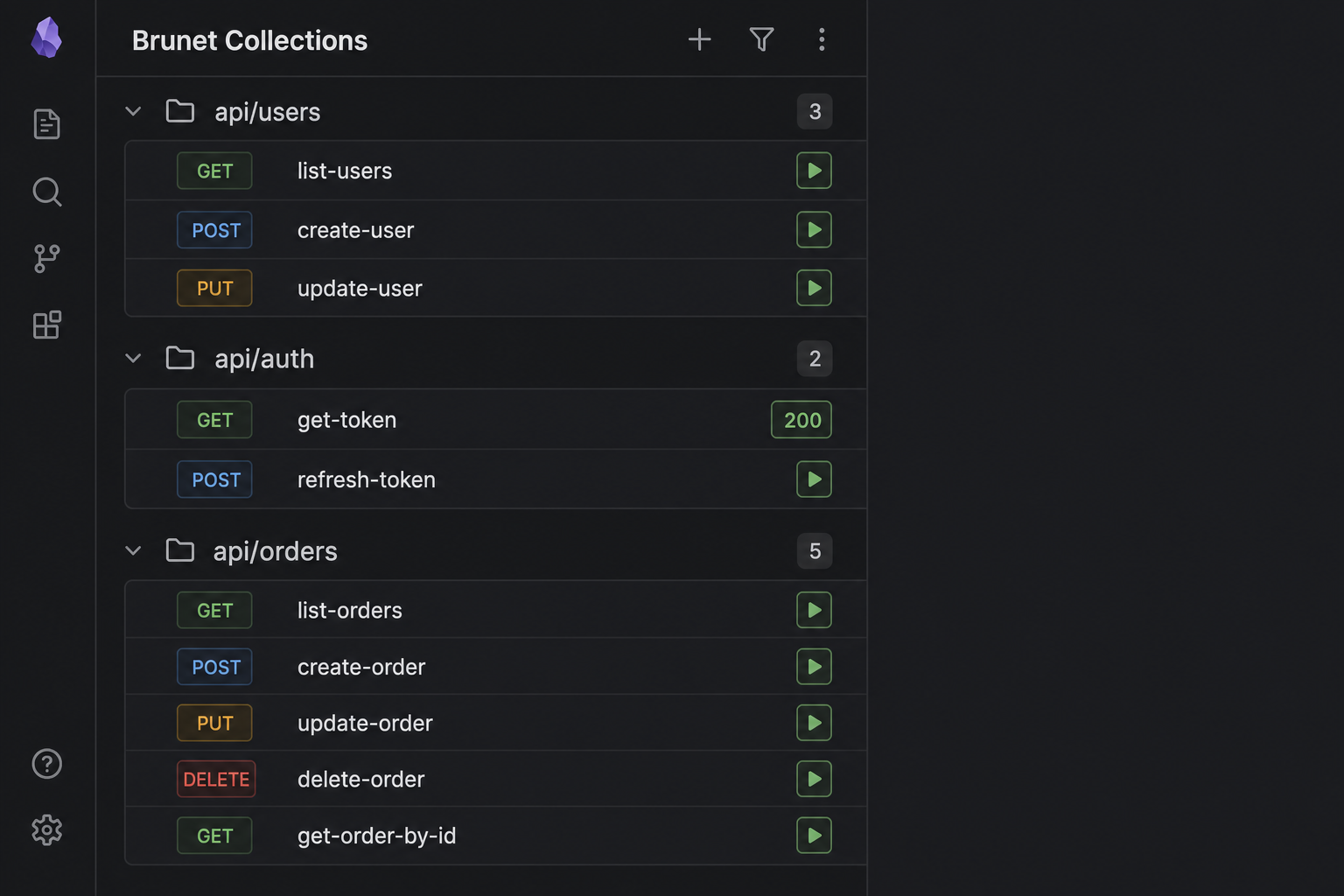
From the Collections sidebar, click ▶ on any row to run that file without opening it. The button shows the status code when finished (e.g. 200 or ERR).
Collections sidebar
Open via Settings → Community plugins → Brunet or the command palette: Open Collections panel.
- Requests are grouped by folder with collapsible sections.
- Each row shows the HTTP method, file name, and a ▶ run button.
- Click the row to open the file; click ▶ to run only.
Environment and collection variables are applied the same way as in the main preview.
Environments & variables
Brunet resolves {{variable}} placeholders in URLs, headers, params, and body using:
- Collection- and folder-level variables from manifest files
- The selected environment (
environments/*.bru) - Request-level vars blocks (highest priority)
Select an environment in the Environment tab or under Settings → Brunet → Active environment.
Supported files
| File | Role |
|---|---|
*.bru |
Standard Bruno HTTP requests |
*.yml / *.yaml |
OpenCollection YAML requests |
bruno.json |
Collection manifest (read-only overview) |
collection.bru, folder.bru |
Collection / folder manifests |
environments/*.bru |
Environment variable files (not listed as requests) |
Syntax highlighting is applied when viewing .bru, .yml, and .yaml Bruno files in the editor.
Commands
| Command | Action |
|---|---|
Open Collections panel |
Show the Collections sidebar |
Open Brunet panel |
Show the Brunet right sidebar |
Copy 'bru run' command to clipboard |
Copy CLI command for the active .bru file |
Open .bru file in preview mode |
Open the active file in the preview view |
Run Brunet Request |
Show a notice with the bru run command (CLI) |
Settings
Settings → Brunet
- Active environment — Bruno environment name (file in
environments/without.bru). Prefer the Environment tab in the request view; this setting is used for CLI commands and collection quick-runs.
Bruno CLI
Use the header Copy button or the Copy 'bru run' command to clipboard command to copy something like:
bru run path/to/request.bru --env dev
Run that in a terminal where you use the Bruno CLI outside Obsidian.
License
MIT — see LICENSE