Search...Search plugins and themes...
⌘K
Sign in
  • Get started
  • Download
  • Pricing
  • Enterprise
  • Account
  • Obsidian
  • Overview
  • Sync
  • Publish
  • Canvas
  • Mobile
  • Web Clipper
  • CLI
  • Learn
  • Help
  • Developers
  • Changelog
  • About
  • Roadmap
  • Blog
  • Resources
  • System status
  • License overview
  • Terms of service
  • Privacy policy
  • Security
  • Community
  • Plugins
  • Join the community
  • Discord
  • Forum / 中文论坛
  • Merch store
  • Brand guidelines
Follow us
DiscordTwitterBlueskyThreadsMastodonYouTubeGitHub
© 2026 Obsidian

PDF break page

corentin-godefroycorentin-godefroy15k downloads

Add shortkey and command to insert a break page formating for pdf exports.

Add to Obsidian
  • Overview
  • Scorecard
  • Updates1

Plugin for Obsidian, that adds shortcuts to create page breaks for PDF exports.

How to make it work

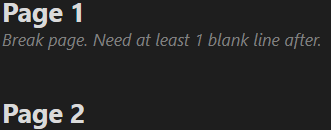
Just configure hotkey in options. Then type your shortcut where you want to add a page break. You can also type /break to find the command.

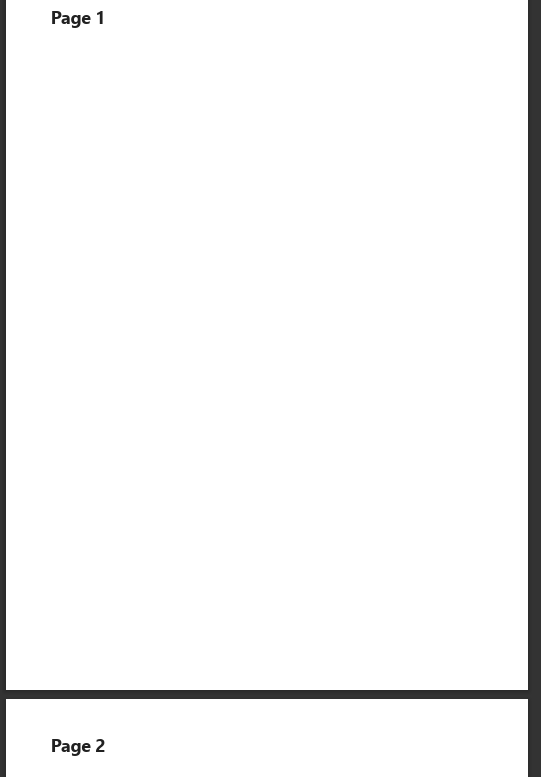
Turning this:
Original .md file

Into this:

PDF file

77%
HealthGood
ReviewCaution
About
Insert manual page breaks into notes for PDF exports using a configurable hotkey or the /break command. Type the shortcut where you want a new PDF page to begin. Preserve note content while controlling exported page layout.
PDFExportCommands
Details
Current version
1.0.0
Last updated
2 years ago
Created
2 years ago
Updates
1 release
Downloads
15k
License
CC0-1.0
Report bugRequest featureReport plugin
Author
corentin-godefroycorentin-godefroy
github.com/corentin-godefroy
GitHubcorentin-godefroy
  1. Community
  2. Plugins
  3. PDF
  4. PDF break page

Related plugins

Pandoc

Commands to export to Pandoc-supported formats like DOCX, ePub and PDF.

Marp Slides

Create Marp presentations.

PDF Highlights

Extract highlights, underlines and annotations from your PDFs.

Commander

Customize your workspace by adding commands everywhere, create macros and supercharge your mobile toolbar.

Text Extractor

A (companion) plugin to facilitate the extraction of text from images (OCR) and PDFs.

Annotator

Read and annotate PDFs and EPUB files.

Task Collector (TC)

Change task status and collect tasks within a document using hotkeys and context menus.

Paste URL into selection

Paste URL "into" selected text.

Tray

Run Obsidian from the system tray for customisable window management and global quick notes.

Markmind

Mind map, outline and PDF annotation tool. (Closed source)