AI Mentor
 clementpoiret7k downloads
Meet your open source AI mentor. Ask questions, get answers, and learn new things.
- Overview
- Scorecard
- Updates10
Introduction
The Obsidian AI Mentor Plugin is an innovative tool that aims to supercharge your note-taking experience by utilizing advanced AI technology. With this plugin, you'll be mentored by Alfred, an intelligent agent who is responsible for improving your writing skills and formatting your notes.
Right now, as of v1.1.0, this plugin can use both OpenAI APIs and Perplexity APIs. This means that beyond GPT4 Turbo, you can also use Llama2 or Mixtral 8x7b! Another cool feature is that you can use pplx-*b-online models, meaning your answer will always be up-to-date thanks to sources coming from the web.
Advantages of the AI Mentor Plugin
One of the key advantages of this plugin is that it allows you to receive advice and inspiration from some of the world's greatest minds, such as Socrates or Steve Jobs. You can also use the plugin to explain anything by selecting a text in your note, which is a helpful feature for anyone who needs to clarify complex ideas.
In addition, the AI Mentor Plugin enables you to redact anything from a bullet-point list, making it easier to organize and refine your notes. Finally, the plugin can correct and enhance any text you write, ensuring that your notes are error-free and beautifully written.
By using the AI Mentor Plugin, you'll be able to take your note-taking to the next level and achieve greater success in your studies or career.
The repo depends on the latest plugin API (obsidian.d.ts) in Typescript Definition format, which contains TSDoc comments describing what it does.
Note: The Obsidian API is still in early alpha and is subject to change at any time!
Alfred redacted this intro :) Thanks Alfred!
How to use
- Clone this repo.
npm ioryarnto install dependenciesnpm run devto start compilation in watch mode.
Manually installing the plugin
- Copy over
main.js,styles.css,manifest.jsonto your vaultVaultFolder/.obsidian/plugins/ai-mentor/.
Settings
The following settings are available:
- Preferred Mentor: the mentor you want to chat with,
- Language: the language you take your notes in,
- OpenAI API Key*: Mandatory
License
Contributing
Contributions are always welcome!
See contributing.md for ways to get started.
Usage/Examples
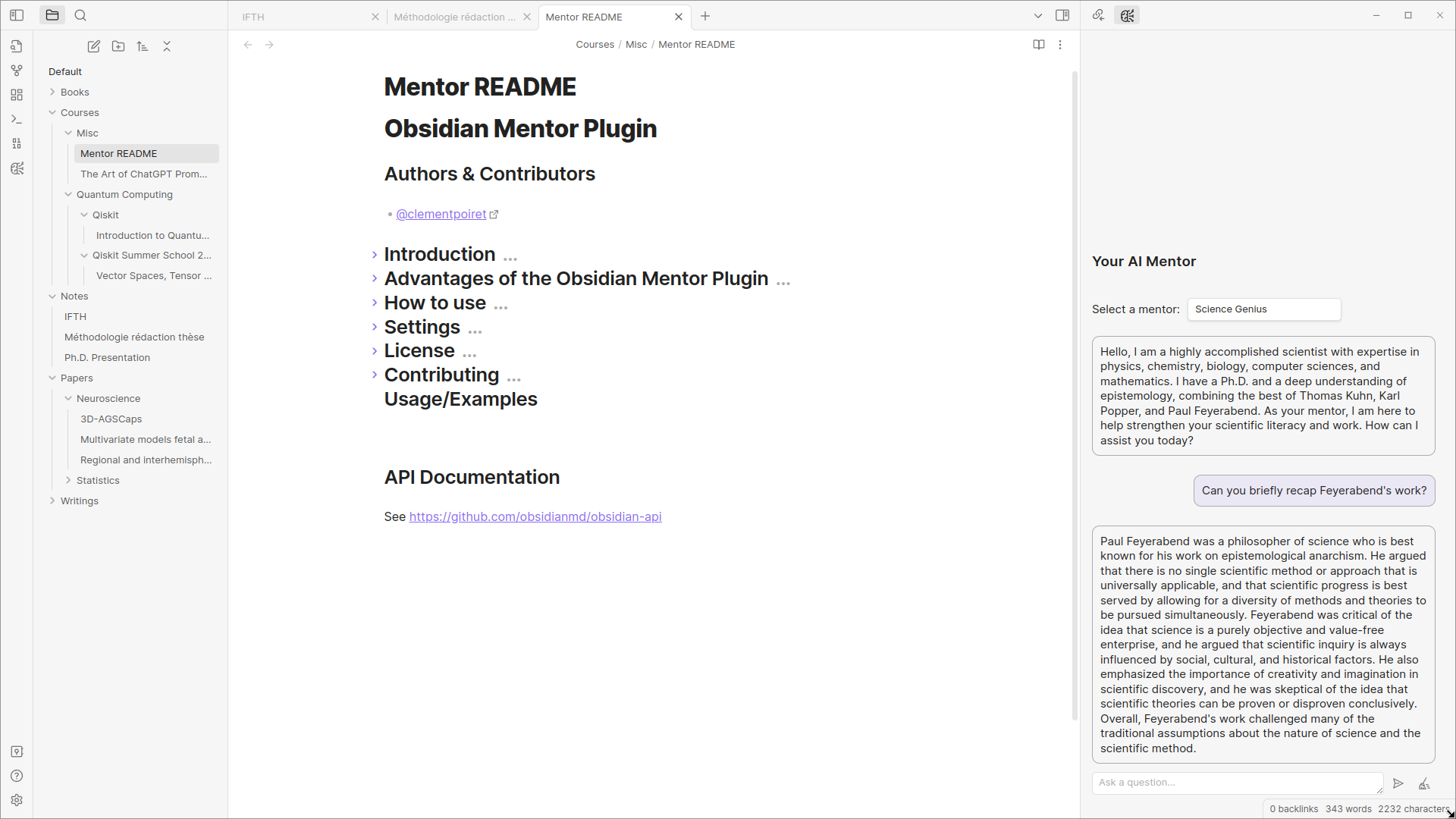
Chat with your mentor
Just click on the chat icon in the ribbon to open the chat panel. You can then chat with your mentor and ask him for advice.
Redact a bullet-point list
Select a bullet-point list and, right-click on it to open the context menu (also available in the commands). Then, click on the "Redact" option to redact a text from the list.
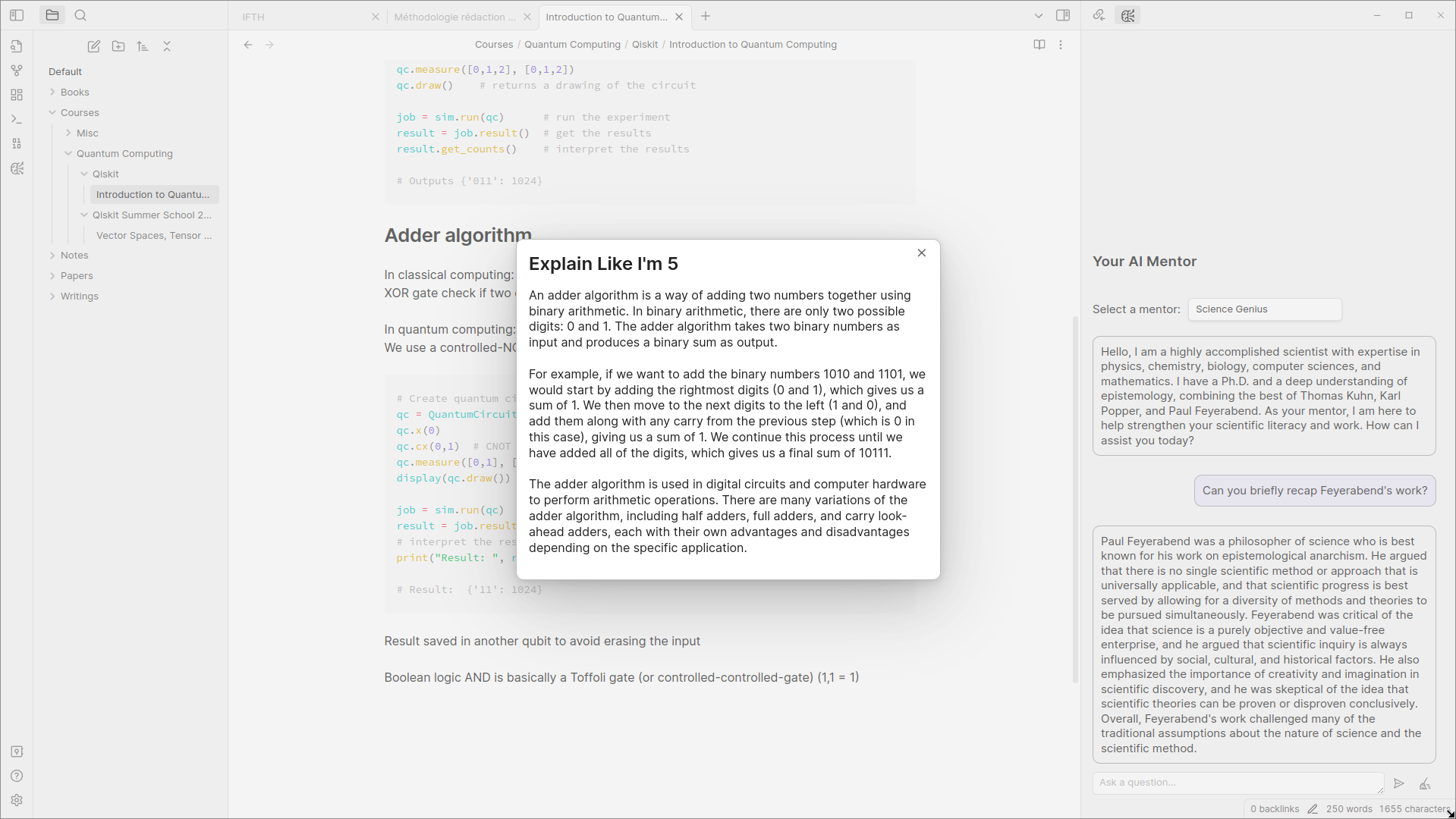
Explain a text
Select a text and, right-click on it to open the context menu (also available in the commands). Then, click on the "ELI5" option to explain the text.
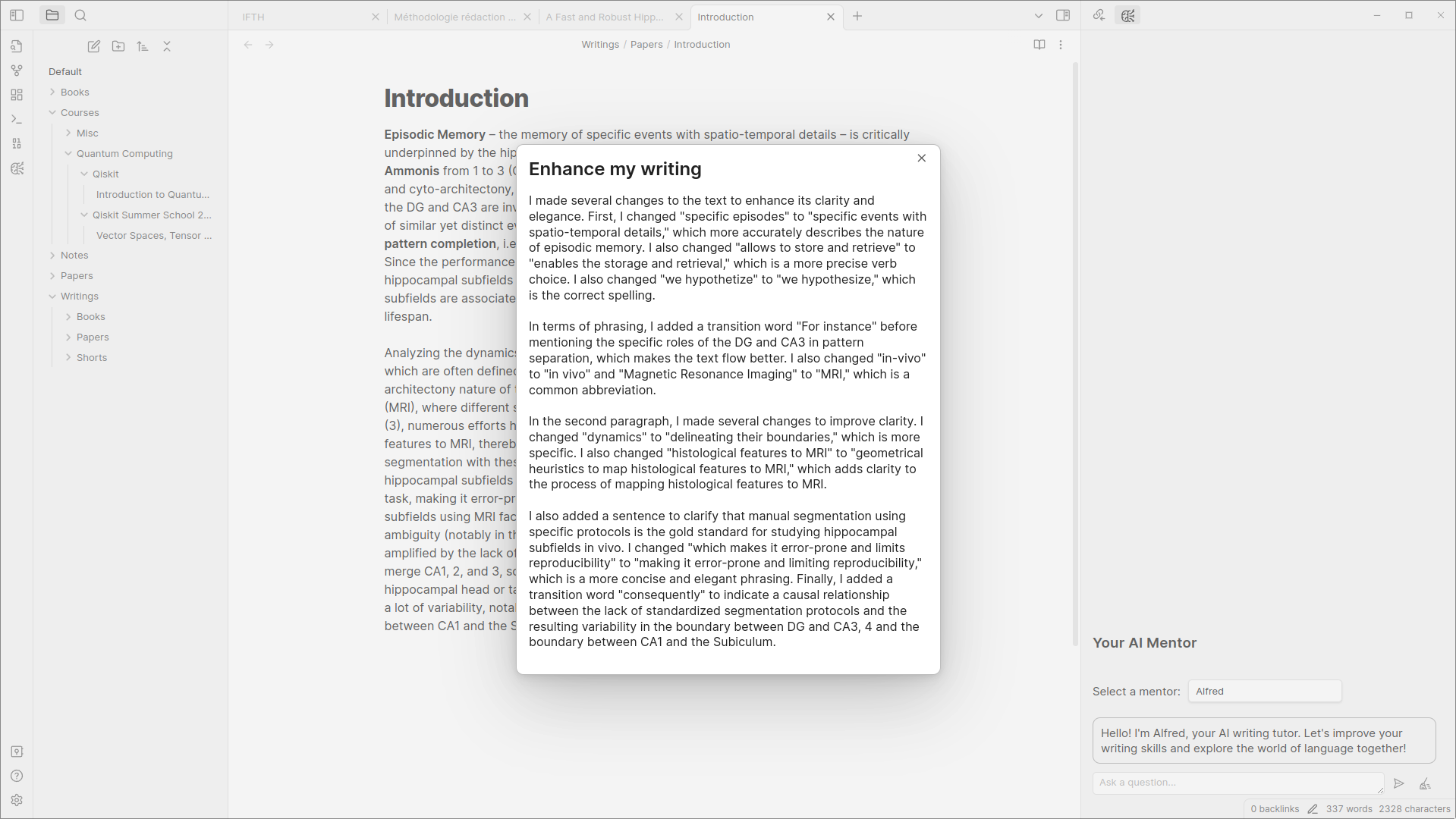
Enhance a text
Select a text and, right-click on it to open the context menu (also available in the commands). Then, click on the "Enhance" option to format the text.