Wikipedia
 bluemoondragon0751k downloads
A theme for Obsidian.md that makes your vault look like Wikipedia!
- Overview
- Scorecard
- Updates1
Familiar Look
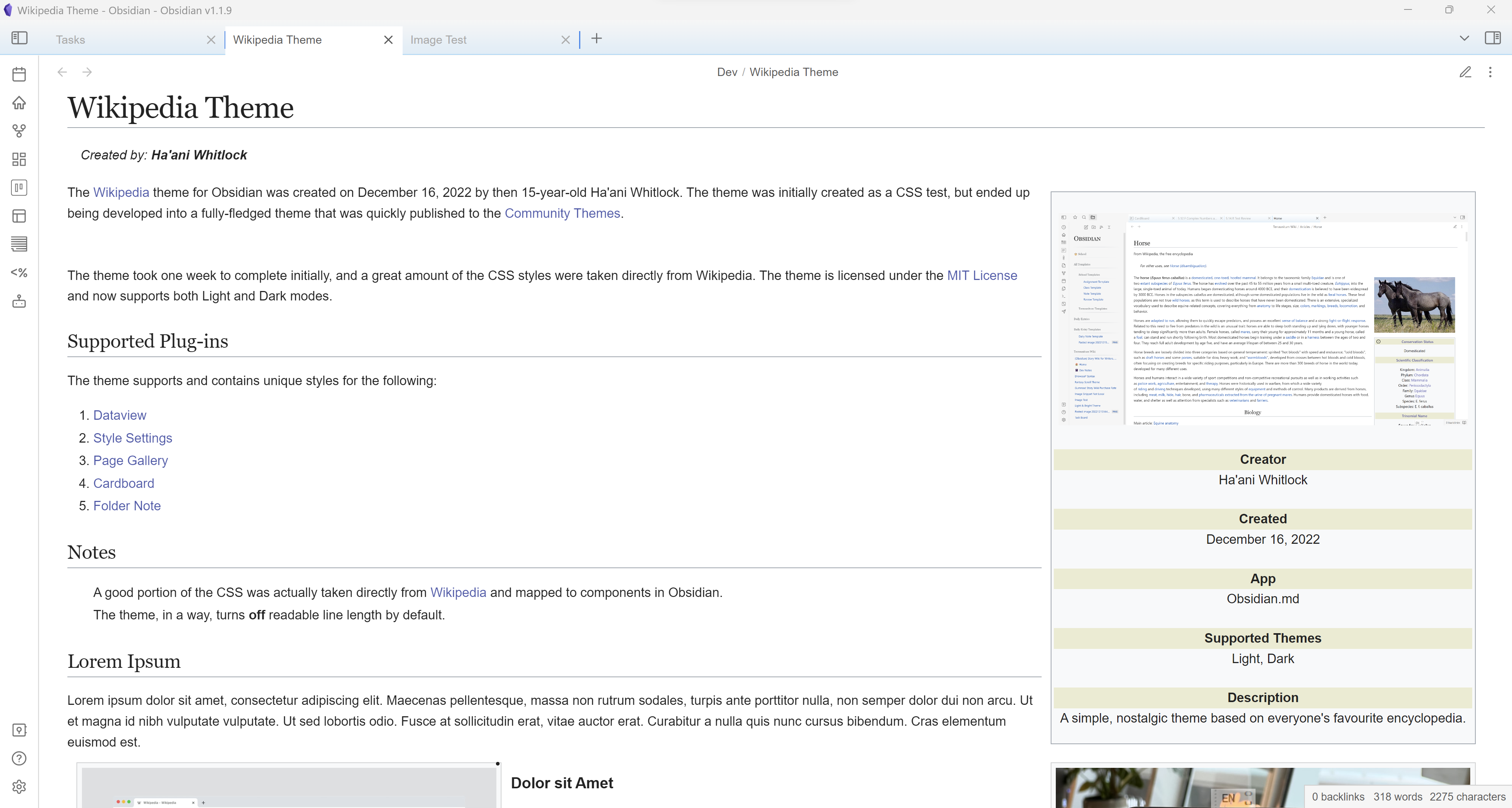
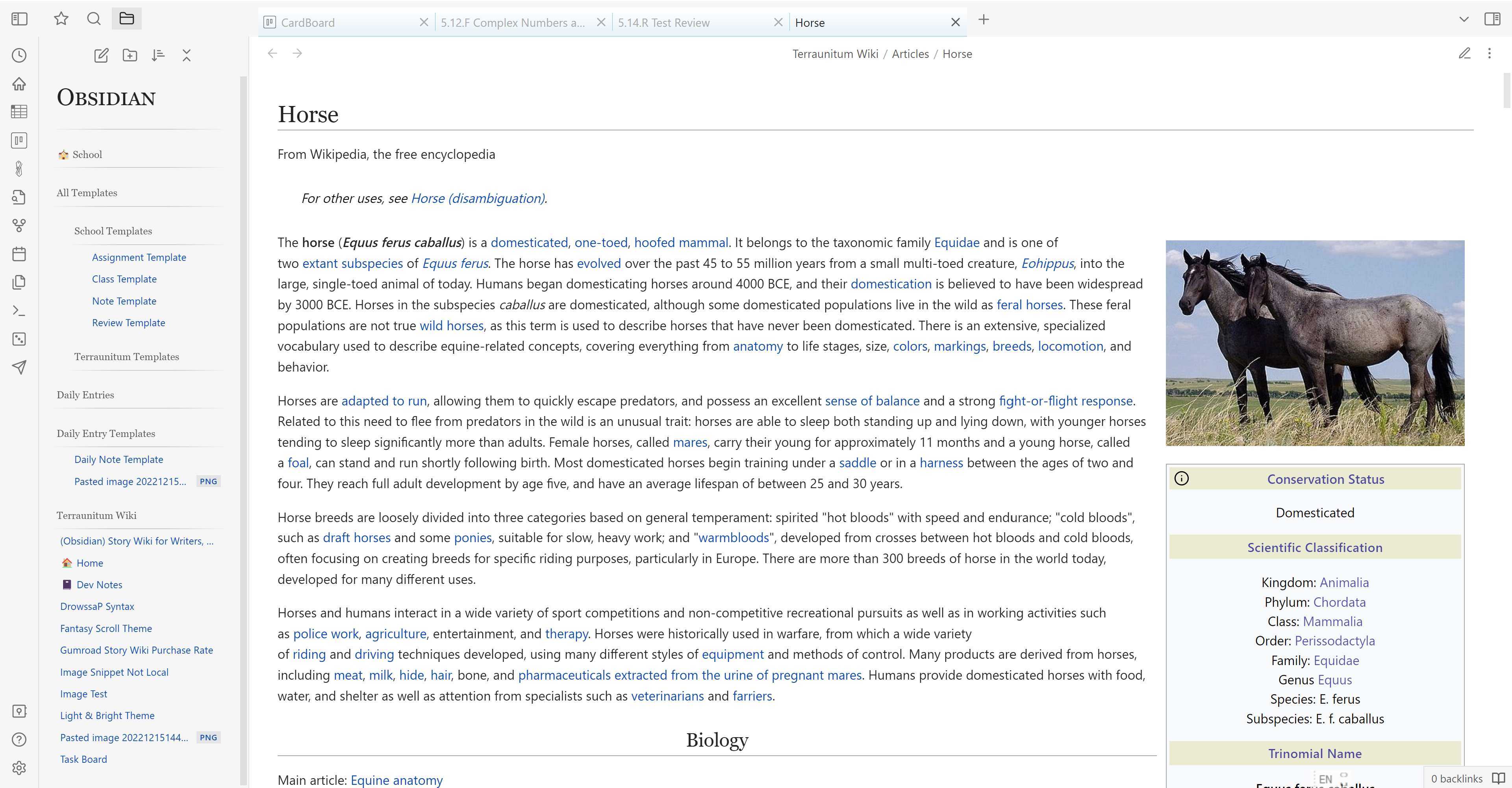
Make your vault look like your own personal Wikipedia! This theme styles images, headings, and even the sidebar in the classic style of your favourite encyclopedia.
Infoboxes
Any Info blockquote (created using >[!info]) will float to the right of the note like an infobox. Inline dataview fields wrapped in brackets (like [category::research]) inside these Info blockquotes will be displayed on separate lines, styled like Wikipedia's infobox headings and descriptions (see image above). You can also create an infobox heading with a yellow background by adding a Heading 6.
Tip - Hide the infobox callout's title with the Style Settings plug-in for a cleaner look.
You can also force any callout float with the alts left, right, or info (see Callout Alts below for more details).
Callout Alts
right- float a callout rightleft- float a callout to the leftnormal- add to an Info callout to override the usual infobox stylinginfo- give another type of callout similar properties to the Info callout, giving it more of an infobox appearance
Examples
>[!info|normal] This will look like a regular callout instead of an infobox.

>[!bug|right] This is a bug callout, but it floats right like an info callout!

>[!quote|left] This will float to the left.

>[!check|info] This is a **Check** callout, but it looks more like an infobox.
Image Alts
no-float/normal- prevent an image from floatingright- float an image to the rightleft- float an image to the leftcenter- center an image
Examples
![[books.png|no-float]]
![[books.png|normal]]

![[books.png|left]]

Update
- All images will now float except those placed inside callouts.
- An image directly after another image will float to the left instead of the right.
- The info callout is now the only callout that will float to the right. For simplicity, infobox blockquotes can no longer float to the right, either.
- Dark mode has been updated.
- Callouts have a new look!
- Multiple changes to typography
- Default font changed to Arial
- Modifications to Headings
- Images now have the signature Wikipedia border around them.
Notes
- I'm not a theme developer or anything, just a 15-year-old who likes to waste time with CSS.
- A good chunk of the CSS was actually taken directly from Wikipedia and mapped to components in Obsidian.
- Feel free to make pull requests or suggestions for this theme. Or remix it into your own thing. It's under the MIT license.
Screenshots (Outdated)
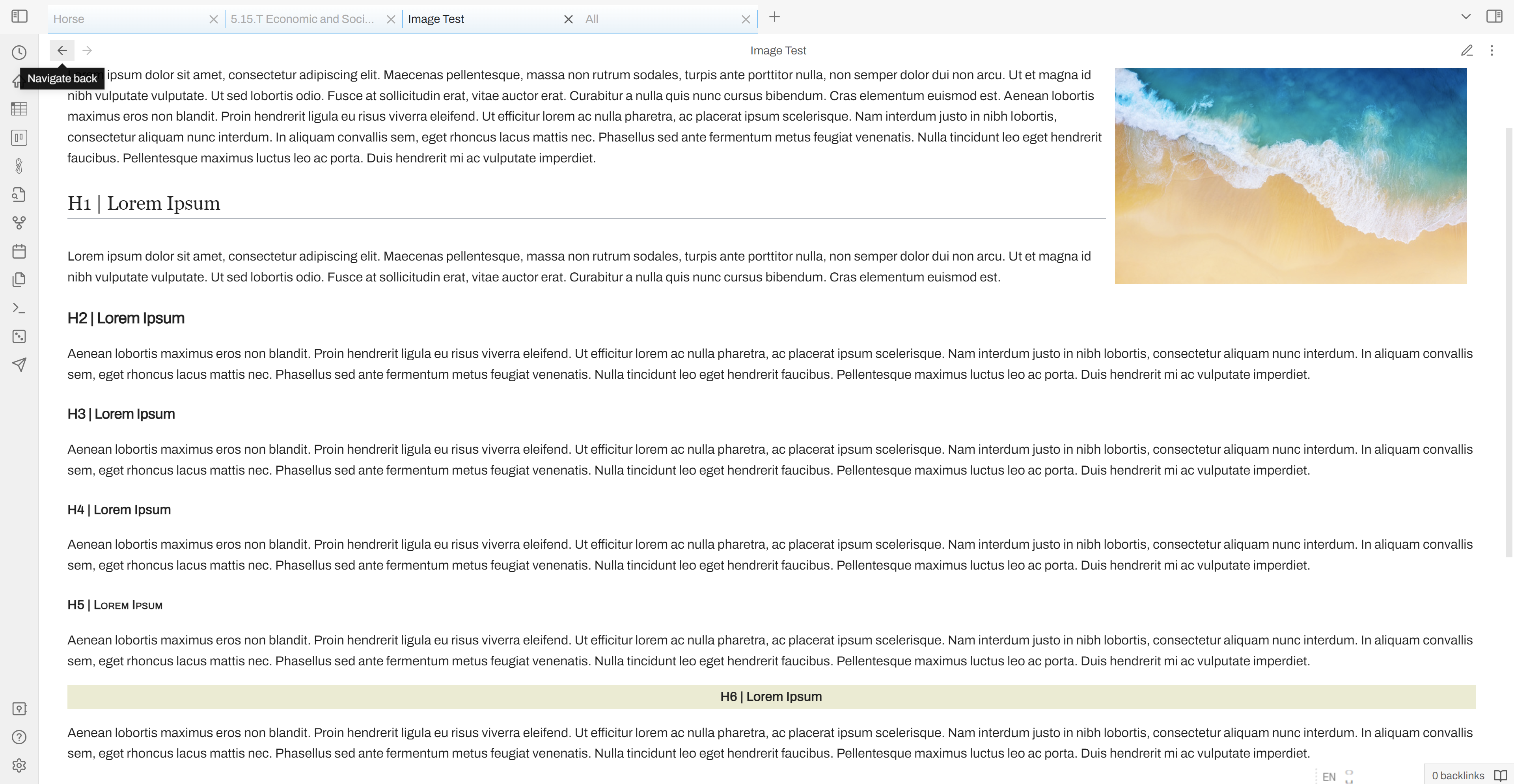 Wikipedia-style headings
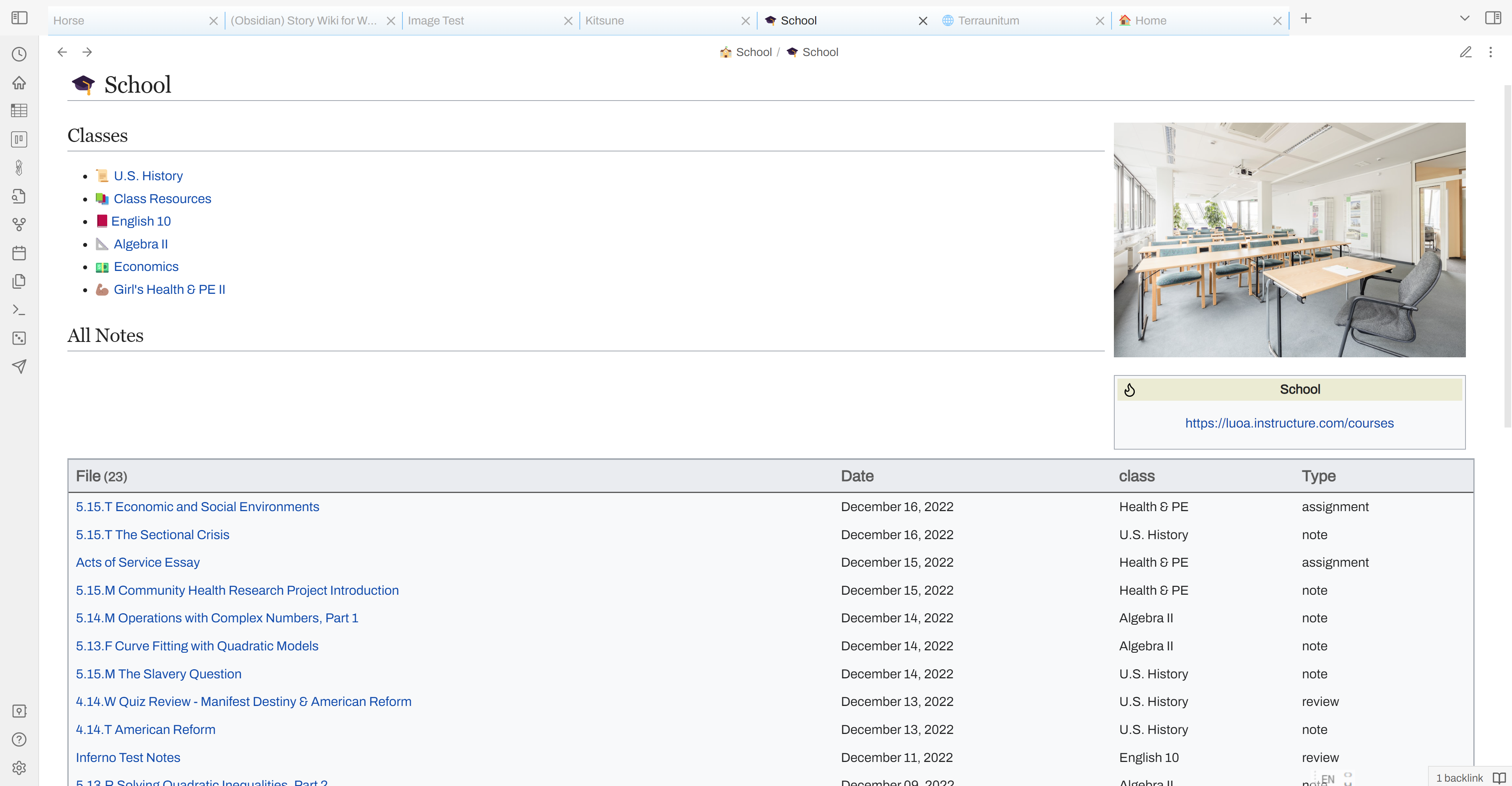 Dataview Support
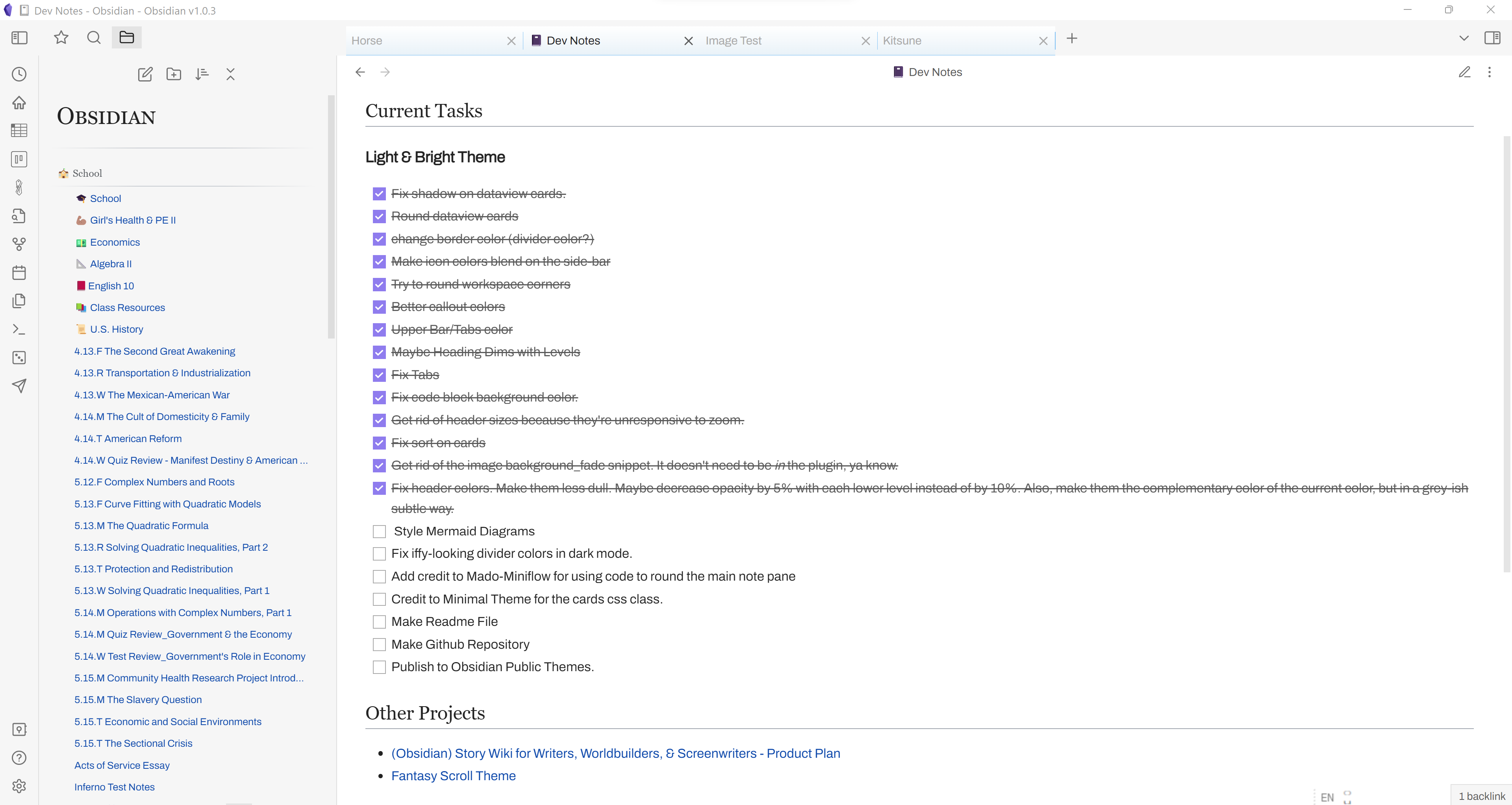 Square checkboxes
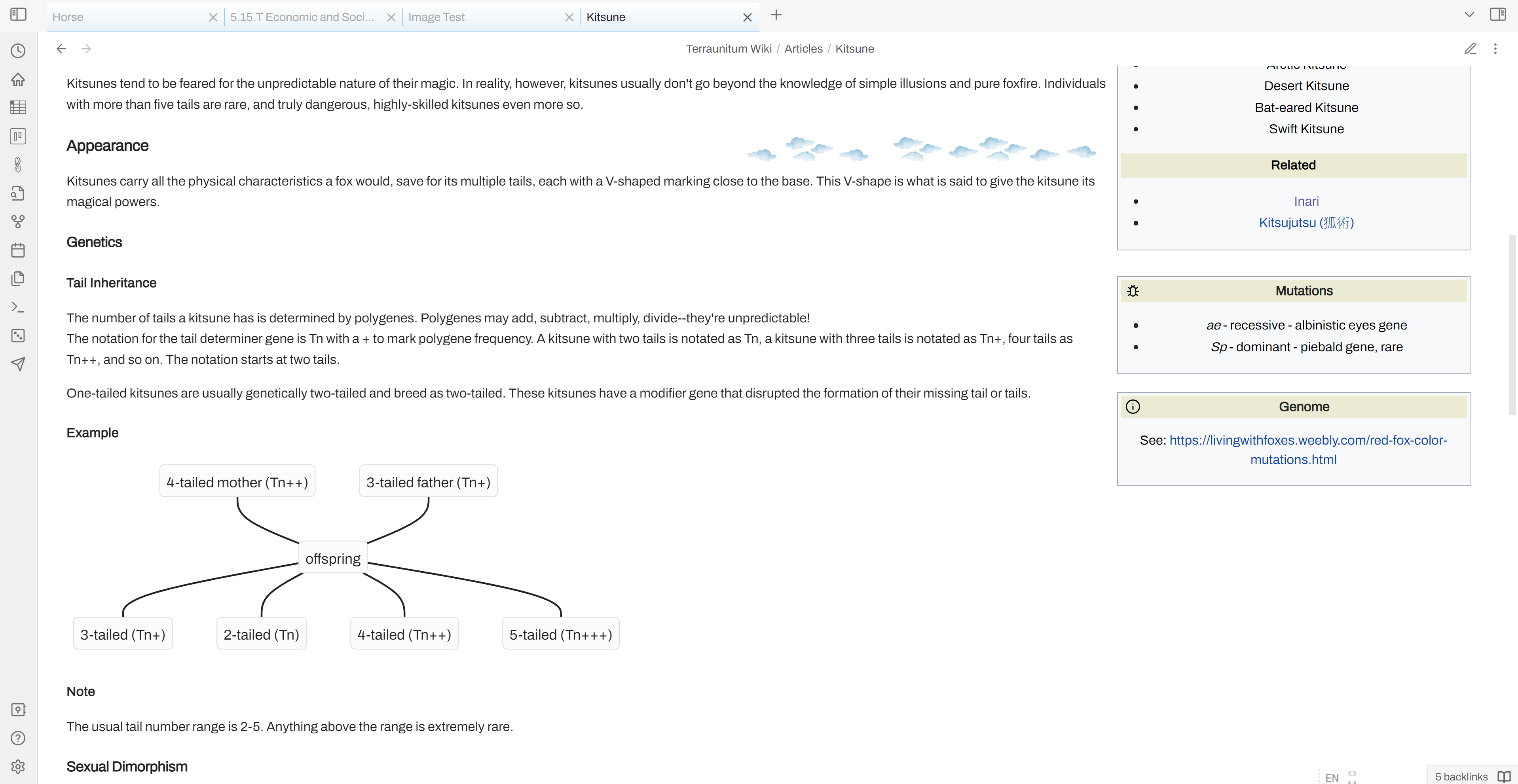 Floating images & callouts; Wikipedia-style links