
- Overview
- Scorecard
- Updates1
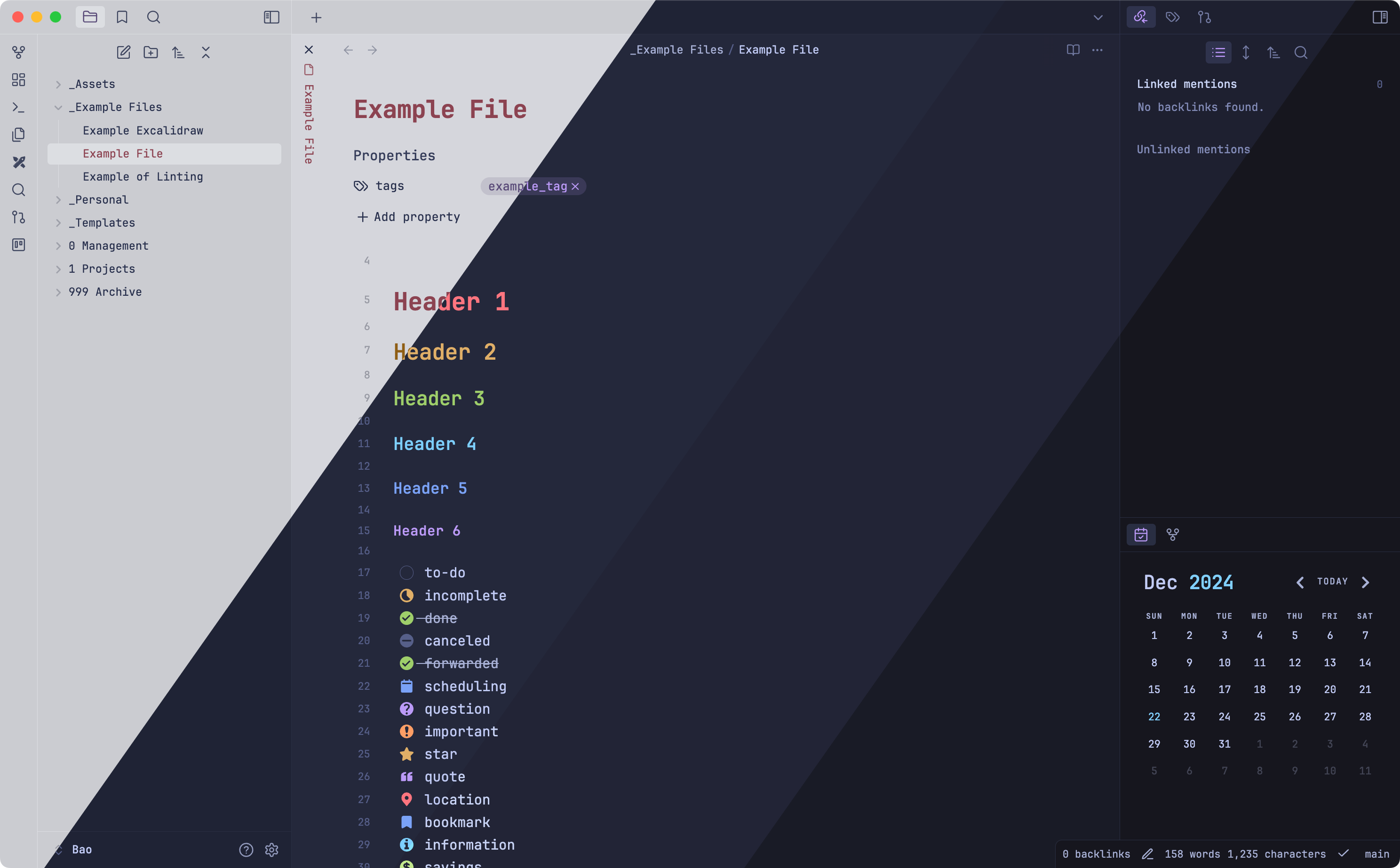
A tokyonight theme for Obsidian. Colors from tokyonight.nvim and VSCode Tokyonight. To change colors please install Style Settings
Versions
Night and Light are the defaults. Storm and Moon are Style Settings configurations, so they don't appear as options you can select. To use one:
- Download the configuration file linked under Storm or Moon.
- In Obsidian, go to Settings > Style Settings > Import and choose Import from file.
The colors change right away. Imports are merged into your current settings, so to switch variants or go back to Night, first click Reset all settings to default on the Appearance heading in Style Settings. This also clears any other custom colors in that section.
Light
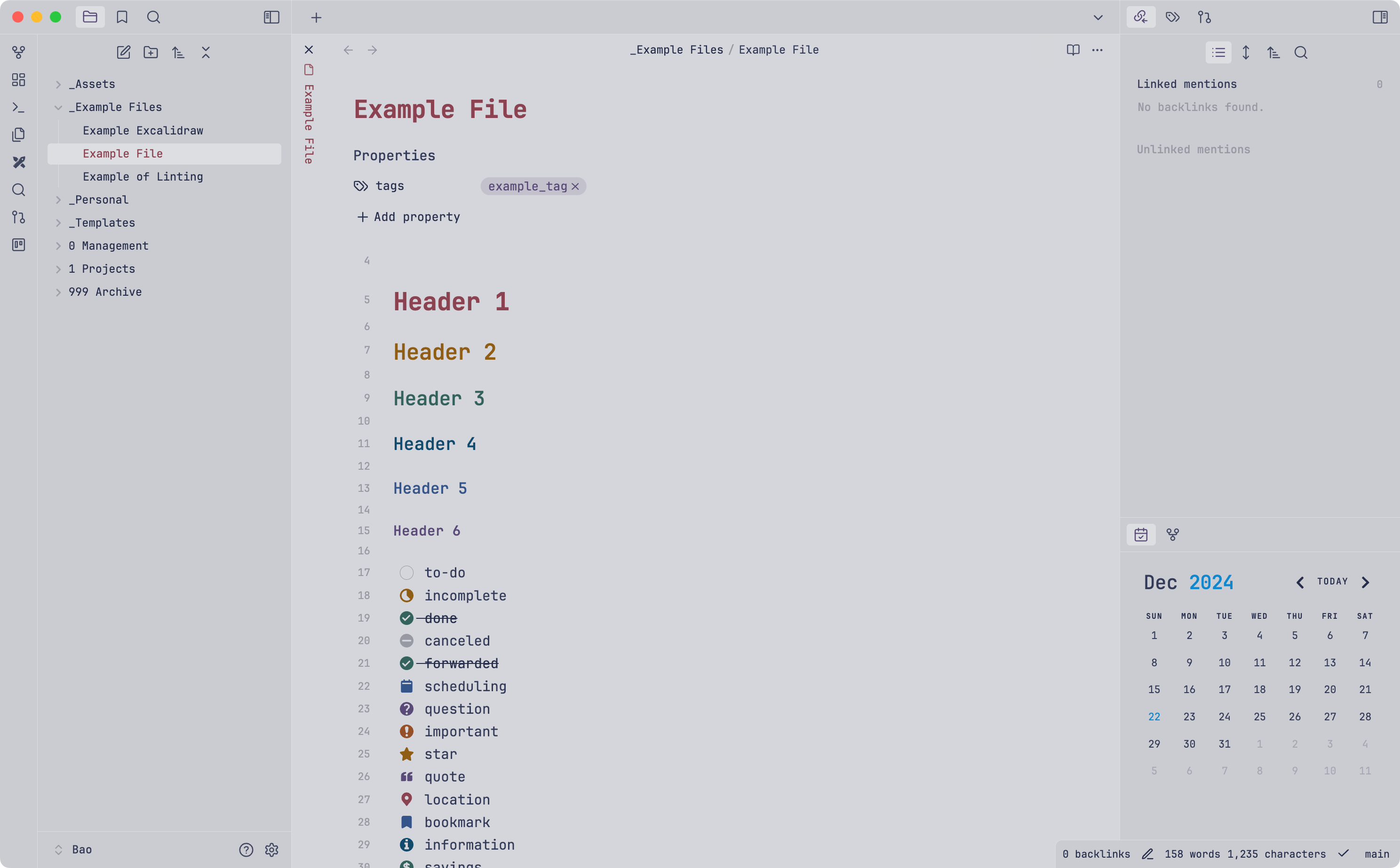
Storm
Storm Style Settings Configuration
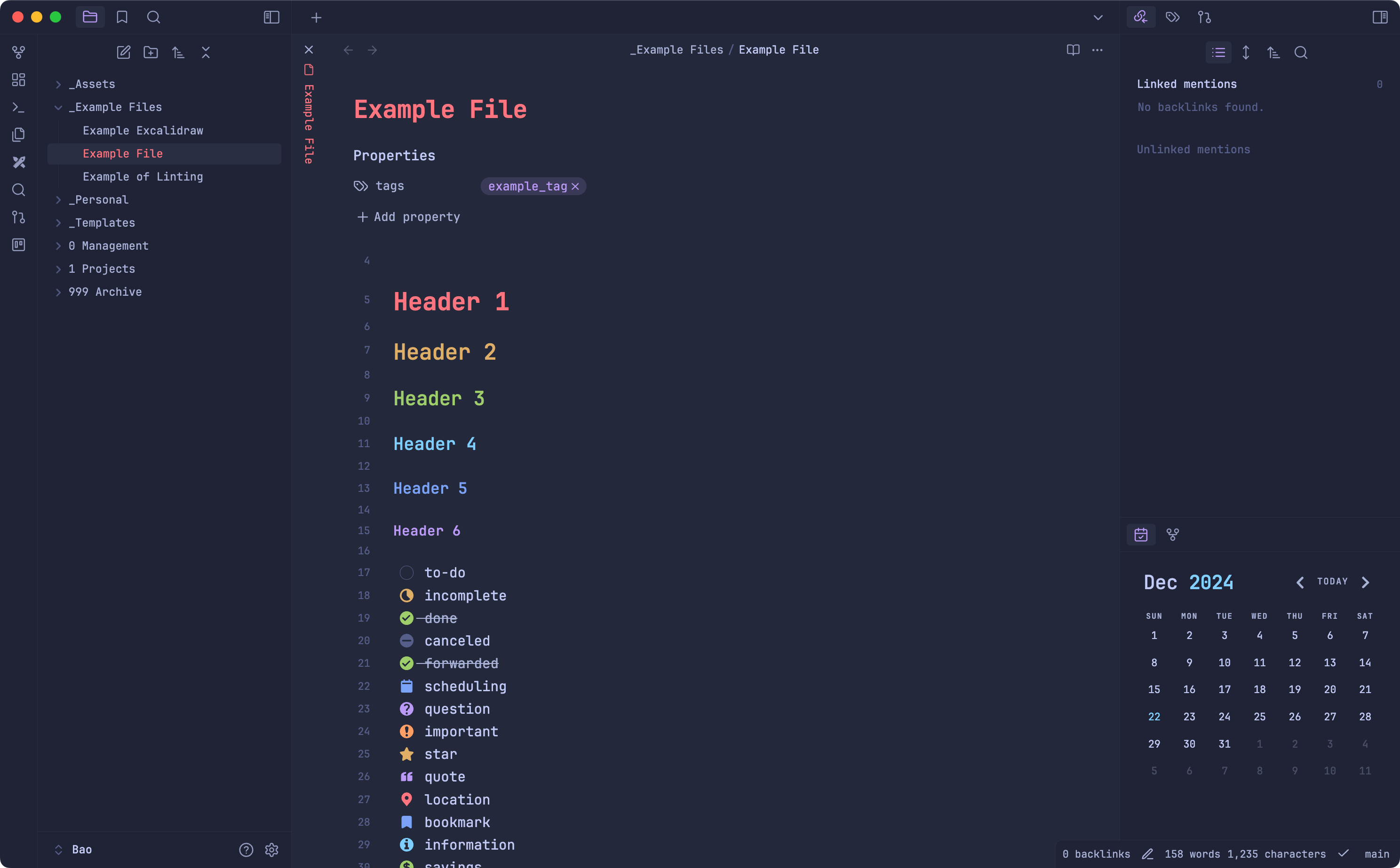
Moon
Moon Style Setting Configuration
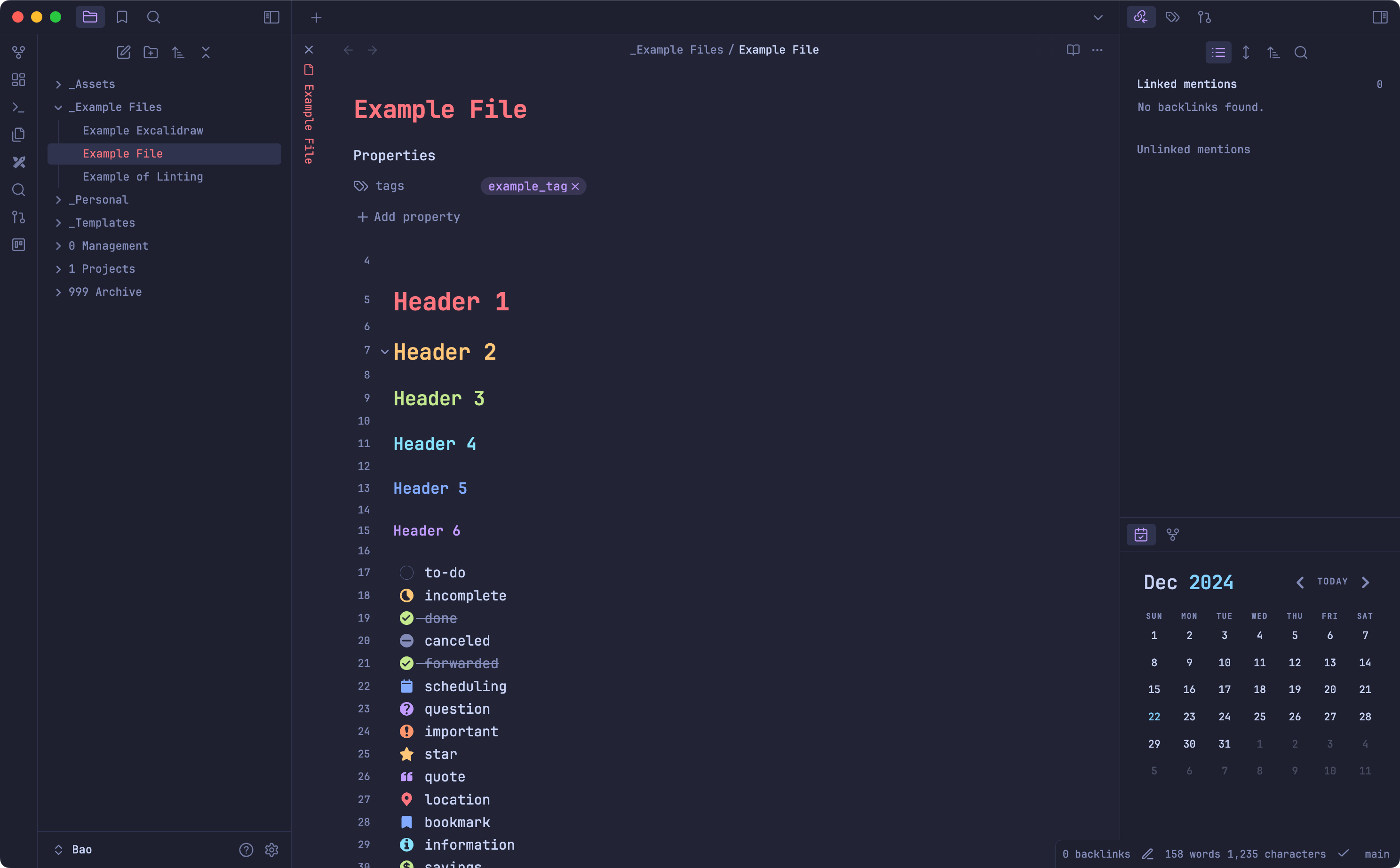
Night
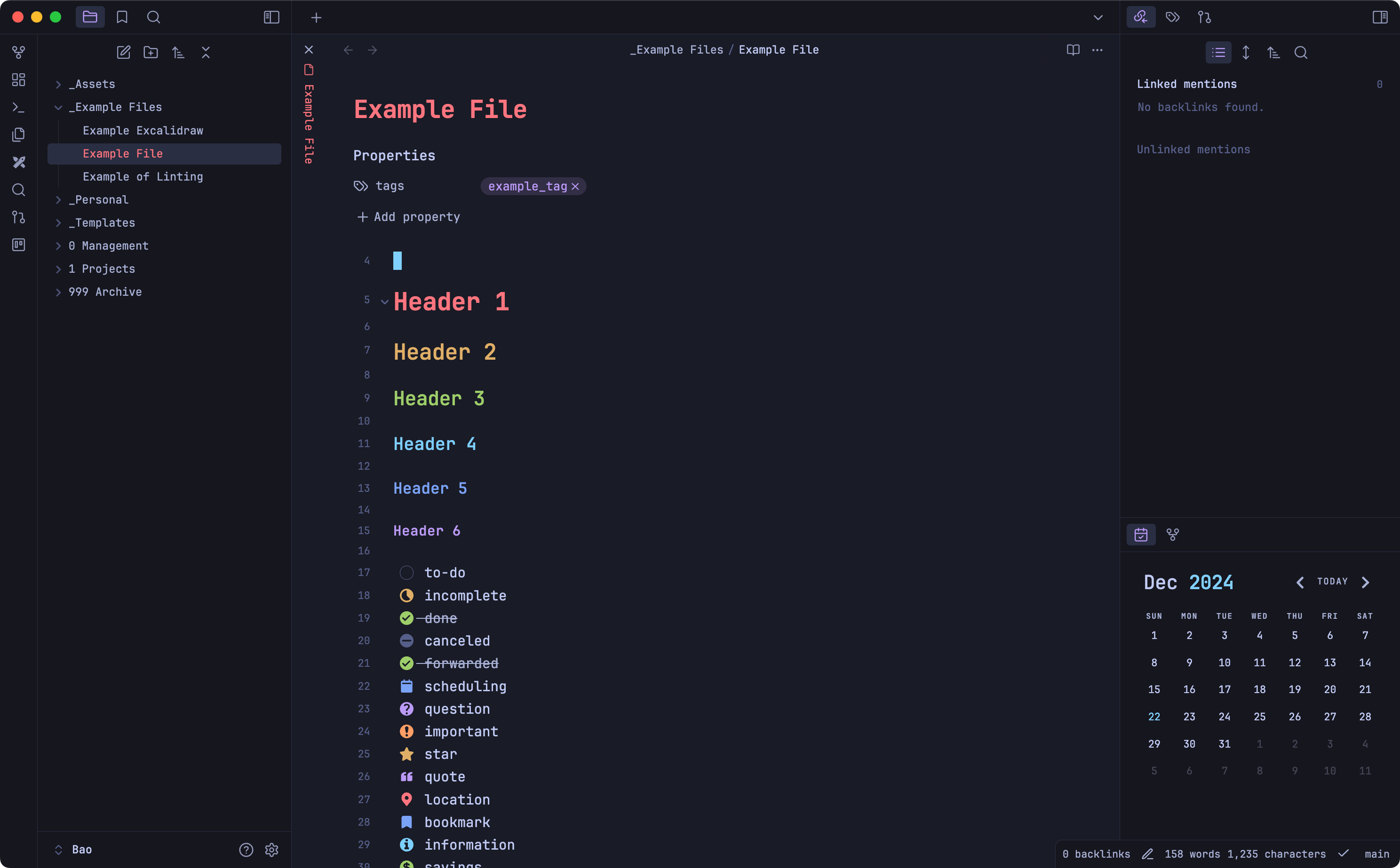
Checkbox Styling
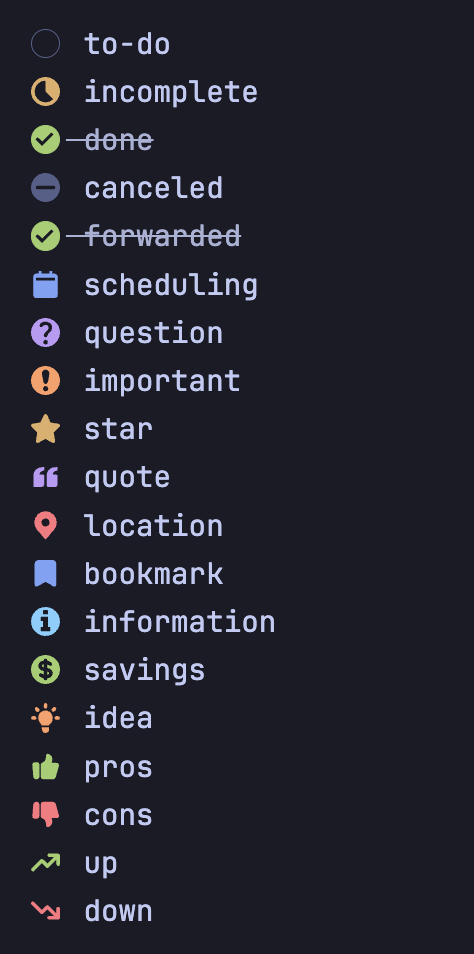
- [ ] to-do
- [/] incomplete
- [x] done
- [-] canceled
- [>] forwarded
- [<] scheduling
- [?] question
- [!] important
- [*] star
- ["] quote
- [l] location
- [b] bookmark
- [i] information
- [S] savings
- [I] idea
- [p] pros
- [c] cons
- [u] up
- [d] down
Credit
- tokyonight.nvim and VSCode Tokyonight for the wonderful theme colors.
- Obsidian Border for some amazing styles.
HealthExcellent
ReviewSatisfactory
About
Apply Tokyonight-inspired color schemes to Obsidian with Night and Light variants. Use included Storm and Moon styles with Style Settings support and get extended checkbox/status markers for tasks such as incomplete, done, canceled, scheduled, important and more.Details
Current version
1.1.8
Last updated
13 hours ago
Created
4 years ago
Updates
1 release
Downloads
316k
License
MIT