
- Overview
- Scorecard
- Updates2
Qudian is an independent theme project made with love and admiration. It is not affiliated with, endorsed by, or connected to any game or trademark holder.
This is the Obsidian port of the Qudian theme, forked from the original Qudian project (terminal + VS Code).
Its look is inspired by the UI of Caves of Qud, by Freehold Games.
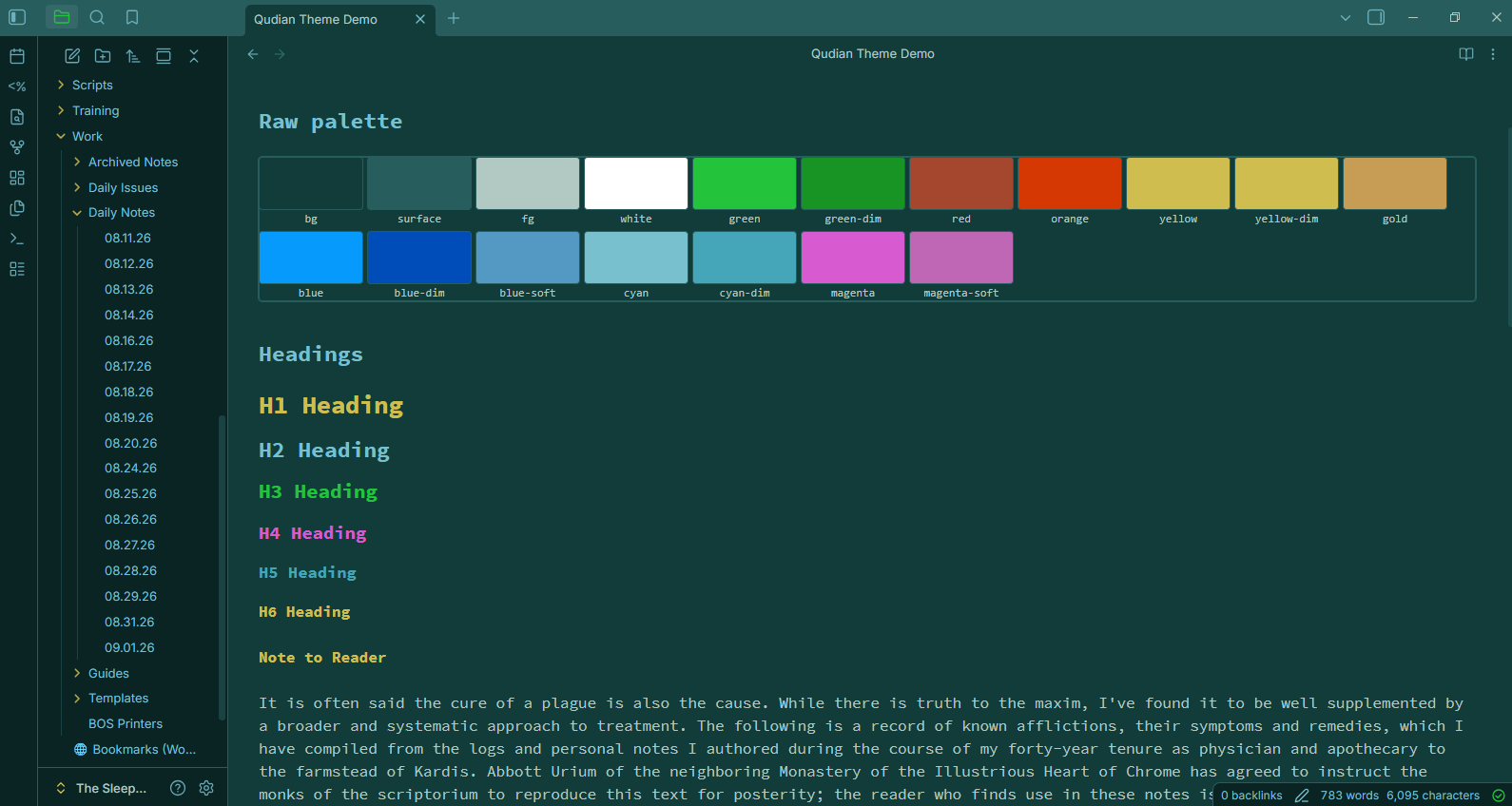
Contents
manifest.json: Obsidian theme manifesttheme.css: Obsidian theme stylesheetQudian Theme Demo.md: a sample note showcasing the theme's styling
Scanlines
An optional, CRT scanline overlay can be added with the Style Settings plugin. The same kind of effect you'll see in CoQ itself. Off by default, toggle and opacity adjustable from Settings → Style Settings → Qudian:
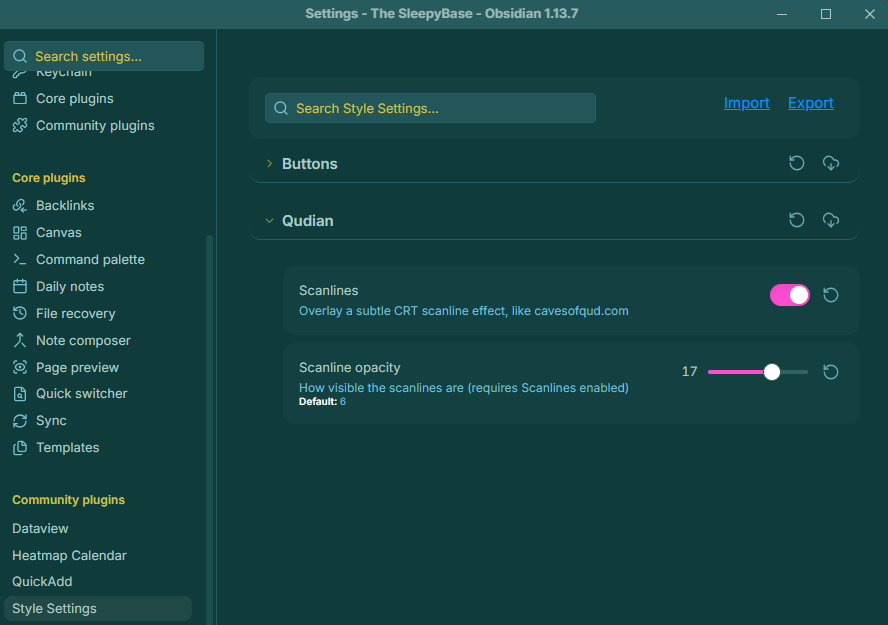
With it enabled, notes pick up the same faint CRT texture as the game.
No plugins are required to use the base theme itself.
Font
To get that much closer to CoQ's UI, install Source Code Pro and set it as your theme font.
- Windows: unzip the download, select all
.ttffiles, right-click → Install for all users. - Fedora:
sudo dnf install adobe-source-code-pro-fonts - Arch:
sudo pacman -S adobe-source-code-pro-fonts - Debian/Ubuntu: no official package — unzip the Google Fonts download into
~/.local/share/fonts/and runfc-cache -f.
Installation
From Obsidian's community themes
- In Obsidian, go to Settings → Appearance → Themes → Manage.
- Search for Qudian and select Install.
- Once installed, click to activate it.
From source
- Clone or download this repository.
- Copy
manifest.jsonandtheme.cssinto your vault's.obsidian/themes/Qudian/folder (create it if it doesn't exist). - In Obsidian, go to Settings → Appearance → Themes and select Qudian.
License
MIT. See LICENSE.