Monolith
 Ahmed Ashraf301 downloads
A minimal dark Obsidian theme focused on clean typography, subtle contrast, and a distraction-free writing experience.
- Overview
- Scorecard
- Updates11
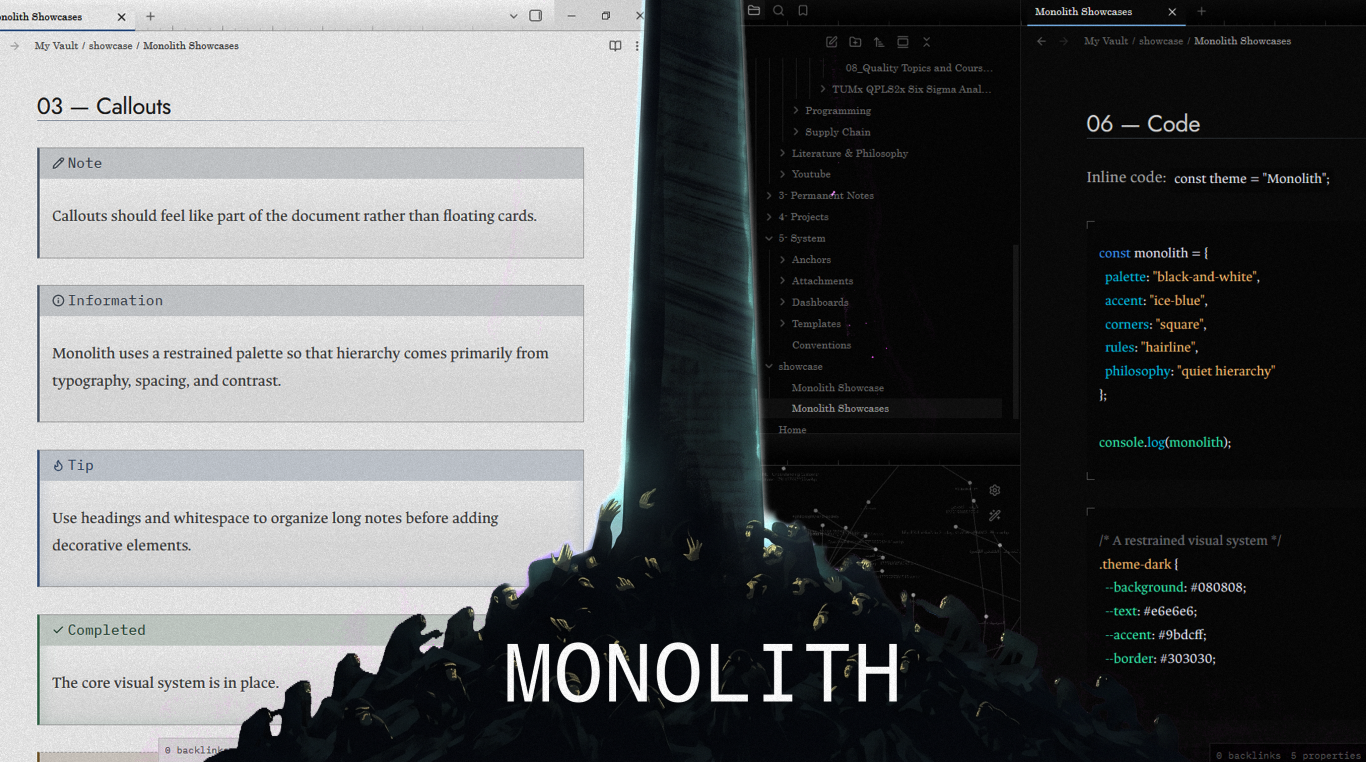
A minimal black-and-white Obsidian theme with a single ice-blue accent.
Monolith cuts visual noise and keeps the hierarchy. Fine rules, square corners, and layered greys give writing, reading, and organizing a clear structure.
Features
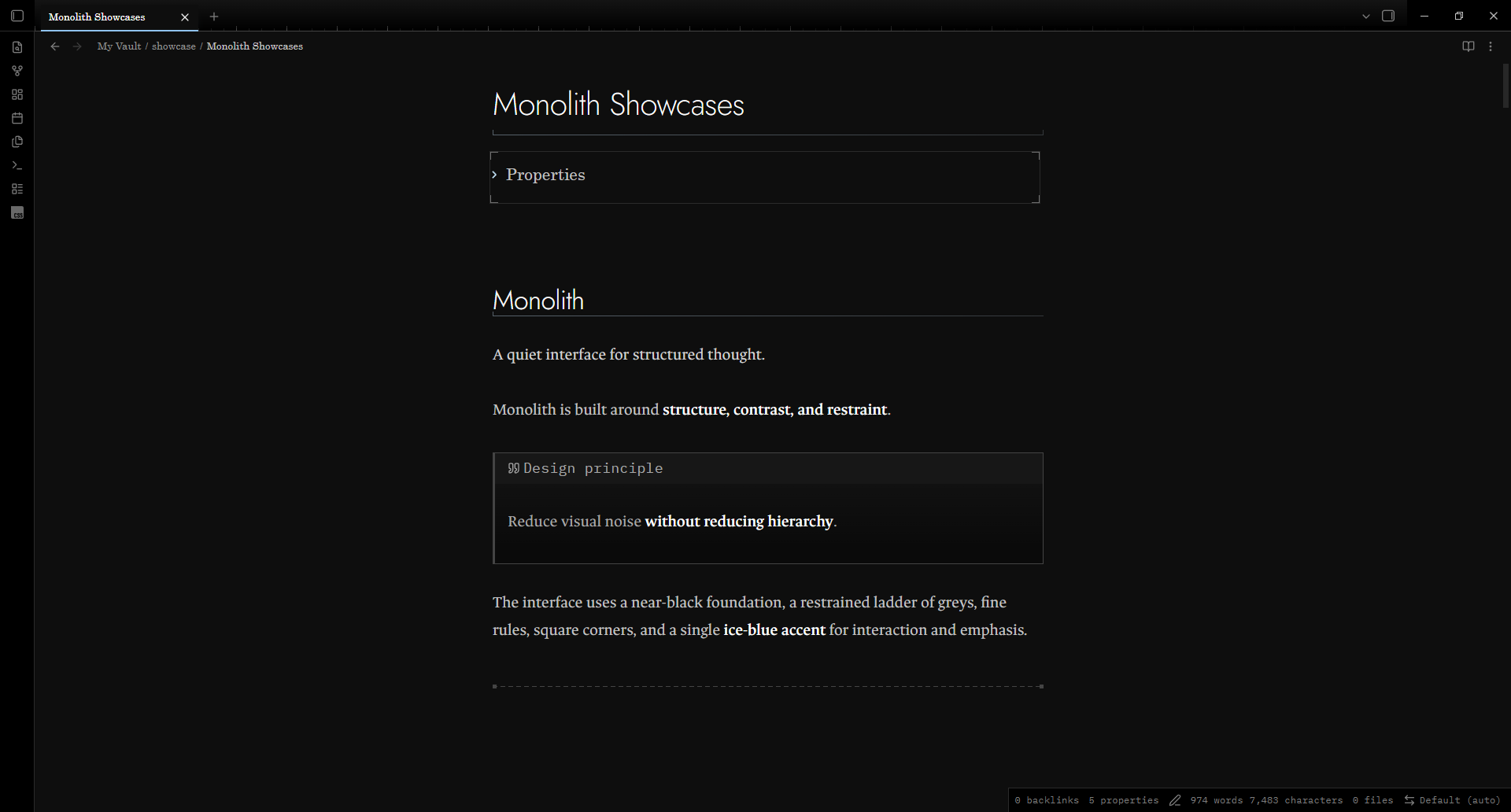
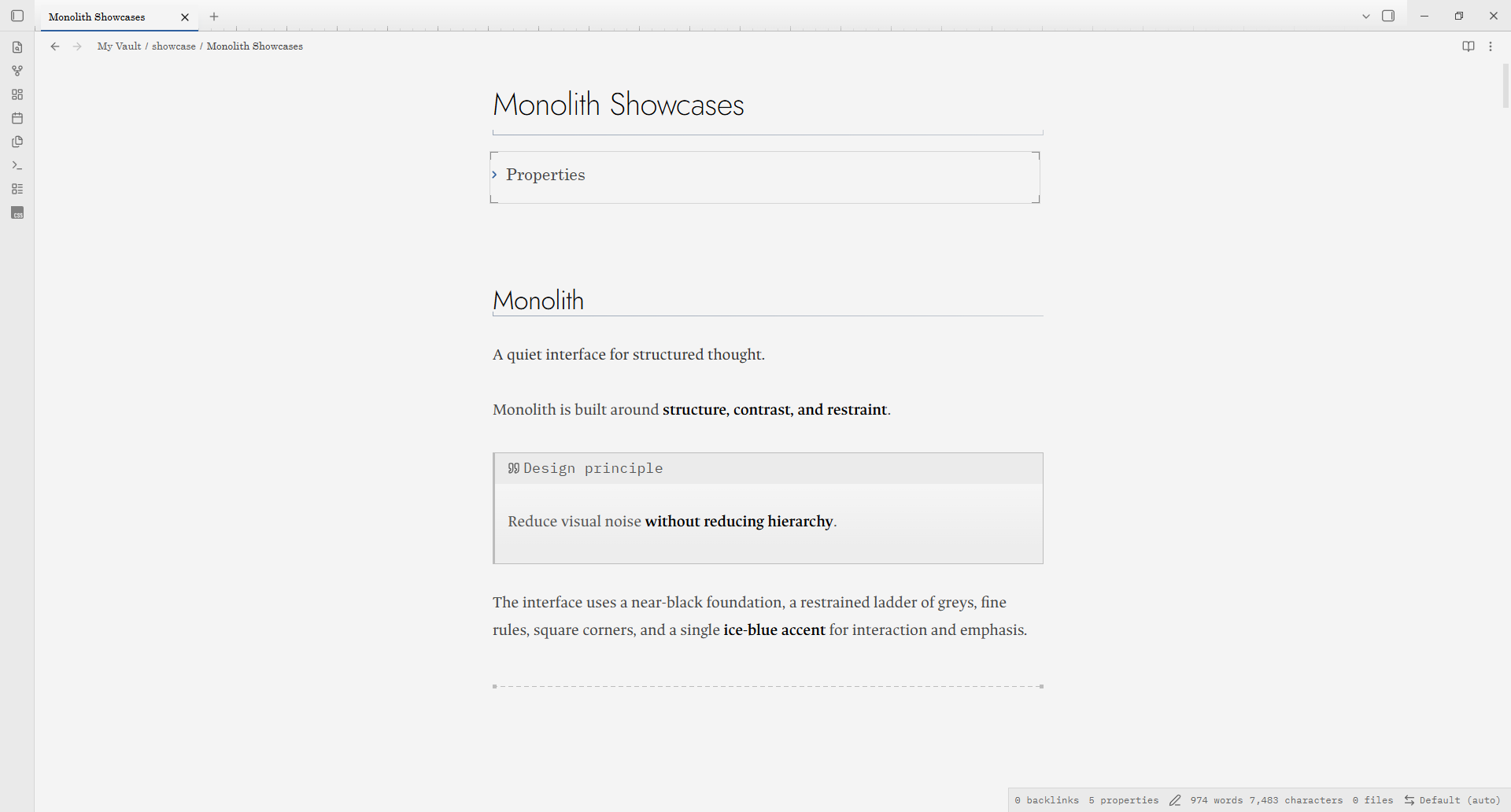
- Dark and light. A near-black dark theme and a paper-and-ink light theme.
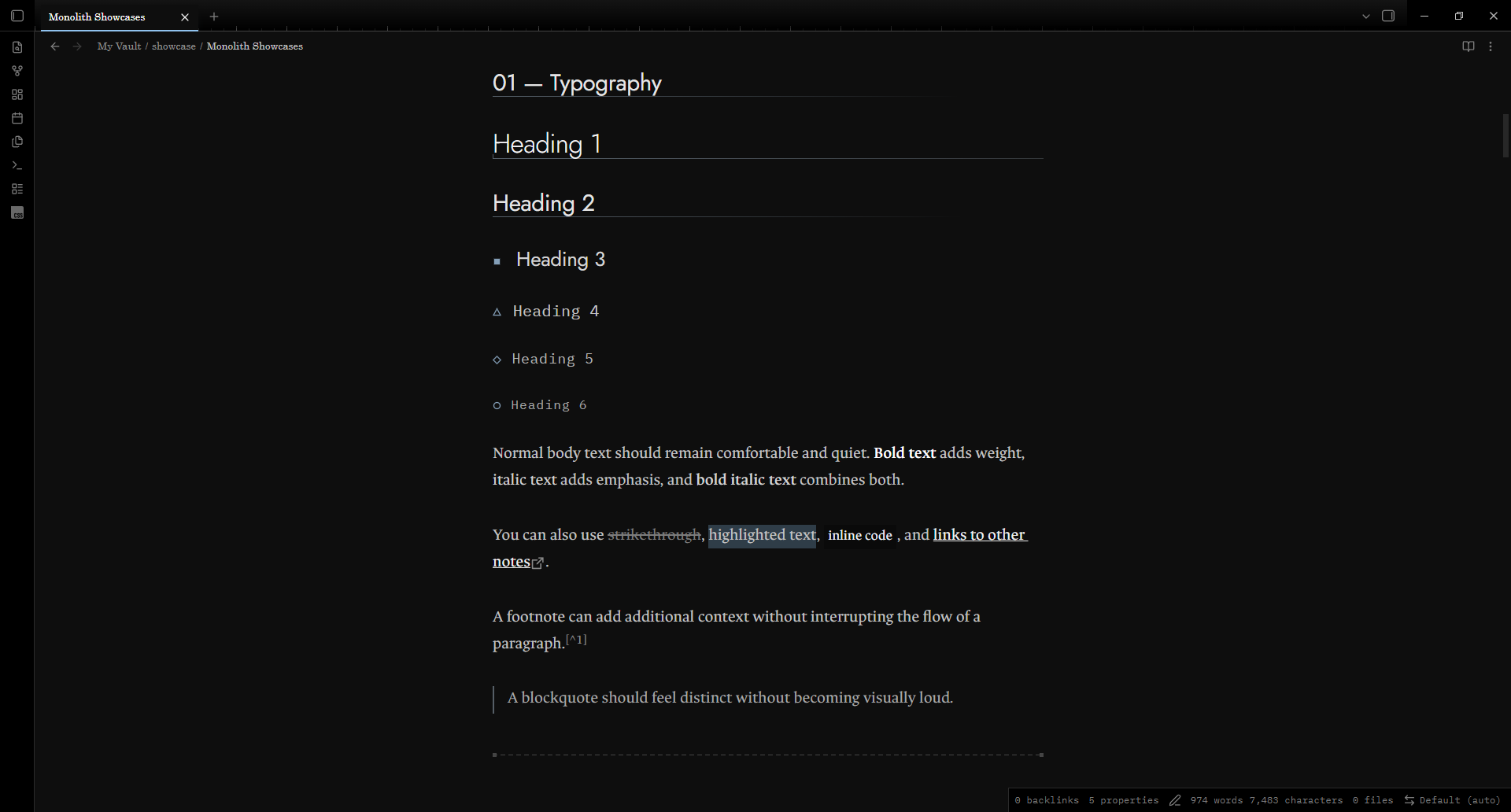
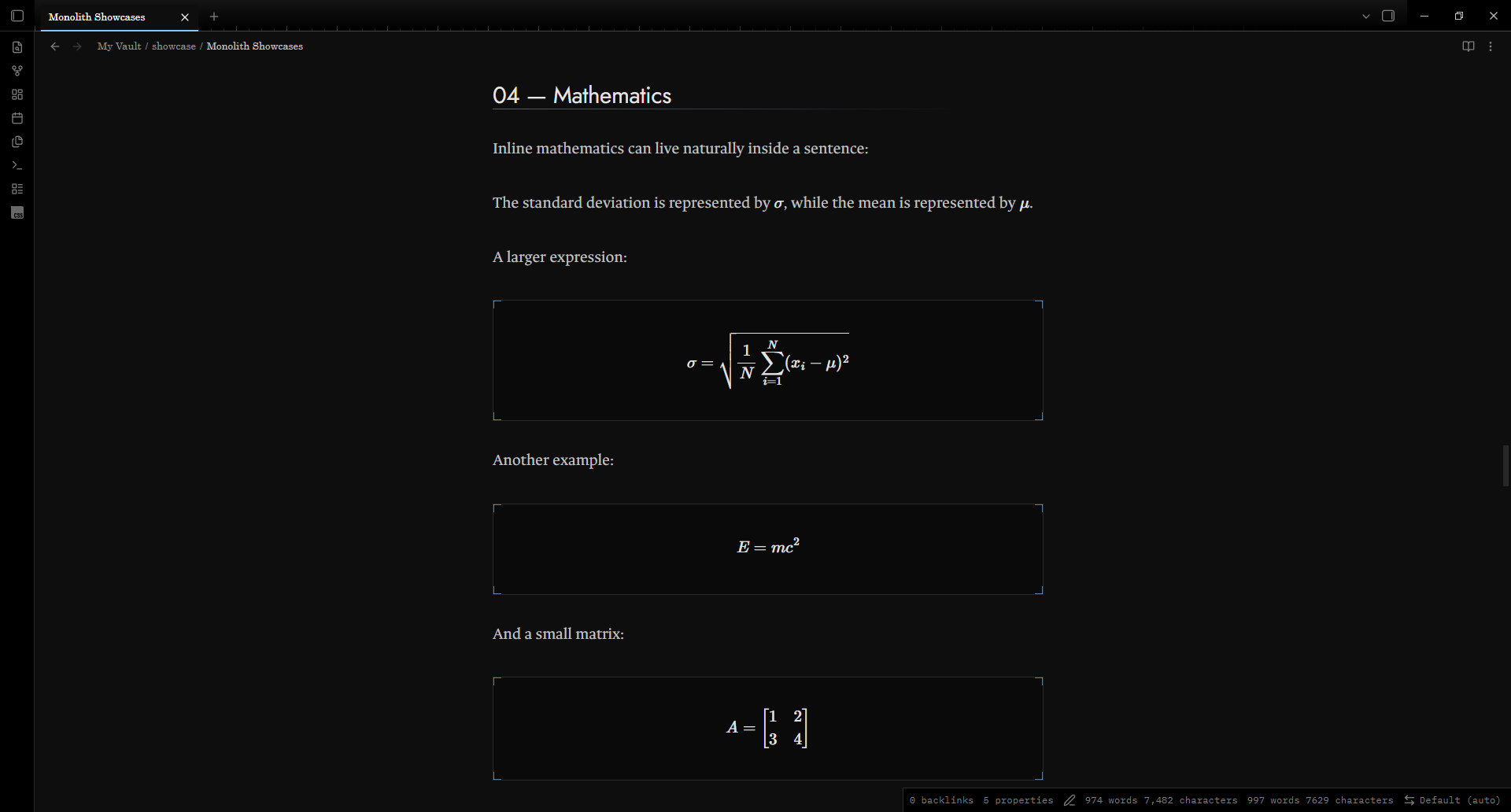
- A ladder of greys. Each heading level, bold, italic, link, and equation has its own shade, size, and weight.
- One accent. Ice blue marks what is active or interactive. It stays quiet at rest and warms on hover.
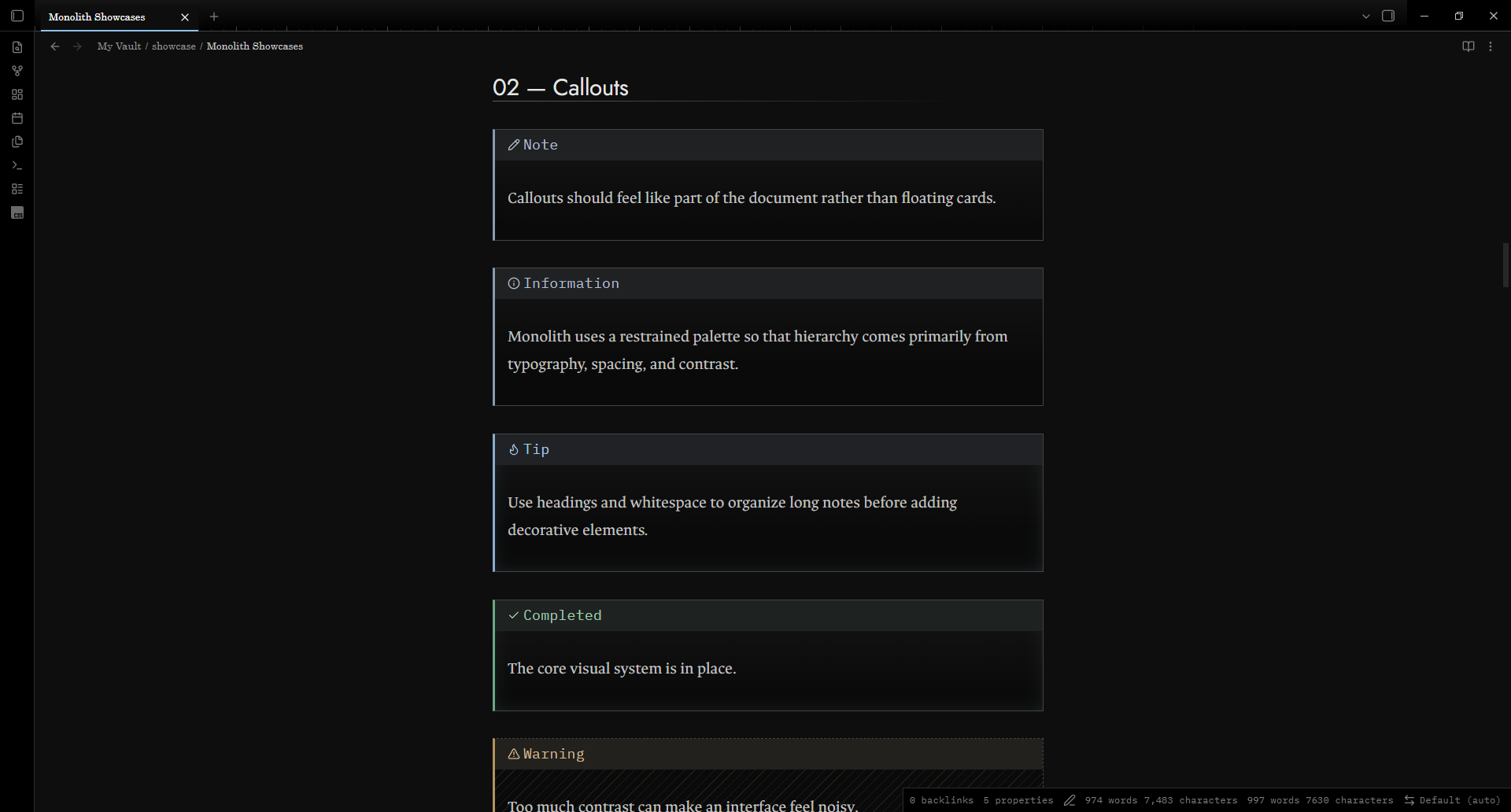
- Quiet callout colors. Callouts take a faint hue on the edge, icon and title, and keep their shapes: solid, dashed or hatched. One slider turns the color back to grey.
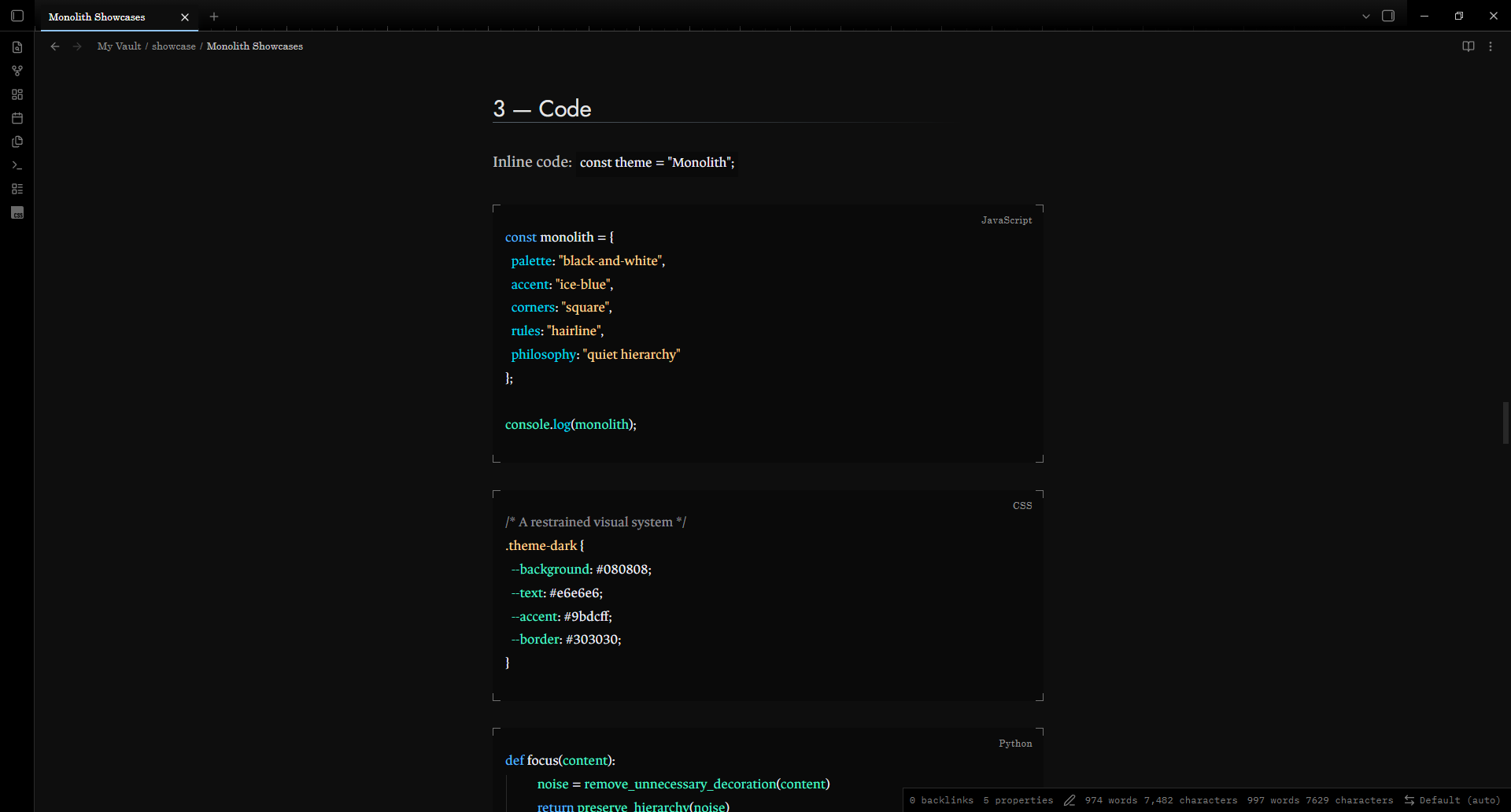
- Quiet details. Corner brackets frame code, equations, and properties. A ruler runs along the tab strip. H3 to H6 each carry a different marker shape.
- Comfortable to read. Softened contrast, generous line height, and a 700px line length.
- Right-to-left aware. Heading rules and markers mirror for Arabic and other right-to-left text.
- Works offline. The fonts are bundled inside the theme.
A closer look
Typography
Callouts
Code
Mathematics
Install
Monolith needs Obsidian 1.10.6 or newer, on an up-to-date installer. The theme uses color-mix(), oklch(), :dir() and CSS masks, which need the Chromium 120 engine or newer. If colors or heading markers look wrong, update the installer from obsidian.md/download.
- Open Settings, then Appearance.
- Under Themes, open the community theme browser and search for Monolith.
- Install the theme and select it.
To install by hand, copy manifest.json and theme.css into .obsidian/themes/Monolith/ inside your vault, then choose Monolith under Appearance. The folder name must match the theme name.
Customize
Choose the accent color, text size, and fonts under Settings, then Appearance. Monolith follows your choices.
The optional Style Settings plugin adds six more options:
| Option | What it does |
|---|---|
| Plain headings | Removes heading rules and markers |
| Flat surfaces | Removes glows, corner brackets, and the tab ruler |
| Numbered tabs | Prefixes tabs with 01 /, 02 / and so on |
| Readable line width | Sets the width of a note |
| Accent strength | Scales the accent tints from 0 to 1 |
| Callout color | Scales the callout hues from 0 to 1 |
Without the plugin, a CSS snippet does the same job. For example, this softens the accent:
body { --mn-accent-k: 0.6; }
And this turns callouts back to plain grey:
body { --mn-callout-k: 0; }
Sample note
showcase/Monolith Showcase.md uses every element the theme styles: headings, lists, tasks, tables, code, math, callouts, and right-to-left text. Copy it into a vault to see Monolith at work.
Design notes
docs/design-notes.md covers the full grey ladder, the contrast ratios, the reasoning behind the accent and the callout colors, and which browser engines the theme was tested on.
Development
Monolith is one stylesheet, theme.css. To check a change before a release:
npm install
npm run check
npm run check runs Stylelint on theme.css, then checks that manifest.json, versions.json, the changelog, the Style Settings block, this README and the screenshot agree with each other. docs/releasing.md lists the release steps, and CHANGELOG.md lists what changed in each version.
Credits and license
Monolith is released under the MIT license. It bundles two typefaces under the SIL Open Font License 1.1: Jost and IBM Plex Mono. The code colors adapt the Houston theme for Visual Studio Code, released under the MIT license by The Astro Technology Company. See THIRD-PARTY-NOTICES.txt.