
- Overview
- Scorecard
- Updates32
Iridium is a customizable theme for Obsidian based on your accent color.
Screenshots
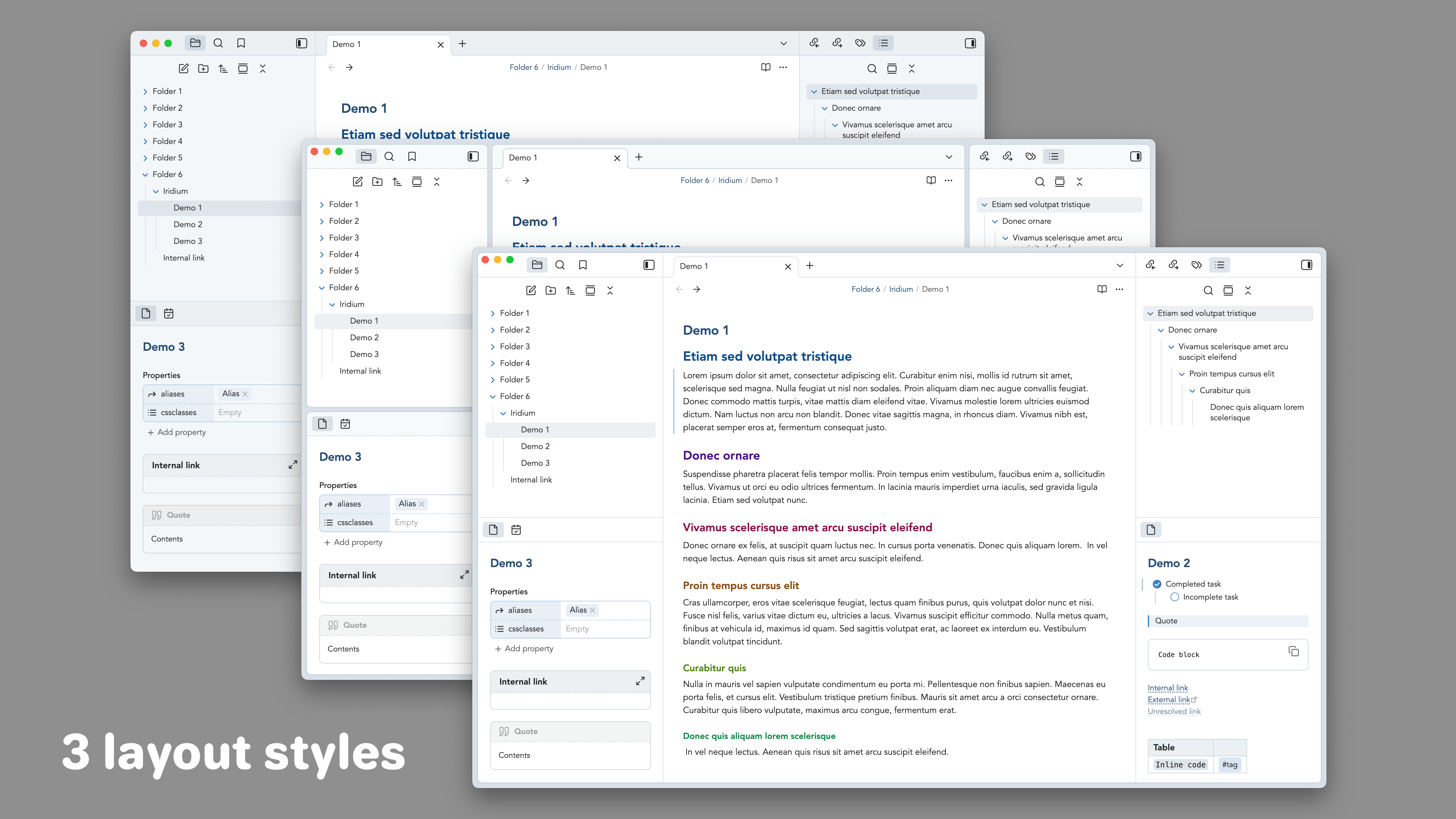
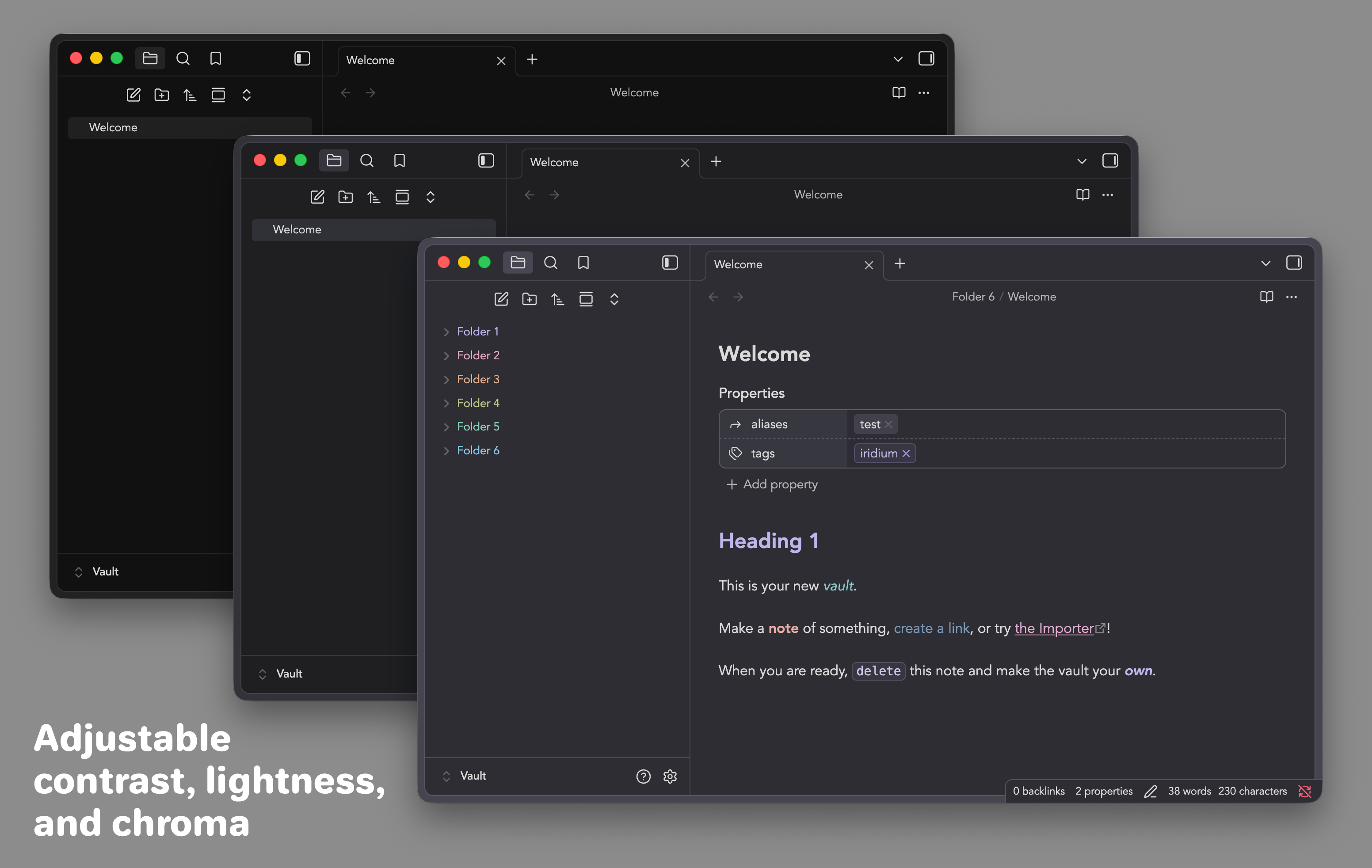
Callouts
Callout types
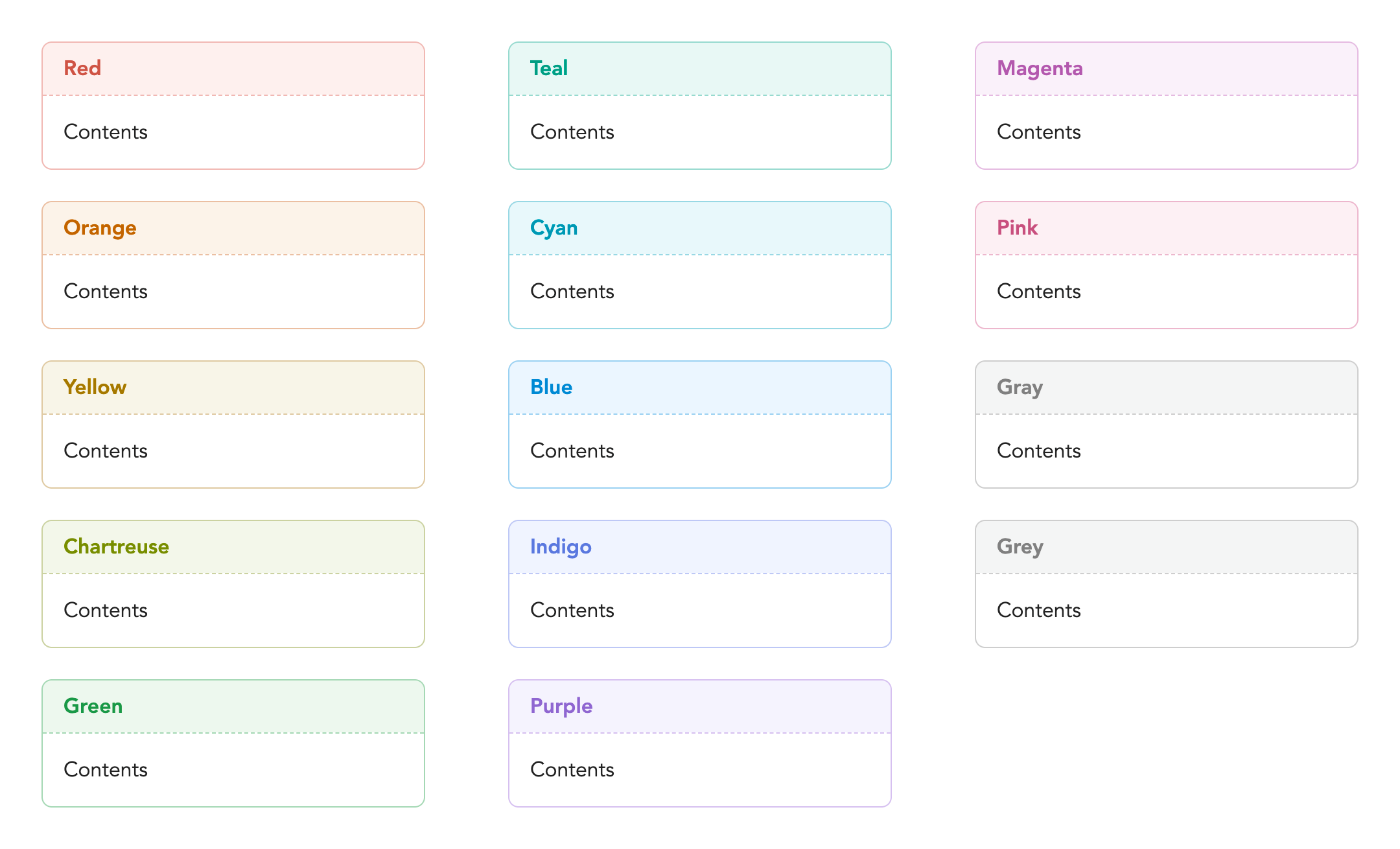
Named colors
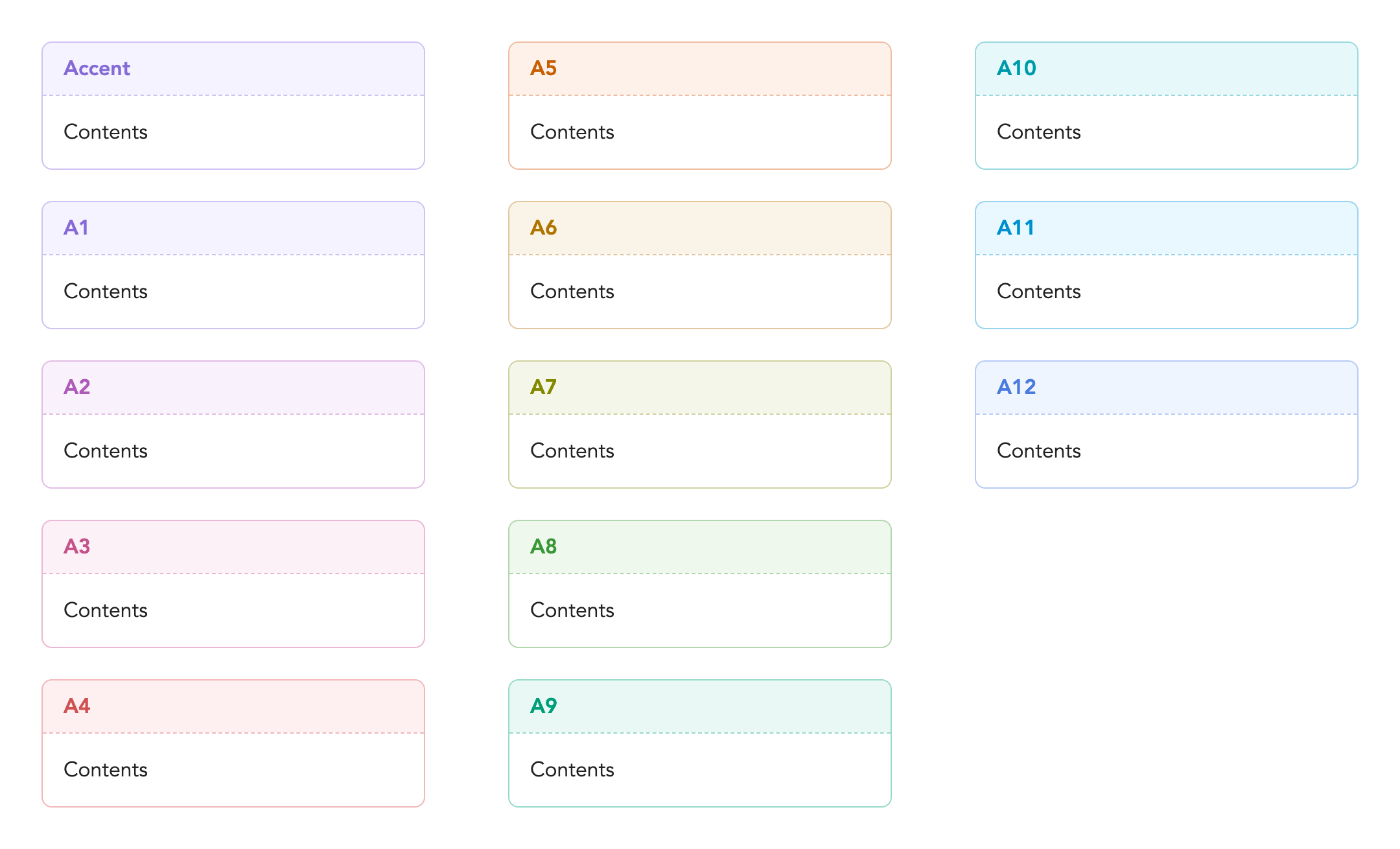
Accent-based colors
Callout metadata
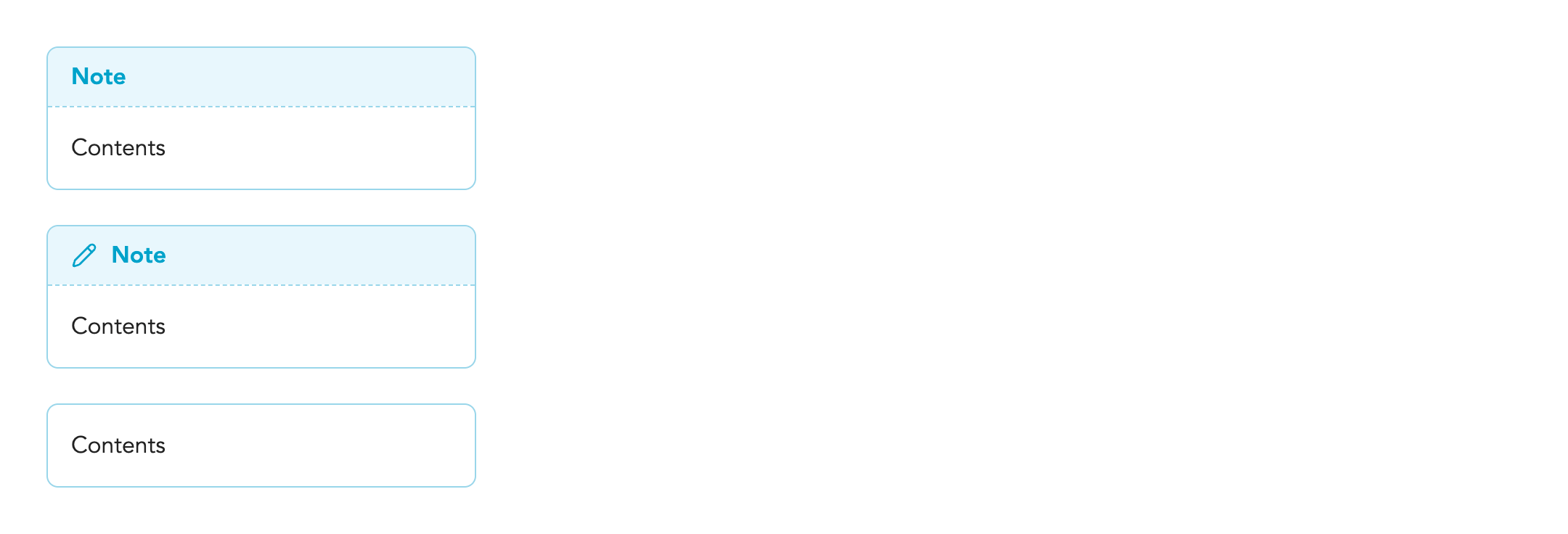
no-iconhides the iconiconshows the icon even if the 'Hide icons' setting is enabledno-titlehides the title
# Callout types

## Named colors

> [!red]
> Contents

> [!orange]
> Contents

> [!yellow]
> Contents

> [!chartreuse]
> Contents

> [!green]
> Contents

> [!teal]
> Contents

> [!cyan]
> Contents

> [!blue]
> Contents

> [!indigo]
> Contents

> [!purple]
> Contents

> [!magenta]
> Contents

> [!pink]
> Contents

> [!gray]
> Contents

> [!grey]
> Contents


## Accent-based colors

> [!accent]
> Contents

> [!a1]
> Contents

> [!a2]
> Contents

> [!a3]
> Contents

> [!a4]
> Contents

> [!a5]
> Contents

> [!a6]
> Contents

> [!a7]
> Contents

> [!a8]
> Contents

> [!a9]
> Contents

> [!a10]
> Contents

> [!a11]
> Contents

> [!a12]
> Contents


# Callout metadata

> [!note|no-icon]
> Contents

> [!note|icon]
> Contents

> [!note|no-title]
> Contents
Alternative checkboxes
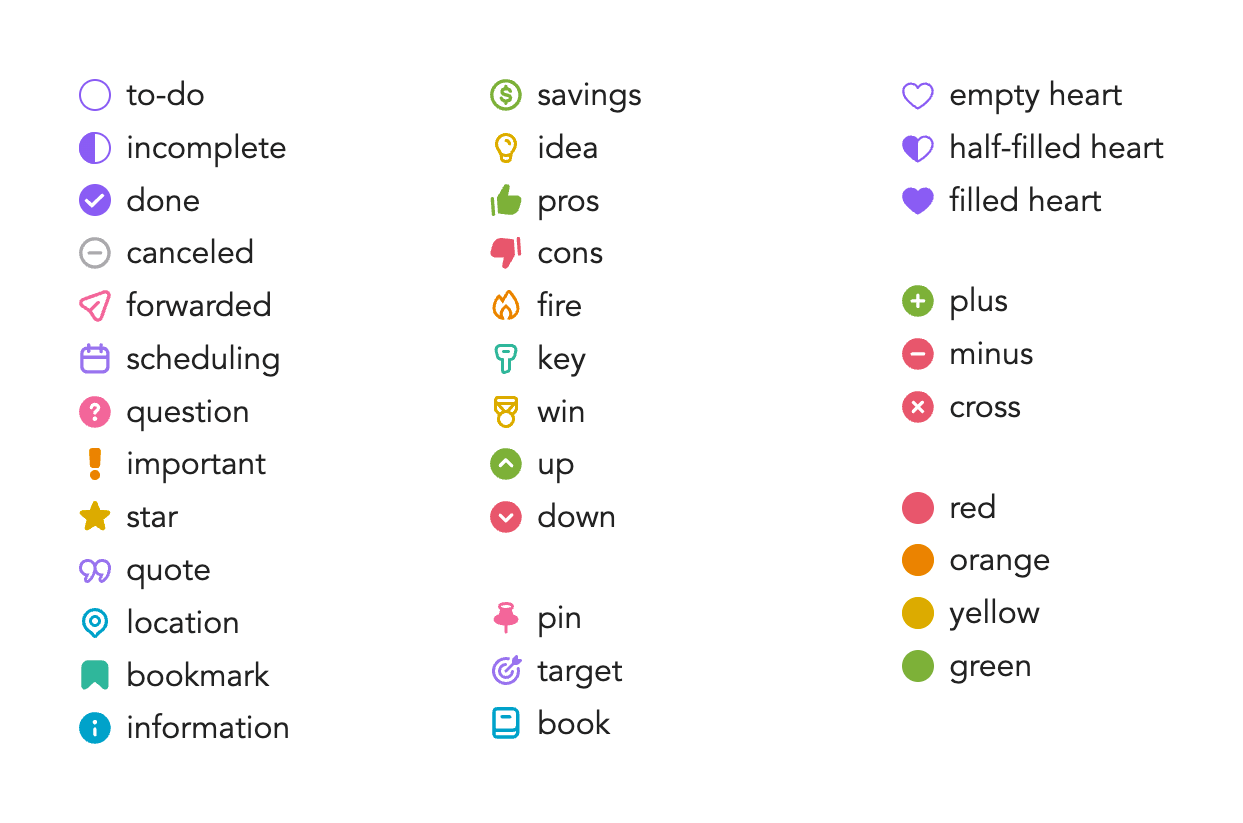
- [ ] to-do
- [/] incomplete
- [x] done
- [-] canceled
- [>] forwarded
- [<] scheduling
- [?] question
- [!] important
- [*] star
- ["] quote
- [l] location
- [b] bookmark
- [i] information
- [S] savings
- [I] idea
- [p] pros
- [c] cons
- [f] fire
- [k] key
- [w] win
- [u] up
- [d] down

- [n] pin
- [t] target
- [a] book
- [1] empty heart
- [2] half-filled heart
- [3] filled heart
- [4] plus
- [5] minus
- [6] cross
- [7] red
- [8] orange
- [9] yellow
- [0] green
Styled plugins
- Calendar
- Notebook Navigator
- Style Settings
- Vertical Tabs
Installation
- In Obsidian, open Settings
- Go to Appearance
- In Themes, click Manage
- Search for 'Iridium'
- Click Install and use
To customize Iridium, you need to install the Style Settings plugin.
- Open Settings
- Go to Community plugins
- Click Browse
- Search for 'Style Settings'
- Click Install, then click Enable, then click Options
Credits
Since themes tend to borrow a lot of ideas from each other, it's hard to keep track of where specific features come from and credit everyone properly. So instead, I decided to make a list of my favorite themes. Some themes inspired me, while others are just much cooler than my theme and deserve a shoutout. I will keep this list updated. (Do check them out!)
- Aubade
- Baseline
- blobob
- Border
- Composer
- Cupertino
- Elysian
- Fancy-a-Story
- flexcyon
- Hidden Grotto
- Maple
- Minimal
- Museifu Basic
- Nostromo
- Planetz Roller
- Primary
- Prism
- Retroma
- TerraFlow
- Ultra Lobster
- Underwater
- Velocity
- Willemstad
Links
Last updated: 2026-09-14
HealthExcellent
ReviewSatisfactory
About
Apply a comfortable, customizable theme that emphasizes your accent color and streamlines Obsidian’s interface for a clean, readable workspace. Show alternate checkbox glyphs for many task/status types (to-do, done, canceled, question, important, hearts, color markers) and adjust visuals via the Style Settings plugin.Details
Current version
2.0.0
Last updated
2 weeks ago
Created
Last year
Updates
32 releases
Downloads
17k
License
MIT