GitHubDHC
 Scott Kirvan11k downloads
Theme for Obsidian inspired by the GitHub Dark High Contrast theme
- Overview
- Scorecard
- Updates10
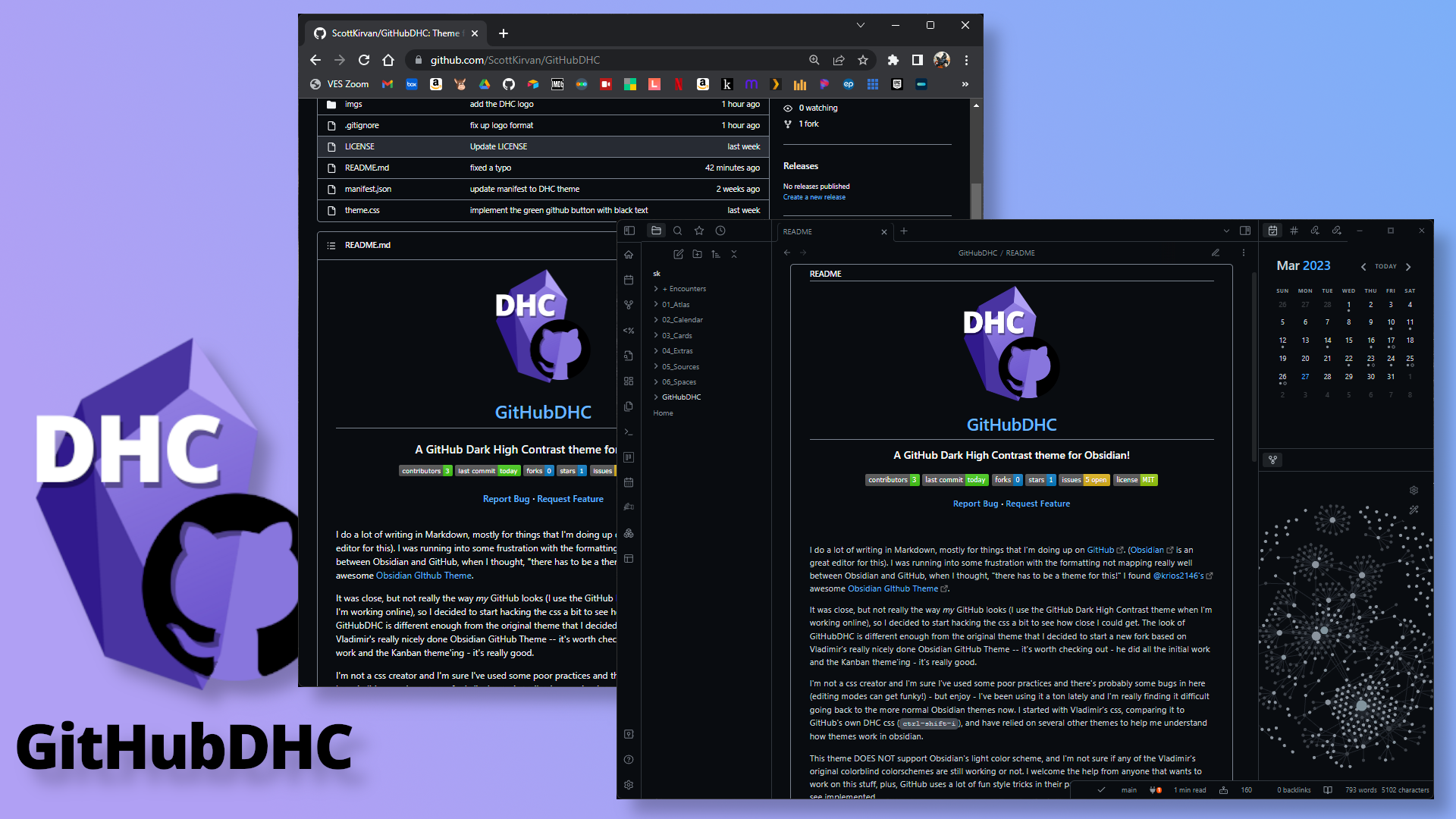
I do a lot of writing in Markdown, mostly for things that I'm doing up on GitHub. (Obsidian is an great editor for this). I was running into some frustration with the formatting not mapping really well between Obsidian and GitHub, when I thought, "there has to be a theme for this!" I found @krios2146's awesome Obsidian GIthub Theme.
It was close, but not really the way my GitHub looks (I use the GitHub Dark High Contrast theme when I'm working online), so I decided to start hacking the css a bit to see how close I could get. The look of GitHubDHC is different enough from the original theme that I decided to start a new fork based on Vladimir's really nicely done Obsidian GitHub Theme -- it's worth checking out - he did all the initial work and the Kanban theme'ing - it's really good.
Features (v2.0)
- Dual Theme Support: Full support for both Dark High Contrast and Light Default themes
- Accurate GitHub Colors: Uses official GitHub Primer color primitives for authentic appearance
- Enhanced UI Components (for settings dialog, Obsidian UI, etc.):
- Form elements (dropdowns, inputs) now match GitHub styling
- GitHub-Style Callouts
- Improved Typography: Bold navigation items and better text hierarchy
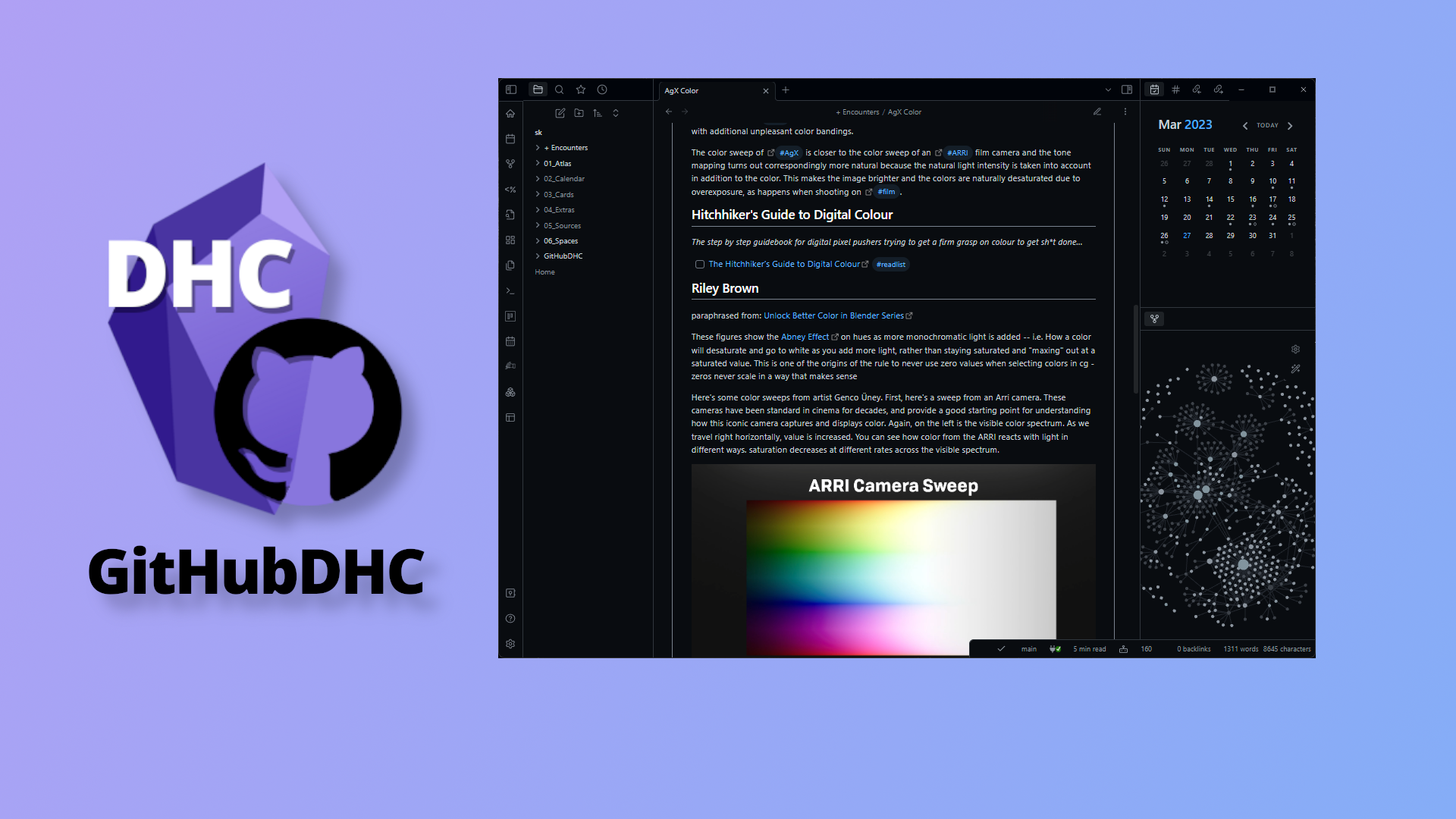
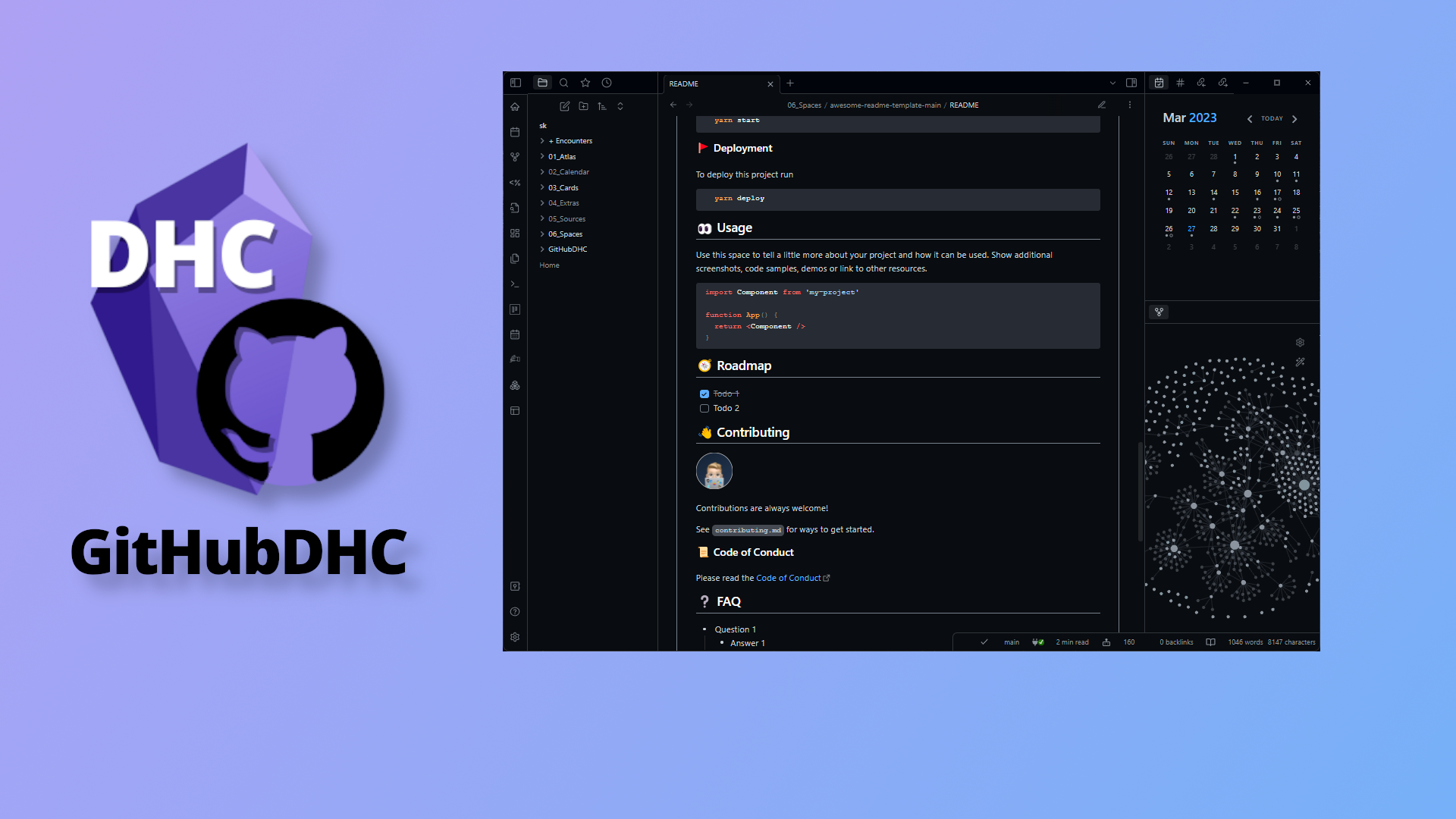
Screenshots
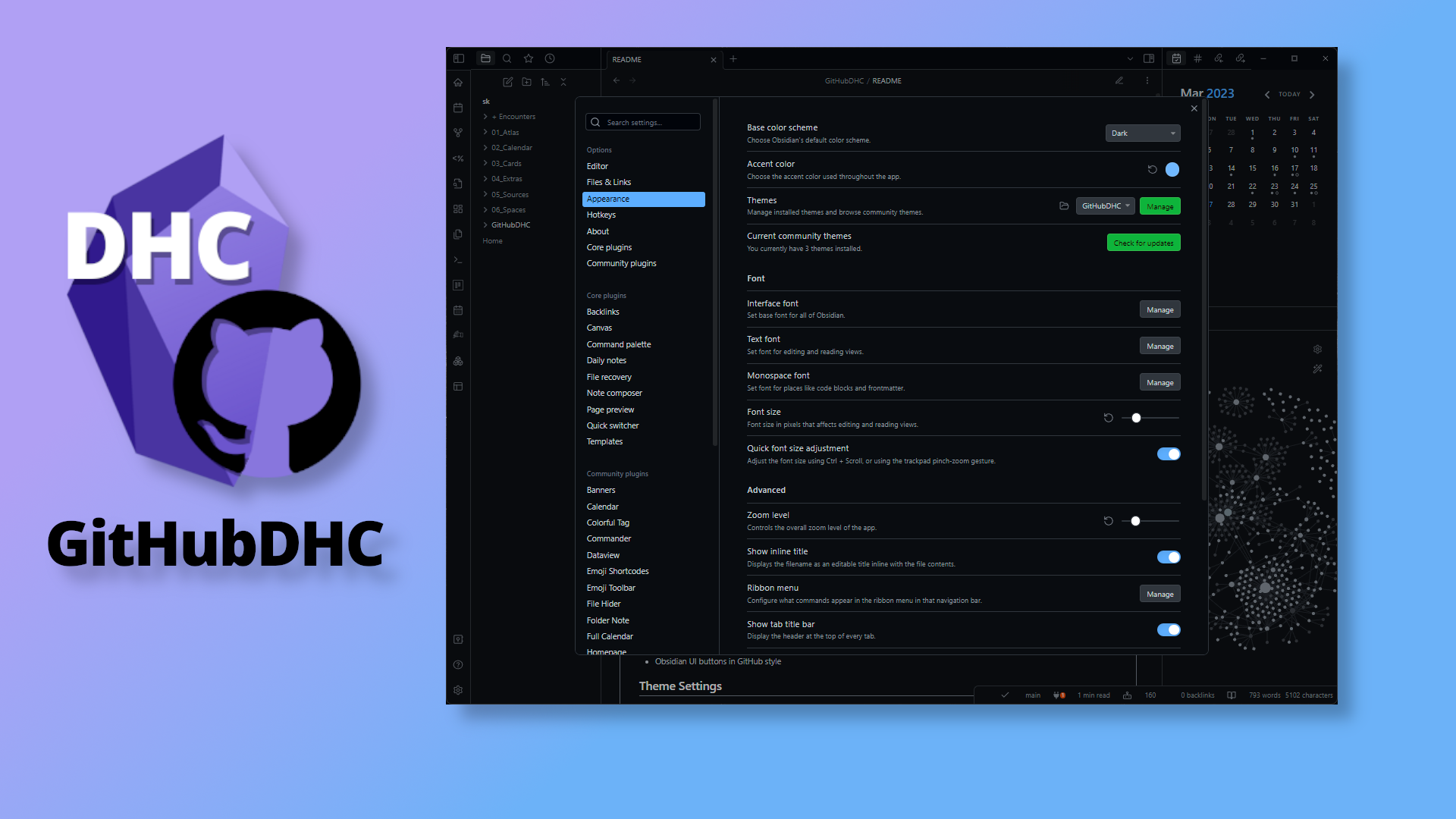
Installation
Obsidian Marketplace (Recommended)
- Open the Settings in Obsidian
- Navigate to Appearances tab under Options
- Set Base color scheme to
Dark - Under the Themes section, click on the
Managebutton across from Themes - Search for
GitHubDHCin the Filter text input - Click
Useand then you're done! 🎉
Manual Install
- Download and unzip (or clone) this repo into your vault's
/.obsidian/themesdirectory (if that directly doesn't exist yet, create it) - Open Settings in Obsidian
- Navigate to the Appearances tab under Options
- Under the Themes section, click on the
Managebutton across from Themes - Search for
GitHubDHCin the Filter text input - Click the reset button for the Accent color, and set your preferred Zoom level.
- That's it! You're set up - Enjoy!
Theme Settings
Theme settings can be found in the Style Settings plugin.
Current settings include:
- Header colors
- On/Off kanban styles
- On/Off callout styles
- Colorblind colorscheme variants
Feedback
For any bugs or ideas for new features, please submit a New Issue . The best way to contribute directly is to make the changes yourself and submit them as a New Pull Request. Have a quesiton? Join the Obsidian Members Group (OMG) Discord server - I'm @cptvideo - reach out and say, "hi!" 👋
Credits
A huge thank you and all creds due to @krios2146 and his Obsidian GitHub Theme.
Vladimir Kidyaev (2022-2023)
This code includes modifications by Scott Kirvan. Modifications (c) 2026 Scott Kirvan
Contributors: @saberzero1 (Obsidian community reviewer)
Project Link: https://github.com/ScottKirvan/GitHubDHC
If you're writing markdown, and not using Obsidian, check it out: https://obsidian.md/