Enhanced file explorer tree
 LennZone1k downloads
Enhanced File Explorer Tree is a theme for Obsidian that improves the file navigation experience. It provides better organization and an optimized UI for managing your vault more efficiently.
- Overview
- Scorecard
- Updates1
An Obsidian theme that connects the items in the file explorer with tree lines, so you can see at a glance which files belong to which folder. Everything else stays Obsidian's default look.
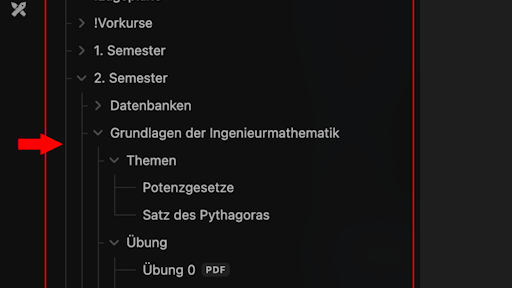
Features
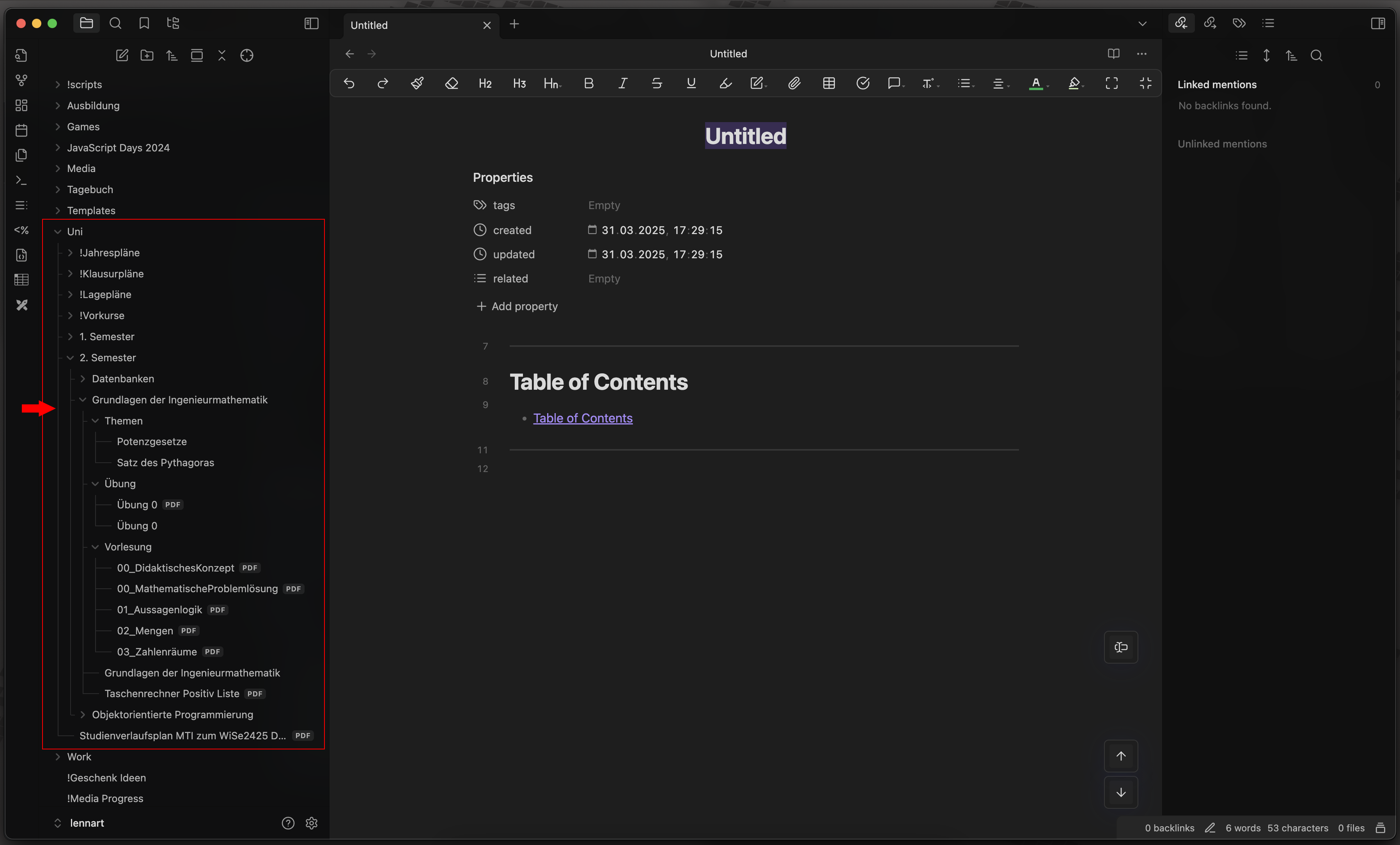
Connected tree lines: every item inside a folder branches off a vertical line, and the last item closes it with a corner, like a classic directory tree:
Folder
├─ file
├─ folder
│  └─ file
└─ file
Follows Obsidian's layout: all positions come from Obsidian's own variables, so the lines stay aligned with other font sizes, zoom levels, deep nesting, on mobile and in the right sidebar.
Light and dark mode: the lines use Obsidian's indentation guide color and follow the mode you pick in Obsidian.
Minimal: nothing outside the file explorer is changed.
Customization
The theme has no settings of its own, but you can override its variables in a CSS snippet:
| Variable | Default | Meaning |
|---|---|---|
--eft-line-color |
Obsidian's indentation guide color | Color of the lines |
--eft-line-width |
1px |
Thickness of the lines |
--eft-stub-gap |
4px |
Space between a branch and the folder arrow or file name |
Example snippet:
body {
    --eft-line-color: var(--interactive-accent);
    --eft-line-width: 2px;
}
Troubleshooting
If the lines look wrong, please open an issue with a screenshot and your Obsidian version.
Contributing
Contributions are welcome. Please read the contributing guide and the code of conduct first.
License
Enhanced file explorer tree is released under the MIT License. Versions up to 1.1.0 were released under the Unlicense.