EMRALD
 Devon450 downloads
A calm & focused theme built around deep emerald and warm gold to match the EMRALD plugin. Dark mode is reminiscent of a well-lit study. Light mode feels like a parchment warmed by the morning sun.
- Overview
- Scorecard
- Updates1
A focused, premium theme built around deep emerald and warm gold — like a well-lit study at night, or sun-warmed parchment by day.
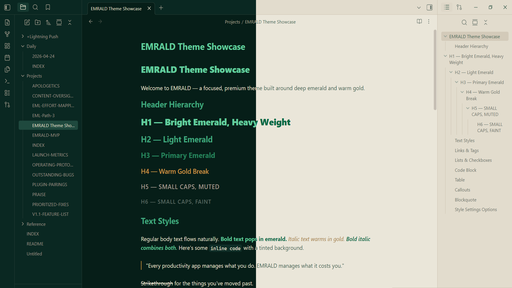
Dark Mode
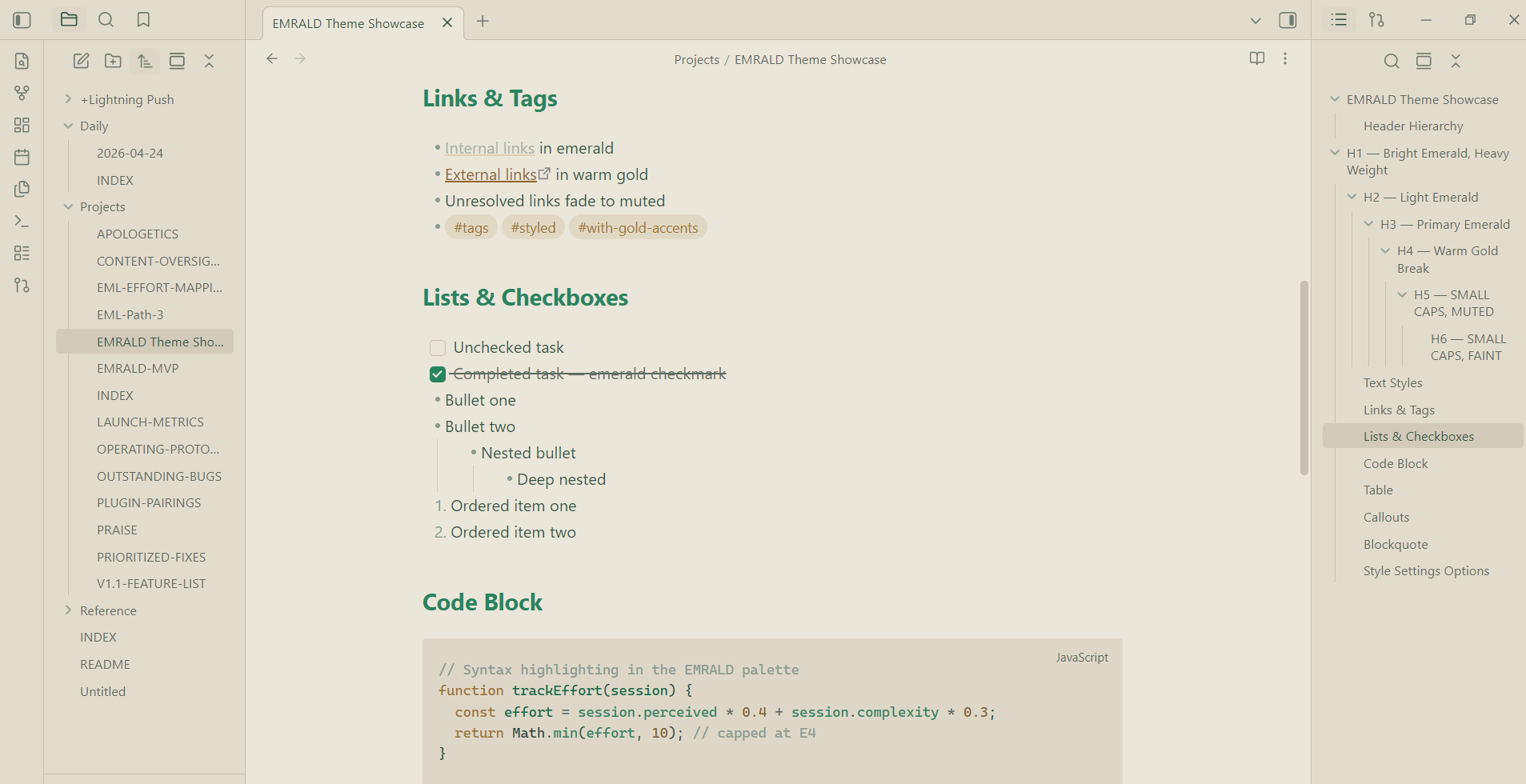
Deep emerald backgrounds with bright emerald and warm gold accents. Designed for long sessions without eye fatigue.
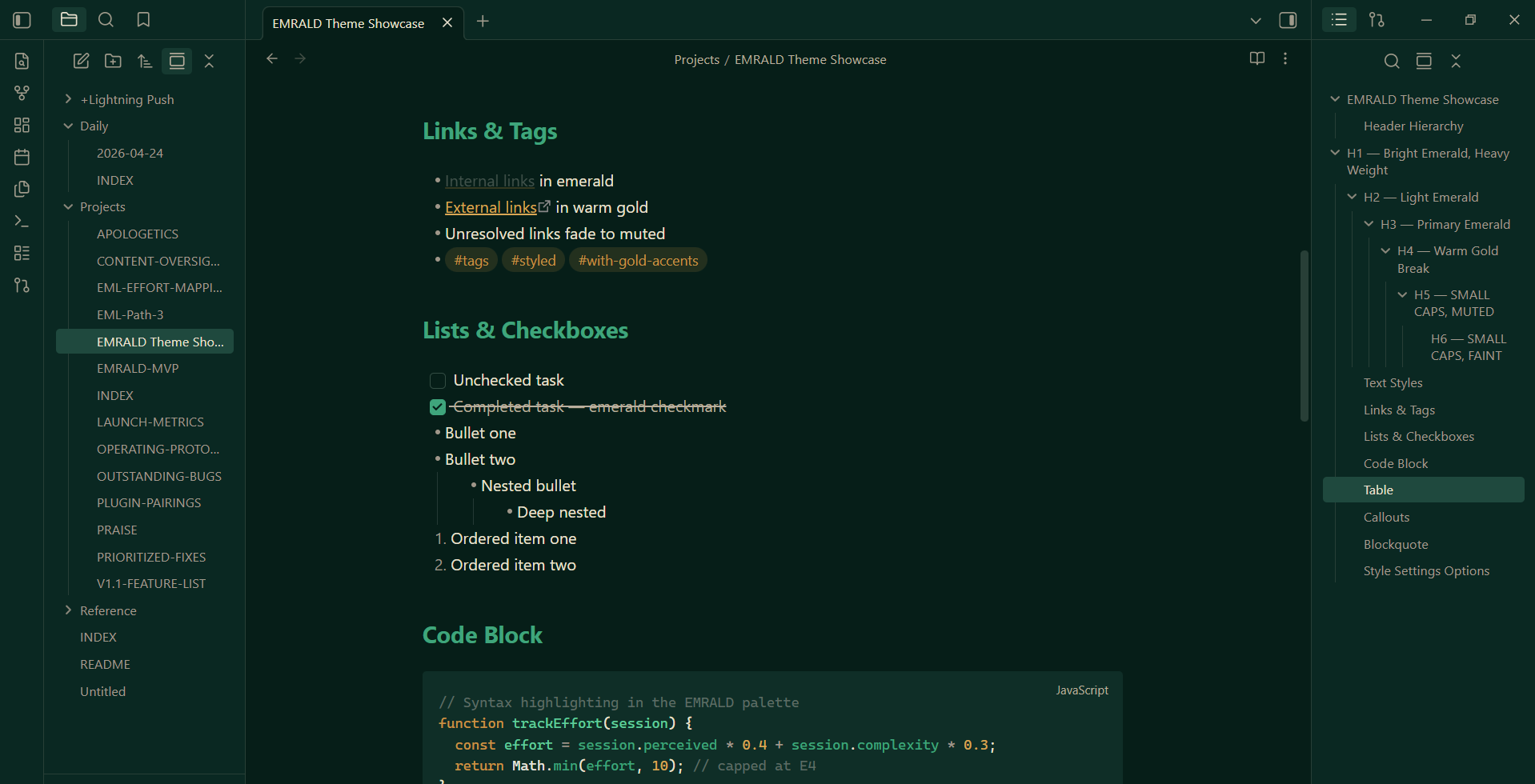
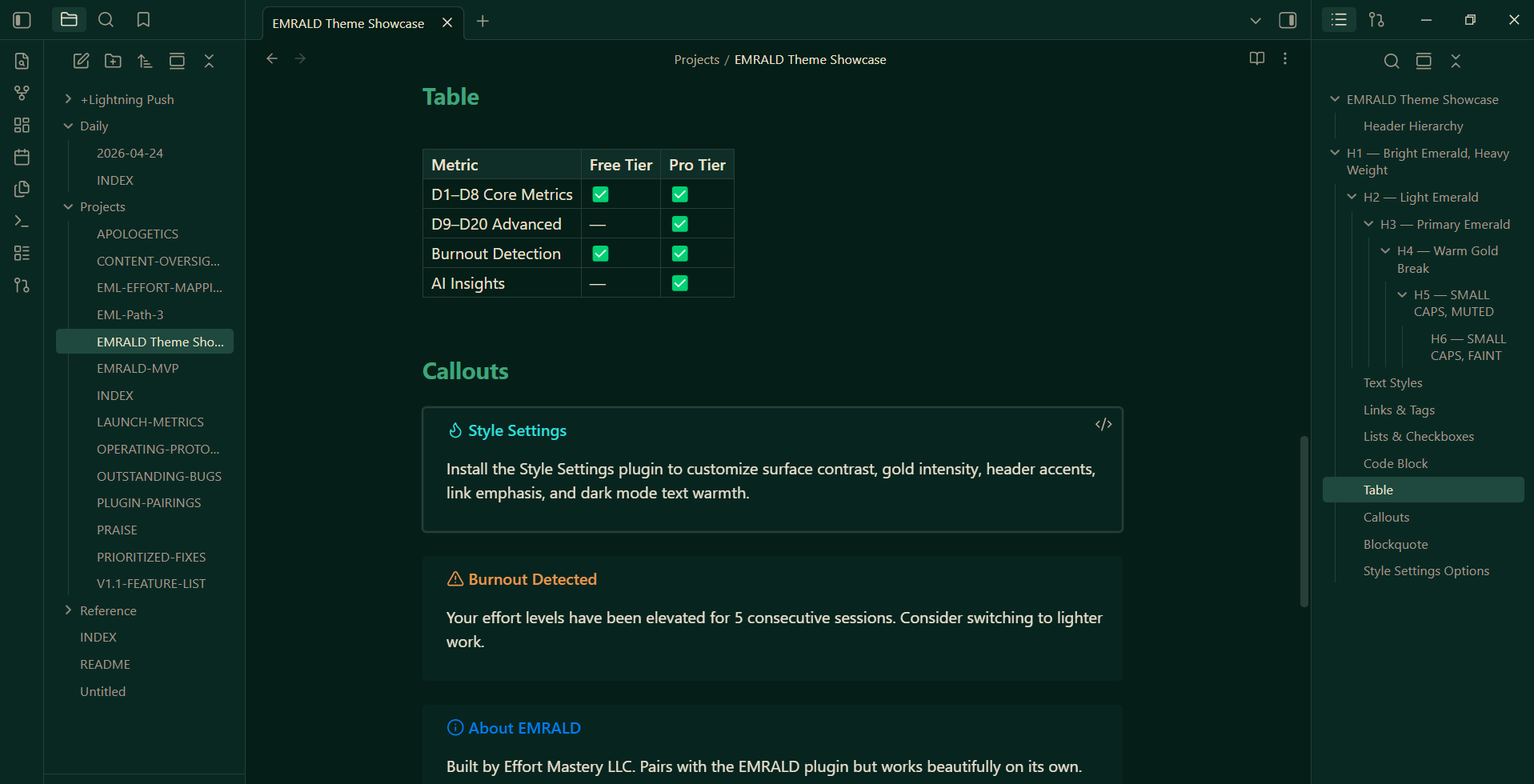
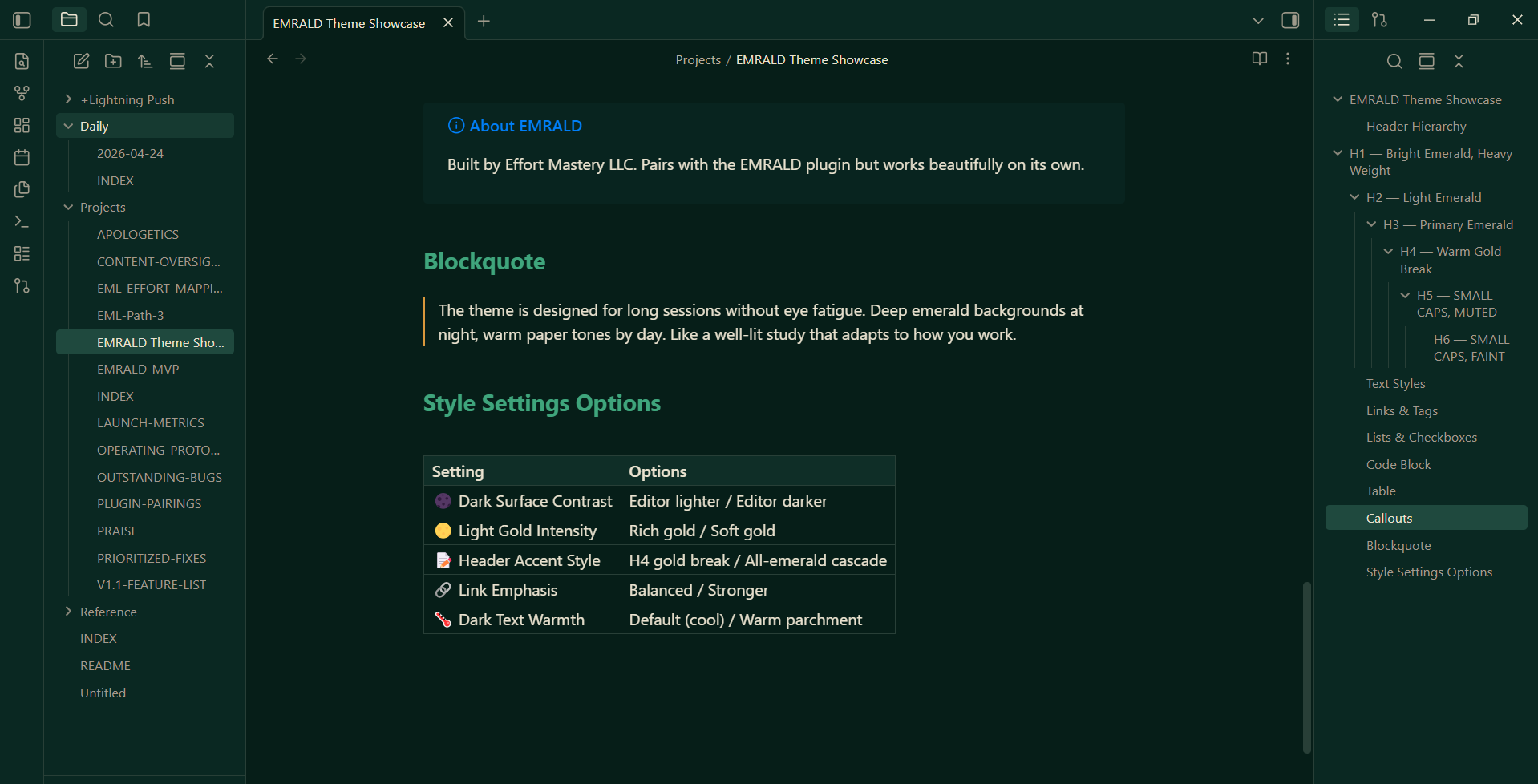
Light Mode
Warm paper tones with dark emerald text and subtle gold highlights. Feels like writing on quality stationery.
Features
- Full dark and light mode with curated palettes
- Syntax highlighting (CodeMirror 6) in emerald/gold
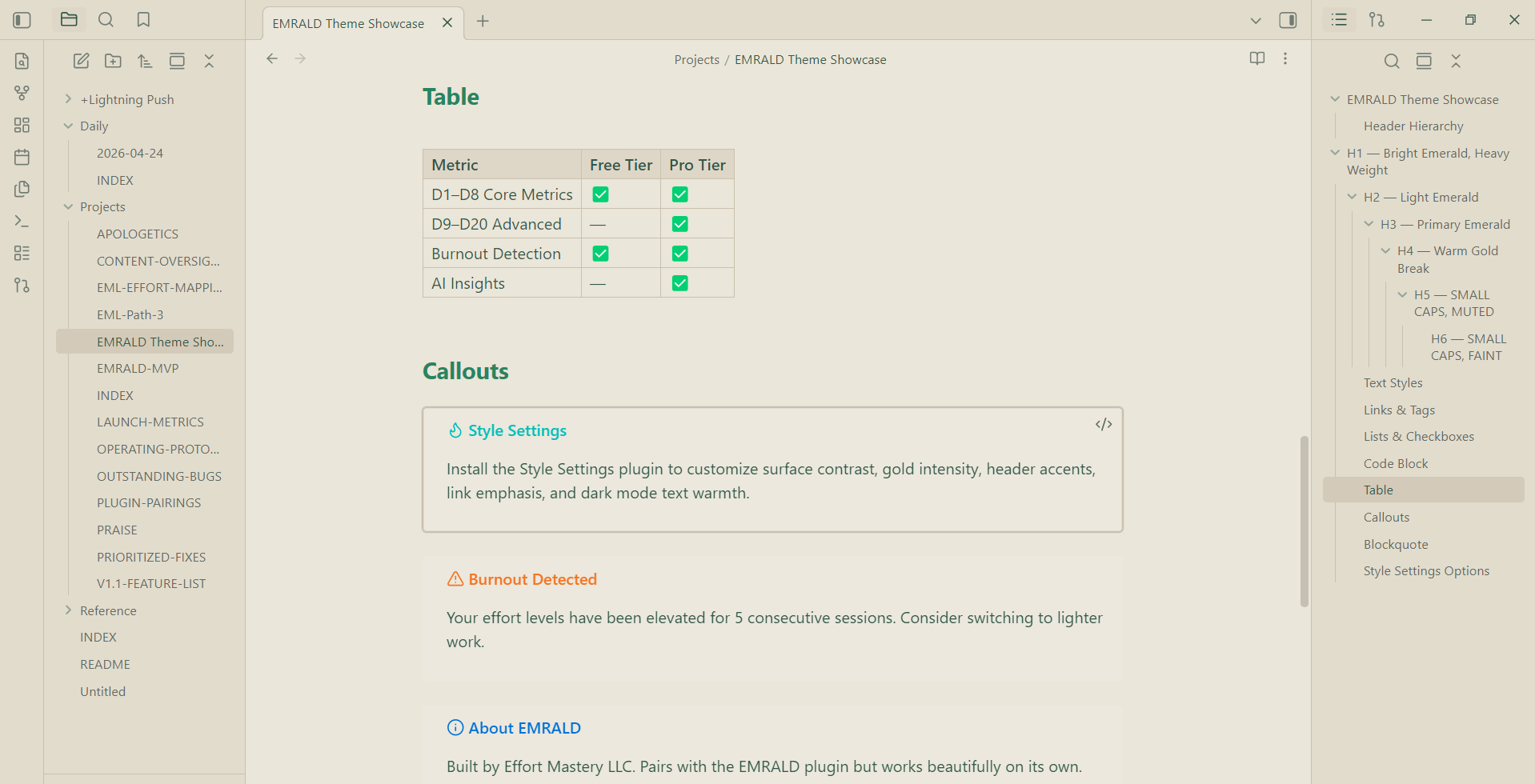
- Styled blockquotes, callouts, tables, and horizontal rules
- Emerald-tinted inline code blocks
- Readable toast/notice messages in both modes
- Stepped header hierarchy with weight + color distinction
Style Settings
Requires the Style Settings plugin for customization.
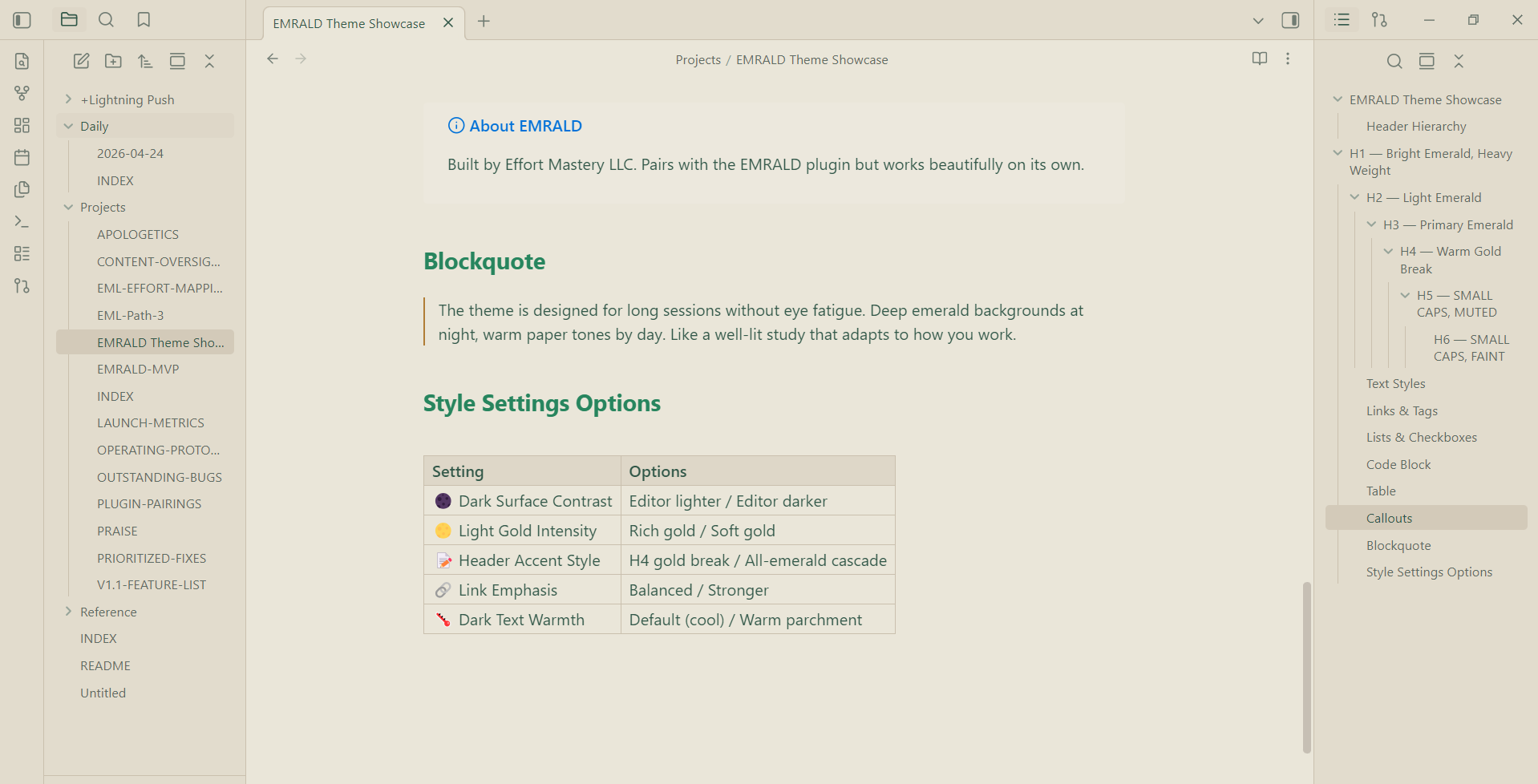
| Setting | Options | Description |
|---|---|---|
| Dark Mode Surface Contrast | Editor lighter / Editor darker | Swap which surface feels deeper |
| Light Mode Gold Intensity | Rich gold / Soft gold | Dial back the warm gold accents |
| Header Accent Style | H4 gold break / All-emerald | Keep the gold H4 or go full emerald |
| Link Emphasis | Balanced / Stronger | Increase link visibility |
| Dark Mode Text Warmth | Default (cool) / Warm parchment | Soften dark-mode text to a warm cream |
Installation
- Open Obsidian Settings → Appearance
- Under Themes, click Manage
- Search for Emrald
- Click Install and use
Manual Installation
- Download
theme.cssandmanifest.jsonfrom the latest release - Create a folder called
Emraldinside your vault's.obsidian/themes/directory - Place both files inside
- Open Obsidian Settings → Appearance and select Emrald
About
Emrald is built by Effort Mastery LLC, the team behind the EMRALD Obsidian plugin — an effort management system that tracks what your work actually costs you.
The theme pairs naturally with the plugin but works beautifully on its own.