Ember Glazz
 SAsecurityN993 downloads
Ember Glazz - dark frosted-glass Obsidian theme with crimson terminal accents, colored heading bars, and a clean gem divider.
- Overview
- Scorecard
- Updates2
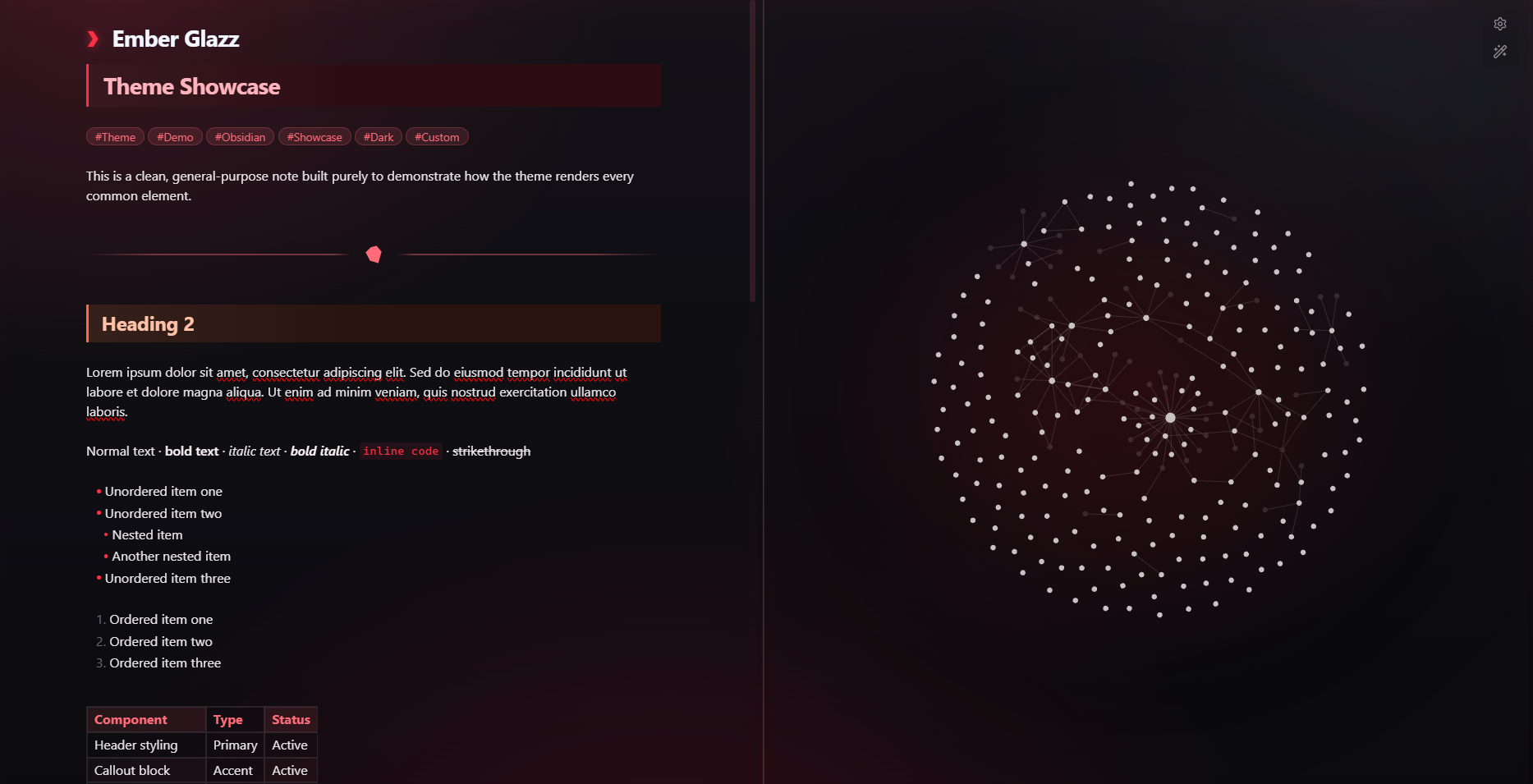
A dark frosted-glass Obsidian theme with crimson terminal accents, colored heading bars, and a clean gem divider.
Screenshots
Reading Mode
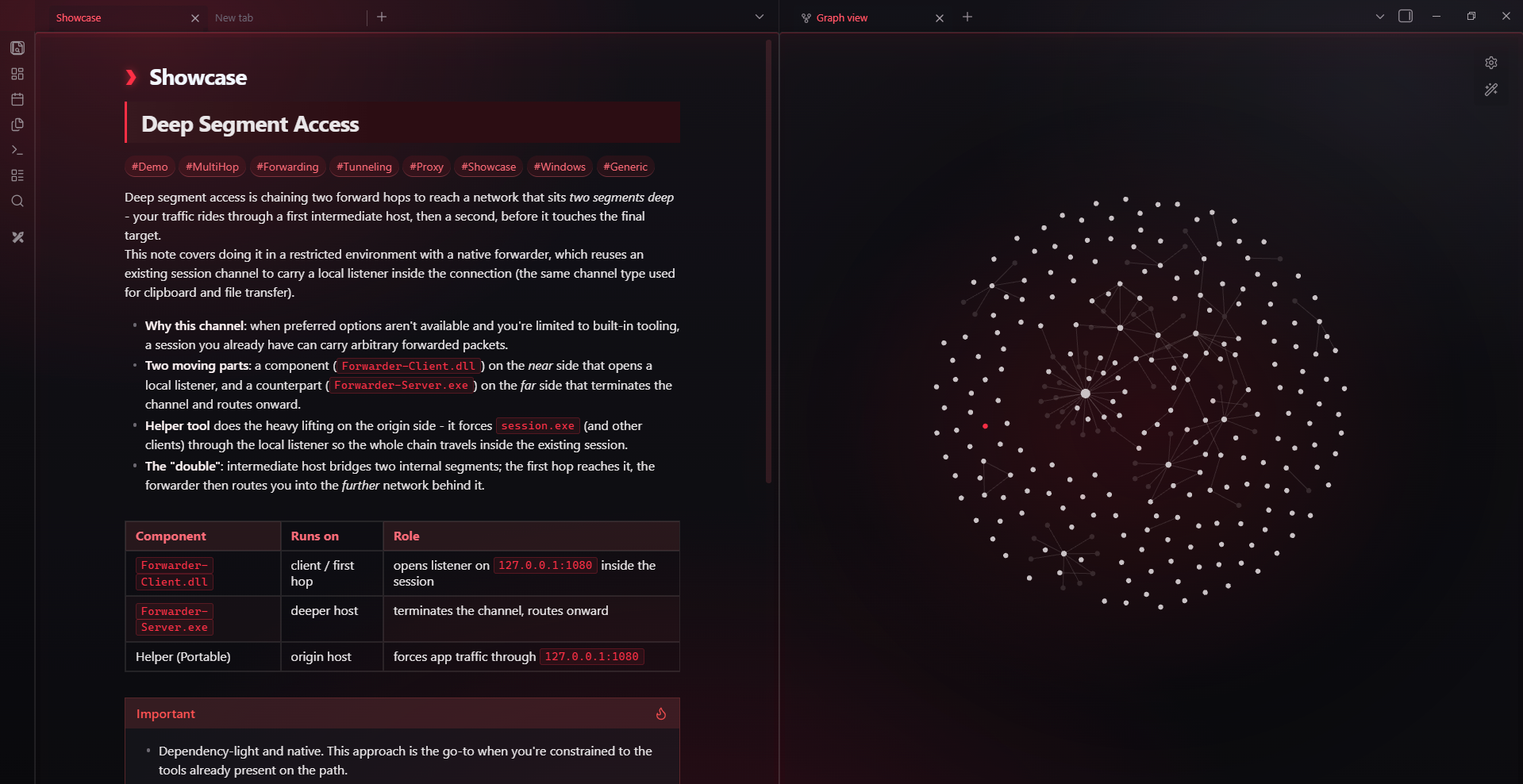
Live Preview / Editor
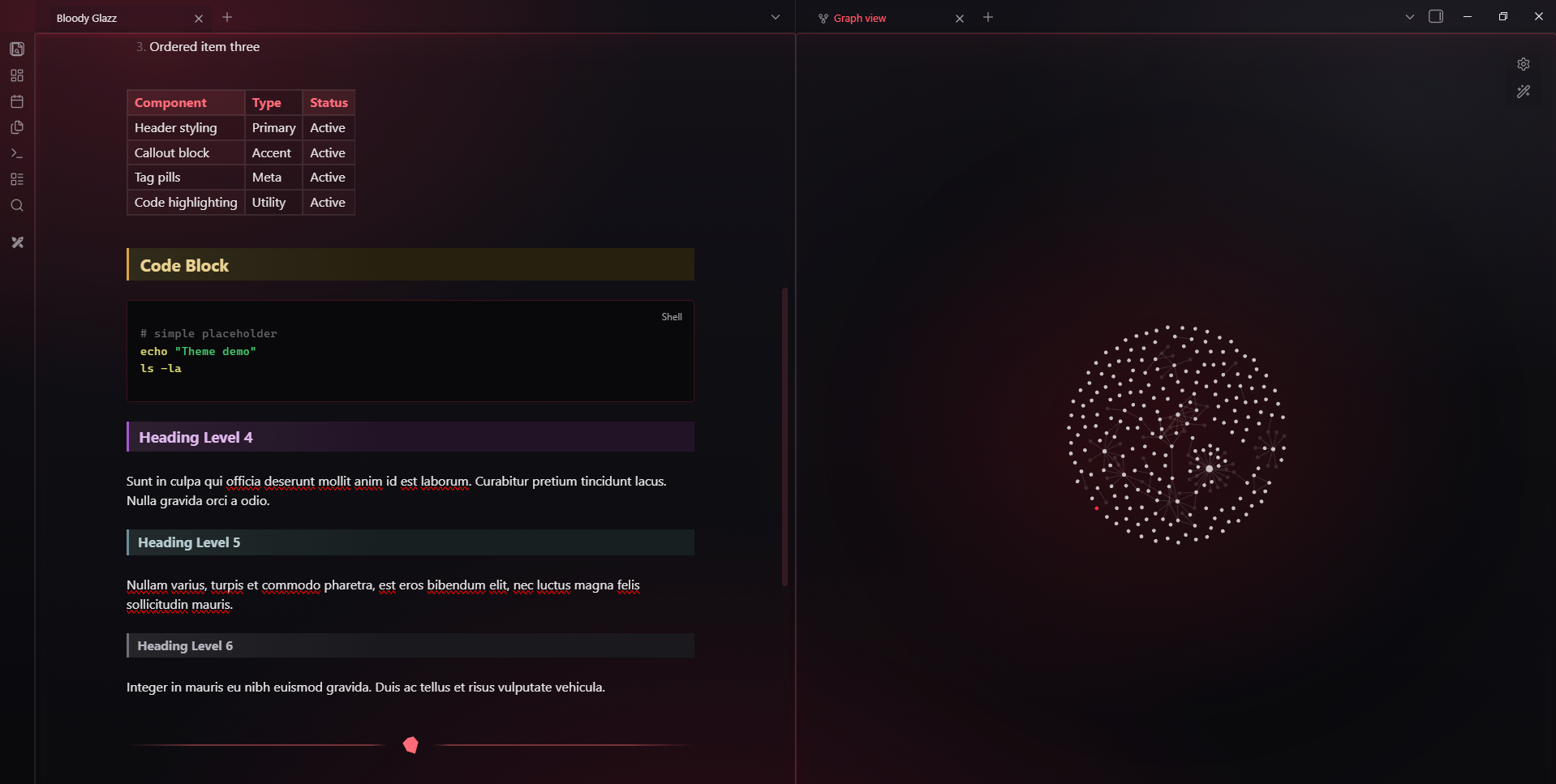
Features
- Frosted glass panels
- Adjustable glass blur and transparency via Style Settings plugin
- Six different colored heading bars (From heading 1 to heading 6)
- Crimson terminal-style inline code and code blocks
- Gem-style horizontal rule divider
- Tag pills, tables, and blockquotes tuned for the darker and crimson look
Installation
Recommended
- Open Obsidian
- Go to Settings → Appearance → Themes → Manage
- Search for "Ember Glazz" and install the theme
Manual Installation
- Download the latest release assets (
manifest.json+theme.css) - Create folder:
.obsidian/themes/Ember Glazz/ - Place both files inside that folder
- Reload Obsidian and enable the theme in Settings → Appearance
Recommended Settings via Style Settings
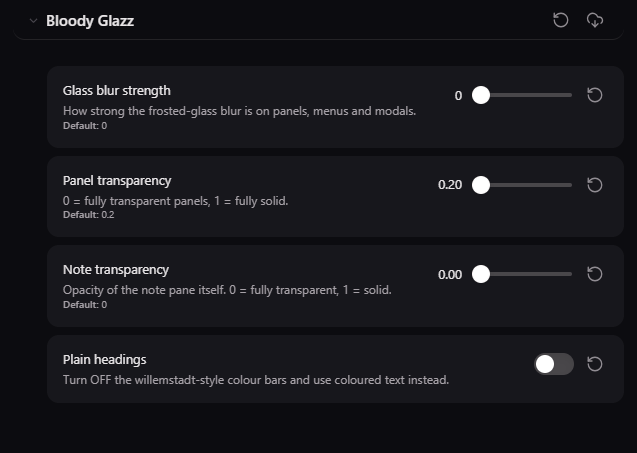
Author
SAsecurityN
GitHub
License
MIT
HealthExcellent
ReviewSatisfactory
About
Apply a dark frosted-glass interface with crimson terminal accents, terminal-style inline code and code blocks, and a clean gem-style horizontal divider. Display six distinct colored heading bars plus styled tag pills, tables, and blockquotes, and customize glass blur and transparency via Style Settings.Details
Current version
1.0.1
Last updated
3 months ago
Created
3 months ago
Updates
2 releases
Downloads
993
License
MIT