Web-Lookup
 insekt38 downloads
Hold Ctrl + hover a word, click to search it on the web. Works in the editor, reading view and PDFs.
- Overview
- Scorecard
- Updates3
🌐 Web-Lookup
An Obsidian plugin for instant web searches
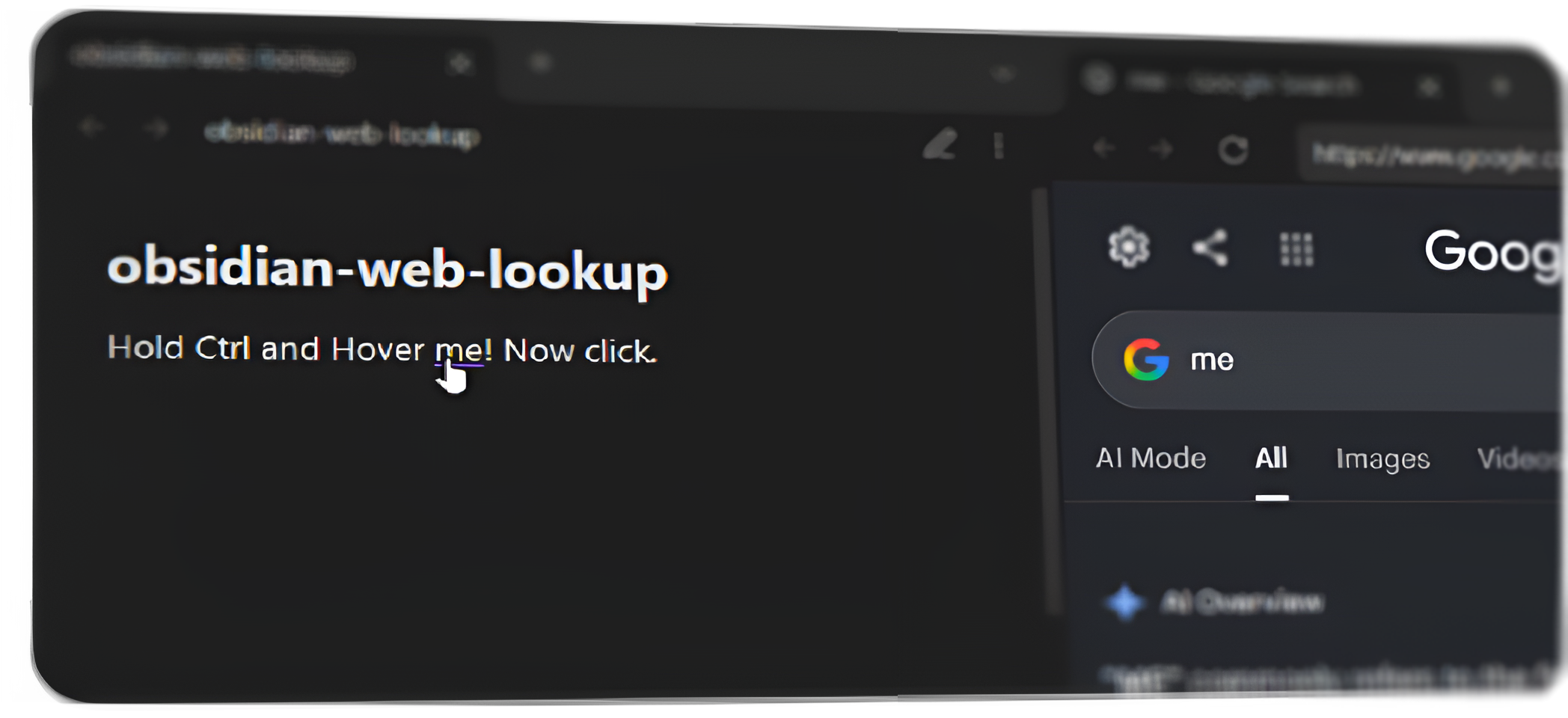
Hold Ctrl, hover over a word, and click — that's a web lookup.
Settings → behavior
| Setting | Meaning |
|---|---|
| Open in browser | External system browser, or the built-in Web viewer core plugin (desktop). Falls back to external if Web viewer is off/unavailable. |
| Open in tab | New tab / current tab (Web viewer only). |
| Search engine | Google, DuckDuckGo, Bing, Yandex, Baidu. |
| Modifier key (extra) | Ctrl by default; Alt/Shift/Cmd available (Ctrl+click is "right click" on macOS). |
| Let Obsidian handle links (extra) | Ctrl+click on links keeps its normal behavior. |
| Delimiters | Unicode word boundaries (Intl.Segmenter, handles CJK/Thai), whitespace only, or whitespace + custom characters. |
| Punctuation | Split: punctuation separates tokens · Keep inside words: don't, well-known stay whole, edges trimmed · Keep all: punctuation stays attached. |
| Case sensitivity / Normalization | Applied to the search string only (preserve / lower / upper; none / NFC / NFD / NFKC / NFKD / strip diacritics). They never invalidate caches. |
Caching
Tokenization works on "blocks" (editor line, reading-view paragraph, PDF page). Token boundaries per block are cached, keyed by a hash of the block text, so stale data is impossible.
- RAM cache – per file, recency ordered.
- Sliding window = yes: only the N most recently used blocks per file stay in memory.
- no: unbounded per file; a global 1M-token limit evicts least-recently-used files.
- Permanent cache – one JSON per file in
<plugin>/cache/, written ~4 s after new blocks are cached. A file is written to disk when:- its extension is in always file types (default
pdf), or it is inside an always directory, or - every threshold that is > 0 is met: file unmodified for ≥ N days (mtime threshold) and cached tokens ≥ N (token-count threshold). Both 0 = this rule is off.
- Disk caches are discarded automatically when the file's mtime/size or the tokenizer settings change.
- its extension is in always file types (default
- Lazy loading – yes: a file's disk cache is read the first time you use that file. no: all cache files are loaded at startup.
HealthExcellent
ReviewSatisfactory
About
Search the web for any word by holding Ctrl, hovering, and left-clicking in the editor, reading view, canvas text cards, or PDF viewer. Configure browser/viewer, search engine, and modifier key; rely on Unicode-aware tokenization and per-block caching with optional on-disk persistence for fast, accurate lookups.Details
Current version
1.2.1
Last updated
6 days ago
Created
Last week
Updates
3 releases
Downloads
38
Compatible with
Obsidian 1.8.0+
Platforms
Desktop, Mobile
License
MIT