Vault Talk
 Jonas Wolber94 downloads
Speak or type to your vault. Chat via Mistral, Ollama, or LM Studio.
- Overview
- Scorecard
- Updates6
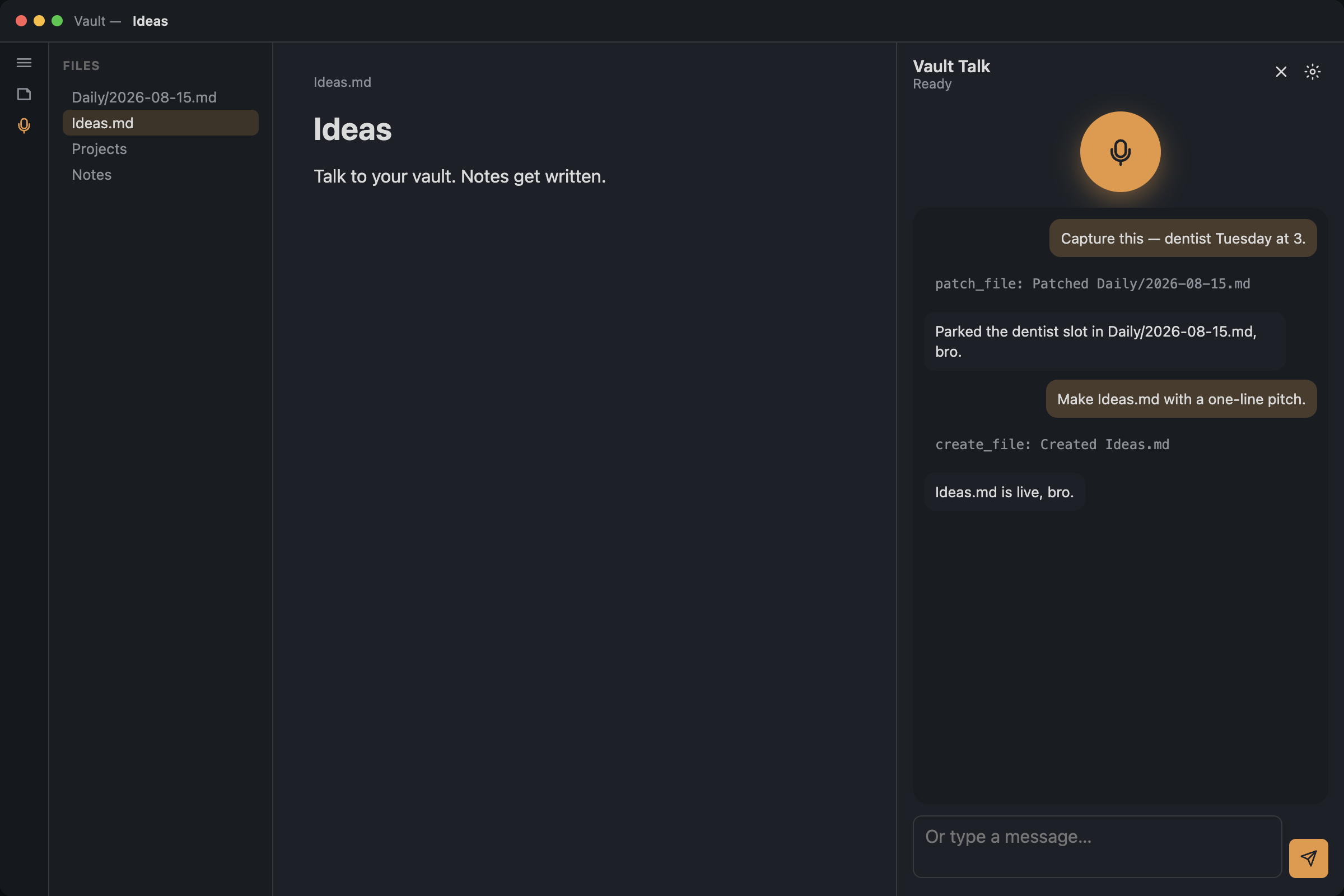
Talk to your Obsidian vault. Speak or type; the agent can list, read, create, edit, or trash markdown notes — only the actions you allow.
Chat can be Mistral, Ollama, or LM Studio. Speech can be Mistral Voxtral or this computer.
Desktop only (microphone).
How to use
- Install the plugin and enable it.
- Open Settings → Vault Talk.
- Mistral chat or voice: paste an API key from console.mistral.ai, or put
MISTRAL_API_KEYin a vault.env. - Ollama: start Ollama, pick Chat → Ollama, then a model (
llama3.2, …). Defaulthttp://127.0.0.1:11434/v1. - LM Studio: load a model, start the Developer server, pick Chat → LM Studio. Default
http://127.0.0.1:1234/v1.
- Mistral chat or voice: paste an API key from console.mistral.ai, or put
- Click the ribbon mic, or run Open.
- Tap the round mic button, talk, then pause. Type in the box if you prefer.
Dictation (settings toggle): speech to text only, no chat. Click a heading or place the cursor — the section highlights. Fn on Mac (set Globe key to Fn). Bind Dictate into note in Hotkeys. Pause when you’re done; the transcript lands in that section.
Voice, accent, tools, and permissions live in Settings → Vault Talk.
Settings also include: personality note (default Personality.md), system prompt, context notes, notes folder, active file only, and open after write.
Delete is off by default. Internet is off by default.
Privacy
Mistral slots send audio or note text to api.mistral.ai. Ollama / LM Studio chat and “This computer” speech stay on your machine. Do not enable write/delete on vaults you would not trust with the chat provider you picked.
Commands
- Open
- Start talking
- Stop talking
- Dictate into note
Development
npm install
npm run dev
Reload the plugin in Obsidian after a rebuild.
Release: bump package.json version, run npm run version, commit, tag x.y.z (no v prefix), and push the tag. GitHub Actions attaches main.js, manifest.json, and styles.css.
License
MIT