Search...Search plugins and themes...
⌘K
Sign in
  • Get started
  • Download
  • Pricing
  • Enterprise
  • Account
  • Obsidian
  • Overview
  • Sync
  • Publish
  • Canvas
  • Mobile
  • Web Clipper
  • CLI
  • Learn
  • Help
  • Developers
  • Changelog
  • About
  • Roadmap
  • Blog
  • Resources
  • System status
  • License overview
  • Terms of service
  • Privacy policy
  • Security
  • Community
  • Plugins
  • Themes
  • Discord
  • Forum / 中文论坛
  • Merch store
  • Brand guidelines
Follow us
DiscordTwitterBlueskyThreadsMastodonYouTubeGitHub
© 2026 Obsidian
GitHub

Transparent GitHub Sync

ashhhyashhhy17 downloads

Adds a ribbon icon which opens a menu with a pull and push for syncing with GitHub.

Add to Obsidian
  • Overview
  • Scorecard
  • Updates3

This plugin was made mainly for personal use, but anyone is free to use it.

Features

  • It uses only the main branch for simplicity.
  • Looks for the nearest .git directory up the folder tree, allowing you to use a single Git repository with one or multiple Obsidian vaults.
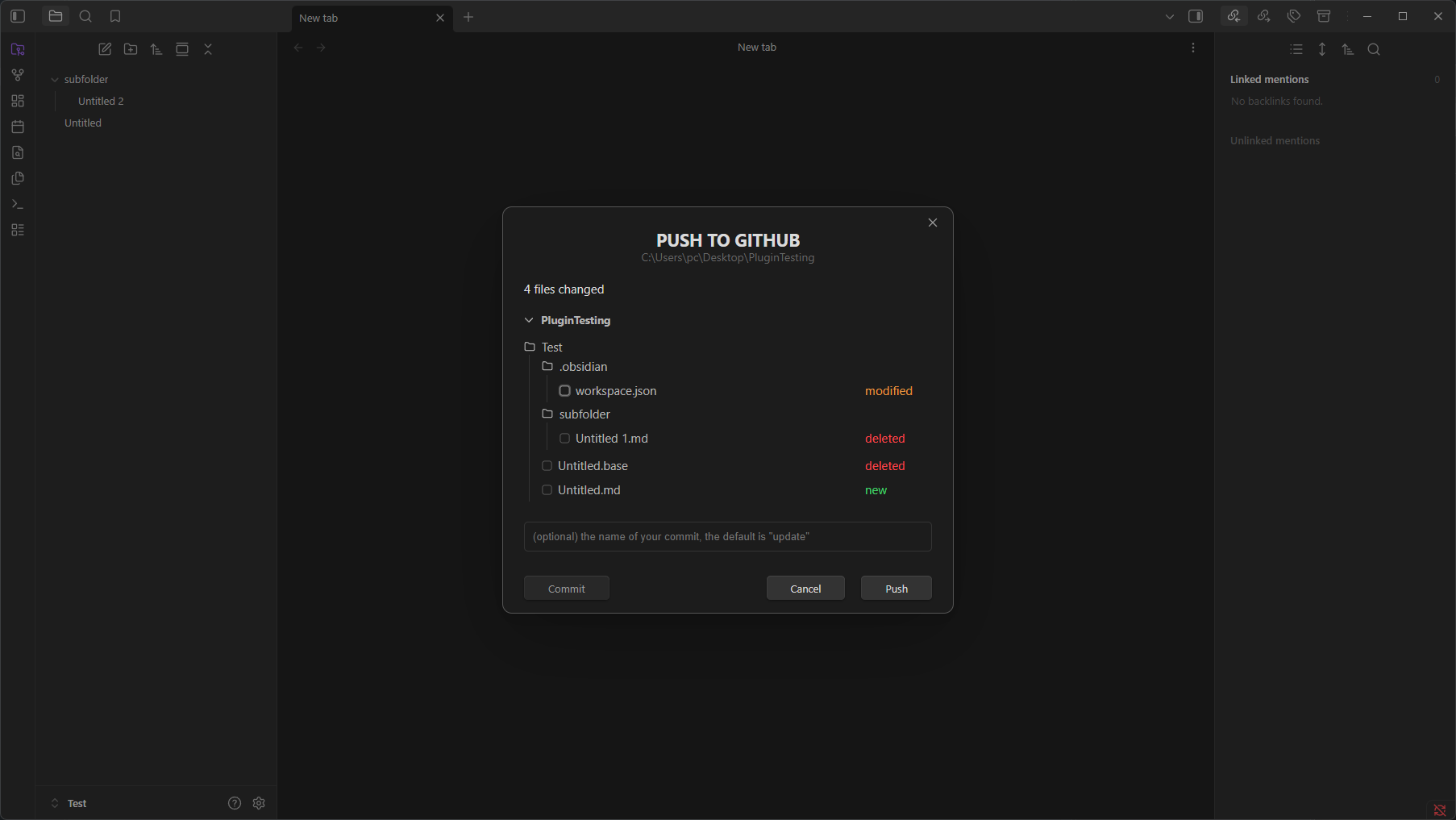
  • Lets you select which files should be committed and pushed to GitHub through a simple UI.

    Note: Pull and push operations aren't automatic. You manually control when they happen.

Photos

It adds a ribbon icon in the accent color. Ribbon Icon
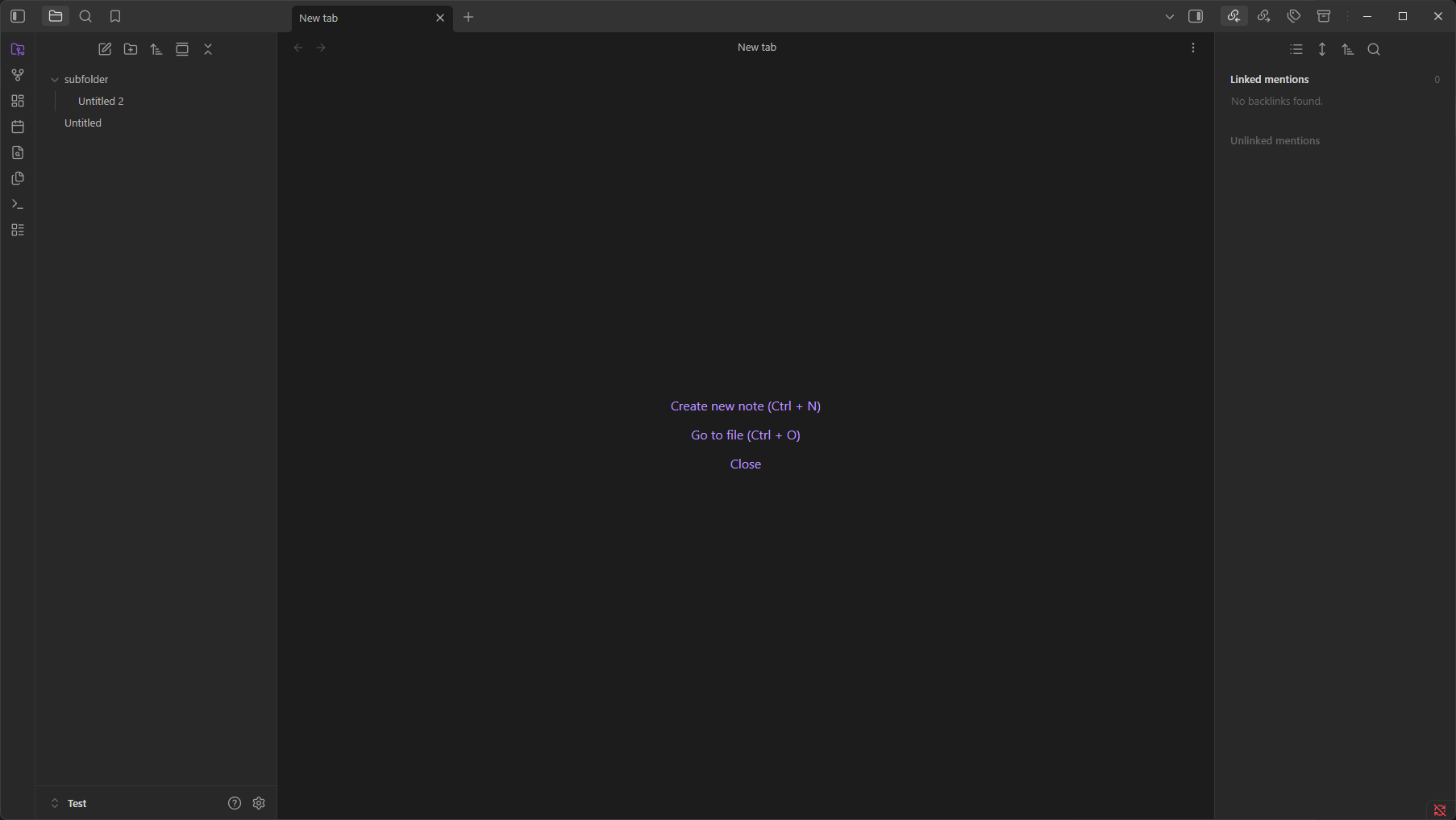
Clicking on the icon opens this menu. Menu
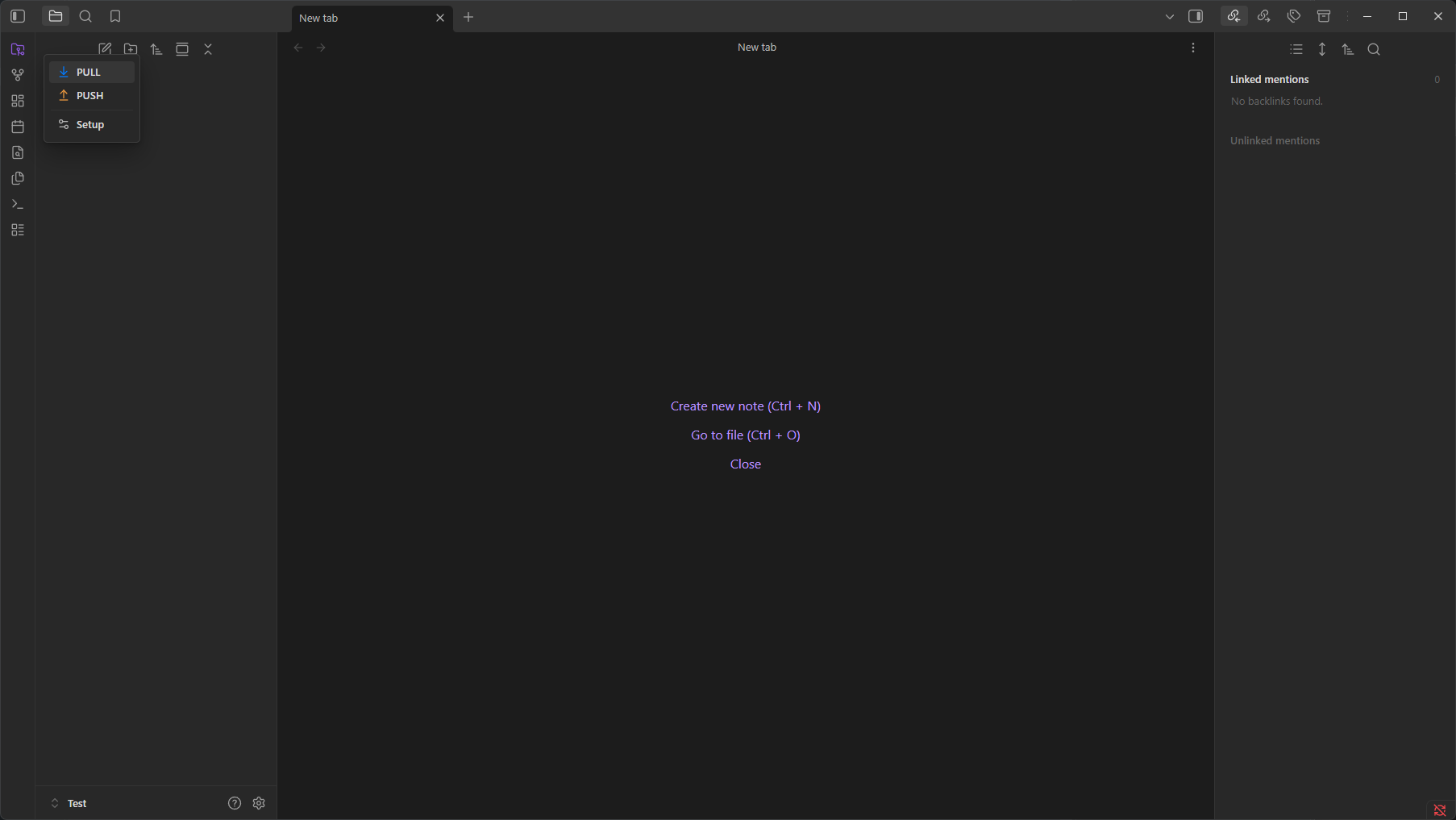
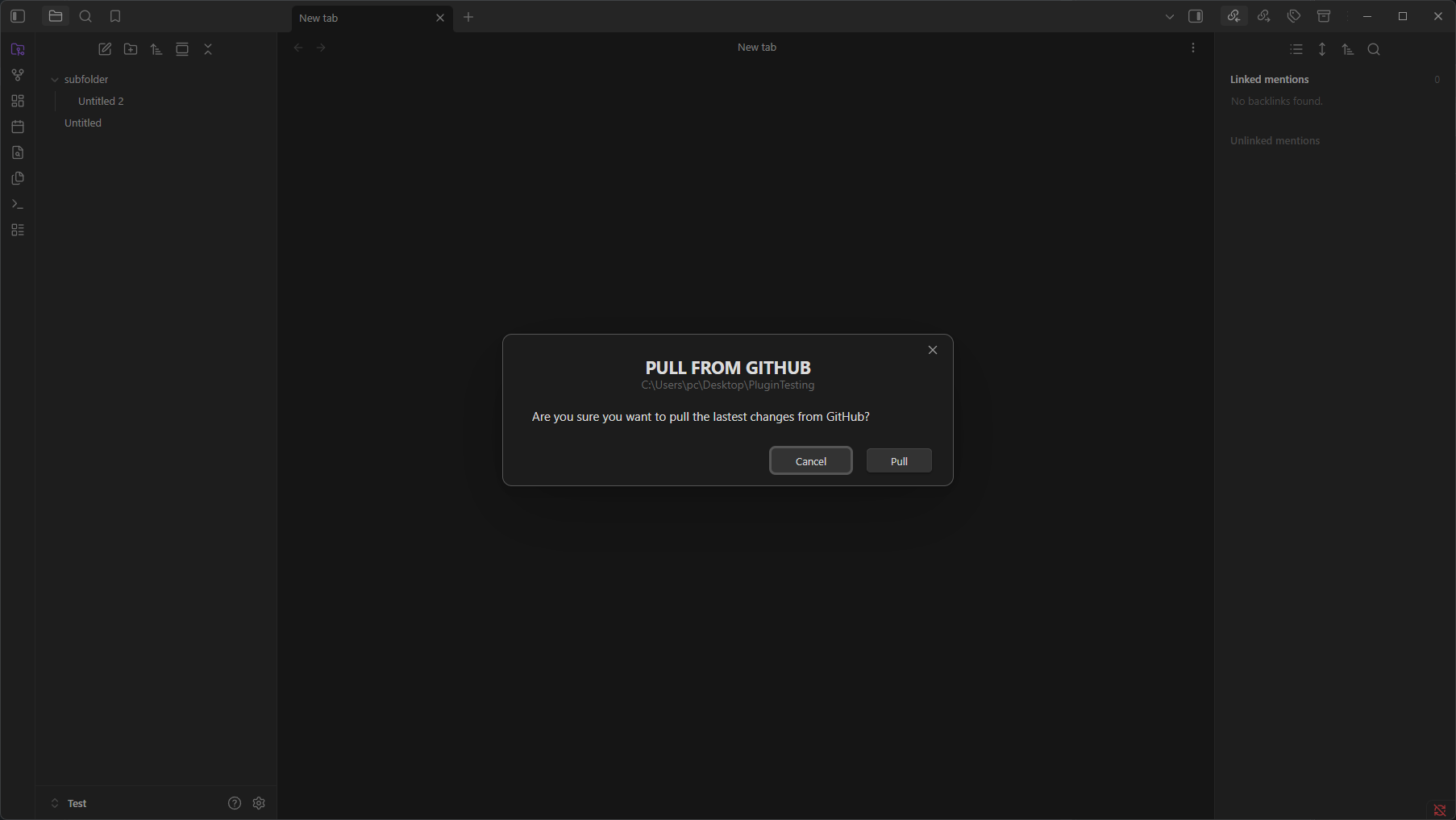
Pull modal Pull

Push modal Push

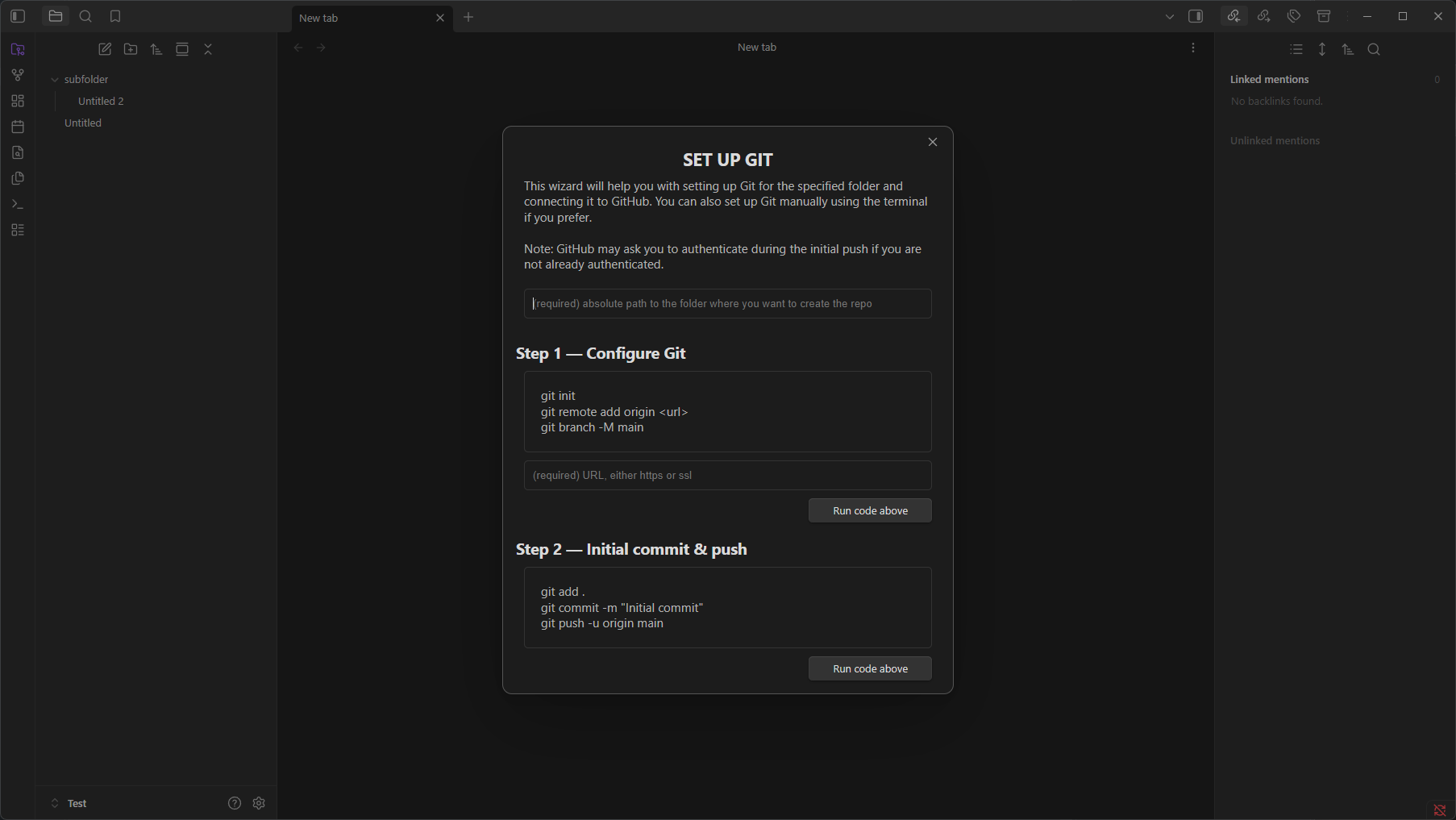
Setup wizard Setup wizard

License

This plugin is licensed under the MIT License.

HealthExcellent
ReviewCaution
About
Sync selected files to GitHub using the nearest .git repository and the main branch. Select files to commit and manually pull or push via a ribbon menu with pull/push modals and a setup wizard.
GitSyncing
Details
Current version
1.0.2
Last updated
6 days ago
Created
6 days ago
Updates
3 releases
Downloads
17
Compatible with
Obsidian 1.13.0+
Platforms
Desktop only
License
MIT
Report bugRequest featureReport plugin
Author
ashhhyashhhy
GitHubkarolina10101
  1. Community
  2. Plugins
  3. Git
  4. Transparent GitHub Sync

Related plugins

GitHub

GitHub Sync

Sync vault to personal GitHub.

GitHub

Git Sync

Sync your vault across all devices using your own GitHub account. Free forever.

Git File Sync

Both mobile and desktop. Selectively sync the notes you choose—not your whole vault—with GitHub, GitLab, or Gitea. No local Git repository required.

Direct Git Sync

Sync your vault natively with a GitHub repository on both Desktop and Mobile.

Halyard Sync

Sync your vault with a git repository (GitHub, GitLab, Bitbucket, Gitea/Forgejo, Azure DevOps, or any HTTPS host) on desktop and mobile. No native git required.

Self-hosted LiveSync

Sync vaults securely to self-hosted servers or WEBRTC.

Fast Note Sync

Real-time sync of your vaults across server, mobile, and web; shareable with anyone; supports REST and MCP integrations to build your personal AI knowledge base.

Git

Integrate Git version control with automatic backup and other advanced features.

Google Drive Sync

Syncs a vault into Google Drive for cross-platform use (works for iOS).

YAOS

Simple real-time sync powered by your own Cloudflare Worker.