Search...Search plugins and themes...
⌘K
Sign in
  • Get started
  • Download
  • Pricing
  • Enterprise
  • Account
  • Obsidian
  • Overview
  • Sync
  • Publish
  • Canvas
  • Mobile
  • Web Clipper
  • CLI
  • Learn
  • Help
  • Developers
  • Changelog
  • About
  • Roadmap
  • Blog
  • Resources
  • System status
  • License overview
  • Terms of service
  • Privacy policy
  • Security
  • Community
  • Plugins
  • Join the community
  • Discord
  • Forum / 中文论坛
  • Merch store
  • Brand guidelines
Follow us
DiscordTwitterBlueskyThreadsMastodonYouTubeGitHub
© 2026 Obsidian

Symbols Prettifier

florianwoelkiflorianwoelki39k downloads

Prettify the symbols with actual symbols you commonly type, like arrows.

Add to Obsidian
  • Overview
  • Scorecard
  • Updates11

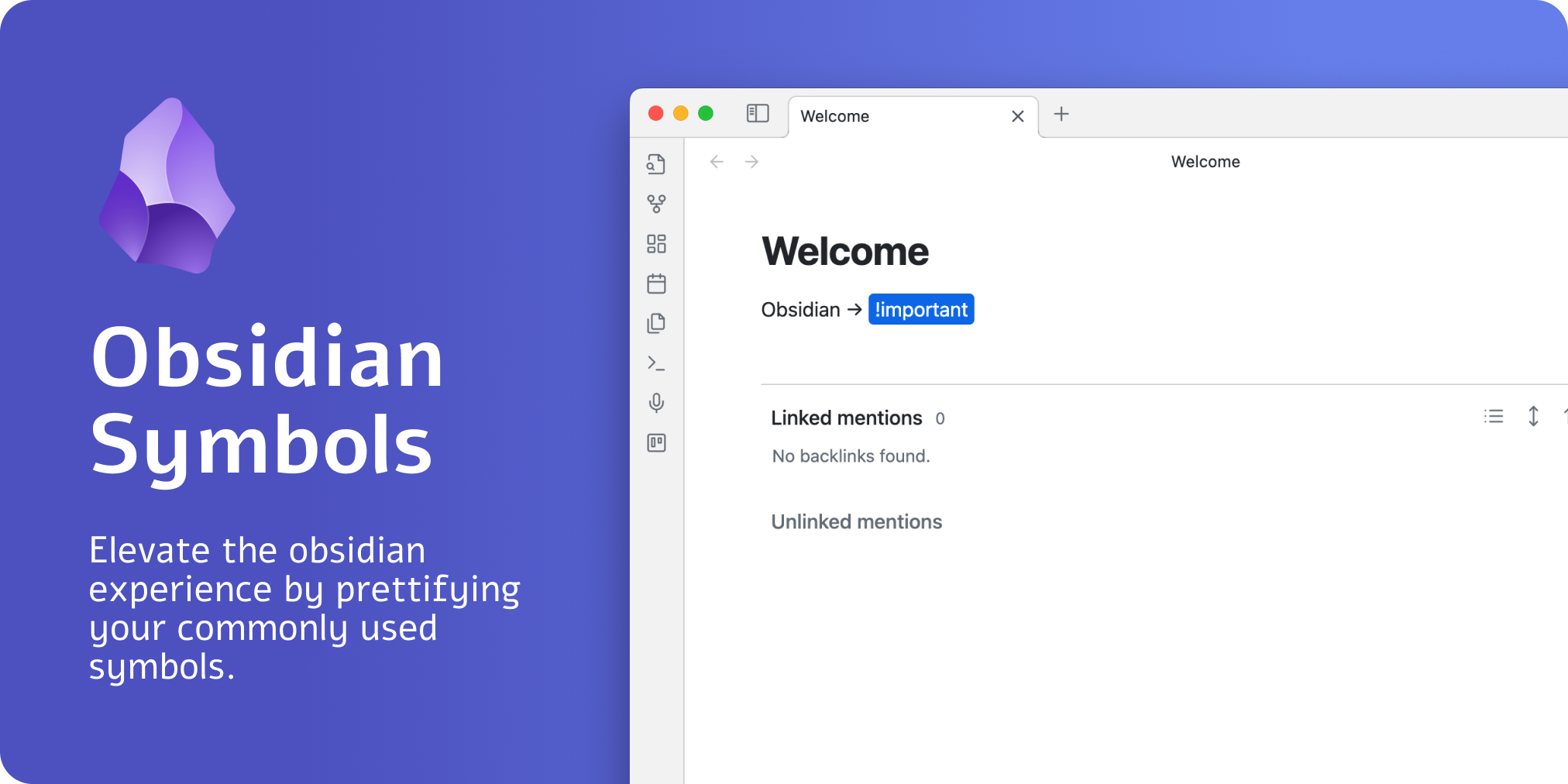
Preview Image

What is it

Did you ever want to prettify your arrows or symbols, like -> or <=>?

With the help of this plugin, it is easier than ever before. This plugin allows you to prettify several character combinations so that these combinations do not look like cryptic symbols.

How to use

The easiest way to use the plugin is to install it and then try to type the following symbols. All of these symbols will be prettified:

Text Symbol
-> →
<- ←
<-> ↔
<=> ⇔
<= ⇐
=> ⇒
=< ≤
>= ≥
+- ±
-+ ∓

Development

To customize this project for your needs, you can clone it and then install all dependencies:

$ git clone https://github.com/FlorianWoelki/obsidian-symbols-prettifier
$ cd obsidian-symbols-prettifier
$ yarn

After the installation, you need to create a env.mjs file in the root directory. Fill the file with the following content:

export const obsidianExportPath =
  '<path-to-obsidian-vault>/.obsidian/plugins/obsidian-symbols-prettifier';

Afterward, you can start the rollup dev server by using:

$ yarn dev

This command will automatically build the necessary files for testing and developing every change. Furthermore, it copies all the essential files to the specified plugin directory.

Finally, you can customize the plugin and add it to your plugins.

78%
HealthExcellent
ReviewSatisfactory
About
Prettify common ASCII symbol sequences into readable Unicode glyphs like -> →, <- ←, <-> ↔, <=> ⇔, => ⇒, <= ⇐, >= ≥, +- ±, -+ ∓. Apply substitutions live in the editor so arrows and operators are easier to read across your notes.
EditingFormatting
Details
Current version
1.2.4
Last updated
Last month
Created
4 years ago
Updates
11 releases
Downloads
39k
Compatible with
Obsidian 0.9.12+
License
MIT
Report bugRequest featureReport plugin
Author
florianwoelkiflorianwoelki
florianwoelki.com/
GitHubflorianwoelki
  1. Community
  2. Plugins
  3. Editing
  4. Symbols Prettifier

Related plugins

List Callouts

Create simple callouts in lists.

Smart Typography

Convert quotes to curly quotes, dashes to em dashes, and periods to ellipses.

Number Headings

Automatically number or re-number headings.

Easy Typing

Auto format when typing.

Find and replace in selection

Find what you are looking for in the selected text and replace it with the specified text.

Typing Transformer

Improved, configurable auto formatting as typing.

Text Format

Format selected text upper/lower/capitalize.

Advanced Tables

Improved table navigation, formatting, and manipulation.

Outliner

Work with your lists like in Workflowy or Roam Research.

Meta Bind

Make your notes interactive with inline input fields, metadata displays, and buttons.