Search...Search plugins and themes...
⌘K
Sign in
  • Get started
  • Download
  • Pricing
  • Enterprise
  • Account
  • Obsidian
  • Overview
  • Sync
  • Publish
  • Canvas
  • Mobile
  • Web Clipper
  • CLI
  • Learn
  • Help
  • Developers
  • Changelog
  • About
  • Roadmap
  • Blog
  • Resources
  • System status
  • License overview
  • Terms of service
  • Privacy policy
  • Security
  • Community
  • Plugins
  • Join the community
  • Discord
  • Forum / 中文论坛
  • Merch store
  • Brand guidelines
Follow us
DiscordTwitterBlueskyThreadsMastodonYouTubeGitHub
© 2026 Obsidian

Spreadsheets

divamguptadivamgupta37k downloads

Create and edit advanced spreadsheets. Rich formatting, formulas, cells, filtering and more!

Add to Obsidian
  • Overview
  • Scorecard
  • Updates2

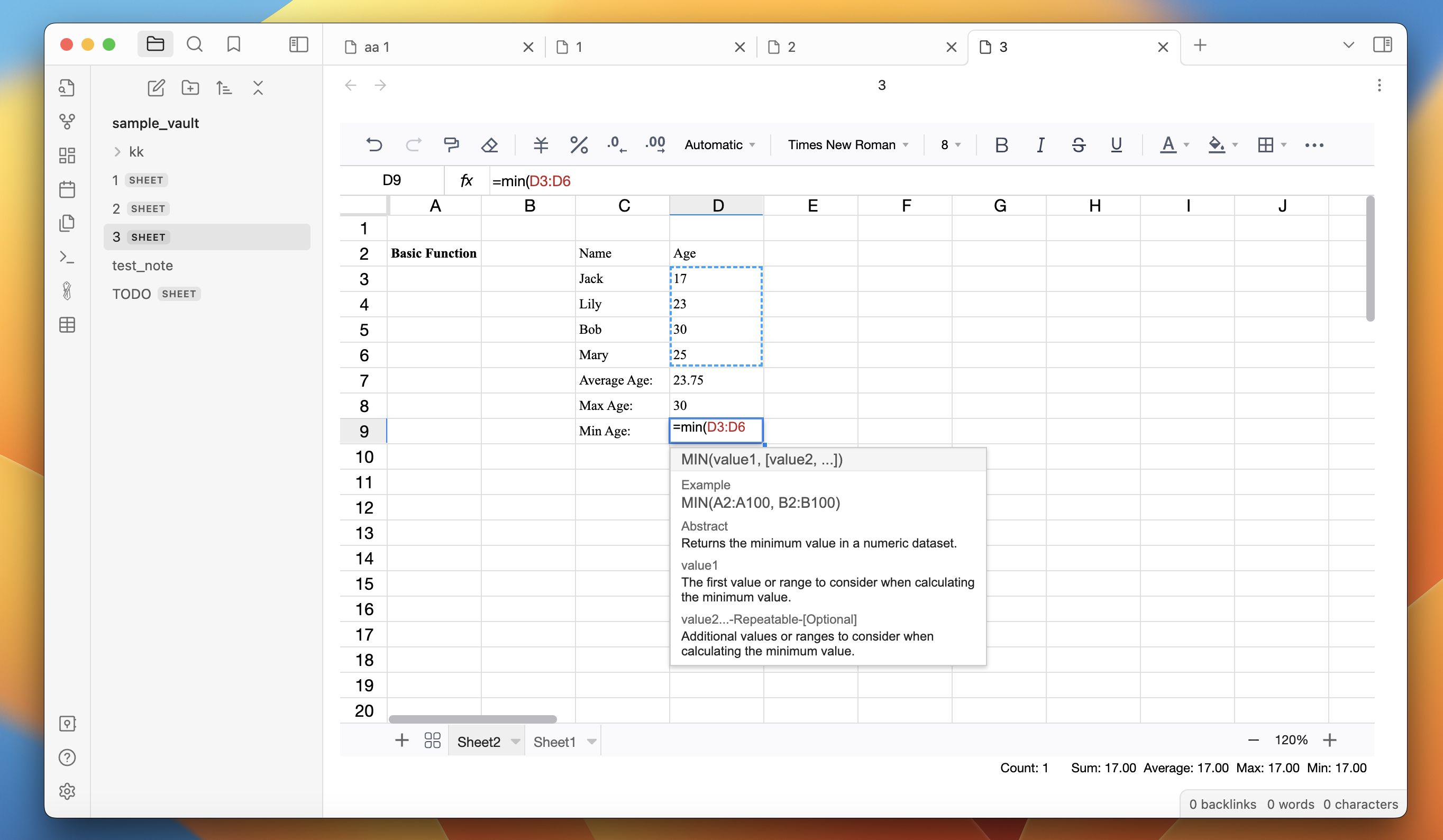
This plugin gives you all the features of a standard spreadsheet tool in Obsidian. You can build powerful spreadsheets within Obsidian.

This plugin is based on FortuneSheet, which is based on Luckysheet.

Features:

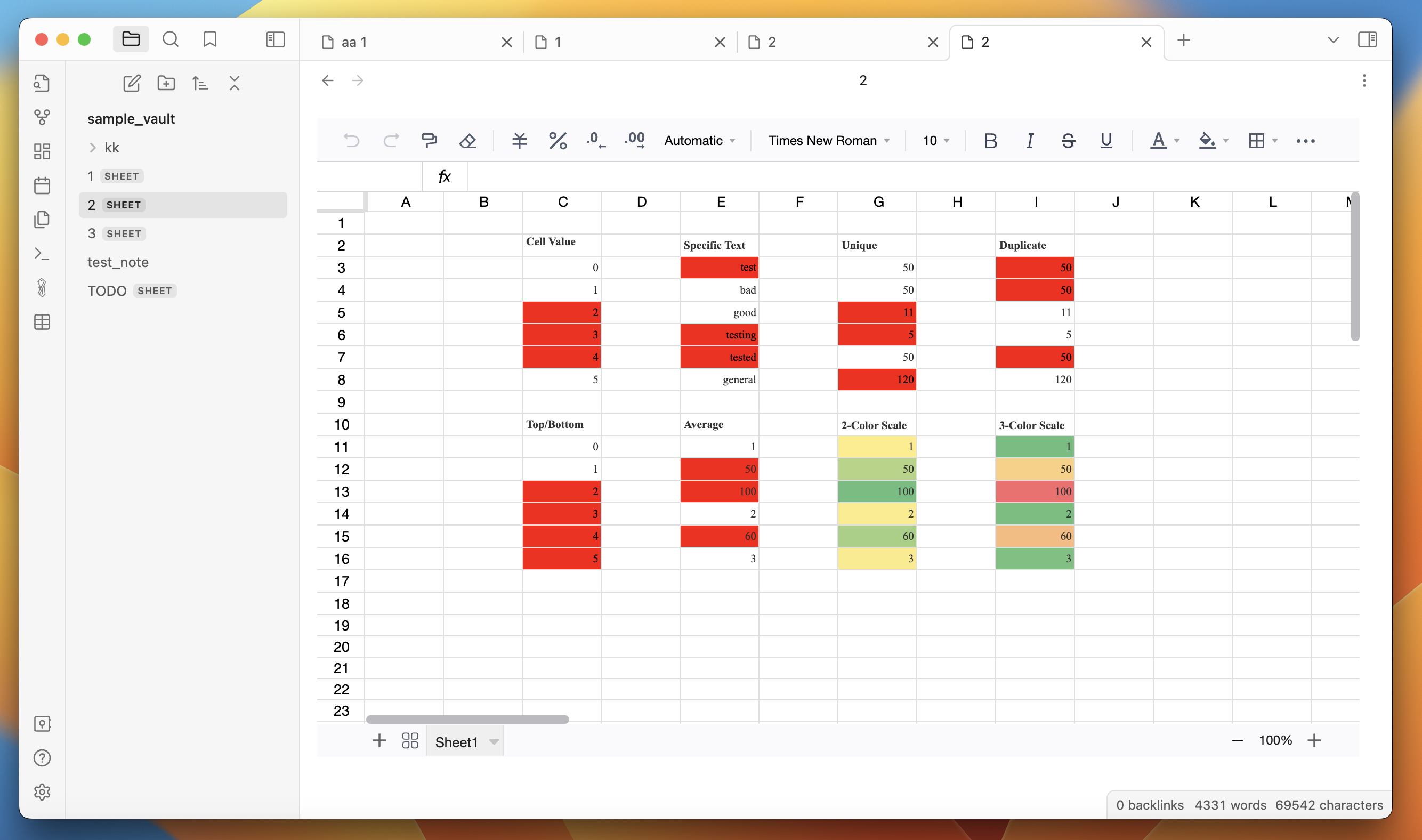
  • Rich text formatting - change fonts, size, colors, borders, cell color, line-wrapping, etc.

  • Formulas - several build in formulas

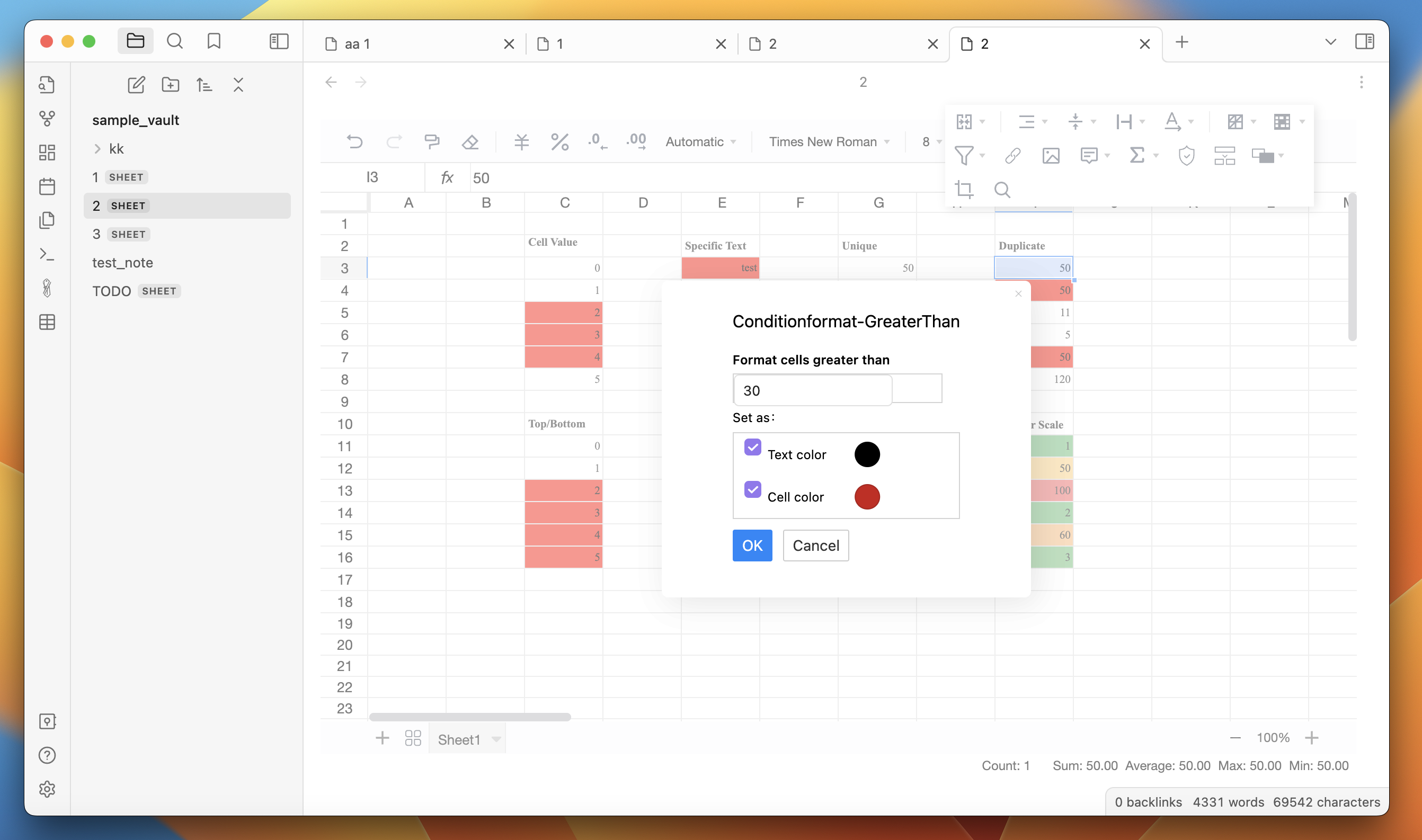
  • Filter and sort

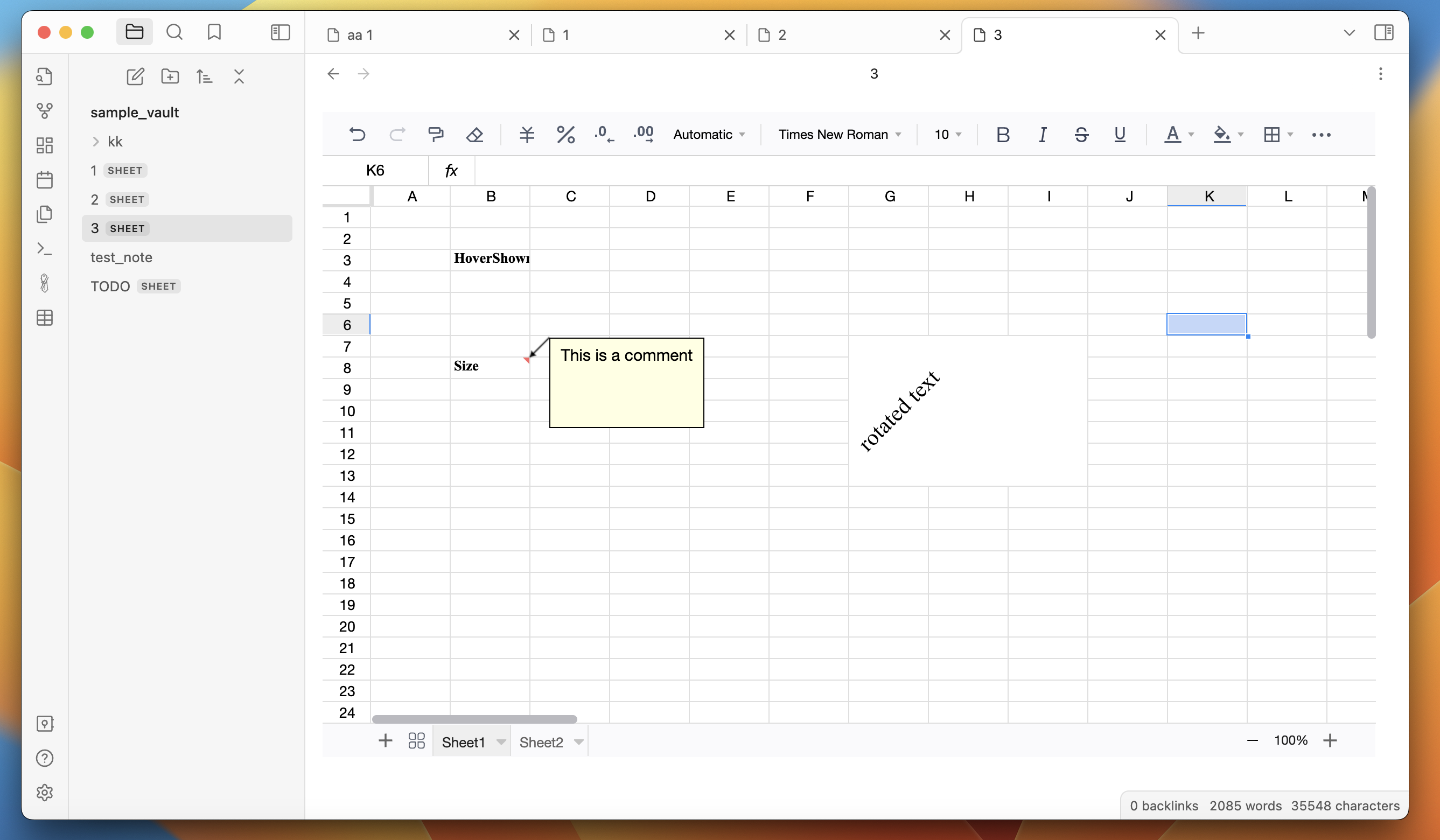
  • Cells - merge cells, resize cells, drag cells

How to use:

  1. Install the plugin.

  2. Create a new spreadsheet by clicking on the "New Spreadsheet" ribbon button. Or right-click on a folder in the left sidebar and click on "New spreadsheet".

  3. Start creating spreadsheets.

Screenshots:
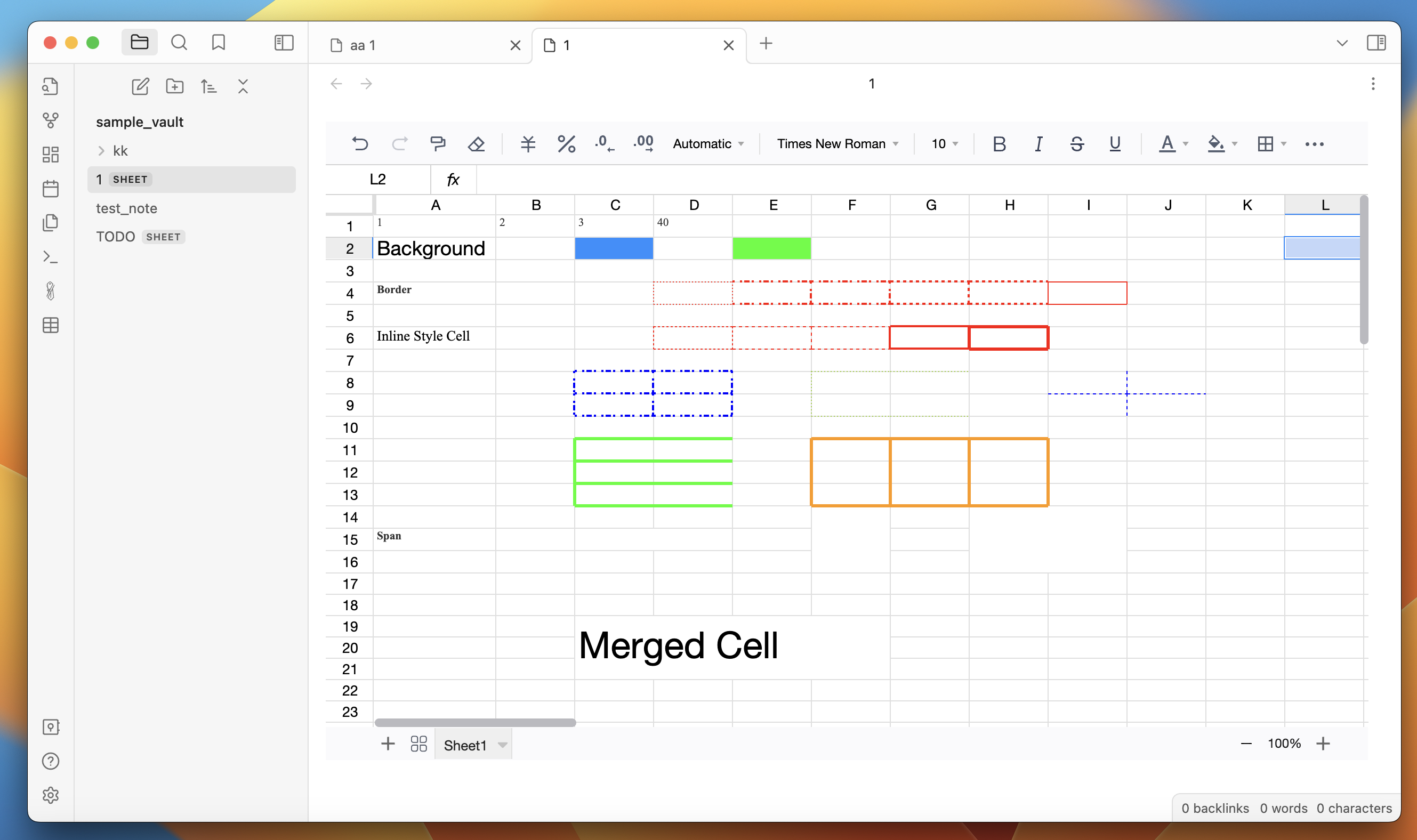
screen1

screen2

screen3

screen3

screen5

58%
HealthFair
ReviewCaution
About
Create and edit spreadsheets inside Obsidian with cell-based sheets that support formulas, filtering, and sorting. Format text, change fonts, colors, borders, wrap, merge and resize cells, and drag cells to reorganize data.
TablesFormattingMath
Details
Current version
1.0.1
Last updated
3 years ago
Created
3 years ago
Updates
2 releases
Downloads
37k
Compatible with
Obsidian 0.15.0+
License
MIT
Report bugRequest featureReport plugin
Author
divamguptadivamgupta
divam.io
GitHubdivamgupta
  1. Community
  2. Plugins
  3. Tables
  4. Spreadsheets

Related plugins

Simple Table Math

Do some math (sum, average, etc.) in your markdown tables.

CalcCraft

Enable table-based calculations with a spreadsheet-like approach, utilizing references. Highlight the dependencies within tables and identifies circular references with support for array formulas.

Table Generator

Generate Markdown tables quickly like Typora.

Advanced Tables

Improved table navigation, formatting, and manipulation.

Linter

Format and style your notes. Linter can be used to format YAML tags, aliases, arrays, and metadata; footnotes; headings; spacing; math blocks; regular Markdown contents like list, italics, and bold styles; and more with the use of custom rule options.

Datacore

An even faster reactive query engine for the data obsessed.

Admonition

Admonition block-styled content.

Sheet Plus

Create Excel-like spreadsheets and easily embed them in Markdown.

Colored Text

Color the selected texts.

Numerals

Turn any code block into an advanced calculator. Evaluate math expressions on each line of a code block, including units, currency, and optional TeX rendering.