Snap Slides
 Jared Cherup29 downloads
Quickly create presentation-ready slide notes with automatic slide breaks before H1/H2 headings. Non-destructive and presentation-ready.
- Overview
- Scorecard
- Updates8
Quick, low-prep presentations from the notes you already have.
Snap Slides is for meetings, stand-ups, demos, planning sessions, and other moments when you need to put information on screen and talk it through without first building a polished deck. It is intentionally lightweight: keep your notes, make a quick presentation copy if you want slide breaks, and present with Obsidian's built-in Slides core plugin.
The idea is inspired by Evernote's old Presentation Mode—a handy way to share information quickly, rather than spend time making a professional, highly polished slide deck.
Make a quick presentation
Choose whichever approach fits the moment:
- Create a new note with slide breaks: Open the command palette and run Create slide copy for presentation. Snap Slides makes a separate note and inserts slide breaks (
---) before H1 and H2 headings, except before the first heading. Your original note is never changed. - Present your existing note: Open the note and present it directly with Obsidian's built-in Slides core plugin. Enable Scrollable slides in Snap Slides settings if the content may overflow. No copy or extra note prep is needed.
What Snap Slides adds
- Optional styling for headings, colors, font sizes, padding, and heading spacing.
- Scrollable slides for content that doesn't fit on one screen.
- Mobile-specific portrait and landscape font sizes, safe-area spacing, optional vertical centering in either orientation, and scrolling that starts oversized slides at the top.
- A mobile close button that fades when idle and reappears on interaction.
- A configurable folder for presentation copies.
The defaults are ready to use; customization is optional.
Screenshots
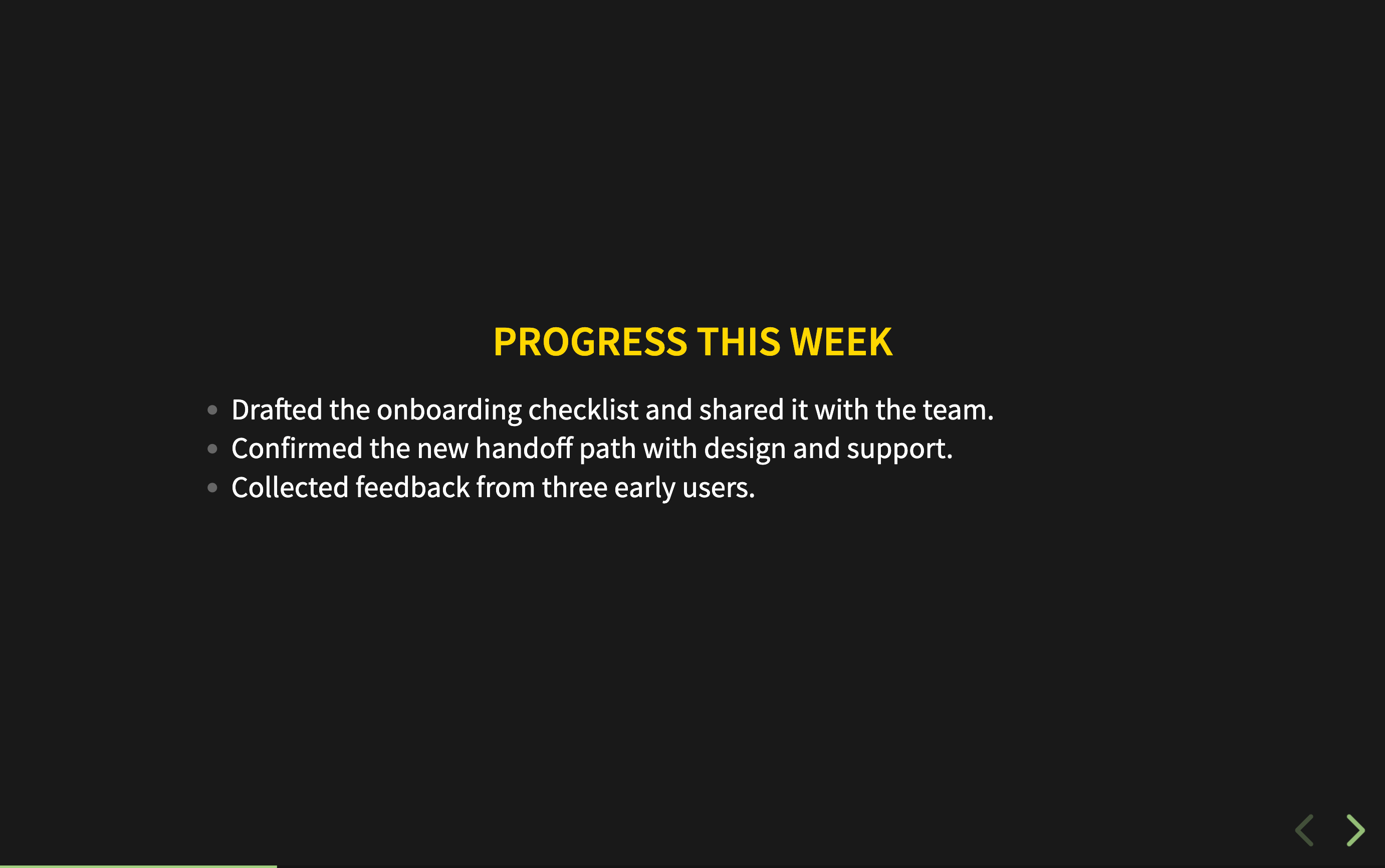
Slide breaks from headings: the presentation copy adds separators before H1 and H2 headings without changing the source note.
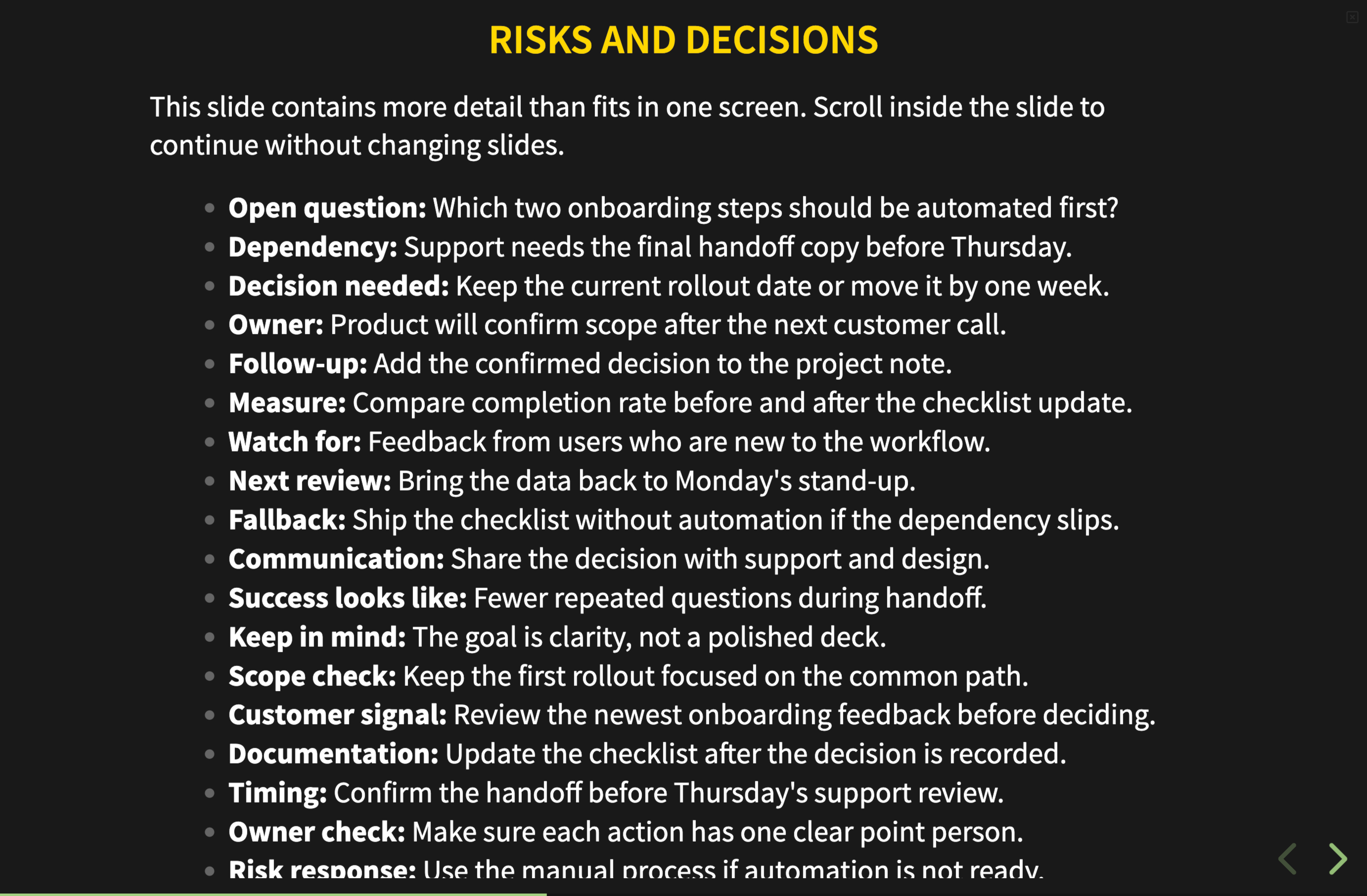
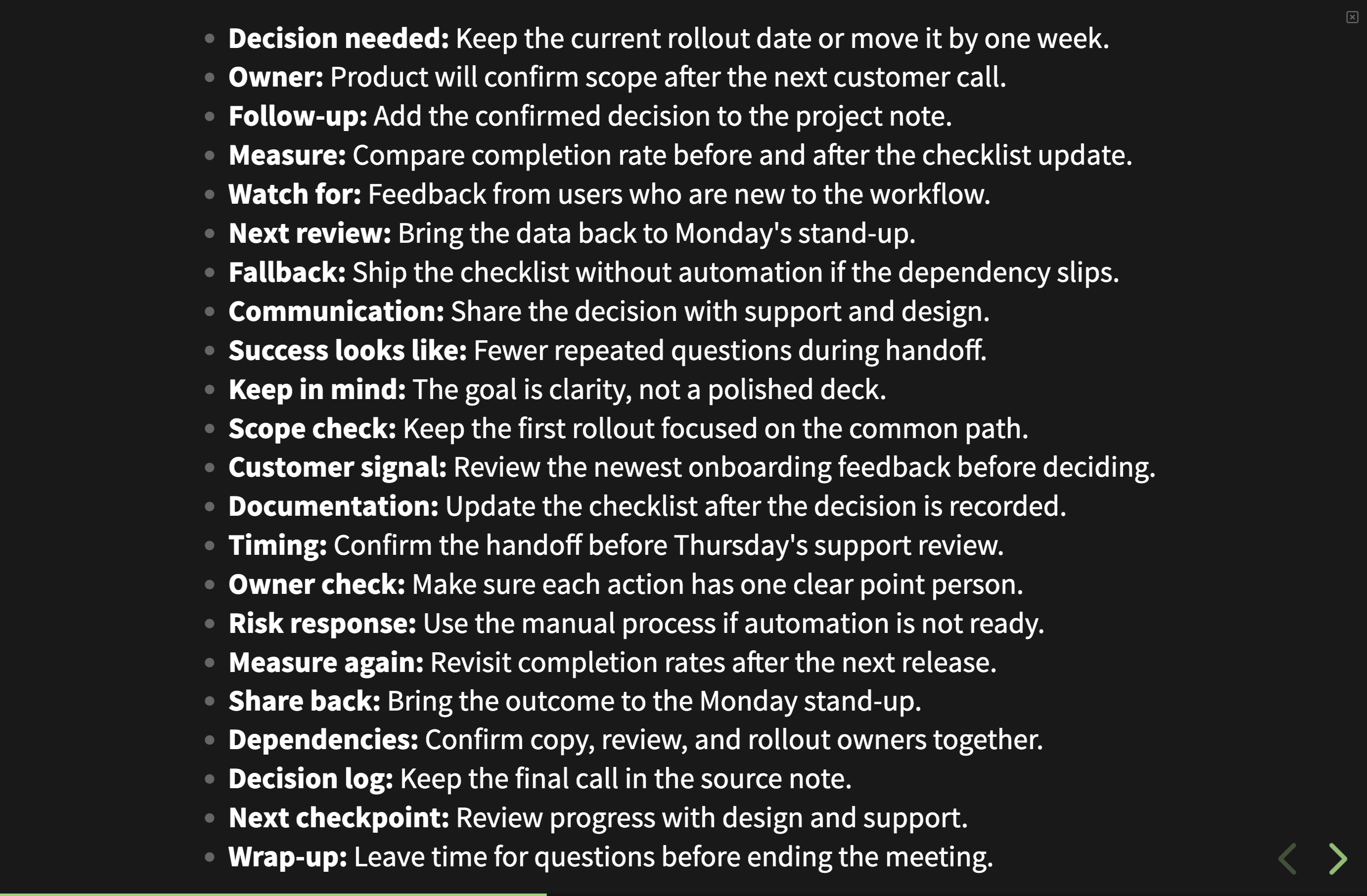
Scrollable slides: overflowing content stays on the same slide as you scroll.
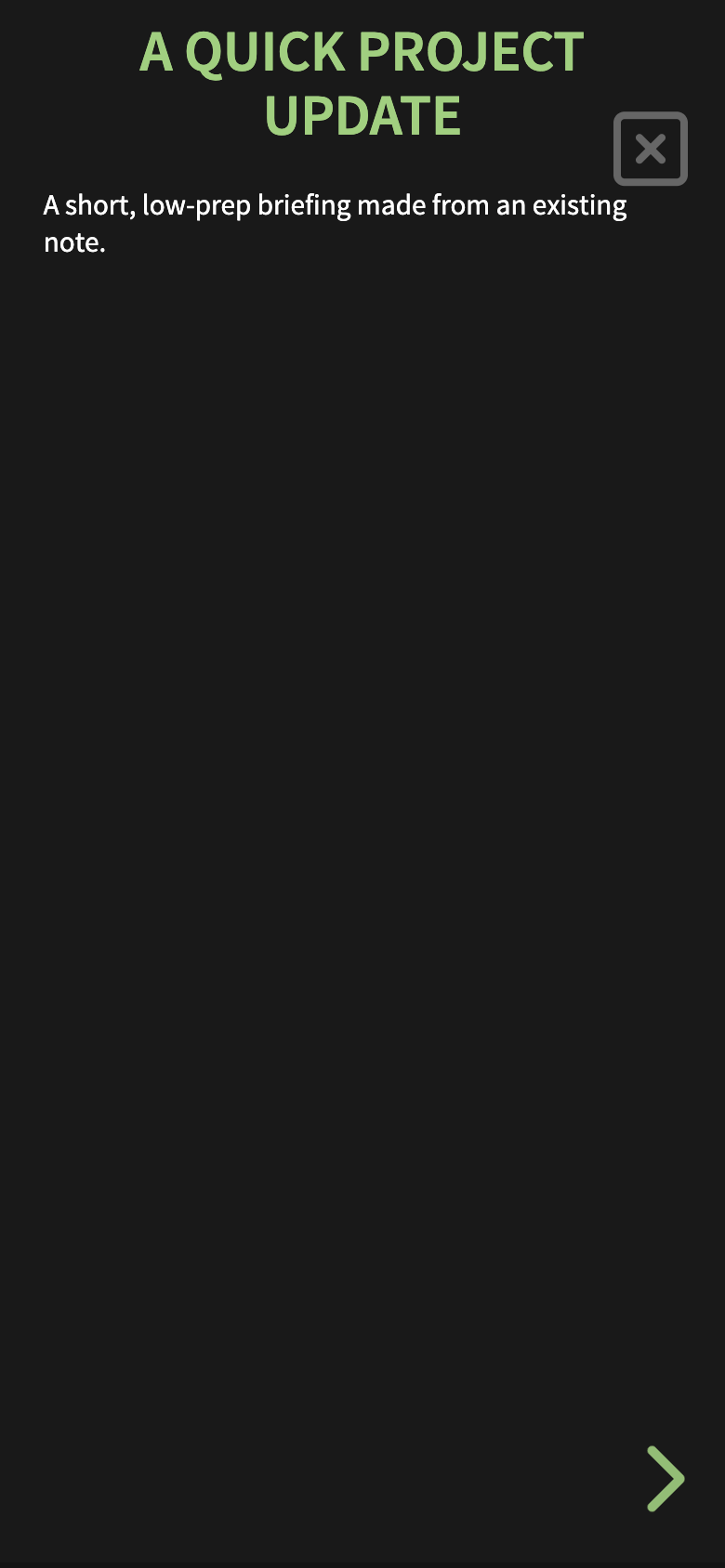
Mobile presentation: portrait sizing and the close control adapt to a narrow screen.
Quick settings: common presentation options are available from the Snap Slides settings tab.
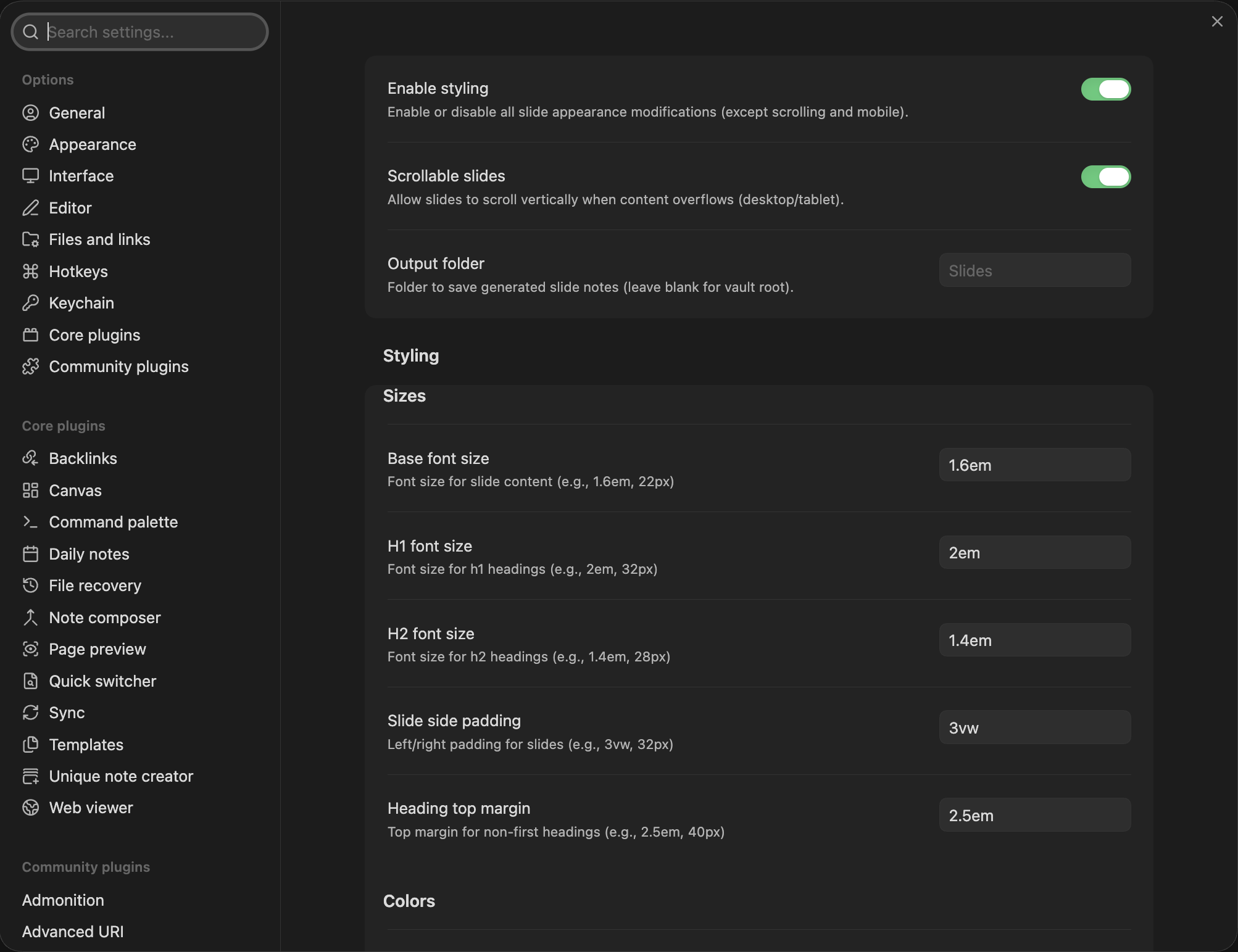
Settings
- Enable styling to toggle appearance changes independently of scrolling and mobile behavior.
- Scrollable slides to allow desktop slides to scroll when content overflows.
- Output folder to choose where generated copies are saved (the vault root by default).
- Font sizes, slide padding, heading margin, and colors to adjust presentation appearance. The accent color follows Obsidian's theme by default, can be overridden, and can be reset to the theme color.
- Mobile options for portrait/landscape font sizes, scrolling, vertical centering, and styling.
Notes and limitations
- Snap Slides is designed to work with Obsidian's built-in Slides core plugin. Themes, snippets, or custom presentation setups may override its styling.
- The first H1 or H2 heading in a note does not receive extra top margin; subsequent headings do.
- Mobile safe-area spacing helps keep content clear of screen cutouts and notches.
Contributing
PRs are welcome. Please open an issue or discussion for feature requests and bug reports.
Development
Requires Node.js 22 or later.
npm ci
npm run dev
Run npm run verify before submitting changes to lint, typecheck, and create a production bundle. GitHub Actions runs these checks and the Obsidian community scanner for pull requests and pushes to main, then uploads a plugin ZIP artifact. Pushing a tag builds the plugin, generates provenance attestations for main.js and styles.css, and creates a draft release with the supported plugin files.
License
MIT