Sketch Mechanisms
 Masoud Masoumi298 downloads
Live hand-drawn animations of 2D mechanisms (four-bar, slider-crank, gears, cam, pendulum, spring) from a simple code block.
- Overview
- Scorecard
- Updates3
Live, hand-drawn animations of common 2D mechanisms — four-bar linkages, slider-cranks, gear pairs, cams, pendulums, and spring-mass systems — rendered right inside your notes from a simple code block. Strokes are drawn with rough.js (the same engine Excalidraw uses), so the look is sketchy and whiteboard-like, and colours follow your Obsidian theme.
Nothing is baked to a file: the animation is a live SVG that plays in reading view and Live Preview, works on mobile, and respects your reduced-motion setting.
Examples
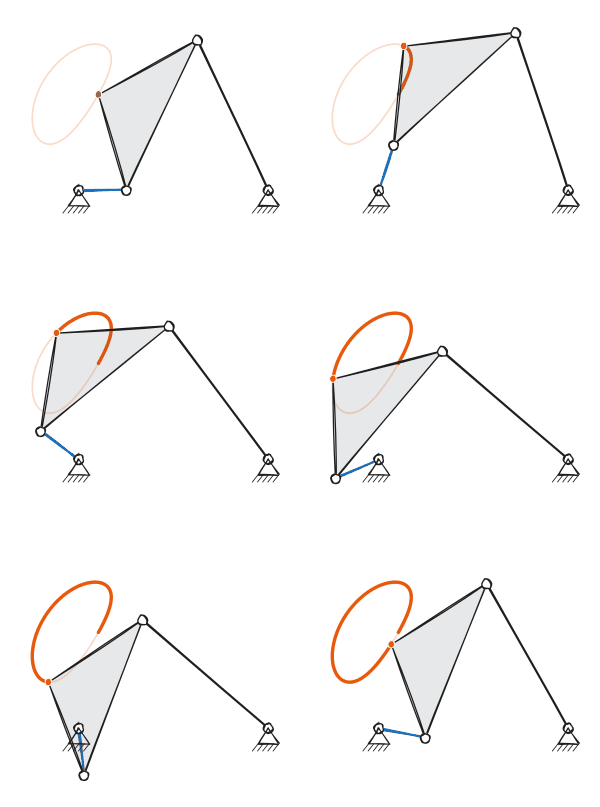
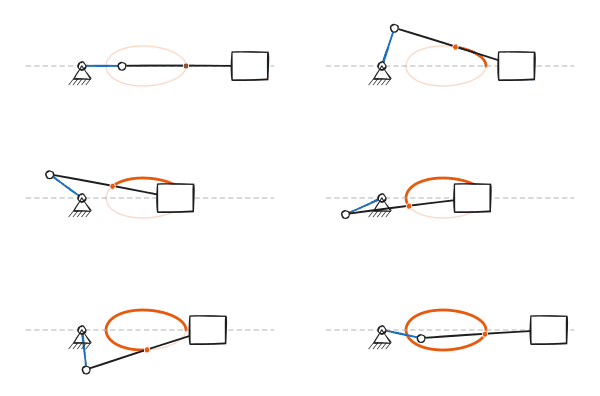
| Four-bar linkage | Slider-crank |
 |
 |
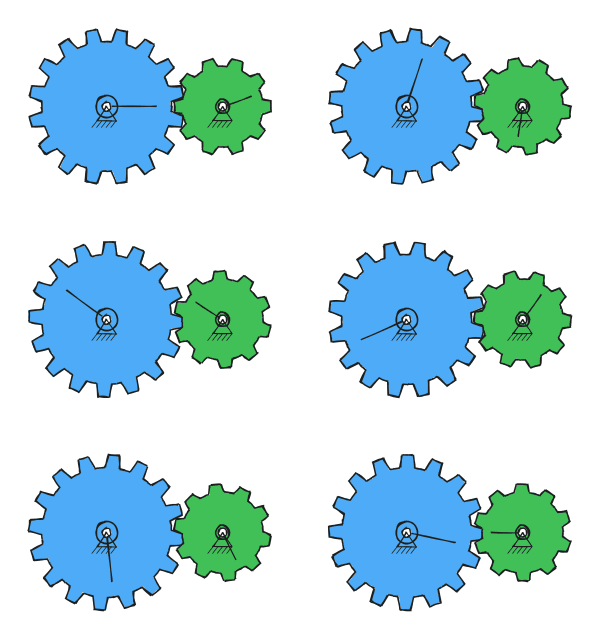
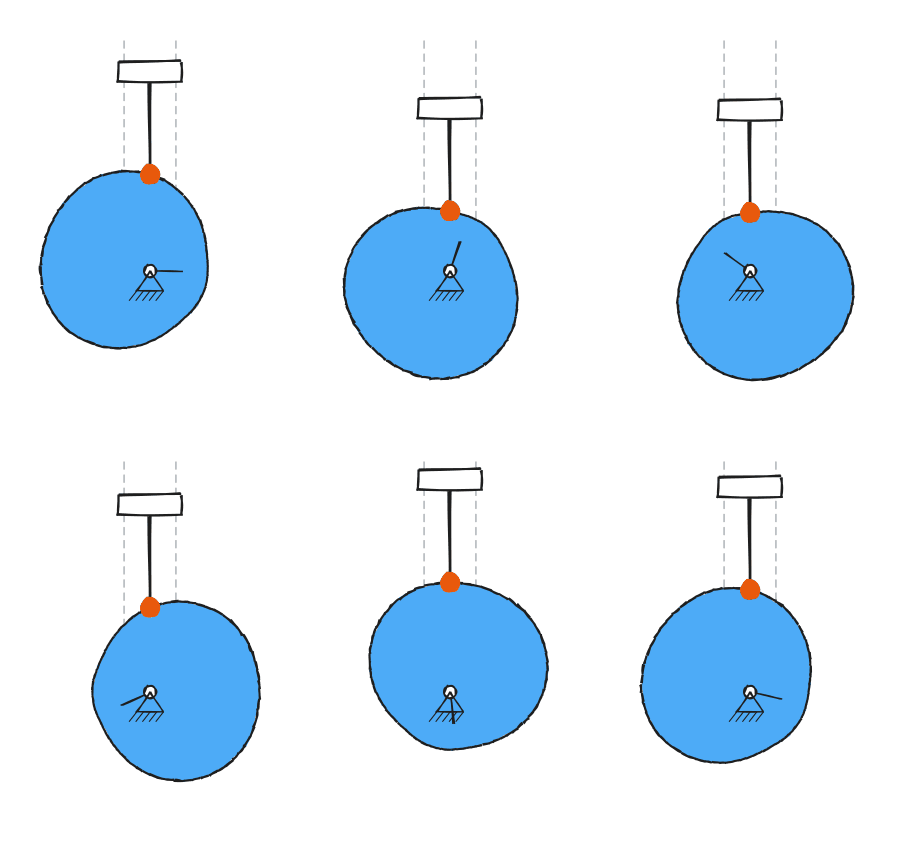
| Gear pair | Cam + follower |
 |
 |
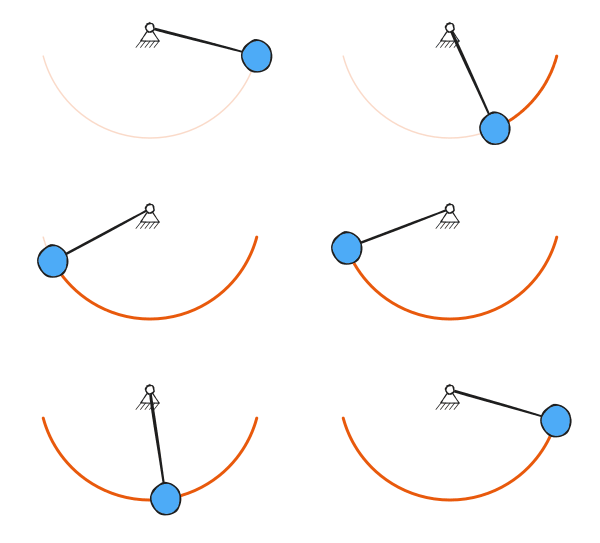
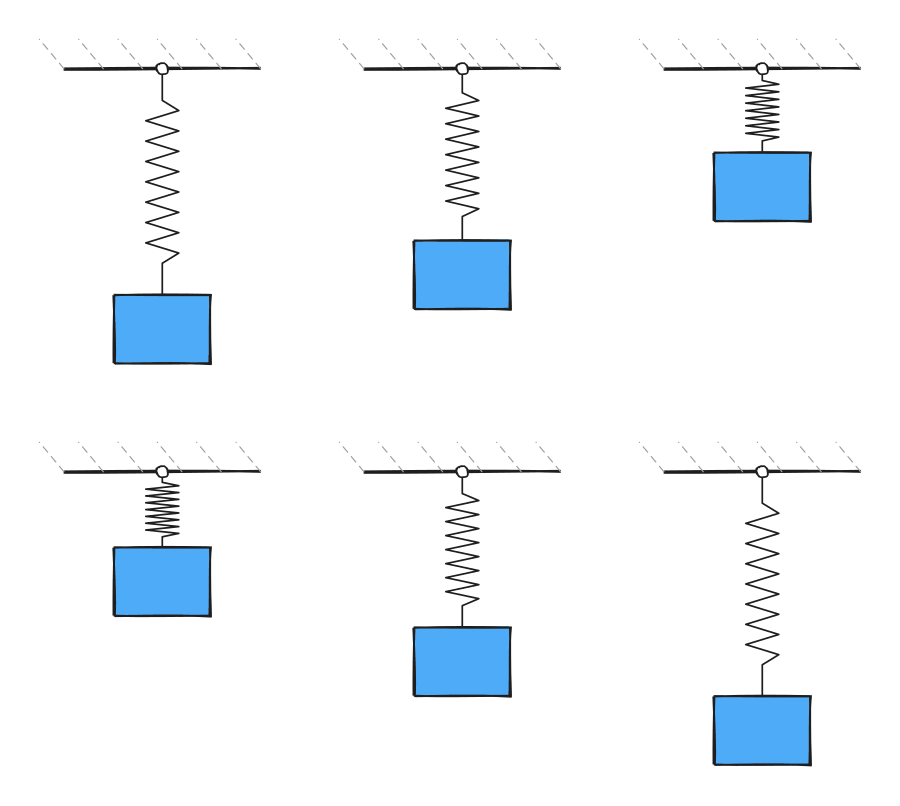
| Pendulum | Spring-mass |
 |
 |
Usage
Add a fenced code block with the language mechanism:
```mechanism
type: fourbar
```
That's it — the block renders an animated four-bar linkage. Click any drawing to play/pause.
The six types and their options
All length options are in arbitrary units (only ratios matter). Every block
also accepts shimmer, speed, roughness, strokeWidth, autoplay, and
caption (see below).
four-bar linkage
type: fourbar
ground: 4          # distance between the two fixed pivots
crank: 1           # driven (short) link
coupler: 3.5       # floating link carrying the trace point
rocker: 3.5        # output link
coupler_point: [0.45, 1.4]   # [fraction along coupler, perpendicular offset]
branch: 1                    # 1 or -1: which of the two assembly solutions to use
If the link lengths do not satisfy the Grashof condition, the crank physically cannot make a full revolution. Rather than failing, the drawing rocks back and forth over the range the linkage can actually reach, and a short note under the drawing says so (for example: triple-rocker: the crank cannot fully rotate, so it rocks between 42° and 138°). Only genuinely impossible geometry — where the coupler and rocker can never bridge the gap — is reported as an error.
slider-crank
type: slidercrank
crank: 1
rod: 3.2
offset: 0              # vertical offset of the slider track
rod_point: [0.5, 0]    # marked/traced point on the rod: [fraction, perpendicular offset]
As with the four-bar, a rod too short to reach the track (rod < crank +
|offset|) rocks over its reachable range instead of snapping.
gear pair (external, or internal/ring)
type: gears
teeth1: 16
teeth2: 10
module: 0.26       # tooth size; pitch radius = module * teeth / 2
internal: false    # true = ring gear (the larger gear becomes an internal ring)
cam + follower
type: cam
base: 1               # base circle radius
lift: 0.9             # follower rise
rod: 1.6              # follower rod length
profile: harmonic     # rise/fall easing: harmonic or cycloidal
dwell: 0              # fraction of the cycle (0-0.9) held at top/bottom
pendulum (integrated with RK4 — large-angle motion is physically accurate)
type: pendulum
length: 2
theta0: 70         # initial angle in degrees
g: 9.81
damping: 0         # 0 = undamped (clean loop); >0 decays, then restarts each loop
spring-mass
type: spring
m: 1               # mass
k: 12              # spring constant
amp: 0.8           # oscillation amplitude
damping: 0         # damping ratio 0-0.99; >0 decays, then restarts each loop
Shared options
| key | default | meaning |
|---|---|---|
shimmer |
0 |
0 = stable strokes; 1 = strokes re-drawn each frame (lively, boil) |
speed |
1 |
playback speed multiplier |
roughness |
1.2 |
how sketchy the lines are |
strokeWidth |
4 |
baseline line thickness |
autoplay |
true |
start playing automatically (always pauses under reduced-motion) |
trace |
true |
show the path traced by the highlighted point |
size |
440 |
maximum drawing width in pixels |
accent |
— | hex color (e.g. #e64980) to recolor the primary element |
caption |
— | small caption under the drawing |
Block values override the global defaults set in Settings → Sketch Mechanisms, which also has a Pause when off screen toggle (on by default): drawings you cannot see stop animating, which matters in long notes and on mobile.
Accessibility
Each drawing is focusable and can be played or paused with Space or Enter as well as by clicking, is labelled for screen readers, and starts paused when your system asks for reduced motion.
Manual installation
- Build or download
main.js,manifest.json, andstyles.css. - Copy all three into your vault at
<vault>/.obsidian/plugins/sketch-mechanisms/. - In Obsidian: Settings → Community plugins, enable Sketch Mechanisms. (Toggle Restricted/Safe mode off first if needed.)
- Open a note and add a
mechanismcode block.
Building from source
npm install
npm run build      # type-checks, then bundles to main.js
npm run dev        # watch mode
Tests
npm test
Three suites run:
test/check.ts— kinematics. Closed-form results are cross-checked againsttest/reference.py, an independent Python implementation of the same mechanisms, to 1e-9; the rest are invariants (cam dwell fractions, gear ratios, damping decay, assembly limits).test/rigid.ts— the renderer under jsdom: that cached geometry is byte-identical to freshly generated geometry, and that rigid-body rotations are applied correctly.test/shimmer.ts— thatshimmer: 0really is stable andshimmer: 1really does re-roll strokes.
reference.json is committed so the tests run on a fresh clone. To regenerate
it after changing the kinematics:
npm run reference # runs test/reference.py
License
MIT