Single File Daily Notes
 pranavmangal7k downloads
Create and manage daily notes in a single file.
- Overview
- Scorecard
- Updates11
An Obsidian plugin for creating and managing daily notes in a single file.
Features
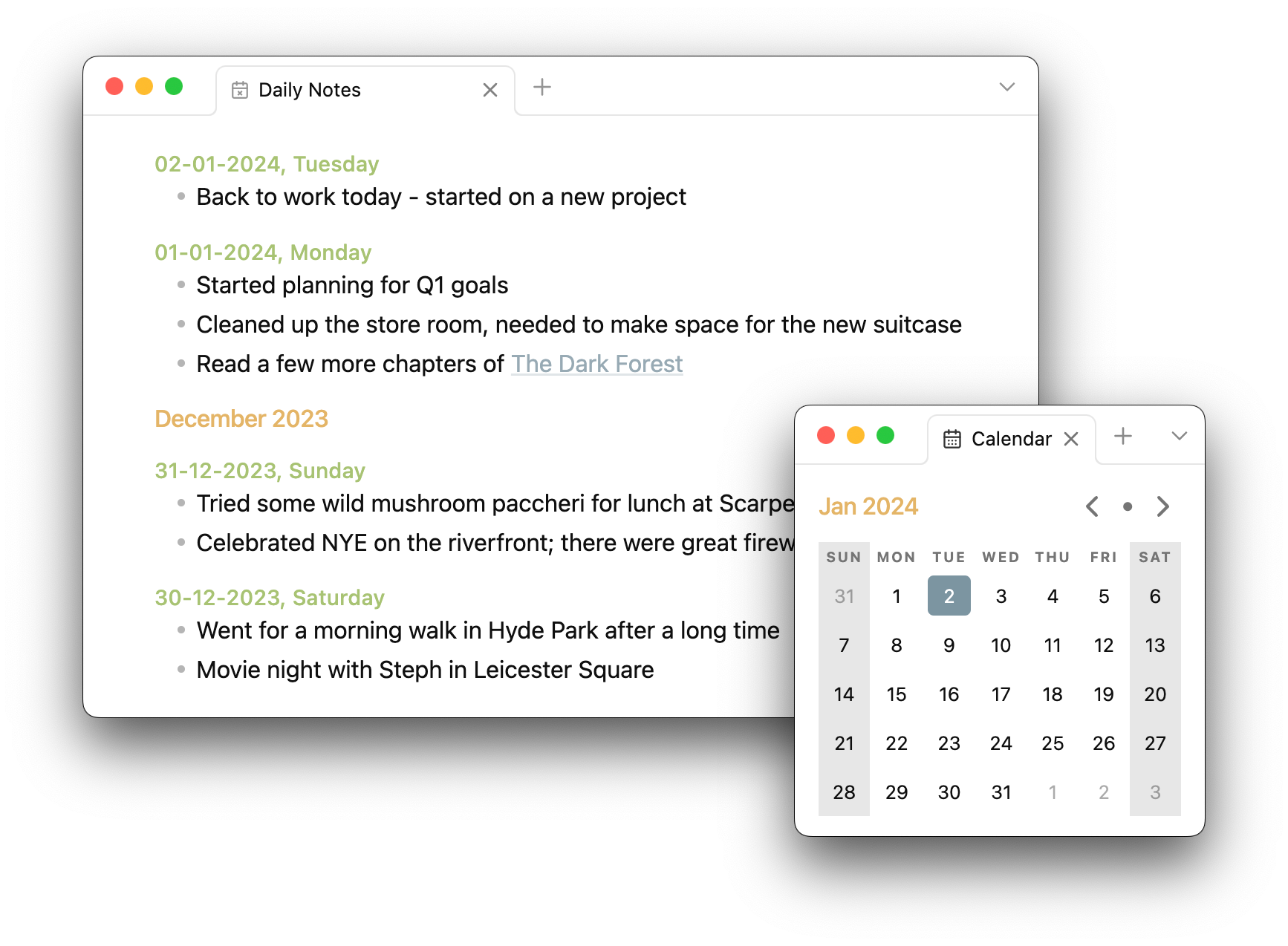
Create and manage daily notes
The plugin will create a new note for today automatically and select the dummy entry for immediate editing. If today's note already exists, it will try to position the cursor for appending/editing the existing note.
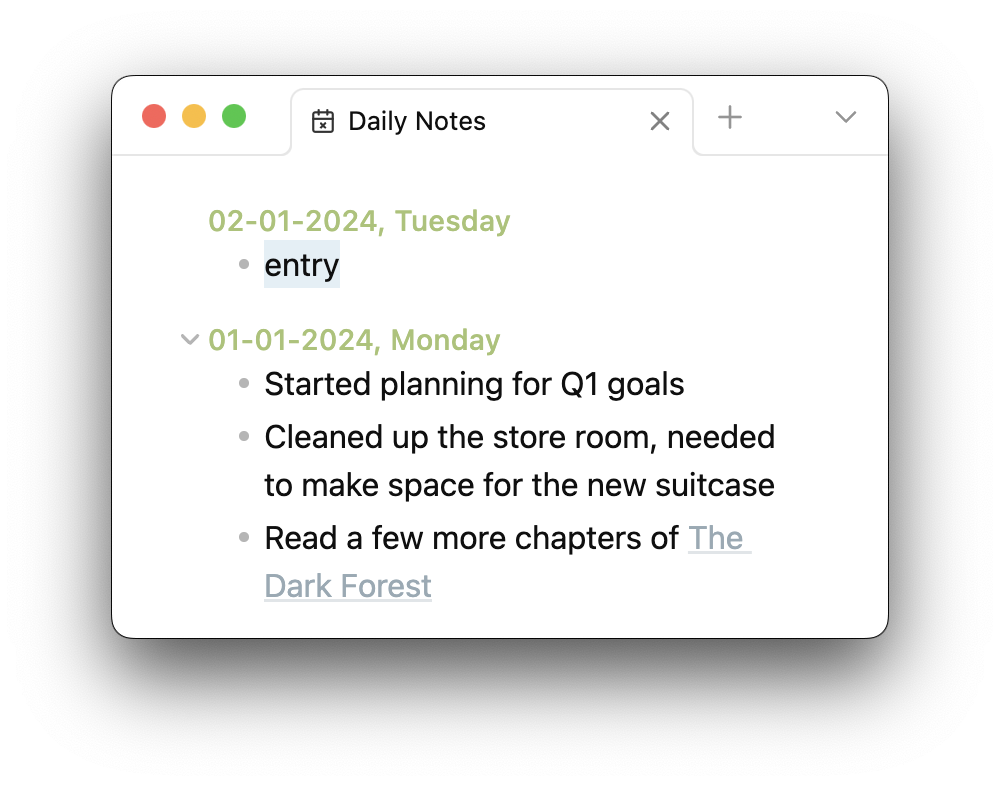
The result is a single standard Markdown file:
#### 02-01-2024, Tuesday

-   entry

#### 01-01-2024, Monday

-   Started planning for Q1 goals
-   Cleaned up the store room, needed to make space for the new suitcase
-   Read a few more chapters of [[The Dark Forest]]
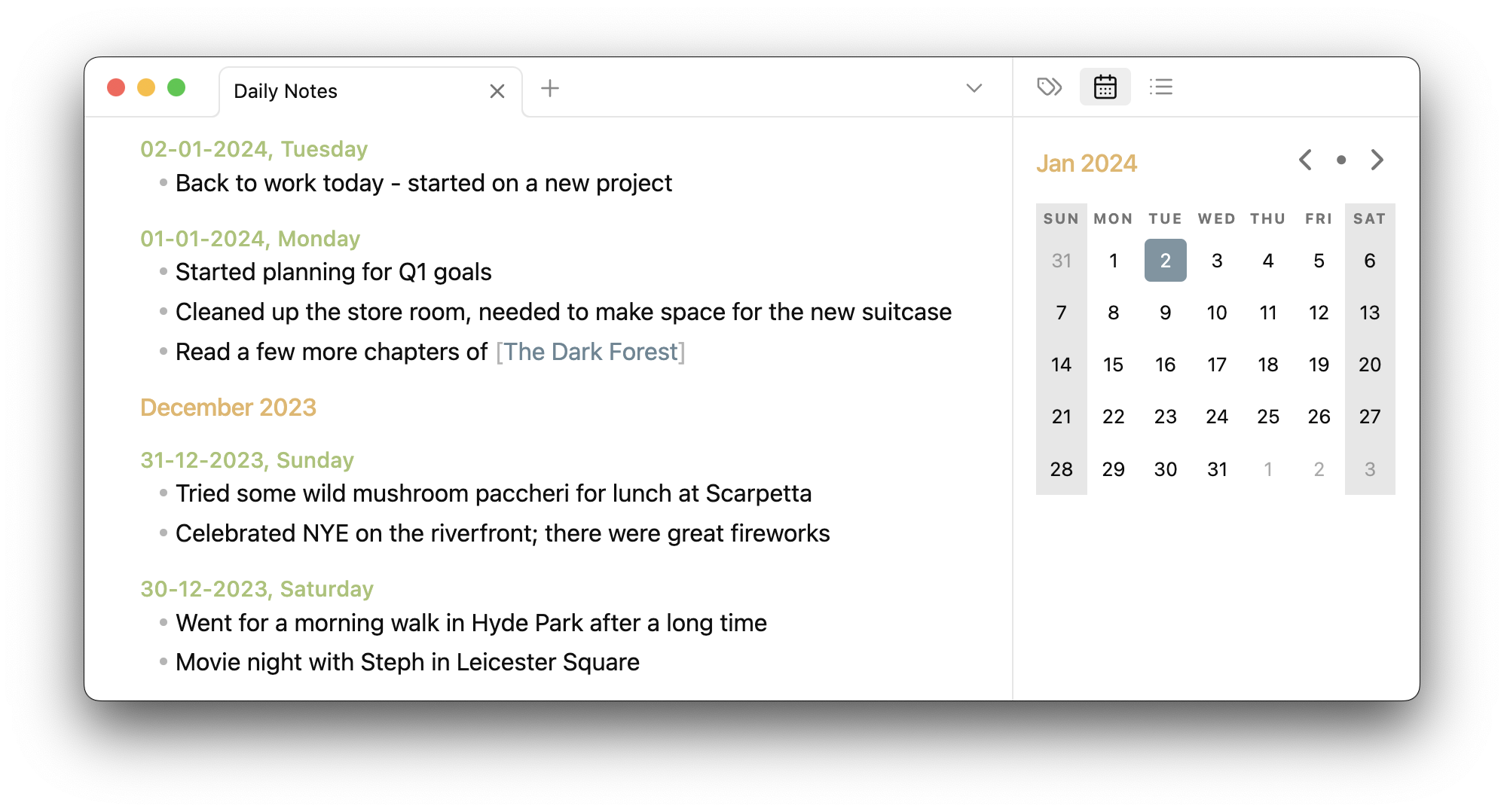
Use a calendar view
This plugin has a built-in calendar view that is displayed in the sidebar. This can be used to quickly jump to the daily note for a chosen date, and create one if it does not exist.
This calendar view can be shown/hidden using the command palette (⌘ + P).
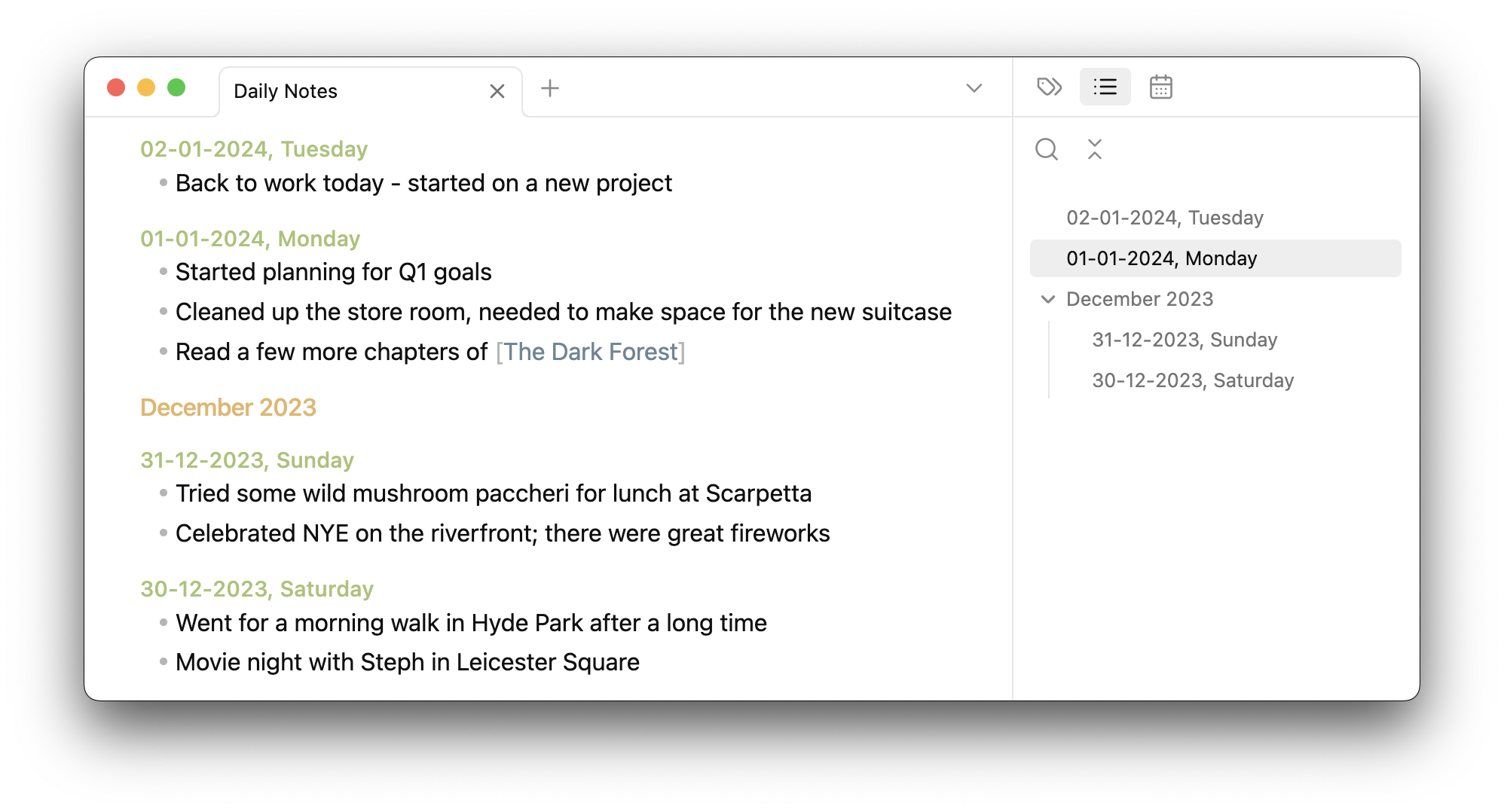
See an outline view
Since daily notes are formed by using standard Markdown headings, Obsidian's built-in outline view can be used to browse through them.
Configurability
You are able to configure:
- The name for the daily notes file
- The location of file
- The type of headings used for daily notes
- The date format used for daily notes
Installation
The plugin is available on the official community plugins list maintained by Obsidian.
Otherwise, the plugin can be installed via BRAT.
Usage
- Disable Obsidian's built-in core daily notes plugin from settings.
- This plugin does not yet interact with notes created by the core plugin, or any other community plugins designed to work with it.
- While keeping it enabled will not affect either plugin, it may cause confusion.
- Open this plugin's settings to configure it to your preferences
- Click on the ribbon icon or select "Open daily notes" via the command palette (
⌘ + P) to create the daily notes file. - Once created, the file can be opened like a regular file, via the ribbon icon or the command palette.
- Start editing!
Why
The in-built daily notes system in Obsidian is pretty decent, however it works by creating a separate file for each note. There are plugins to better manage these notes and display them in different views, but they still don't change the underlying file structure.
I didn't want hundreds of files in my vault dedicated to these daily notes, especially when they were quite small individually, which is why I created this plugin.
If you prefer writing longer and detailed daily notes, and wish to use the rest of Obsidian's plugin ecosystem that extends the built-in plugin, then this plugin might not be the best option for you.