Scratchpad
 kvh033k downloads
Take temporary notes and draw freehand in a sidebar scratchpad.
- Overview
- Scorecard
- Updates6
Scratchpad is an Obsidian plugin that provides a simple space in the sidebar for quick text notes and freehand drawings - perfect for jotting down ideas while working across multiple notes.
Features
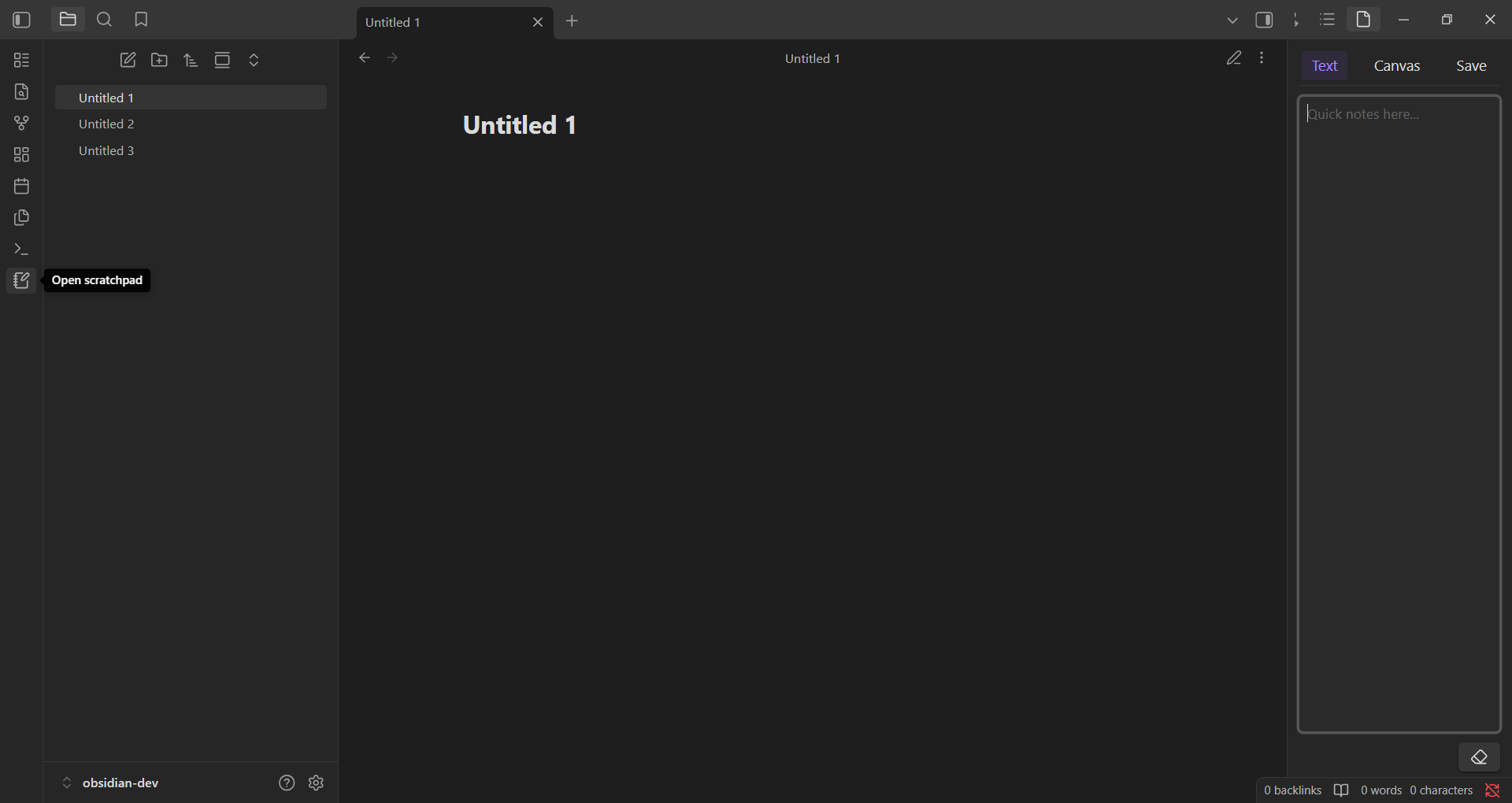
- A text input area for quick notes
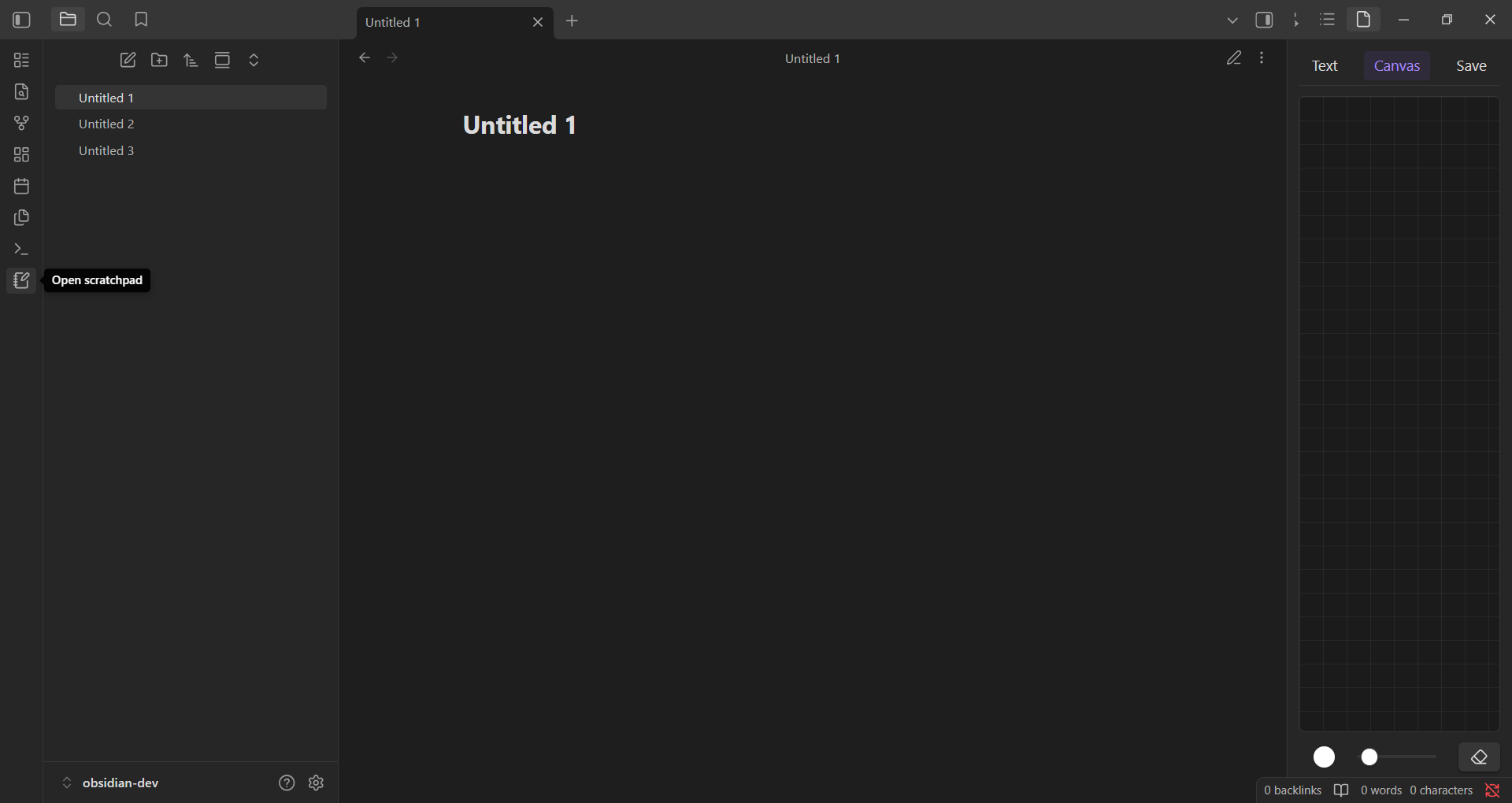
- A canvas for freehand drawing with customizable brush color and size
- Content can be saved to disk
- Lightweight and distraction-free
Installation
- In Obsidian, open Settings → Community Plugins.
- Make sure Safe Mode is turned off to enable plugin installation
- Click Browse, then search for "Scratchpad" or open directly:
obsidian://show-plugin?id=scratchpad - Click Install, then Enable the plugin.
Usage
- Open the command palette (
Ctrl/Cmd + P) and search forScratchpad, or click the notebook-pen icon in the left ribbon. - The plugin opens in the sidebar with two tabs: Text and Canvas.
- In the Text tab, you can type quick notes. Use the Copy to Scratchpad option from the context menu in any Markdown note to append selected text here.
- In the Canvas tab, you can draw using your mouse or stylus, with tools to adjust color, brush size, and clear the canvas.
- Click the Save button at the top to save your current text and drawing content to disk.
[!NOTE]
- This is a temporary note - your content is stored in memory and will be lost when the app is closed unless you manually save it to disk.
- Scratchpad does not support multiple notes.
Read the blog at https://bit.ly/4exb8PZ.
License
MIT
HealthExcellent
ReviewSatisfactory
About
Jot quick text notes and sketch freehand in a sidebar scratchpad with a text area and a canvas that supports adjustable brush color and size. Save notes and drawings to disk or keep them temporarily in memory — unsaved content is lost when the app closes.Details
Current version
0.3.0
Last updated
2 months ago
Created
Last year
Updates
6 releases
Downloads
3k
Compatible with
Obsidian 1.7.2+
Platforms
Desktop, Mobile
License
MIT