Search...Search plugins and themes...
⌘K
Sign in
  • Get started
  • Download
  • Pricing
  • Enterprise
  • Account
  • Obsidian
  • Overview
  • Sync
  • Publish
  • Canvas
  • Mobile
  • Web Clipper
  • CLI
  • Learn
  • Help
  • Developers
  • Changelog
  • About
  • Roadmap
  • Blog
  • Resources
  • System status
  • License overview
  • Terms of service
  • Privacy policy
  • Security
  • Community
  • Plugins
  • Themes
  • Discord
  • Forum / 中文论坛
  • Merch store
  • Brand guidelines
Follow us
DiscordTwitterBlueskyThreadsMastodonYouTubeGitHub
© 2026 Obsidian

Prologue

joshavanierjoshavanier437 downloads

Display a random quote or reminder on the new tab page.

Add to Obsidian
  • Overview
  • Scorecard
  • Updates4

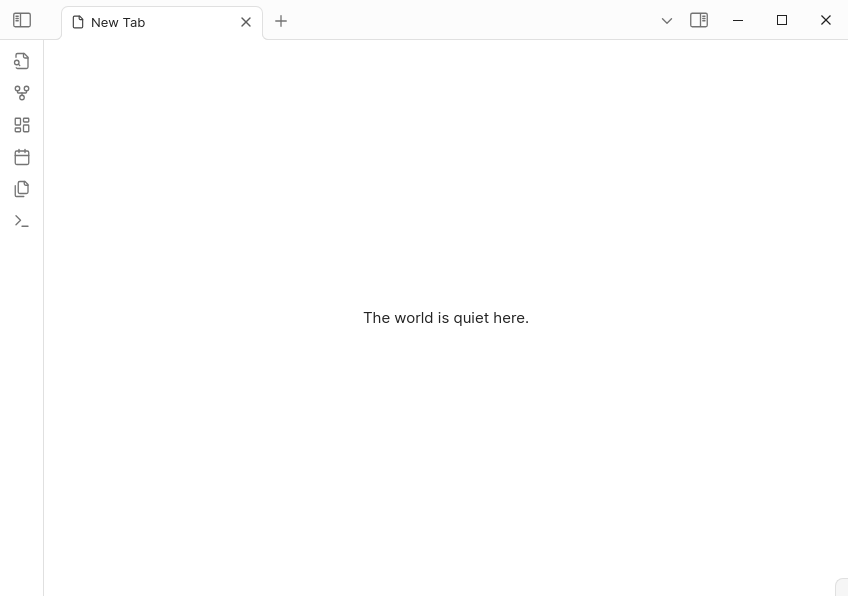
Prologue tab on Obsidian

Prologue is an Obsidian plugin that shows a random note, quote, or reminder each time you open a new tab.

install

This plugin isn't on the community list yet. To try it, download the latest release and unzip it into your vault’s .obsidian/plugins folder.

setup

A sample collection.md will be created in your vault. Add items separated by onr or more blank lines, like this:


> Slowness is beauty — Auguste Rodin

Drink water.

The Three Gates of Speech
1. Is it true?
2. Is it necessary?
3. Is it kind?

You can change the collection file in the plugin settings.


avanier

74%
HealthGood
ReviewSatisfactory
About
Display a random note, quote, or reminder each time you open a new tab. Source entries from a generated collection.md in your vault—add items separated by blank lines and choose a different collection in settings.
NavigationAutomationFiles
Details
Current version
1.0.1
Last updated
8 months ago
Created
10 months ago
Updates
4 releases
Downloads
437
Compatible with
Obsidian 0.15.0+
Platforms
Desktop, Mobile
License
MIT
Report bugRequest featureReport plugin
Author
joshavanierjoshavanier
avanier.dev
GitHubjoshavanier
  1. Community
  2. Plugins
  3. Navigation
  4. Prologue

Related plugins

Notebook Navigator

A better file browser and calendar inspired by Apple Notes, Bear, Evernote and Day One.

QuickAdd

Quickly add new notes or content to your vault.

Homepage

Open a note, base, or workspace on startup, or set it for quick access later.

Recent Files

Display a list of recently opened files.

Advanced URI

Control everything with URI.

Open Tab Settings

Adds options to customize how tabs are opened, including open in new tab by default, preventing duplicate tabs, and more.

Remember cursor position

Remember cursor and scroll position for each note.

Vault Changelog

Maintain a changelog of recently edited notes.

Home tab

A browser-like search tab for your local files.

Reveal Active File Button

Add a button to the top of the File Explorer, to reveal the active file.