Project Browser
 Dale de Silva19k downloads
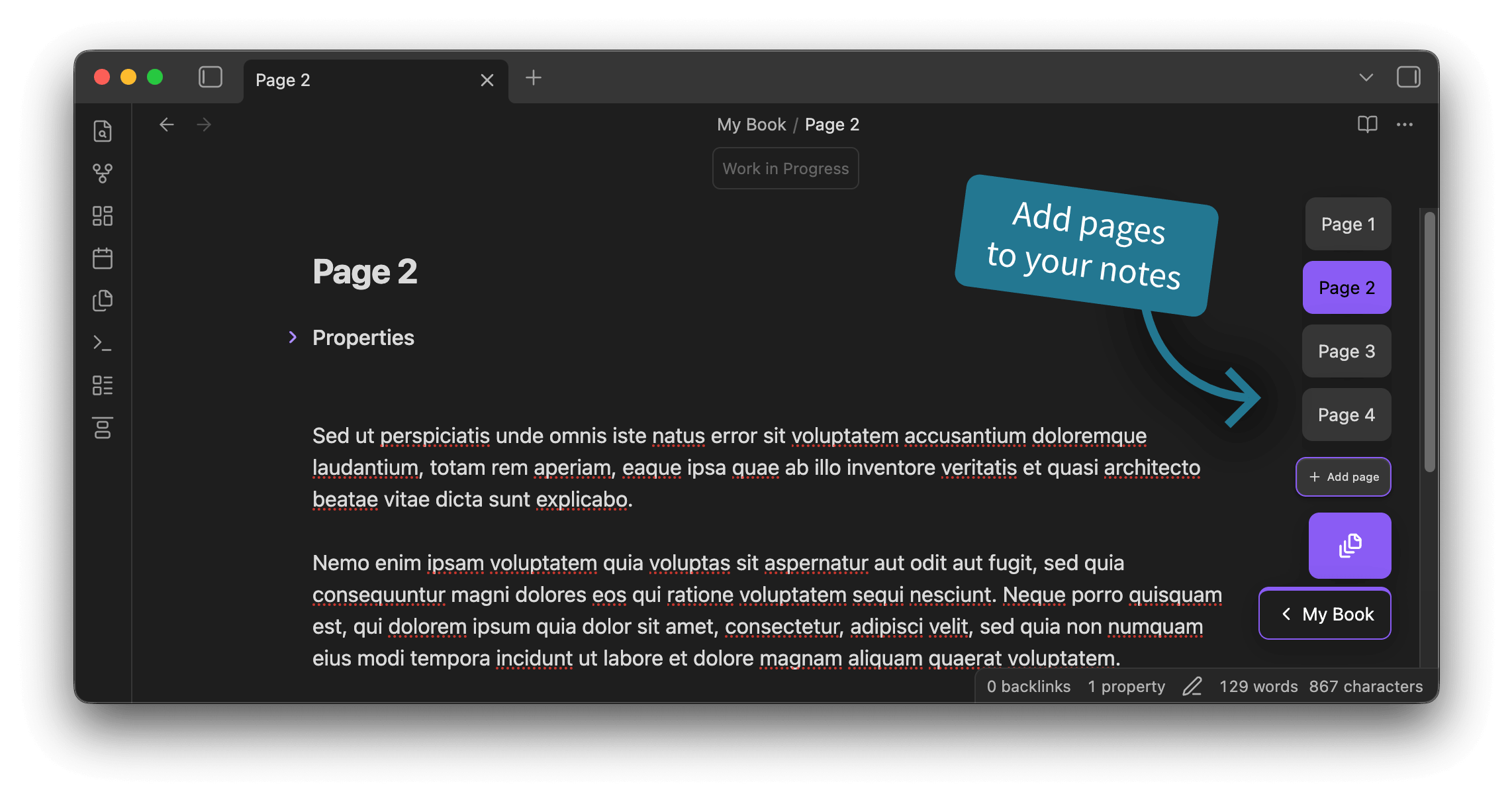
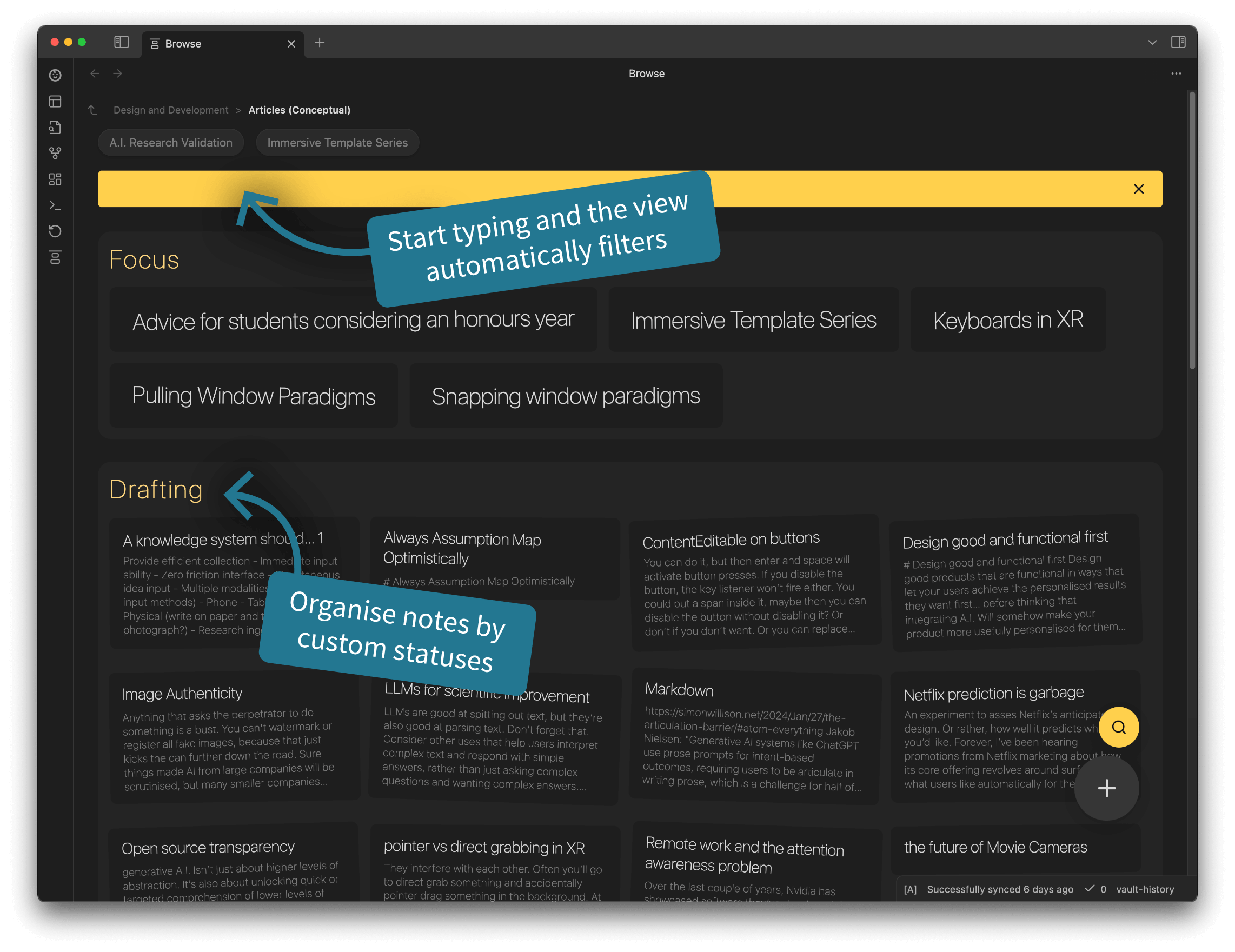
Replaces your new tab window with cards of the files and folders in your vault. Also adds support for multi-page projects.
- Overview
- Scorecard
- Updates22
An Obsidian plugin for browsing your vault through a user-friendly card interface. With multi-page support, add multiple pages to any note, base, or canvas. Hide folders to declutter, and set priorities and states to remain focused.
No need to dig through an overwhelming heirarchy in the files pane any more.
📓 Development Diaries
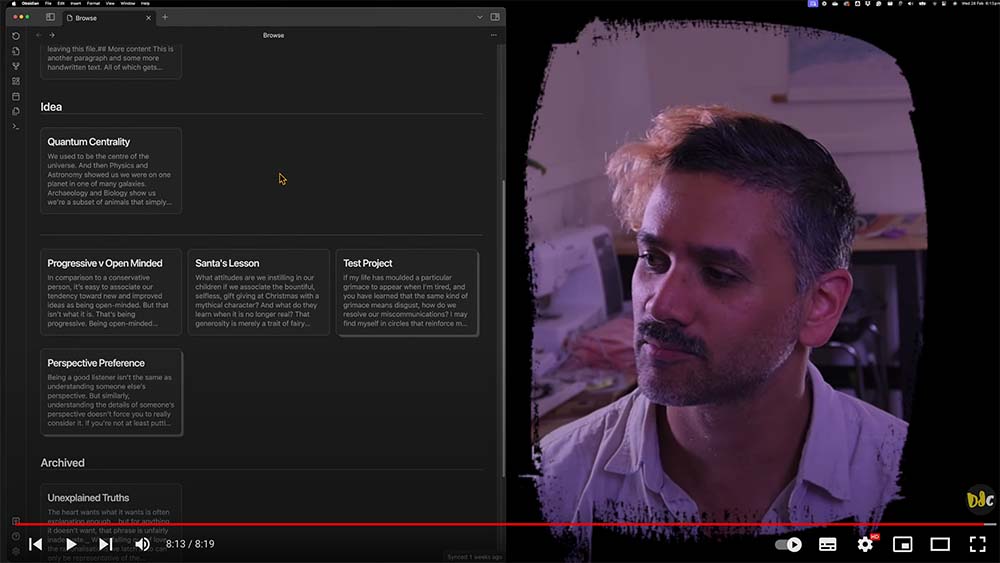
I record regular development diaries. Subscribe and follow along to see features in development.
Click to vew development diaries


🗺️ Rough roadmap
I've been building this plugin since March 2023 and I'm regulaly developing it further and using it daily myself.
Below are the high level features in my current development plan along with when they'll likely get implemented.
Historical
- ✅ Show files as cards.
- ✅ Folder navigation.
- ✅ Organisation by states.
- ✅ Easy note state menu.
- ✅ Back/forward navigation with memory.
- ✅ Adapt to light/dark modes.
- ✅ Enable customising states.
- ✅ Right click actions.
- ✅ Hide individual folders.
- ✅ Customise launch folder.
- ✅ Folders as projects.
- ✅ Multi-page project support.
- ✅ Prioritisation of notes.
- ✅ File browser integration.
Current feature focus
- Project Excerpts.
- Page Versions & Drafts.
- Reordering pages in a project.
⚠️ Be careful
As with most Obsidian plugins, this is a free gift to the community, provided 'as is' to help you out. While I'm doing my best to make it awesome (And I love feedback), there are always chances things might not work quite right. To be safe, please always back up your files.
🧪 Development
- Testing setup and development: docs/testing.md
- Known issues and attempted fixes: docs/known-issues-and-attempted-fixes.md
- Plugin settings (display behaviour): docs/settings.md
- File type visibility: docs/file-type-visibility.md
- Projects (folders as cards): docs/projects.md
- Project Pages FAB (in-note page navigation): docs/project-pages-fab.md
🪳 Report a bug
Found something that's not quite working right or do you have a feature request? Don't be shy, feel free to make some noise over on the GitHub Issues page. But be sure to check if someone has already posted the same issue and comment on theirs if they have.
💾 Installation
You can find this plugin in the plugin directory within Obsidian.
Click for help installing plugins
Open your Obsidian vault and go to Settings.
Click on Community Plugins in the side bar.
If you haven't already, you will need to turn on community plugins.
Search 'Dale de Silva' and install Project Browser.
If you would like to install new versions of the plugin that are still being tested, you can install this plugin through BRAT instead. BRAT is another community plugin that allows you to install a Beta version. New features are released as a Beta version first and can take from a few days to a month before landing in the standard version.
Click for Beta version installation instructions
- Open your Obsidian vault and go to Settings.
- Click on Community Plugins in the side bar.
- Turn on community plugins and click Browse.
- Search and install BRAT.
- Scroll down and activate BRAT.
- In the BRAT menu in the side pane, select Add Beta Plugin.
- Follow the instructions presented.
- When a URL is requested, use:
https://github.com/daledesilva/obsidian_project-browser/
Click for Beta version update instructions
- BRAT is set to update Beta plugins by default on startup, however, this can sometimes take some time.
- To force an update, run BRAT's Obsidian commnd
Choose a single plugin to updateand choose Project Browser.
❤️ Support
If you find this plugin saves you time or helps you in some way, please consider supporting my development of plugins and other free community material like this.

🤖 My other work
You can find links to my other projects on designdebt.club, where I blog about design and development, as well as release other plugins like this one. You can also find my writing at at falterinresolute.com where I combine philosophy and animation.