Search...Search plugins and themes...
⌘K
Sign in
  • Get started
  • Download
  • Pricing
  • Enterprise
  • Account
  • Obsidian
  • Overview
  • Sync
  • Publish
  • Canvas
  • Mobile
  • Web Clipper
  • CLI
  • Learn
  • Help
  • Developers
  • Changelog
  • About
  • Roadmap
  • Blog
  • Resources
  • System status
  • License overview
  • Terms of service
  • Privacy policy
  • Security
  • Community
  • Plugins
  • Themes
  • Discord
  • Forum / 中文论坛
  • Merch store
  • Brand guidelines
Follow us
DiscordTwitterBlueskyThreadsMastodonYouTubeGitHub
© 2026 Obsidian

Open in Editor

Priyanshu MallickPriyanshu Mallick9 downloads

Open files and folders in external code editors like VS Code, Cursor, Zed, and more.

  • Overview
  • Scorecard
  • Updates2

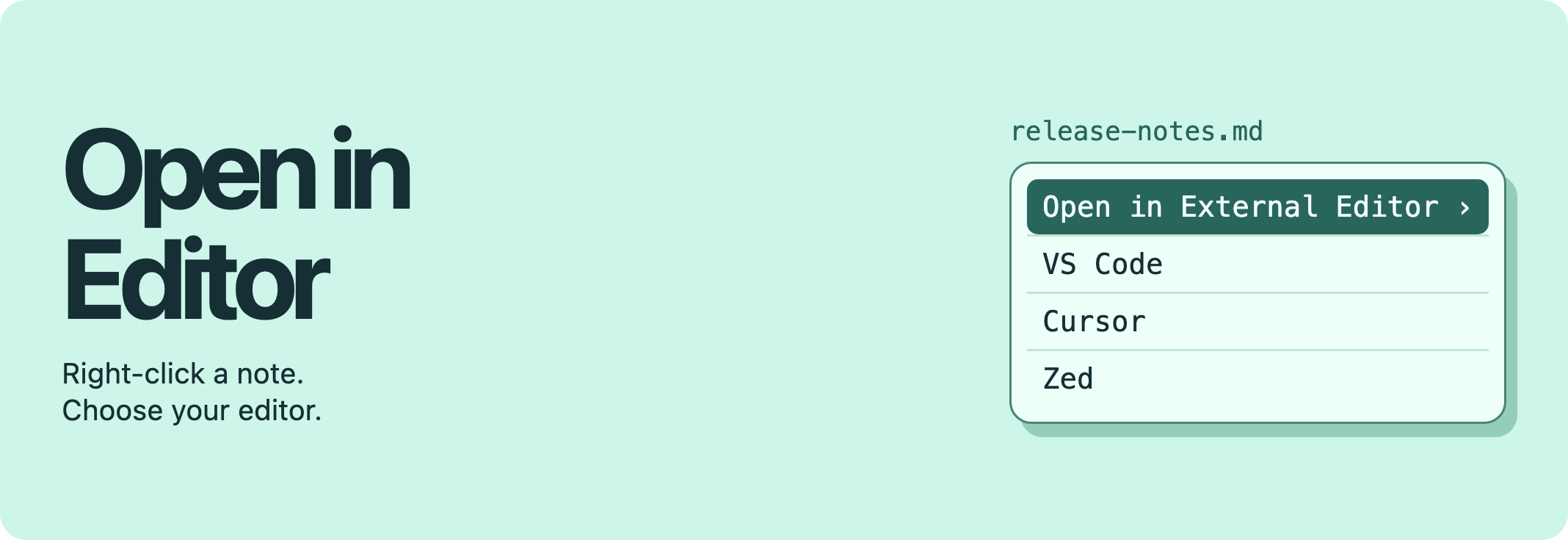
Open in Editor cover showing the external editor menu

Open notes and folders from Obsidian in VS Code, Cursor, Zed, Windsurf, or Antigravity. You can also add your own editor.

Obsidian desktop · macOS, Windows, and Linux

Install

  1. In Obsidian, go to Settings → Community plugins → Browse.
  2. Search for Open in Editor.
  3. Select Install, then Enable.

Open a note or folder

  1. Go to Settings → Open in Editor and enable the editors you use.
  2. Right-click a note or folder in the file explorer, or an open note’s tab.
  3. Choose Open in followed by the editor name.

Enable Group to put an editor under Open in External Editor. To open the current note from the command palette, search for Open current file in. Reload the plugin after enabling an editor to refresh its palette commands.

Add a custom editor

Choose Add Custom Editor in the plugin settings. Enter the application name on macOS, the path to its .exe on Windows, or its executable command on Linux. Then enable the editor.

Manual install and development · Report an issue · MIT license

HealthExcellent
ReviewSatisfactory
About
Open files, folders, or the current editor tab in an external code editor directly from Obsidian's context menu. Choose from built-in presets (VS Code, Cursor, Zed, Windsurf, Antigravity) or add custom editors and access them via a submenu or the command palette.
IntegrationsFilesFolders
Details
Current version
1.1.1
Last updated
2 days ago
Created
10 months ago
Updates
2 releases
Downloads
9
Compatible with
Obsidian 1.2.3+
Platforms
Desktop only
License
MIT
Report bugRequest featureReport plugin
Author
Priyanshu MallickPriyanshu Mallickmallickpriyanshu
priyanshumallick.com/
GitHubpriyanshumallick
  1. Community
  2. Plugins
  3. Integrations
  4. Open in Editor

Related plugins

Local REST API with MCP

Unlock your automation needs by interacting with your notes over a secure REST API.

Quick Explorer

Perform file explorer operations (and see your current file path) from the title bar, using the mouse or keyboard.

Flexplorer

Enhance the file explorer with custom sorting, pinning, and hiding.

Google Drive Sync

Syncs a vault into Google Drive for cross-platform use (works for iOS).

Multi Properties

Add properties to multiple notes at once. Either right-click a folder or select multiple notes and right-click the selection.

Custom File Explorer sorting

Manual or automatic config-driven reordering and sorting of files and folders in File Explorer.

File Tree Alternative

An alternative file tree view with separate folder and file panes.

Notebook Navigator

A better file browser and calendar inspired by Apple Notes, Bear, Evernote and Day One.

BRAT

Easily install a beta version of a plugin for testing.

LanguageTool Integration

Advanced grammar and spell checking, powered by LanguageTool.