Masonry Pinboards
 Vitaly Maltsev1k downloads
Pinterest-like waterfall masonry layout for folders, pin-boards, tags and such
- Overview
- Scorecard
- Updates4
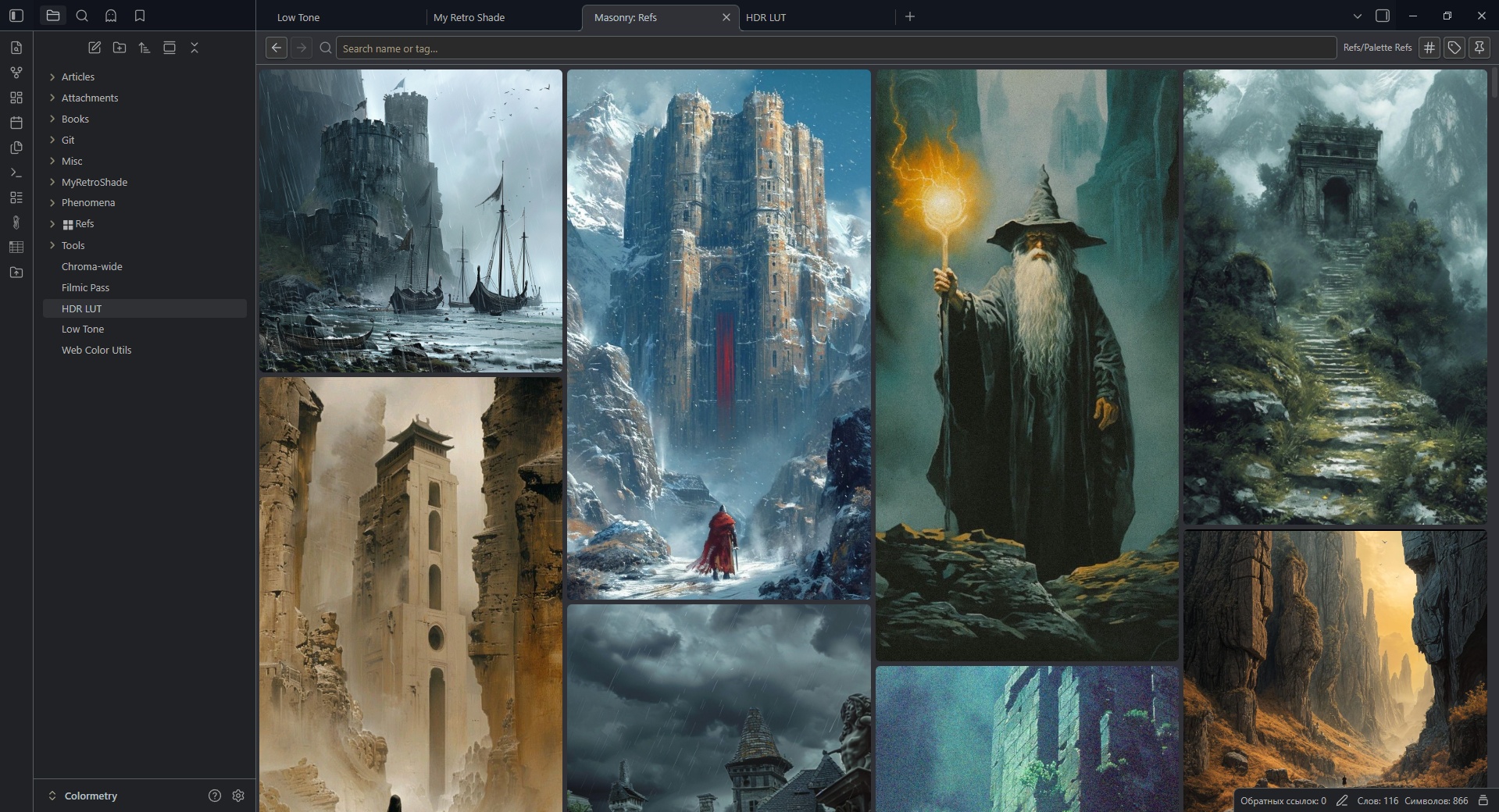
An Obsidian plugin that displays folder contents in a Pinterest-like masonry layout with tag management, pin boards, and drag-and-drop.
Usage
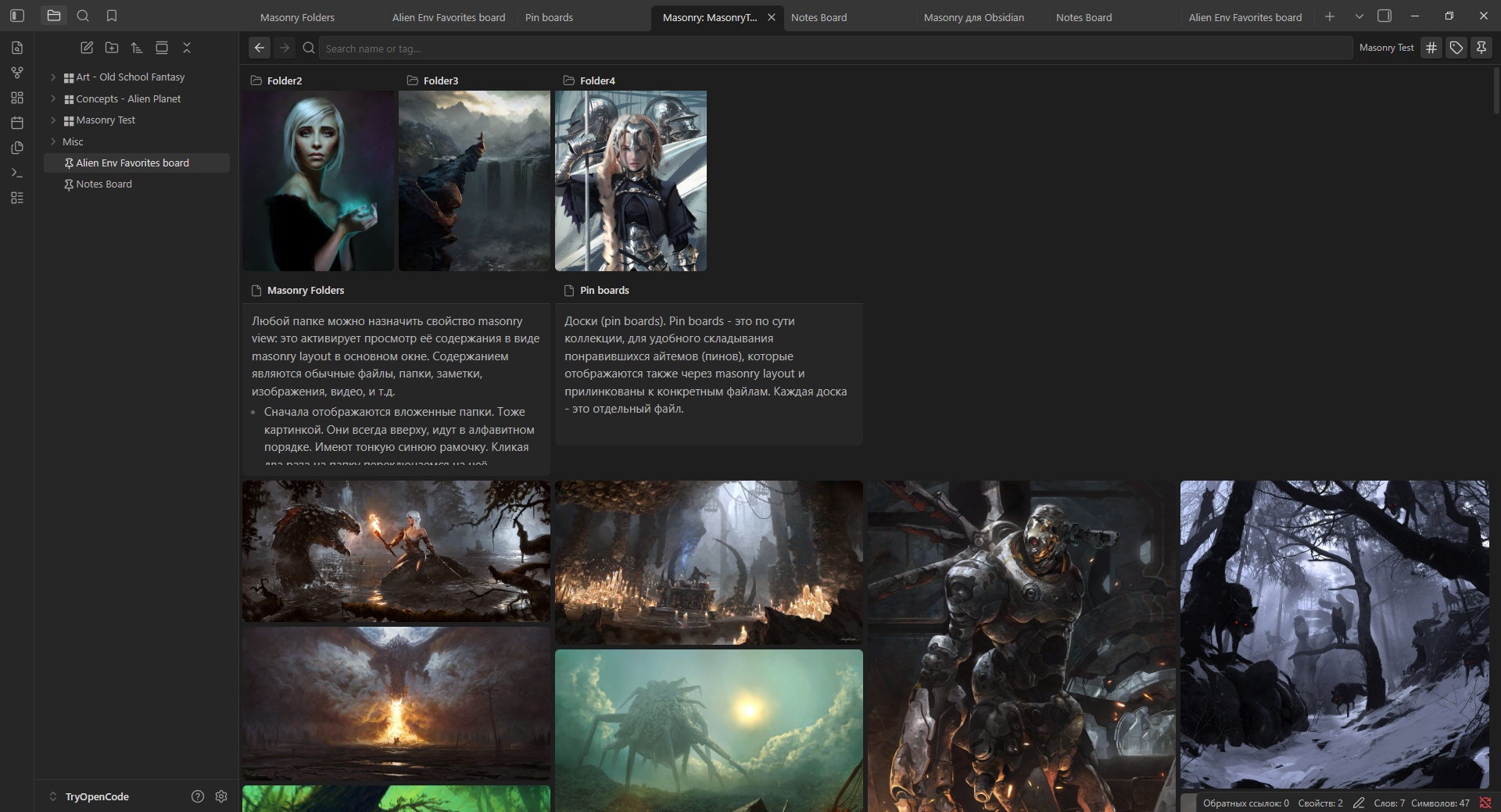
- You can use folders to view it's content as masonry tiles (call them items). You work with actual files it this case.
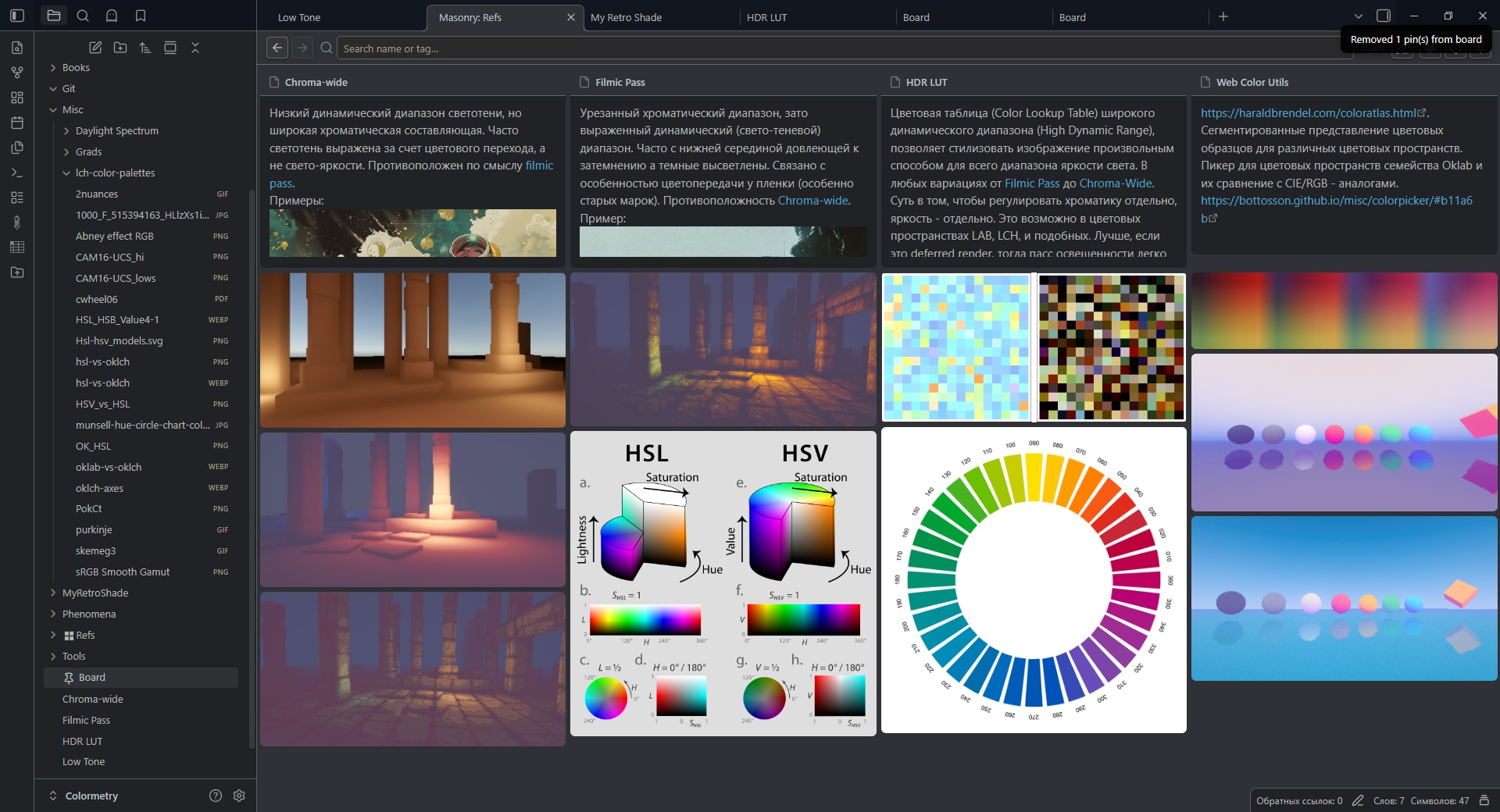
- You can create a pin boards and pin any files to it, and view as masonry tiles (call them pins). You work with only a record in collection, not files itself.
- You can add tags to items/pins.
- To turn folder in to a masonry layout right-click on a folder → Enable Masonry View. You will see a tile icon appear next to the folder name (call them a masonry folder).
- Click on a masonry folder label to view it's content, click on foldout triangle to open/close folder. Double click on label also work as foldout.
- Right-click in files explorer → Create Pin Board to make a board
- Drag notes, images, or other files onto a pin board (to pin), or a masonry folder (to move)
- Use Ctrl + Click to select several items in masonry view
- Add tags to items/pins if you wish
- Use the search bar to filter by name or tag (
#tagname) - Double-click on images to preview it
- Right-click on items/pins for context menus and quick actions
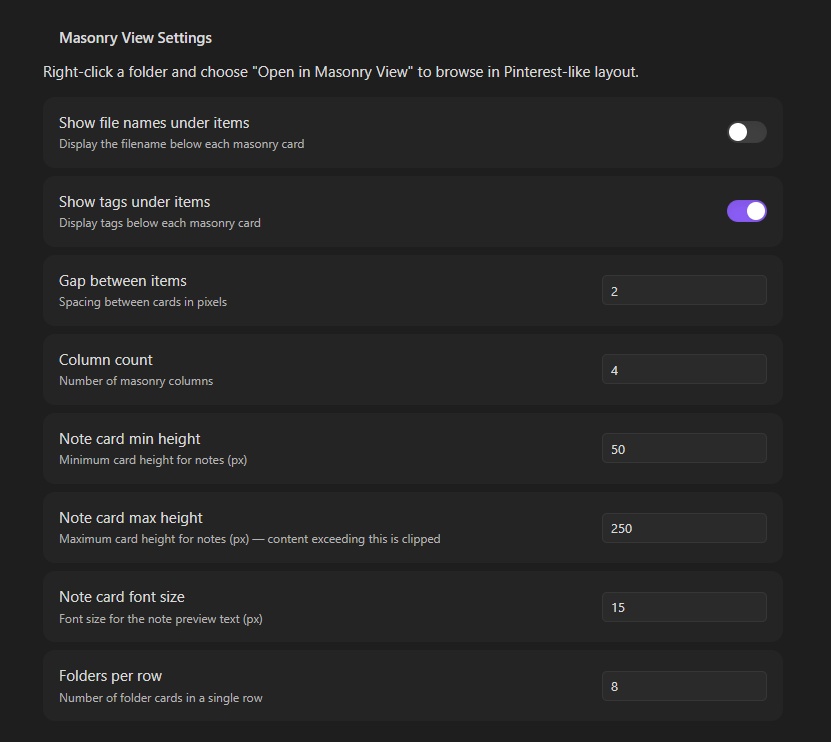
- Settings: use plugin settings to customize
HealthExcellent
ReviewSatisfactory
About
Display folder contents in a Pinterest-like masonry layout and view notes and images as draggable tiles. Create pin boards, drag files to pin or move them, add tags, filter by name or #tag, and double-click images to preview.Details
Current version
1.0.8
Last updated
3 months ago
Created
3 months ago
Updates
4 releases
Downloads
1k
Compatible with
Obsidian 1.12.7+
Platforms
Desktop, Mobile
License
MIT