Sharbel Marshi363 downloadsFast LuaLaTeX TikZ rendering with full library support, live preview, RTL support, and simple diagram helpers.
Fast LuaLaTeX TikZ rendering with full library support, live preview, RTL support, and simple diagram helpers.
Render tikz and luatikz fenced code blocks in Obsidian. Desktop can use local LuaLaTeX or TikZJax; mobile uses TikZJax.
Enable LuaTikZ under Settings → Community plugins. The release ships as main.js, manifest.json, and styles.css. TikZJax is bundled into main.js (~11 MB).

David CLM, Geeza Pro, Times New Roman) and loaded them unconditionally, so every diagram failed on a machine missing any of them — even one with no RTL content. Fonts now resolve through fallback chains that skip what isn't installed. Details\usetikzlibrary{...} spread over several lines was ignored. It was left in the document body, where the command is illegal, so the whole diagram failed. Multi-line \usepackage and \usetikzlibrary are now hoisted correctly.\usetikzlibrary{pgfplots} aborted the compile. Package names are dropped (the preamble already loads them) and PGFPlots-only libraries move to \usepgfplotslibrary. Detailstikzpicture skeleton.Dimension too large now come with a plain-language explanation of the cause and the fixes that work. Detailssvgo bumped to 3.3.4 (GHSA-2p49-hgcm-8545).LuaTikZ runs on Obsidian mobile. Diagrams render in reading view through the bundled TikZJax runtime — no local TeX install and no shell access required.
On mobile you get the same fenced-block editing helpers (autocomplete, structural lint, templates, error highlighting). Inline live preview and coordinate picking are desktop-only (they need the floating SVG preview). The renderer setting is fixed to TikZJax; LuaLaTeX is not available on mobile.
pdftocairo for PDF → SVG (brew install poppler on macOS)No local TeX install. The TikZJax runtime and TeX WASM files are bundled into main.js (~11 MB). Obsidian Sync Standard may not sync plugin files over 5 MB.
```tikz
\begin{tikzpicture}
\draw (0,0) circle (1cm);
\node at (0,0) {Hello};
\end{tikzpicture}
```
The luatikz fence alias works the same way.
Add a directive line inside the block, or set align= on \begin{tikzpicture}:
% align=left
\begin{tikzpicture}
...
\end{tikzpicture}
Values: left, center (default), right. These control how the rendered SVG sits in reading view, not text direction.
Add a grid directive at the top of the block (stripped before render):
% grid=1
\begin{tikzpicture}
...
\end{tikzpicture}
The number is the step in cm.
Use \he{...} and \ar{...} for RTL text in labels. LuaLaTeX shapes the text properly; TikZJax substitutes a basic fallback.
\begin{tikzpicture}
\Text(0,0,LTR text)
\Text(0,-1,\he{טקסט})
\Text(0,-2,\ar{نص})
\end{tikzpicture}
Short macros for quick diagrams: \Circle, \Arrow, \Rect, \TextRTL, \ResistorRow, logic gates (\ANDgate, \NOTgate, …), wires, and basic circuit symbols. Autocomplete inside tikz blocks suggests TikZ commands, snippets, node anchors, and relative coordinates.
Command palette → Toggle inline live preview. A floating preview updates while the cursor is inside a tikz block.
Click the preview to insert TikZ coordinates at the cursor. Shift+click constrains the pick to a horizontal or vertical line from the last numeric coordinate already in your source — useful when tracing rectangle edges.
To close an orthogonal shape (rectangle, L-shape, …) without nudging the last corner by hand, type ccycle instead of cycle. LuaTikZ snaps the last point to the 90° closing corner and rewrites it to cycle:
\draw (0.54,-3.09)--(7.00,-3.09)--(7.00,-0.96)--(2.04,-0.96)--ccycle ;
becomes (0.54,-0.96)--cycle on the last segment.
Move the pointer over a shape in the preview and the statement that drew it is highlighted in the editor. The mapping is derived from the explicit coordinates in your source (-- chains, rectangle/grid, circle/ellipse, node anchors, ++ relative steps, picture-level scale); statements built from anything it cannot read — named nodes, polar coordinates, foreach bodies — are simply never highlighted rather than guessed at.
While you edit, the preview keeps the last good diagram visible so a half-finished \draw line does not blank the surface.
Inside tikz / luatikz blocks (and standalone \begin{tikzpicture} environments):
\begin/\end pair highlights\usetikzlibrary names, empty option keystikzpicture skeleton\draw lines (hint or auto-append){, [, (, $Command palette
| Command | What it does |
|---|---|
| Open helper reference | Searchable cheat sheet; click to insert |
| Insert TikZ template… | Blank picture, flowchart, axis, logic circuit |
| Format TikZ block | Tidy indentation inside the fence |
Wrap selection in \node{} / $...$ |
|
| Insert plot from function… | PGFPlots wizard |
| What can I use here? | Pick a snippet category |
Hover a rendered block and click Export to save the diagram as SVG. The arrow next to it opens a menu to choose SVG or PNG; PNG is rasterized from the vector output at 2× so it stays crisp.
When a diagram fails:
Missing semicolon (;) (line 3)).;, braces, typos, empty align=, etc.).Dimension too large on a curved to, for example, explains that pgf overflows TeX's arithmetic once the endpoints are more than x=0.5cm or explicit control points fix it while scale= does not.Line numbers in error messages are relative to your TikZ block, not the generated LaTeX wrapper.
Pre-render checks catch empty option values (align=, opacity=, minimum width=, …) before calling LaTeX.
| Setting | Purpose |
|---|---|
| Renderer | LuaLaTeX or TikZJax (desktop); mobile always uses TikZJax |
| Allow local LuaLaTeX execution | Opt-in shell rendering |
| Main / Hebrew / Arabic font | Override the font fallback chains; blank uses the defaults |
| Extra preamble | Custom LaTeX/TikZ appended to the preamble (split for LuaLaTeX vs TikZJax) |
| Custom preamble | Replace the generated LuaLaTeX preamble entirely |
| Enable cache | Reuse recent render results on disk |
| Dark mode style | Auto-invert, brightness boost, or none |
| Starter block on new fence | Insert blank tikzpicture when opening a new block |
| Structural lint | Warnings for env/brace/library issues in the editor |
| Semicolon reminder | Off, hint, or auto-append on Enter |
| Auto-close brackets | Close {, [, (, $ while typing |
| Show install notice | One-time environment check on first load |
LuaLaTeX runs your full TeX toolchain: extra packages, pgfplots, circuitikz, math mode, and RTL via polyglossia. The default preamble loads common TikZ libraries.
Fonts resolve through fallback chains guarded by \IfFontExistsTF, so a name that is not installed is skipped rather than aborting the compile:
| Chain | |
|---|---|
| Main | TeX Gyre Termes (metrically Times, ships with TeX Live/MiKTeX) |
| Hebrew | Noto Serif Hebrew → David CLM → Frank Ruehl CLM |
| Arabic | Noto Sans Arabic → Geeza Pro → Amiri |
Set your own name in Settings → Fonts to put it at the front of a chain. If a whole chain misses, nothing is declared for that script and the diagram still renders.
polyglossia and the Hebrew/Arabic font families load only when the diagram uses them — \he{}, \ar{}, \texthebrew{}, \textarabic{}, or Hebrew/Arabic characters — and per script, so a Hebrew diagram never pulls in the Arabic gloss. \he and \ar are always defined, falling back to plain text when the script is not loaded.
Settings → Preamble → Custom preamble replaces the generated preamble outright. Load current preamble materializes the managed one for editing; Reset to default returns to managed.
In custom mode fonts, polyglossia and \he/\ar are yours to define. The plugin still appends the coordinate-pick calibration block and \begin{document}, injects \documentclass and \usepackage{tikz} if your text omits them, and neutralizes a stray \begin{document}. Note that a custom preamble does not receive preamble improvements from later releases — leave it empty unless you need the control.
\usepackage and \usetikzlibrary lines you write inside a block are hoisted into that preamble. Since TikZ aborts the whole compile on a name it does not recognise, two cases are rewritten first: package names (\usetikzlibrary{pgfplots}, {circuitikz}, …) are dropped because the preamble already loads them, and PGFPlots-only libraries (groupplots, polar, statistics, …) are moved to \usepgfplotslibrary. The editor flags both so the rewrite is never a surprise.
TikZJax renders in-process with no shell. Good for standard TikZ and simple plots. Advanced pgfplots (e.g. interpolated 3D surfaces) and real RTL shaping need LuaLaTeX.
This plugin needs elevated capabilities for its core feature (compiling TikZ with a local TeX installation). What it does with them:
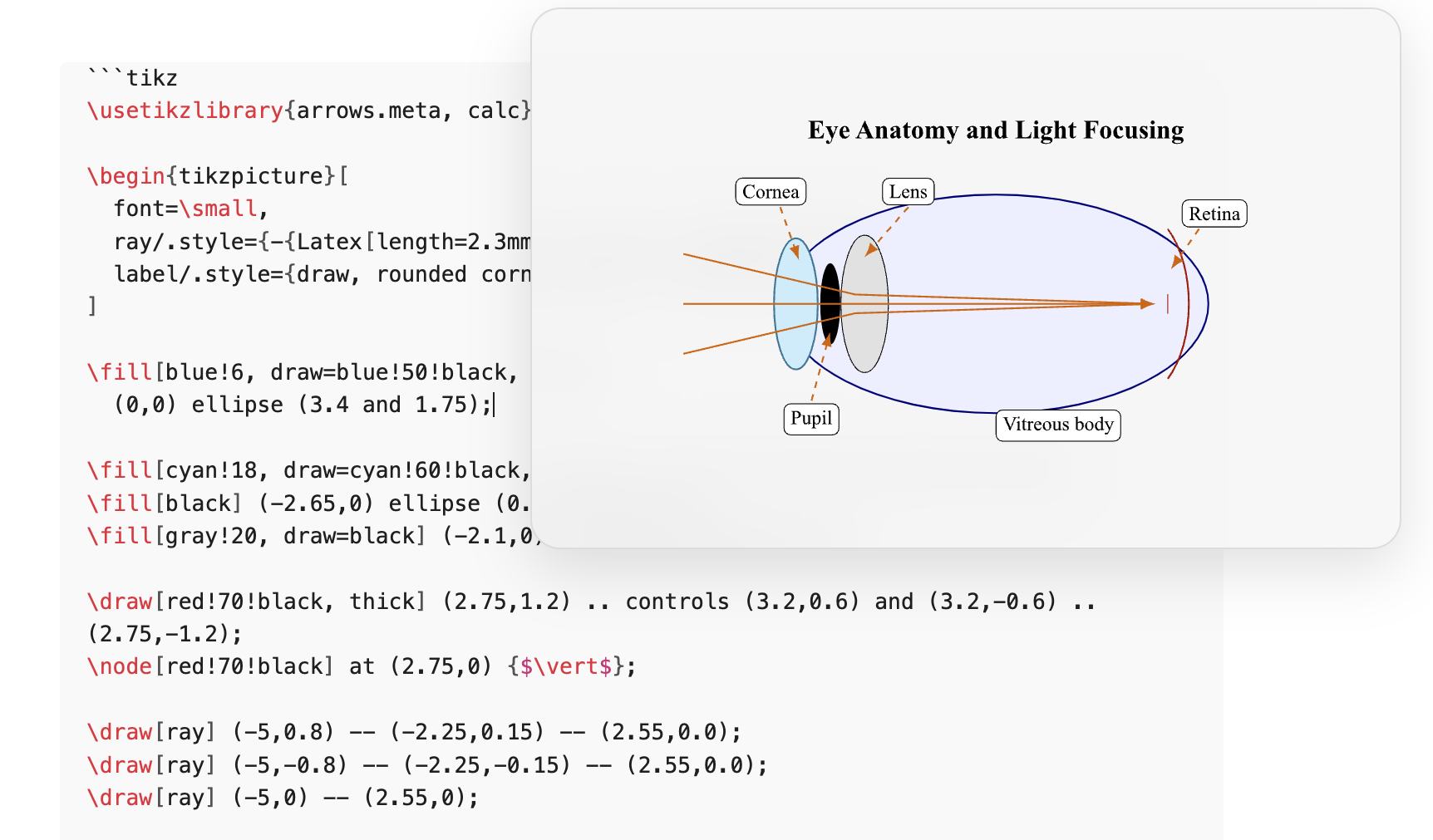
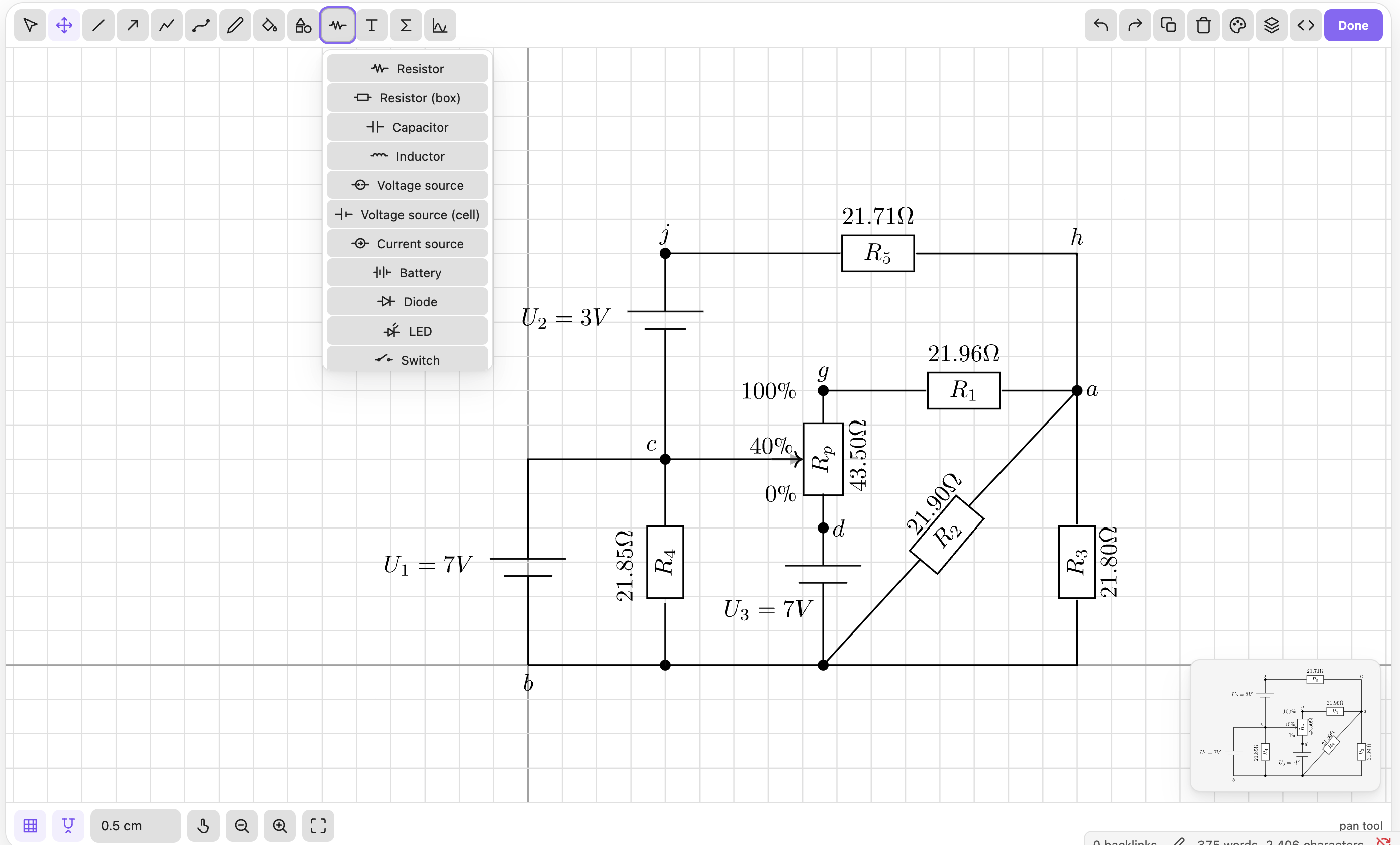
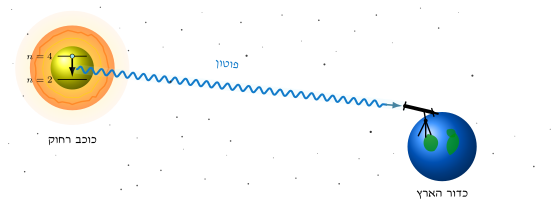
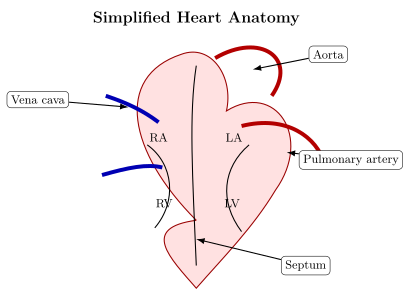
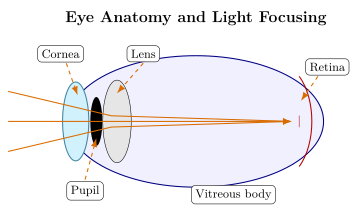
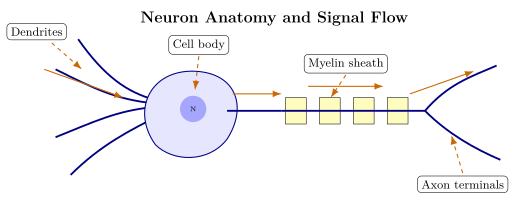
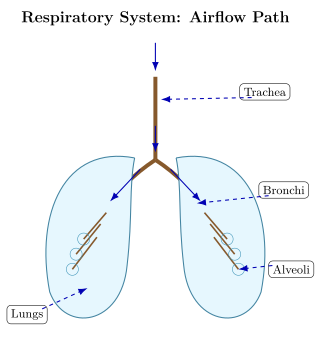
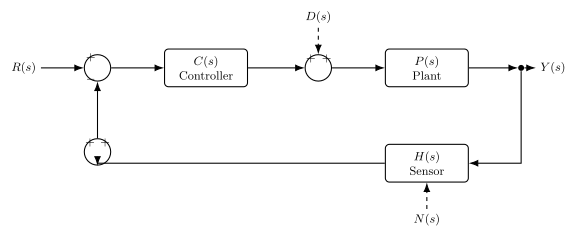
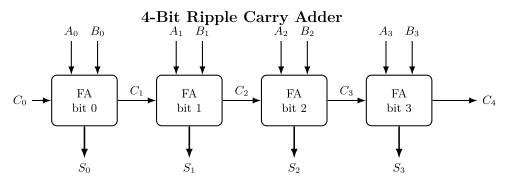
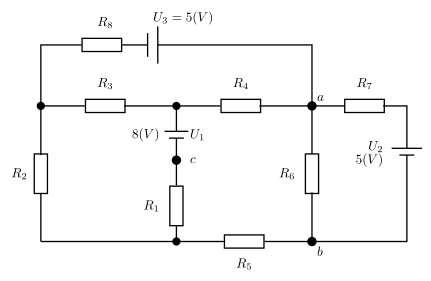
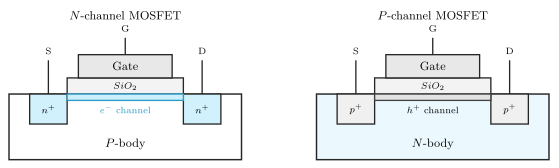
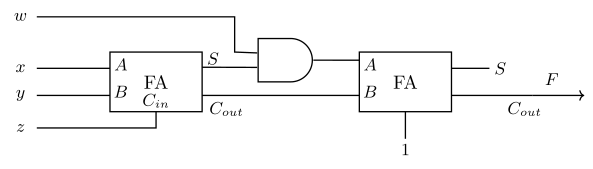
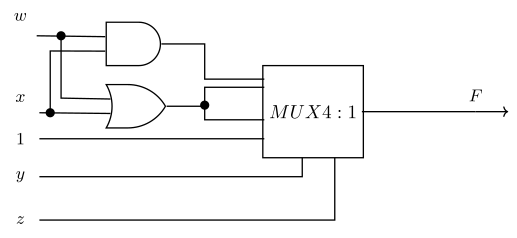
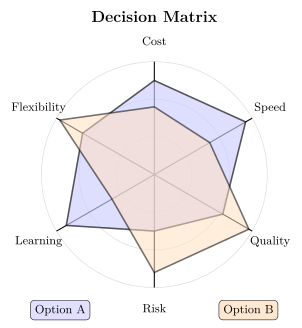
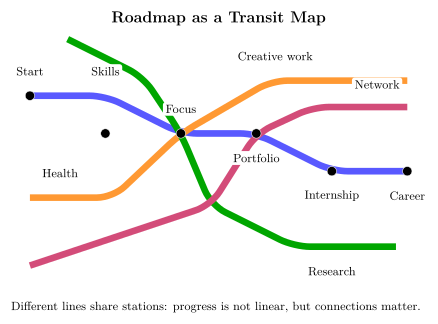
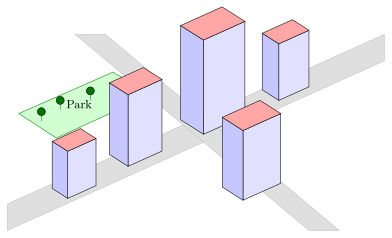
child_process, desktop only): runs exactly two programs — the LuaLaTeX binary you configure in settings and pdftocairo — always via spawn with shell: false, so arguments are never interpreted by a shell. Local execution is opt-in via the Allow local LuaLaTeX execution setting and never happens on mobile.fs, desktop only): used as a fallback to read compile artifacts (PDF/SVG/log files) that LuaLaTeX writes into the plugin's own temp folder inside your vault (.obsidian/plugins/<id>/.luatikz-temp), because the vault adapter may not have indexed them yet. The plugin does not read or write files elsewhere on your system.eval/new Function. The flagged occurrences live inside the bundled jsdom dependency of node-tikzjax, which powers the shell-free TikZJax renderer (required for mobile). They are part of jsdom's standard DOM implementation, not code paths this plugin invokes on your notes.Diagrams rendered with LuaTikZ, exported as SVG. Files in samples/.
MIT — see LICENSE.