
- Overview
- Scorecard
- Updates25
This is the official Instapaper plugin for Obsidian, a 2024 Obsidian Gem of the Year.
It integrates with your Instapaper account and allows you to:
- Save URLs from Obsidian notes to your Instapaper account
- Sync your highlights and notes to your Obsidian vault
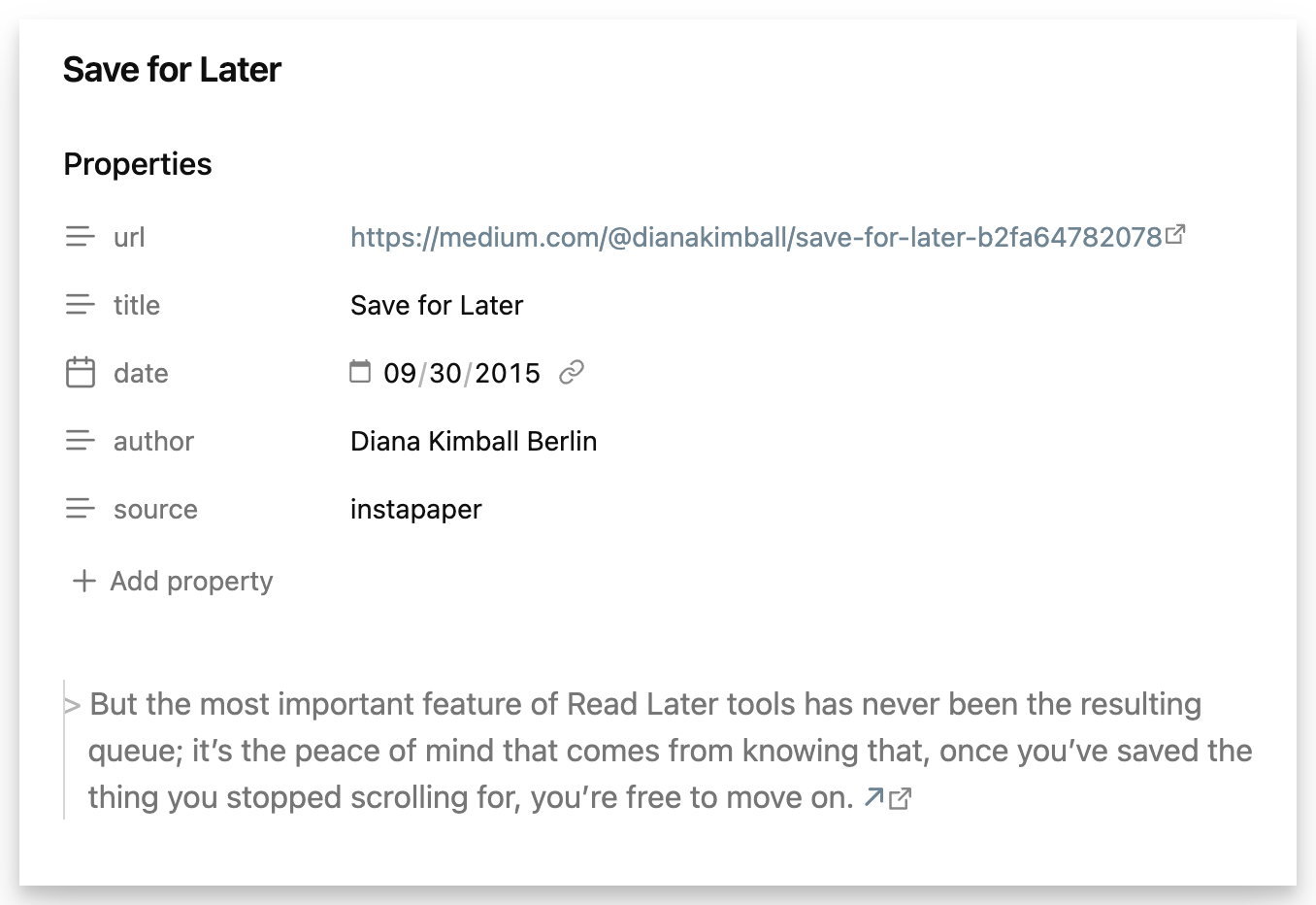
Setup
This plugin requires Obsidian v1.11.0 or higher.
- Install the Instapaper plugin within Obsidian (Settings → Community plugins).
- Enable the installed "Instapaper" plugin (Settings → Community plugins → Installed plugins).
- Click the "Options" icon (or go to Settings → Instapaper) to connect your Instapaper account, start syncing highlights, and manage other options.
Block Identifiers
Each synced highlight includes a block identifier using the format ^h{highlight_id}. This allows you to link to specific highlights from other notes using [[Article Name#^h123456]] and reference highlights in queries and searches.
Tags
Obsidian's tag format is more restrictive than Instapaper's so we apply some normalization rules:
- Obsidian tags cannot contain spaces. We replace runs of one or more spaces with a hyphen (
-). - Obsidian tags must contain a least one non-numeric character. We append an underscore (
_) to any entirely numeric Instapaper tag.
Customization
Article Properties
You can customize which article properties are included in your synced notes. In the plugin settings under Article properties, you can set and rename any of these properties:
- Title: The article's title (default:
title, disabled) - Author: The article's author (default:
author) - URL: The article's URL (default:
url) - Publish date: When the article was published (default:
pubdate) - Date saved: When you saved the article to Instapaper (default:
date) - Tags: Tags from Instapaper (default:
tags) - Source: A static string value (default:
instapaper, disabled)
Properties are only added to notes when they have values available from Instapaper.
Notes Template
You can customize how highlights appear in your notes using a Mustache template. In the plugin settings under Notes → Template, you can use the following variables:
{{text}}- The highlight text{{link}}- Link to the highlight on Instapaper{{blockId}}- Block identifier for linking to this highlight{{note}}- Your personal note for this highlight
You can also use conditional sections to show content only when a value exists:
{{#note}}...{{/note}}- Only displayed if you have a note for this highlight
Default template:
> {{text}} {{blockId}}
{{#note}}

{{note}}
{{/note}}
Feedback
Please send general feedback to: [email protected]
Code contributions for improvements are also welcome.
License
This project is made available under the terms of the MIT License.