Search...Search plugins and themes...
⌘K
Sign in
  • Get started
  • Download
  • Pricing
  • Enterprise
  • Account
  • Obsidian
  • Overview
  • Sync
  • Publish
  • Canvas
  • Mobile
  • Web Clipper
  • CLI
  • Learn
  • Help
  • Developers
  • Changelog
  • About
  • Roadmap
  • Blog
  • Resources
  • System status
  • License overview
  • Terms of service
  • Privacy policy
  • Security
  • Community
  • Plugins
  • Themes
  • Discord
  • Forum / 中文论坛
  • Merch store
  • Brand guidelines
Follow us
DiscordTwitterBlueskyThreadsMastodonYouTubeGitHub
© 2026 Obsidian

Rin Image Toolbar

witheredadwitheredad326 downloads

Hover over images for toolbar: copy, crop, and fullscreen

Add to Obsidian
  • Overview
  • Scorecard
  • Updates4

Obsidian plugin that shows a floating toolbar when you hover over images in Live Preview mode.

Features

  • Copy — copy image to clipboard
  • Crop — interactive crop dialog with drag handles and precise pixel input, saves as filename_crop.ext (auto-increment if exists)
  • Fullscreen — view image in a fullscreen overlay

After cropping, the image reference in your note is automatically updated to point to the cropped version.

Reading view only shows Copy and Fullscreen (no crop).

Demo
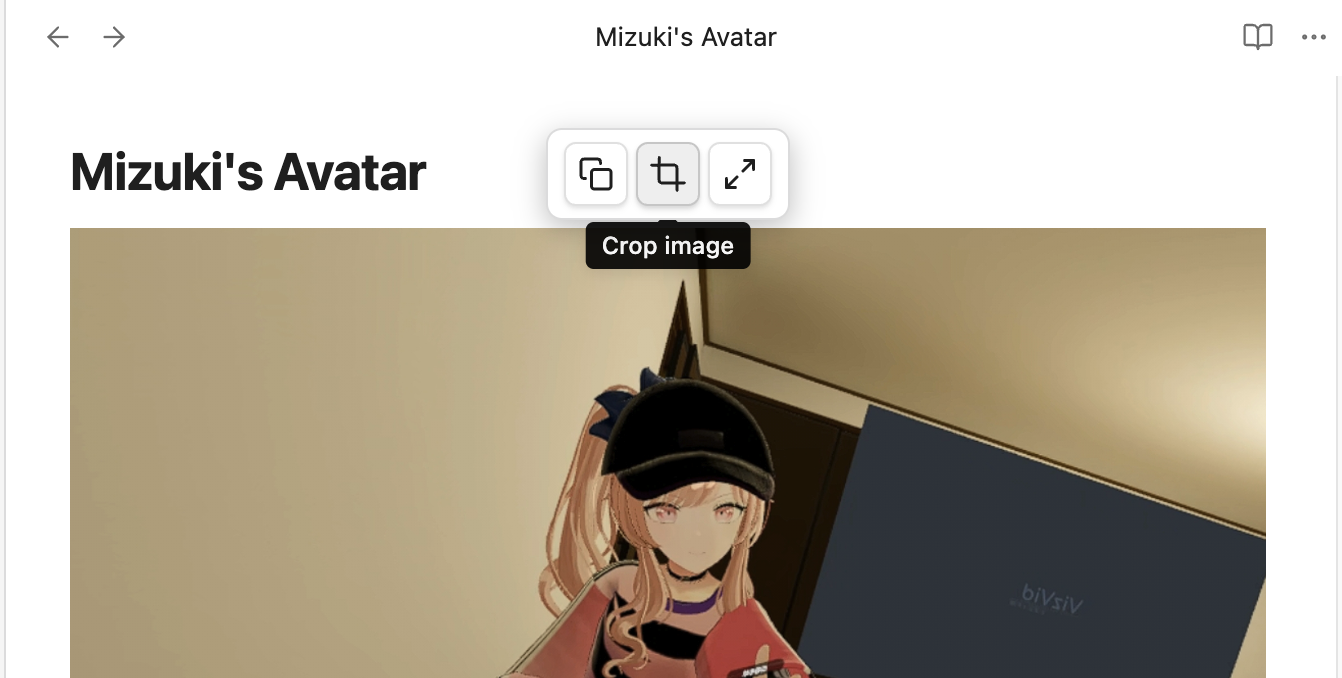
demo

Installation

  1. Download the latest release from Releases
  2. Extract into .obsidian/plugins/image-toolbar/
  3. Enable "Image Toolbar" in Obsidian Settings → Community Plugins

Manual Build

npm install
npm run build

License

MIT

HealthExcellent
ReviewSatisfactory
About
Show a floating toolbar when hovering images in Live Preview that offers Copy, Crop and Fullscreen actions. Crop images with an interactive dialog (drag handles and pixel input), save cropped files as filename_crop.ext and update note image references automatically; Reading view shows only Copy and Fullscreen.
ImagesAttachments
Details
Current version
1.0.3
Last updated
Last month
Created
Last month
Updates
4 releases
Downloads
326
Compatible with
Obsidian 0.15.0+
Platforms
Desktop, Mobile
License
MIT
Report bugRequest featureReport plugin
Author
witheredadwitheredad
GitHubwitheredad
  1. Community
  2. Plugins
  3. Images
  4. Rin Image Toolbar

Related plugins

Ink

Handwriting and drawing directly between paragraphs using a digital pen, stylus, or Apple pencil.

Pixel Perfect Image

Pixel perfect 100% image resizing, copy to clipboard, show image in Finder/Explorer, and much more.

Local Images Plus

A reincarnation of Local Images to download images in Markdown notes to local storage.

Image Context Menus

Image context menus (mostly on right click): Copy to clipboard, Open in default app, Show in system explorer, Reveal file in navigation, Open in new tab.

Paste image rename

Rename image after pasting, support name pattern and auto renaming.

Image auto upload

Upload images from your clipboard by PicGo.

Imgur

Upload images from your clipboard to imgur.com and embeds uploaded image to your note.

CMDS Eagle

Connect Eagle asset library to Obsidian. Search, embed, and upload images to cloud (ImgHippo, R2, S3, WebDAV).

S3 Image Uploader

Self-host images on AWS S3.

Local images

Find all links to external images in your notes, download and save images locally, and adjust the image links in your notes to point to the saved image files.