Hub Sidebar
 Saiki772k downloads
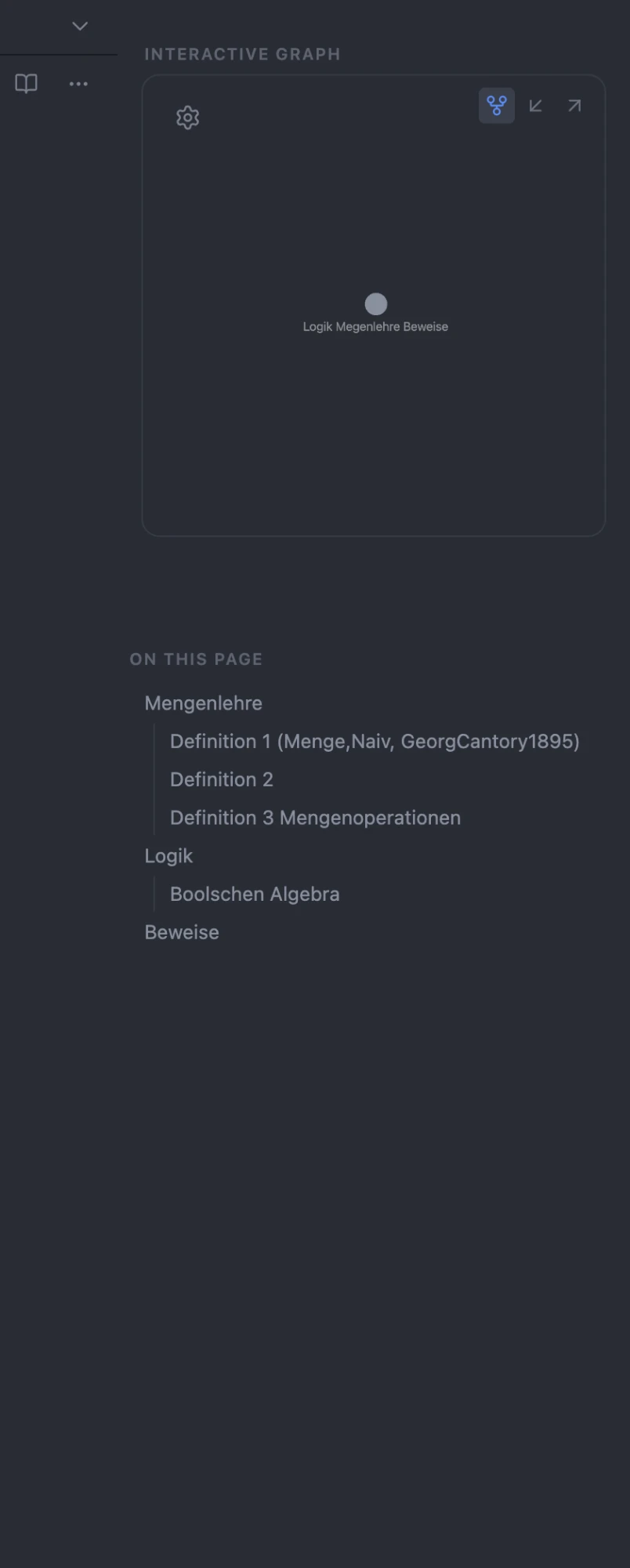
Frame the local graph and outline in a clean, Publish-style right-sidebar card, with a one-click Graph / Incoming / Outgoing switcher.
- Overview
- Scorecard
- Updates17
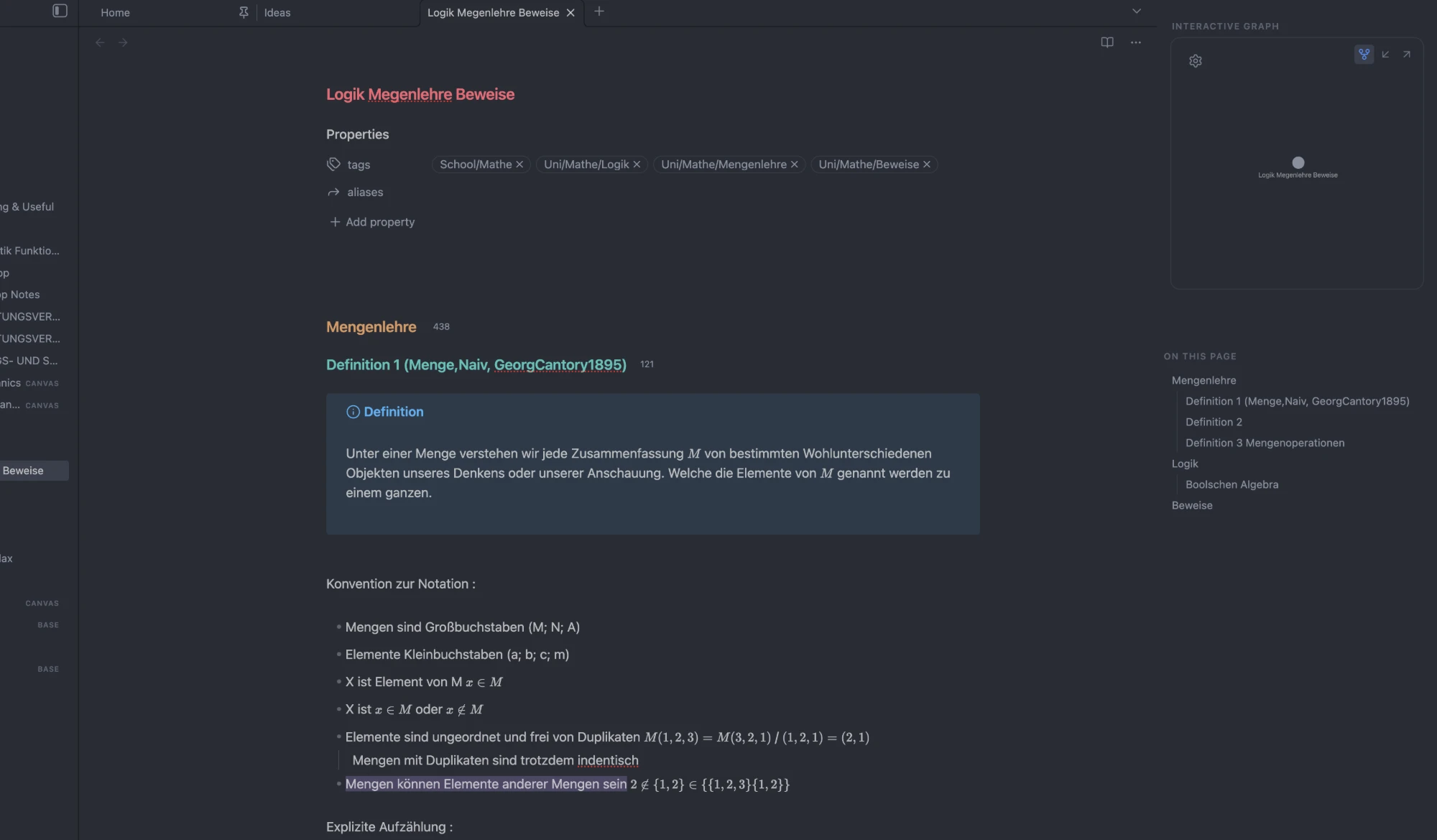
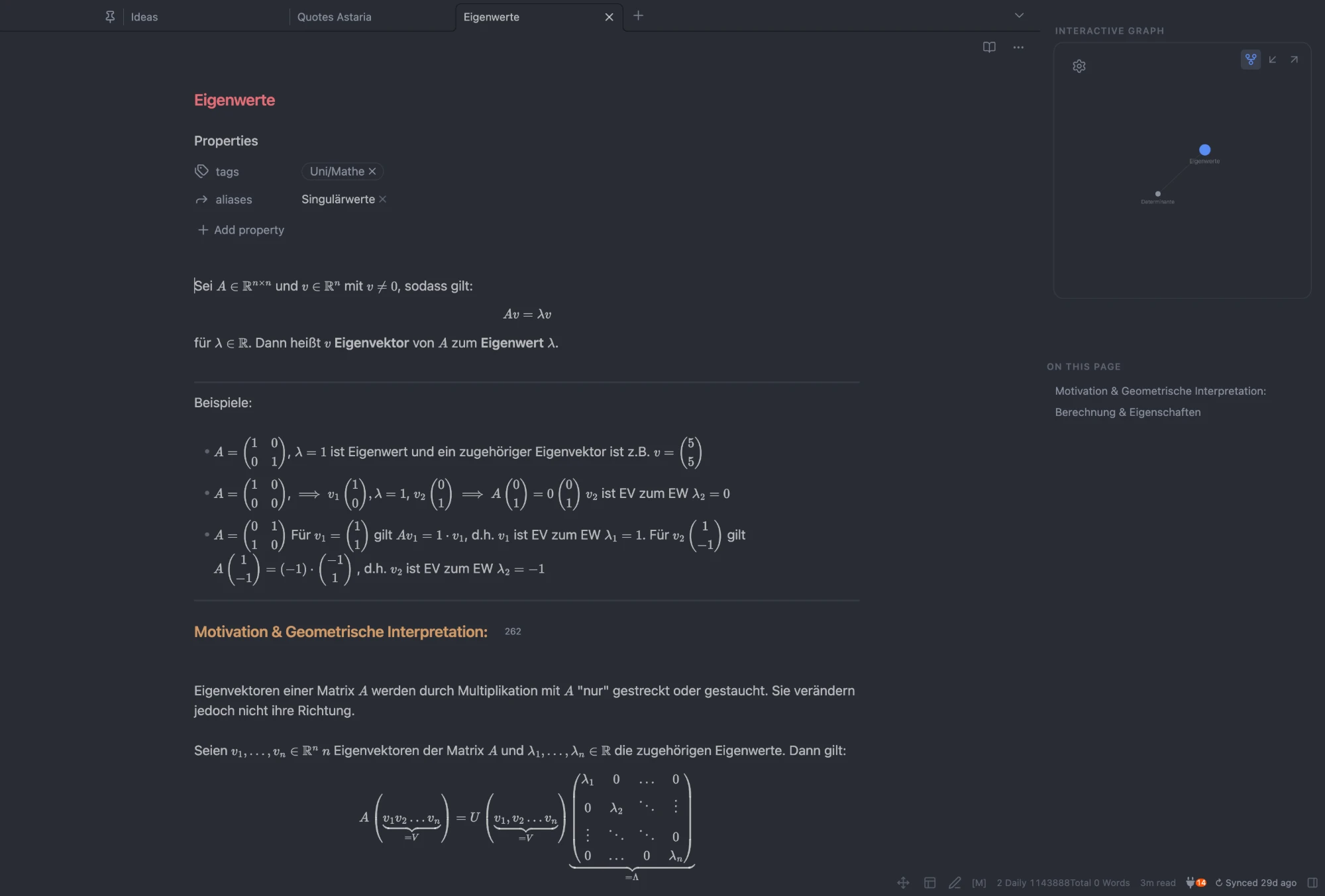
Give Obsidian's right sidebar an Obsidian Publish ("Obsidian Hub") look — a framed local-graph card and a clean "On this page" outline — plus the one thing CSS can't do: a real, clickable Graph / Incoming / Outgoing switcher on the graph card.
Features
- Framed graph card — wraps the local graph (and Backlinks / Outgoing Links) in a rounded, borderless box, with adjustable shape and top offset.
- One-click switcher — buttons on the card morph it between the local graph, incoming links (backlinks), and outgoing links, in place.
- Section labels — "Interactive graph" / "On this page" headers, Publish-style.
- Clean outline — a plain-text "On this page" list: no chevrons, no toolbar, with a configurable heading depth (1–3 tiers).
- Borderless sidebar — removes the hairline borders (the editor↔sidebar divider is an optional toggle).
- Center note on screen — optional: keeps the editor column centered in the window when the sidebar is open.
- Right-sidebar toggle — a command (assignable to a hotkey) and an optional status-bar button to hide/show the sidebar.
- New-tab search: an imprinted search box on the empty "New tab" page. Type to fuzzy-find notes inline — results expand in place and replace the action links; arrow keys + Enter to open. On by default. Optionally show a large quote above it.
- Templater buttons: configurable icon buttons in each note's header that insert a bound Templater template into the current note. Pick a template, an icon (from Obsidian's built-in set), and a tooltip in settings. Shown only when Templater is installed.
Screenshots
Settings
Outline heading tiers · graph switcher · section labels · hide tab bar · sidebar divider line · graph box shape (with a live preview) · graph box top padding · center note on screen · right-sidebar toggle button · new-tab search field · new-tab quote (size + strength) · search box strength · templater buttons.
Development
A TypeScript project bundled with esbuild (entry src/main.ts → root main.js).
npm install          # install dev dependencies
npm run dev          # esbuild watch build (inline sourcemap, no minify)
npm run build        # tsc --noEmit typecheck, then a minified production bundle
npm run lint         # eslint with the Obsidian plugin-guideline rules
styles.css is hand-written at the repo root and auto-loaded by Obsidian.
main.js and styles.css are committed — they are the release assets.
Release
npm version <x.y.z>  # bumps package.json, syncs manifest.json + versions.json, makes a bare tag
git push --follow-tags
Pushing the tag triggers .github/workflows/release.yml, which lints, builds,
verifies manifest.json matches the tag, attests build provenance, and publishes
a GitHub release with main.js, manifest.json, and styles.css.
Notes
- Needs Obsidian 1.7.2+ (declared as
minAppVersion). - Theme-agnostic (core selectors + CSS variables); tuned to sit well with the Minimal theme.