HTML Page Viewer
 Viggo Meesters1k downloads
Open .html and .htm files in Obsidian as a sandboxed rendered preview or syntax-highlighted source.
- Overview
- Scorecard
- Updates2
HTML Page Viewer
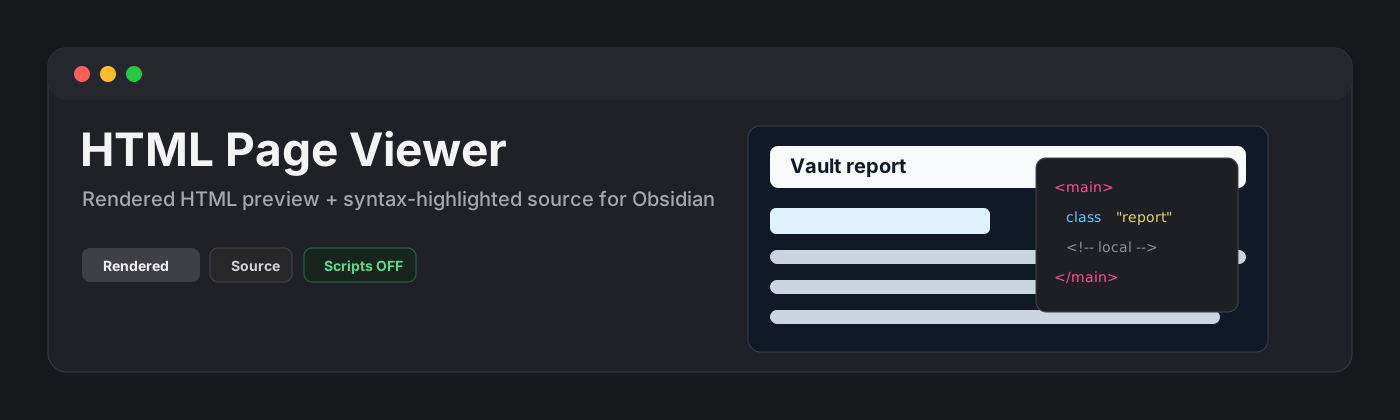
HTML Page Viewer is a read-only Obsidian plugin for opening .html and .htm files as rendered pages inside Obsidian. It is built for local reports, exported dashboards, documentation pages, prototypes, and generated visual artifacts that you want to inspect without leaving the vault.
Features
- Opens
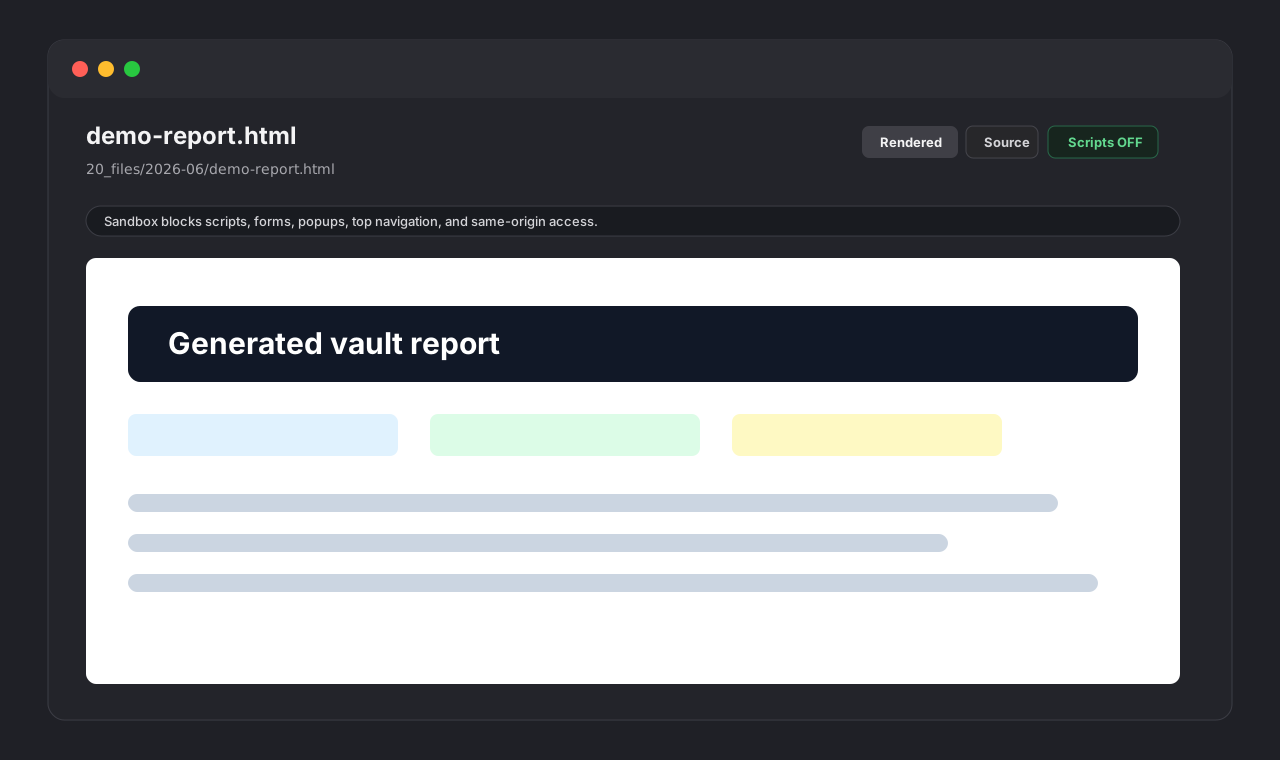
.htmland.htmfiles in a dedicated Obsidian view. - Shows a rendered preview by default.
- Provides a source view with lightweight HTML syntax highlighting and line numbers.
- Includes a toolbar for Rendered/Source, Refresh, and Scripts OFF/ON.
- Keeps scripts disabled by default.
- Enables scripts only for the current viewer tab when explicitly toggled on.
- Renders through a sandboxed iframe.
- Blocks forms, popups, top-level navigation, and same-origin access.
- Stays read-only by design: it never writes back to HTML files.
Security model
HTML files can execute powerful browser behavior if a viewer permits it. HTML Page Viewer uses a conservative default:
- Scripts are OFF by default.
- Scripts ON adds only
allow-scriptsto the iframe sandbox. - The iframe is never granted
allow-same-origin,allow-forms,allow-popups, orallow-top-navigation. - The plugin code does not make network requests.
- The plugin code does not read or write the system clipboard.
- The plugin code does not edit vault files.
Rendered HTML may still request external resources, such as images, stylesheets, fonts, or scripts, when the HTML document itself references them. This is normal browser behavior for rendered HTML pages and is separate from plugin code making network requests.
Why read-only?
HTML reports and exported pages are often generated artifacts. HTML Page Viewer intentionally does not write to disk, so it cannot reformat, truncate, or corrupt your files.
Installation
Community plugin directory
HTML Page Viewer is ready for submission to the Obsidian Community plugin directory. Once accepted, it can be installed from Settings -> Community plugins -> Browse inside Obsidian.
Manual installation
Until the community directory submission is accepted:
- Download
main.js,manifest.json, andstyles.cssfrom the latest release. - Create this folder in your vault:
.obsidian/plugins/html-page-viewer/. - Put the downloaded files in that folder.
- Reload Obsidian.
- Enable HTML Page Viewer in Settings -> Community plugins.
BRAT installation
For beta testing, install the plugin with BRAT using this repository URL:
https://github.com/viggomeesters/obsidian-html-page-viewer
Usage
Open any .html or .htm file in your vault. Obsidian will open it with HTML Page Viewer.
Use the toolbar to:
- switch between the rendered preview and source view
- refresh the rendered preview after file changes
- turn scripts on or off for the current viewer tab
Scripts are intentionally per-tab. Opening a new HTML file starts with scripts off again.
Development
npm install
npm run build
npx tsc --noEmit
npm test
For local development, copy or symlink this repository into .obsidian/plugins/html-page-viewer/ inside an Obsidian vault.
Release process
Obsidian installs community plugin files from GitHub releases. For each release:
- Update
manifest.json,package.json, andversions.json. - Run
npm install,npm run build,npx tsc --noEmit, andnpm test. - Create a GitHub release whose tag exactly matches
manifest.json.version. - Attach
main.js,manifest.json, andstyles.cssas release assets.
The repository includes a GitHub Actions release workflow with artifact attestation support. If GitHub Actions is disabled for the owner account, manual releases are still usable for Obsidian, but the Community automated review may show a recommendation about missing artifact attestations.
Community directory submission
The repository is prepared for Obsidian Community plugin submission. The remaining submission step must be completed by the repository owner in the Obsidian Community site because it requires signing in, linking GitHub, and confirming the developer policies/support commitment.
Submit this repository URL:
https://github.com/viggomeesters/obsidian-html-page-viewer
Steps:
- Sign in to community.obsidian.md.
- Link the GitHub account that owns this repository.
- Open Plugins -> New plugin.
- Enter the repository URL above.
- Confirm the developer policies and submit.
- Address any automated review feedback.
The current release is ready for review:
- root
README.md,LICENSE, andmanifest.jsonexist manifest.json.versionis0.1.1- GitHub release
0.1.1exists - release assets include
main.js,manifest.json, andstyles.css versions.jsonmaps supported Obsidian versions
Official references:
Acknowledgements
HTML Page Viewer was built independently, but it was informed by the existing Obsidian HTML viewer ecosystem, including the MIT-licensed JiaLinZhang24/obsidian-html-viewer. No source code from that project is included in this repository.