Galaxy Graph
 zachfara33 downloads
See your vault as a navigable 3D galaxy, where each linked neighbourhood glows in its own colour.
- Overview
- Scorecard
- Updates3

Galaxy Graph
An Obsidian plugin that renders your whole vault as a navigable 3D force-directed graph. Every note is a point, every link is a line, and every well-connected note gathers its neighbourhood under a soft cloud of its own colour. Orbit, zoom, click a note to inspect it, and replay your vault's history as a timeline.
Demo
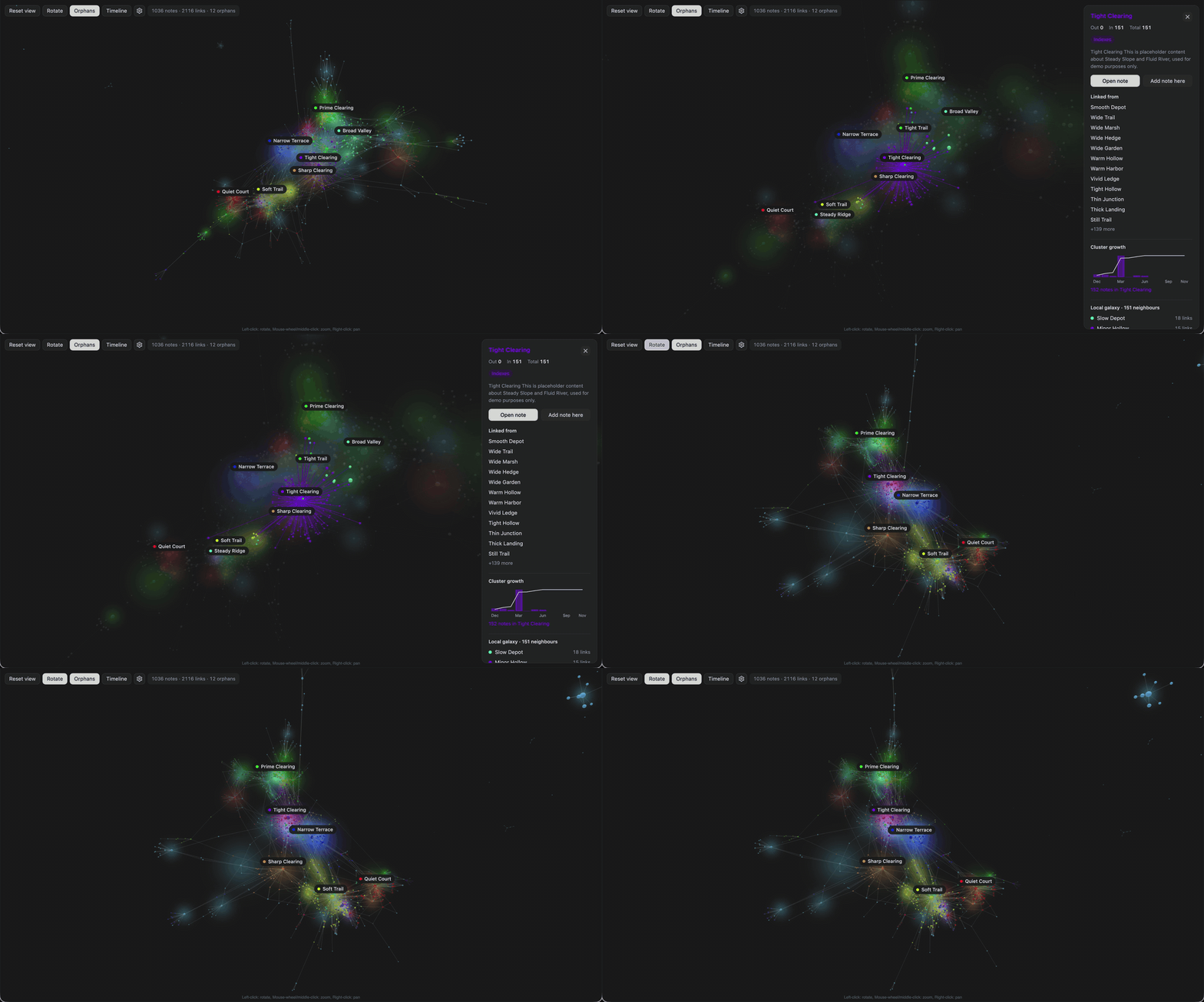
Exploring a vault: orbiting, clicking a neighbourhood, inspecting a note:
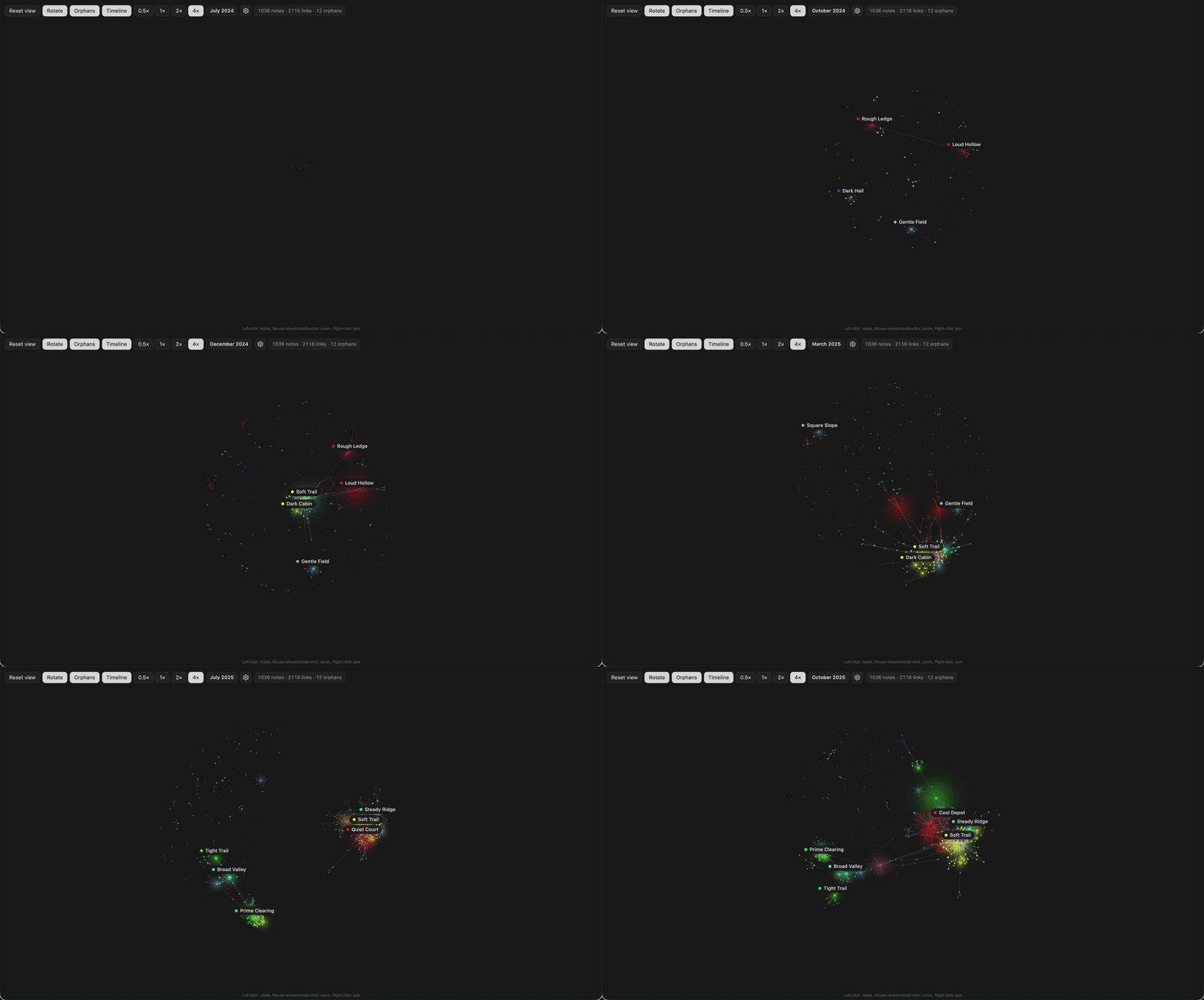
Vault timeline: notes appear in the order they were created and settle into place:
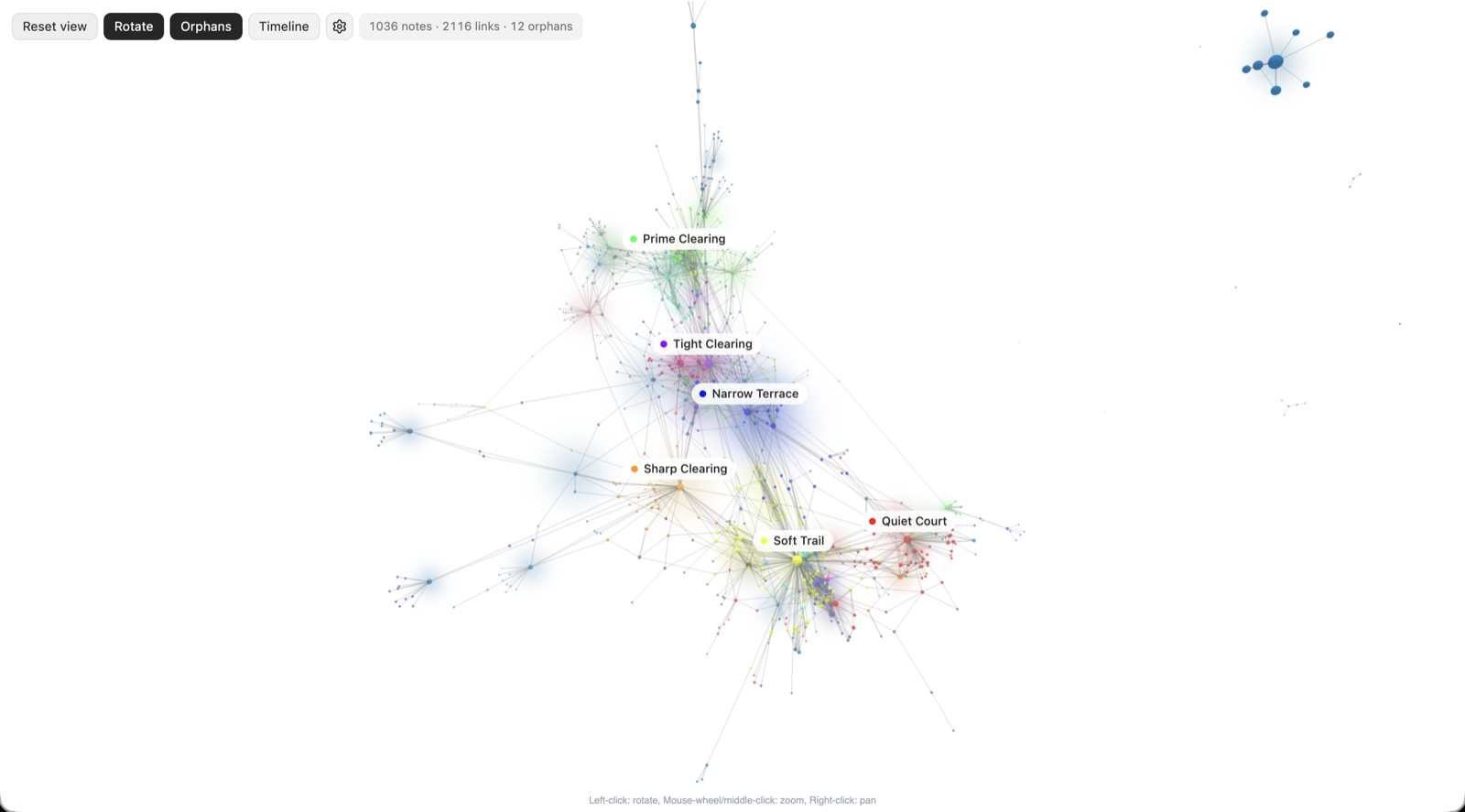
The canvas takes its colours from your Obsidian theme, light or dark:
Requirements
- Obsidian 1.7.2 or later, desktop only
- Node 22 and npm, only if you build from source
Installation
Not yet on the Community Plugins store. Either download main.js, manifest.json and
styles.css from the latest release,
or build from source:
git clone https://github.com/ZachFara/galaxy-graph.git
cd galaxy-graph
npm ci
npm run build
Then copy the three files into a folder in your vault and enable the plugin:
mkdir -p "<YourVault>/.obsidian/plugins/galaxy-graph"
cp main.js manifest.json styles.css "<YourVault>/.obsidian/plugins/galaxy-graph/"
Settings → Community plugins → toggle Galaxy Graph on.
Usage
Open the galaxy from the ribbon icon or the command Open galaxy view.
- Orbit: left-drag. Pan: right-drag. Zoom: scroll wheel or pinch.
- Click a note: selects it, highlights its links and opens the inspector. The camera stays put.
- Double-click a note, or click a label: flies the camera to that note's neighbourhood.
- Reset view (or Escape): frames the whole galaxy again and clears the selection.
- Click the background: clears the selection without moving.
- Rotate, Orphans and Timeline are toggles in the top bar; the gear opens the settings rail.
Inspector
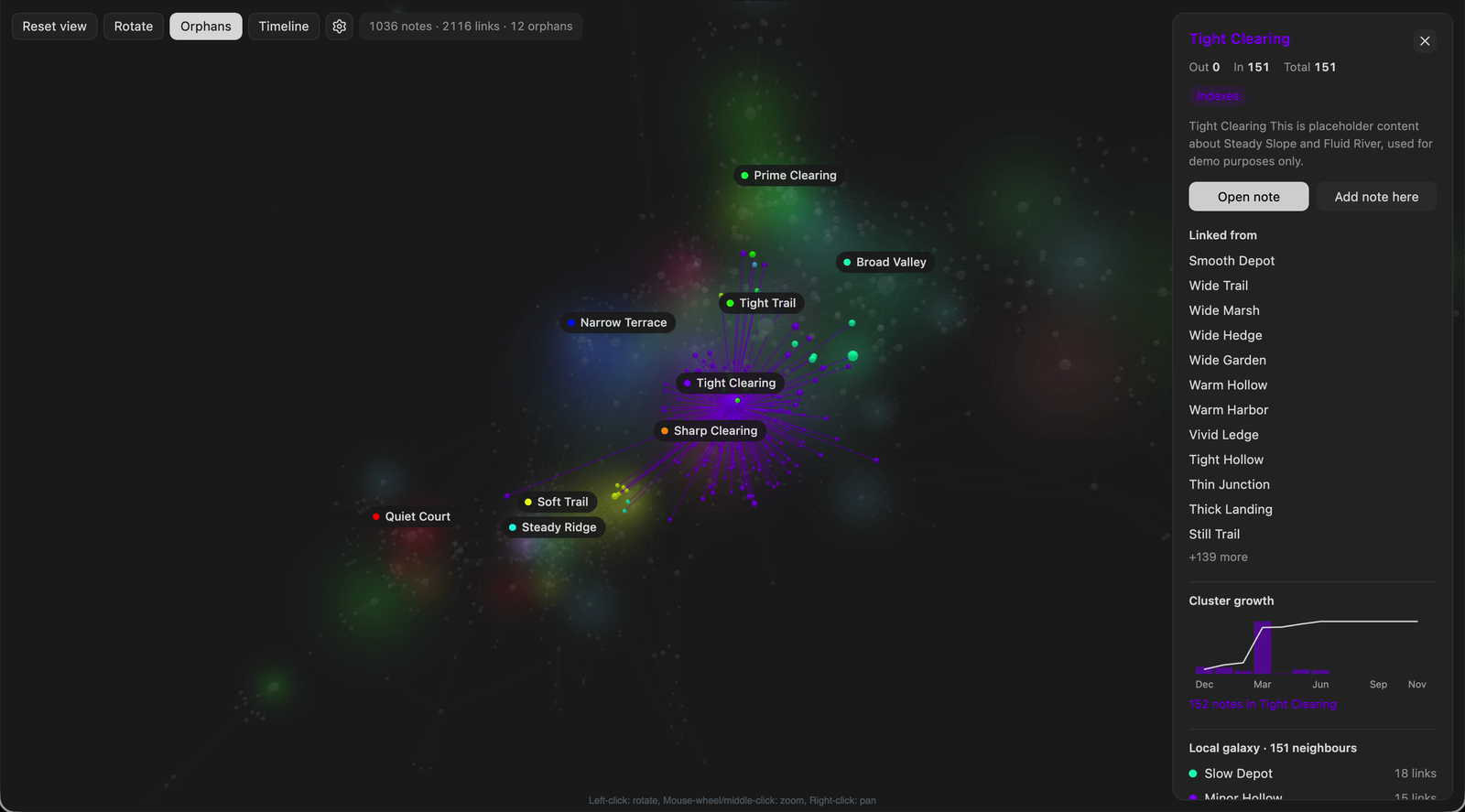
For the selected note: incoming, outgoing and total links, its folder, the first lines of its body, an Open note button, and Add note here, which creates a new note in the same folder linked back to this one. Below that, the notes it links to and is linked from, a chart of how its cluster grew over time, and its local neighbourhood as a mini-graph or a list when there are many neighbours.
Settings
The settings rail covers colour mapping (by folder, by tag with per-tag colours, index versus normal, or recent activity), the popularity time dimension used by the growth chart, link opacities, neighbourhood clouds (on or off, colour or heat, opacity), the template for notes created from the inspector, physics, labels and rotation speed. Notes matching Obsidian's Files and links → Excluded files setting are left out, as in the core graph.
Performance
The plugin warns above 2 000 notes. It still renders; it may be slower on older hardware. All graph state is in memory and nothing is written to disk except the plugin's own settings.
Contributing
Development conventions, the single check command and the architecture are in AGENTS.md; the design is in DESIGN.md; open tasks are in PROGRESS.md.
Credits
The logo was generated with ChatGPT's image generation feature.