Enterprise Issue Cards
 theluckystrike1 downloads
Show private GitHub ticket details in local notes.
- Overview
- Scorecard
- Updates1
Show private GitHub Enterprise issue details in local notes.
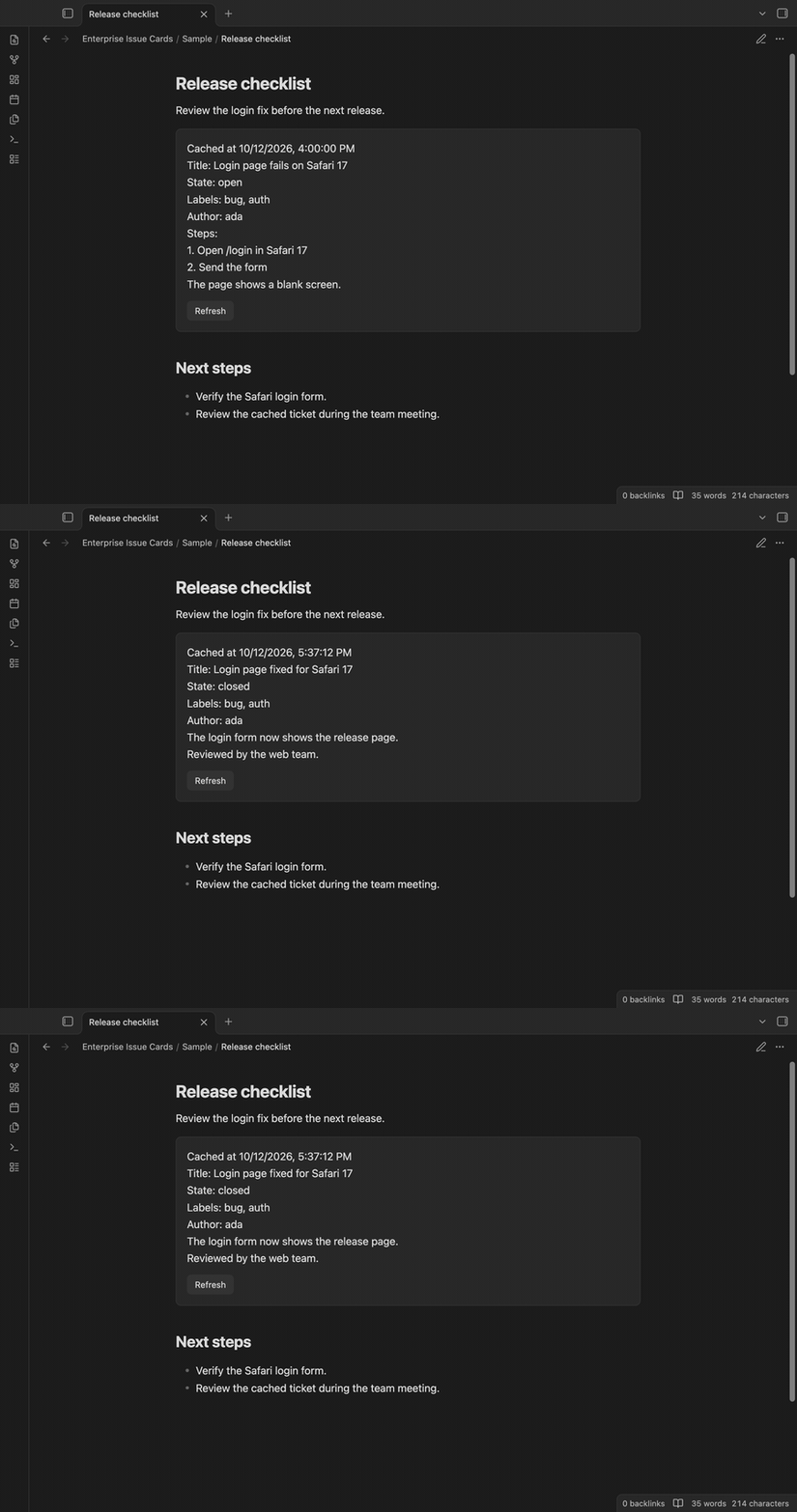
An engineer can keep a release plan next to the tickets that explain it. Enterprise Issue Cards reads an issue URL from a fenced ticket block and shows its title, state, labels, author and body. It uses the REST API of the HTTPS Enterprise Server you select. The card keeps a local copy with a fetch time, so you can read a fetched issue when the server is offline.
Features
Ticket cards in notes
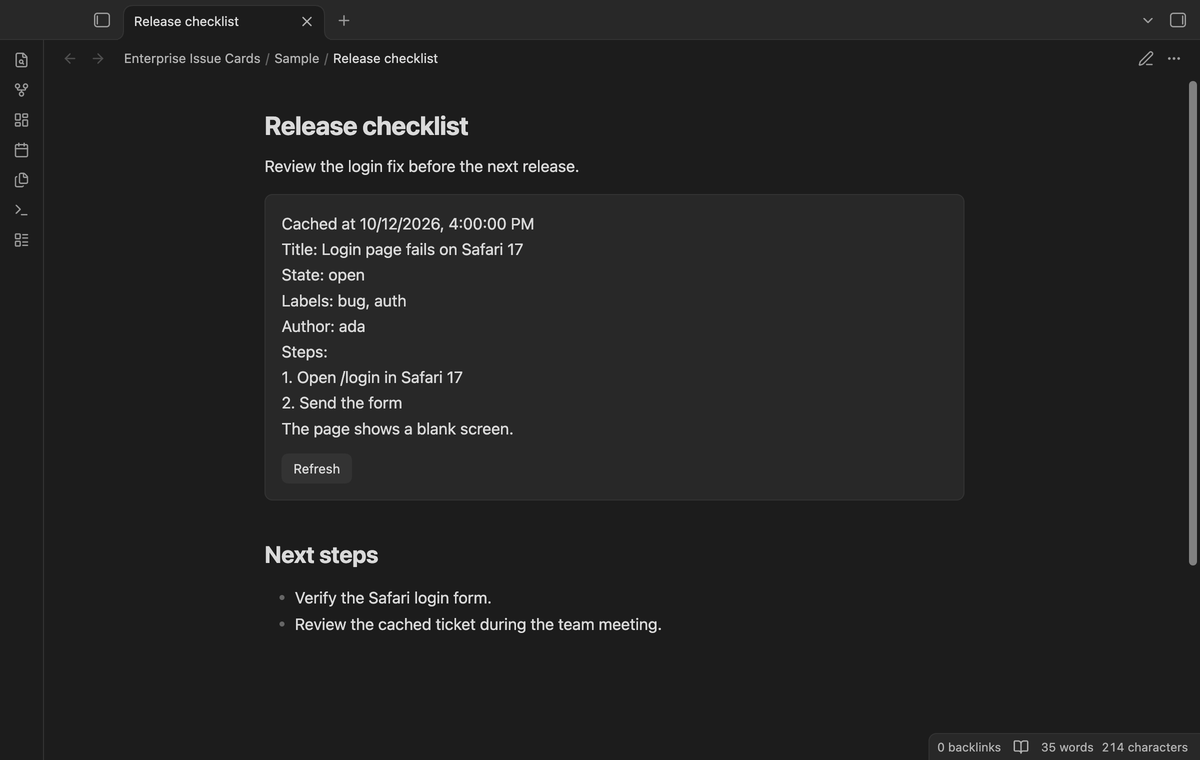
The five issue fields appear as plain text. Body line breaks are kept. An empty body has a short message. Markdown image syntax and HTML scripts remain text; the renderer creates no images or scripts from them. The original block stays in your note.
One server and a secret token
Set one root HTTPS host and save its read token through Obsidian SecretStorage. HTTP and base paths are rejected. Before a request, the plugin checks that the issue URL matches an authorized host. It does not put the Enterprise token in saved plugin settings.
Cache and manual refresh
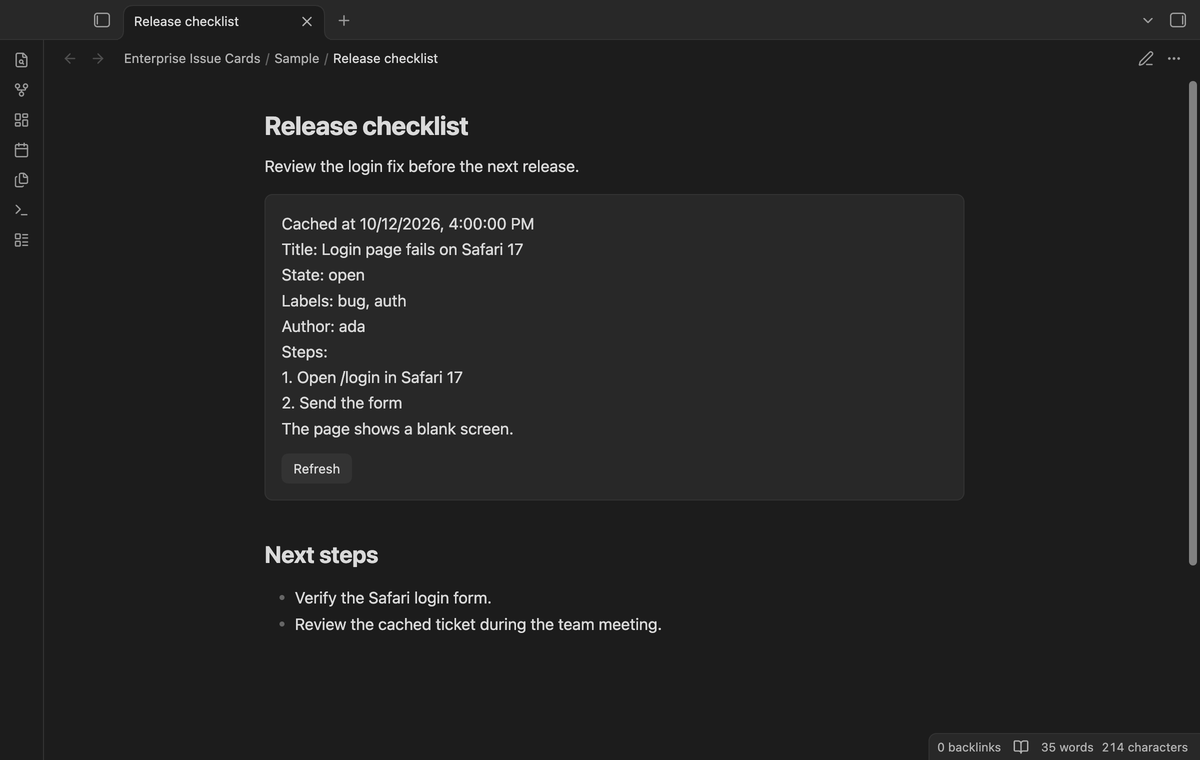
Cache keys include the server, owner, repository and issue number. Concurrent reads of one issue share a request. A cached render does not fetch again. Select Refresh on a card to read the current server copy. A successful read updates open cards for that issue.
Access and network messages
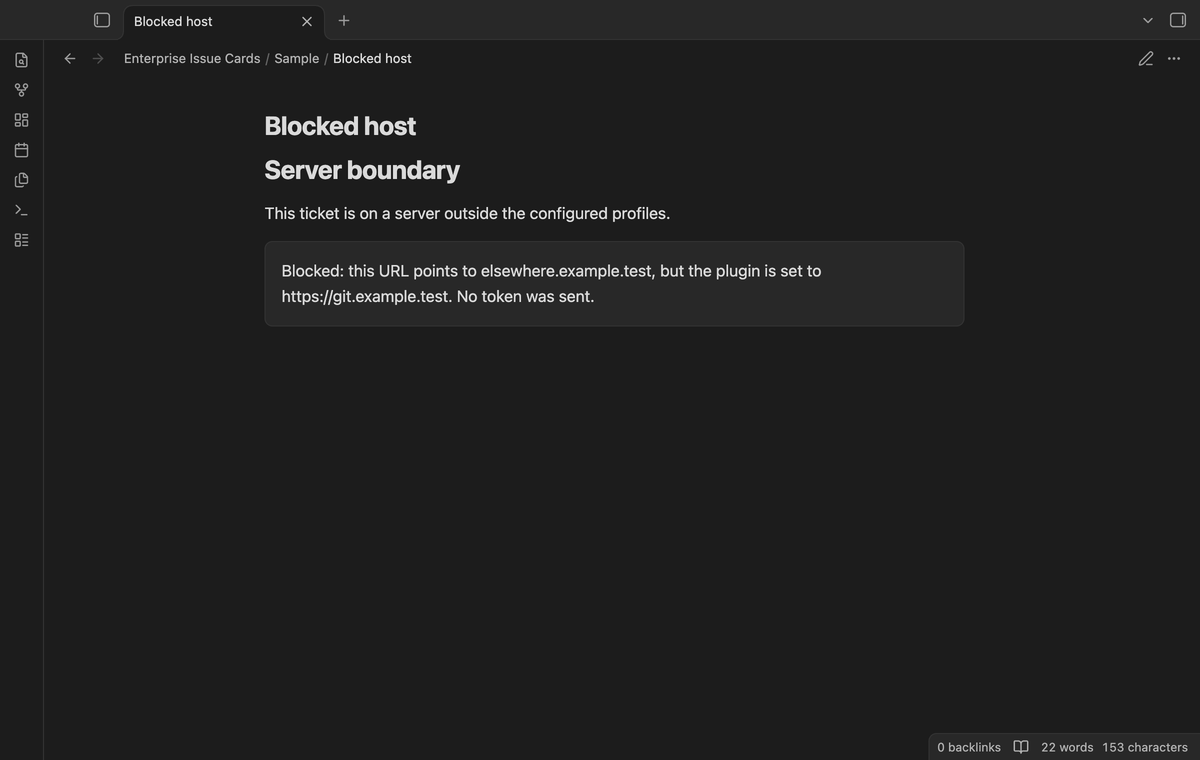
A mismatched host shows a blocked message before the request. Access failures, rate limits and network failures keep the cached fields and show an error. A 404 removes that issue from the cache. A rate limit pauses automatic reads for at least one hour during the current app session; the card permits a manual retry.
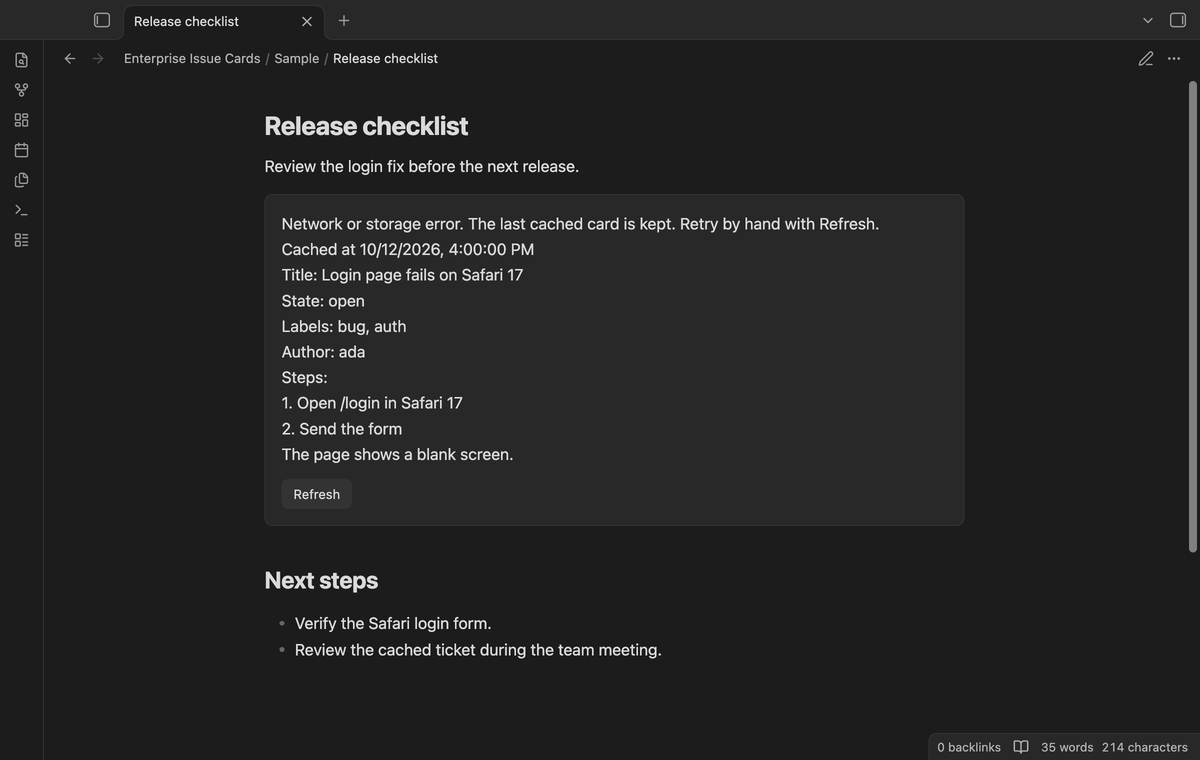
Named server profiles (Pro)
Save a name, HTTPS host and token for another server. The plugin matches a ticket URL to the primary host or a saved profile. Tokens use separate secret IDs for separate hosts. Removing a profile stops its use for cards; it leaves its secret in Obsidian storage. A negative sponsorship check disables additional hosts.
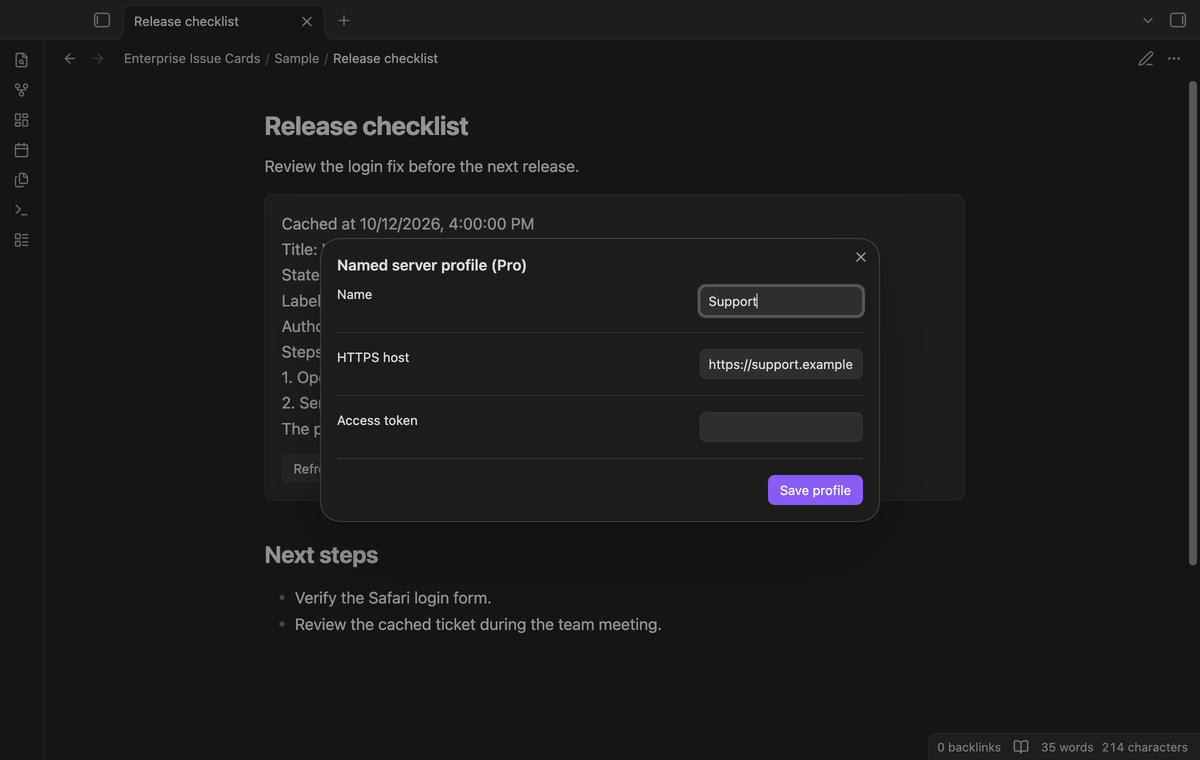
Scheduled saved-list refresh (Pro)
Put issue URLs in a saved list and set an interval from 10 to 1440 minutes. Use 0 to stop the schedule. While Obsidian is open, a minute timer checks whether a refresh is due. The list holds up to 50 distinct URLs. Reads run in sequence with a one-second pause. Refresh saved list also starts this operation on demand.
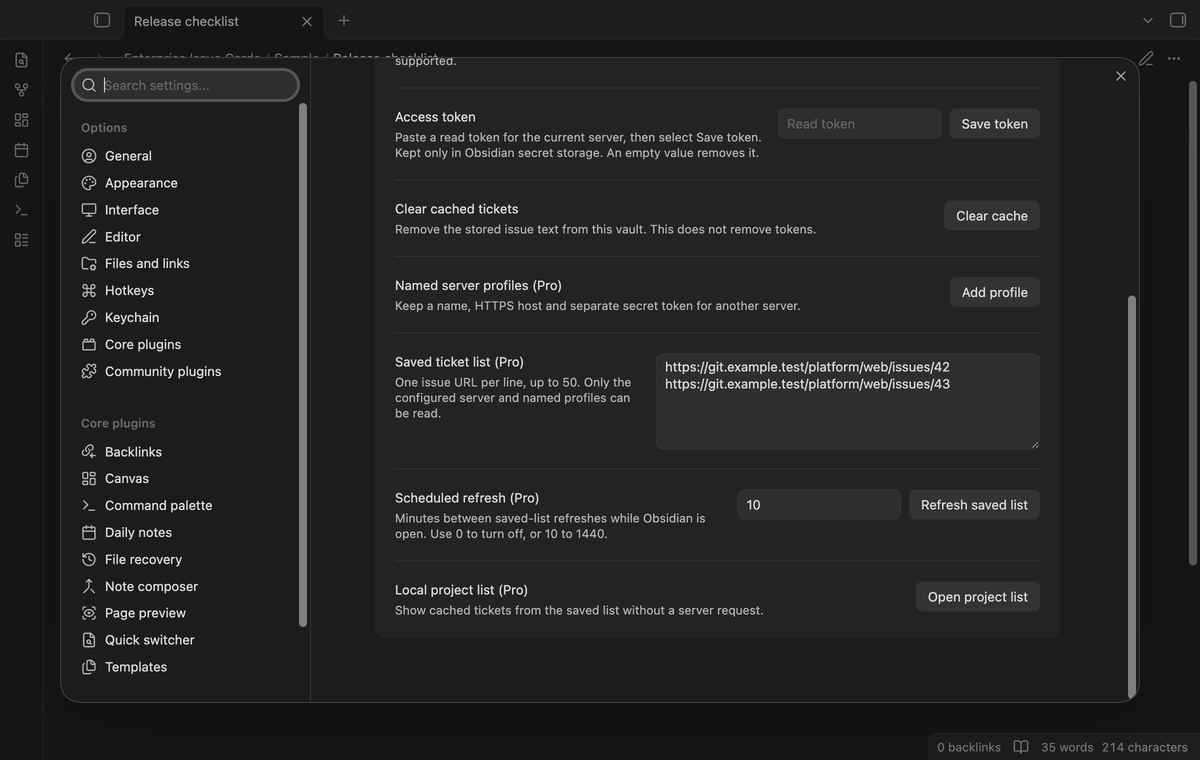
Local project list (Pro)
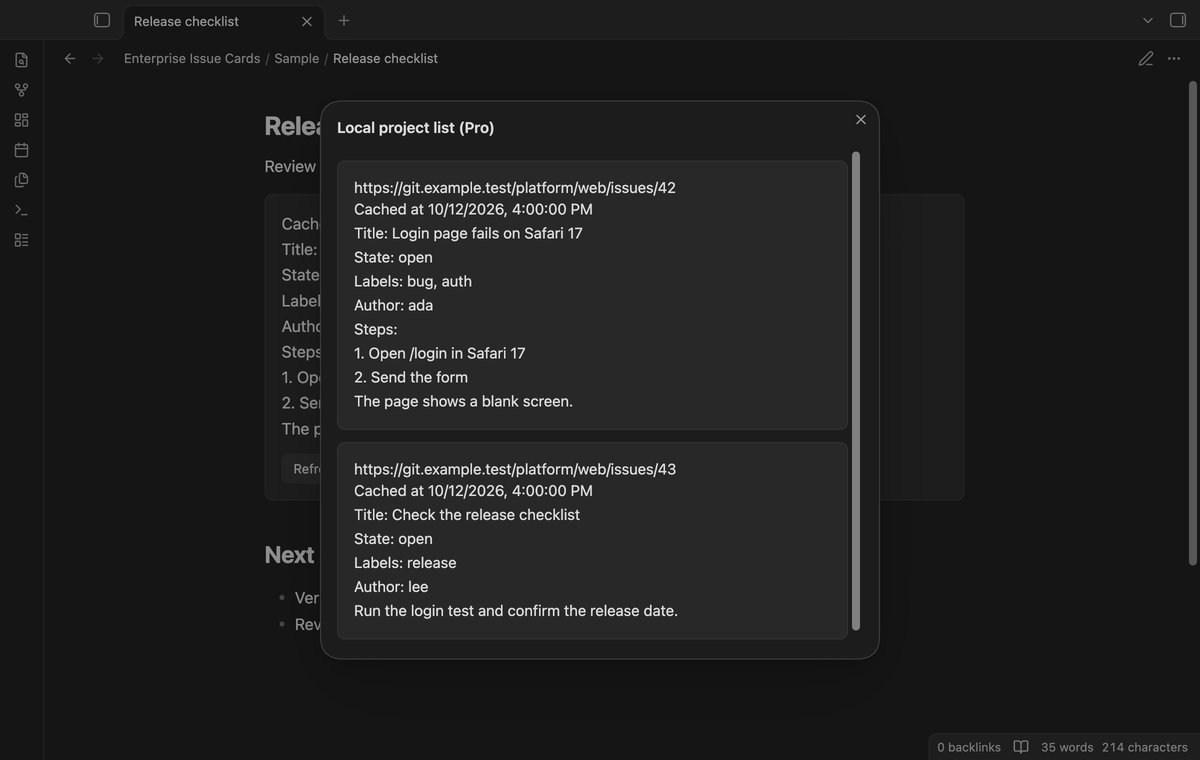
Open the project list from the settings or the command palette. It shows cached fields and fetch times for the saved URLs. A ticket without a cached copy has a message. Opening this list sends no issue request.
Install
Use the built files supplied by the publisher: main.js, manifest.json and styles.css. Put them in <vault>/<config-folder>/plugins/enterprise-issue-cards/, then enable Enterprise Issue Cards under Community plugins. The usual configuration folder is .obsidian. This build requires Obsidian 1.13.4 or later. The source is under the MIT license. A community listing and public release are publisher tasks.
Usage
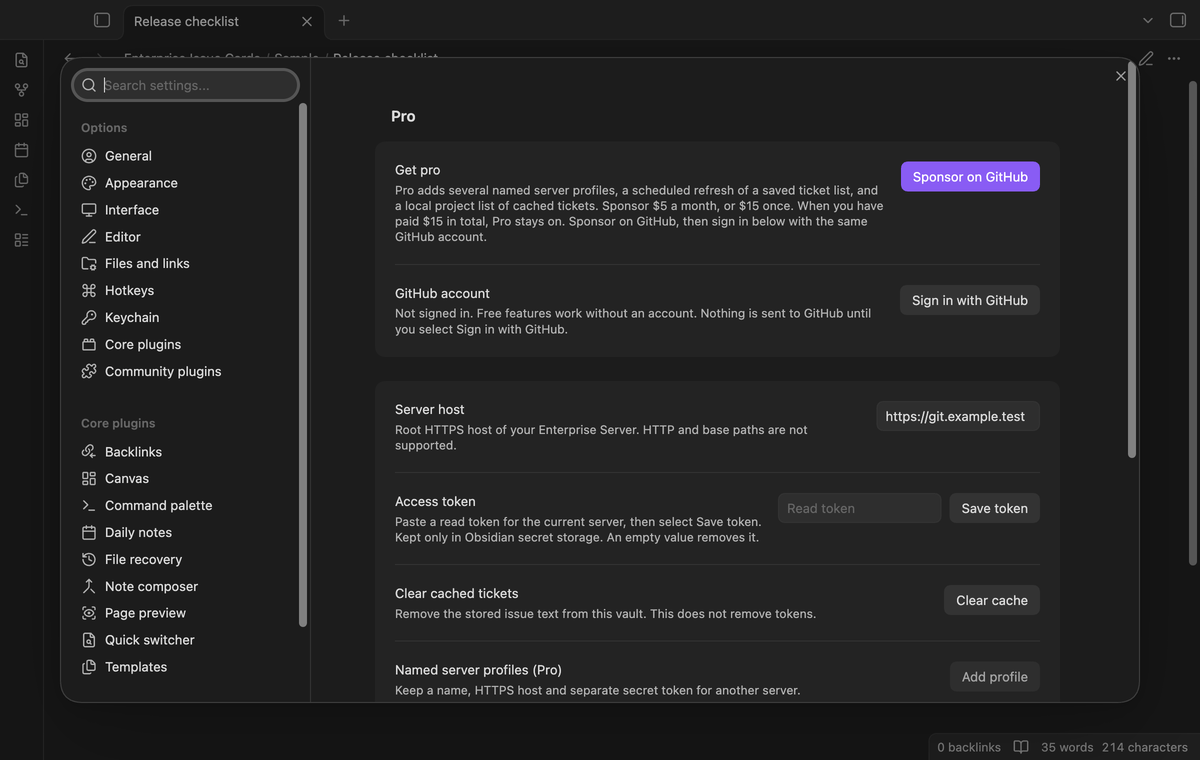
Open the plugin settings. Set the root host, such as https://git.example.test, without an API path. Paste a token with read access to the required private issues, then select Save token. Use an account and token approved by your company.
In a note, write this block and open reading view:
```ticket
url: https://git.example.test/team/repo/issues/42
```
The url: prefix is optional. The first nonempty line holds the issue URL; later lines are ignored. Use a separate block for another issue. A new card reads the server if it lacks a cache entry. A cached card displays the saved copy. Select Refresh when you need current fields. The plugin reads issues; it does not edit them or change note text.
Settings
The Server host field sets the free primary server. Save token writes the pasted value to SecretStorage for that host; saving an empty value clears it. Changing the host selects that host's separate secret. Clear cache removes saved issue text from plugin data without removing tokens.
The Pro controls add profiles, the saved ticket list and the interval. To replace a profile, save the same name again. Saved lists and profiles persist in the vault settings, but their tokens do not. Keep the schedule off when you do not need server reads. Sign in with GitHub checks the sponsorship with the reference GitHub Sponsors payment path.
FAQ
Which API is used?
The plugin targets /api/v3/repos/OWNER/REPO/issues/NUMBER on a root HTTPS GitHub Enterprise Server. Public GitHub issue fetching is outside this build. Pull-request merge status and Markdown body rendering are outside its scope.
Where is private data stored?
Cached titles and bodies are in the plugin's data.json. Vault sync or a backup can copy that file. Tokens use Obsidian SecretStorage. This build removes the plaintext token field from the earlier unfinished build; enter the token again in settings. Old backups of that earlier data file are outside the plugin's control.
What was not tested?
No live Enterprise Server, private certificate authority, redirect behavior, Linux run, mobile device or real GitHub payment was tested. Unit tests and real-app tests use local response stubs, fake tokens and cached sample issues. Mac desktop checks cover the earliest supported public app and latest public app in a light theme. The plugin imports no Node or Electron API, but this is not a mobile device test.
Payment, account and network
The core features are free. Pro features need a GitHub Sponsors sponsorship of theluckystrike: $5 a month or more, or $15 once. A total payment of $15 meets the payment requirement for Pro without further payment. Sign-in and the checks below still apply. Your notes stay readable and editable with or without Pro.
GitHub handles the payment. Sponsor at https://github.com/sponsors/theluckystrike. Reading issues from the server needs a GitHub Enterprise Server account with access to those issues. Cached cards can be read without a server sign-in. Pro also needs the GitHub account that sponsors.
The declaration network_user_hosts: github-enterprise-issues permits the HTTPS server hosts you set in the plugin. A ticket read sends the repository owner, repository name and issue number from the ticket block, plus the token for that server, to its /api/v3/repos/OWNER/REPO/issues/NUMBER endpoint. An uncached card or its Refresh button can send this request before GitHub Sponsors sign-in. Pro can refresh the saved list after an eligible sponsorship check. Note names, local paths and surrounding note text are not sent. Cached private issue text is stored in the vault data.json file and can sync with the vault. Tokens use Obsidian SecretStorage only.
Until you select "Sign in with GitHub" in the settings, Enterprise Issue Cards sends no sign-in or sponsorship request to GitHub. Sign in uses the GitHub device flow. Enterprise Issue Cards sends its public client ID and the scope read:user to https://github.com/login/device/code and shows you a code. While you enter the code at https://github.com/login/device, it asks https://github.com/login/oauth/access_token every few seconds to check the sign-in status. The scope permits profile reads only. GitHub needs this access to show the sponsorship tier. It grants no repository scope and no write access.
After sign in, Enterprise Issue Cards sends one query to https://api.github.com/graphql. It checks if the signed-in account sponsors theluckystrike. It asks for the tier and the total payment to theluckystrike. The plugin reuses a successful check for 7 days. Failed checks can retry after 6 hours. Select Refresh to request an earlier check. This sponsorship query sends no note content, file names or other vault data to GitHub, and it has no telemetry.
After a successful check, Pro can work offline for up to 14 days. Sign out or a negative sponsorship answer turns Pro off. The plugin stores the GitHub token through the secret storage API of Obsidian. It does not put the token in its saved settings or its local sponsorship data. The local storage of this device keeps your GitHub login, the tier and the time of the last check. Sign out clears the token. You can also revoke the access in your GitHub settings, under Applications.
Support
Give the publisher your Obsidian version, Enterprise Server version and the error text. Remove tokens and private issue text from a bug report. Include a small sample block if company rules permit it. The publisher is theluckystrike at notemods.com. No server account or issue is created by the plugin.