Search...Search plugins and themes...
⌘K
Sign in
  • Get started
  • Download
  • Pricing
  • Enterprise
  • Account
  • Obsidian
  • Overview
  • Sync
  • Publish
  • Canvas
  • Mobile
  • Web Clipper
  • CLI
  • Learn
  • Help
  • Developers
  • Changelog
  • About
  • Roadmap
  • Blog
  • Resources
  • System status
  • License overview
  • Terms of service
  • Privacy policy
  • Security
  • Community
  • Plugins
  • Themes
  • Discord
  • Forum / 中文论坛
  • Merch store
  • Brand guidelines
Follow us
DiscordTwitterBlueskyThreadsMastodonYouTubeGitHub
© 2026 Obsidian

Display Relative Path Img

dyc2424748461dyc24247484611k downloads

Display the image of the <img> tag

Add to Obsidian
  • Overview
  • Scorecard
  • Updates3

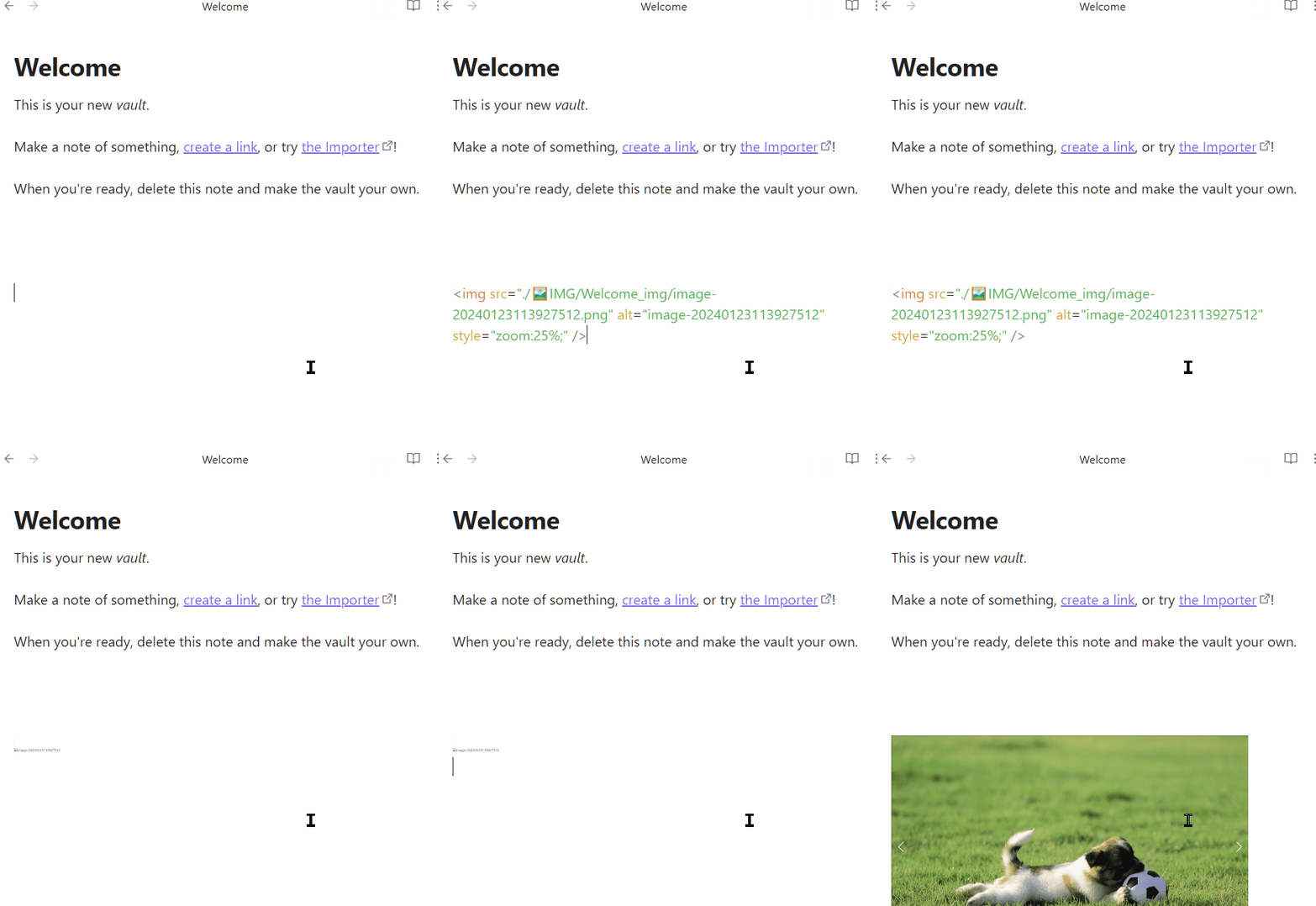
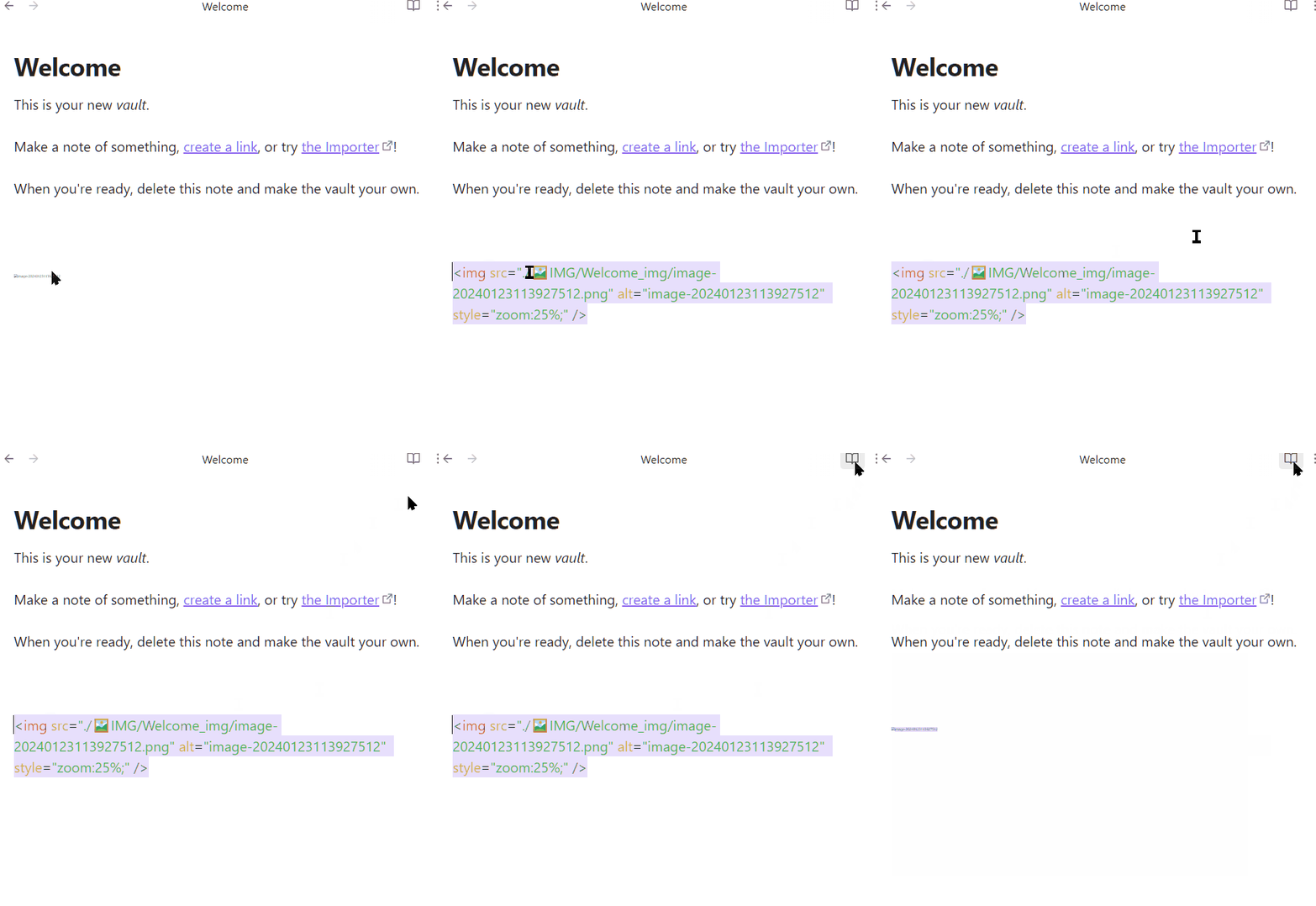
Display images with <img> tags.

  1. No impact on the original file.
  2. Display <img> images while scrolling.
  3. Show <img> images after modifying the file.

ReadView
readView

LiveView

liveView

The modification function of the interface comes from :

❤️❤️❤️

talengu/obsidian-local-img-plugin: 显示本地镜像 (github.com)

How to display local images with -tag and keep portability? - Help - Obsidian Forum

❤️❤️❤️

73%
HealthGood
ReviewSatisfactory
About
Display local images referenced by <img> tags directly in notes without modifying the original files. Render images while scrolling and after edits in ReadView and LiveView to keep files portable.
ImagesAttachments
Details
Current version
0.0.4
Last updated
2 years ago
Created
2 years ago
Updates
3 releases
Downloads
1k
Compatible with
Obsidian 0.15.0+
Platforms
Desktop only
License
MIT
Report bugRequest featureReport plugin
Author
dyc2424748461dyc2424748461
github.com/dyc2424748461
GitHubdyc2424748461
  1. Community
  2. Plugins
  3. Images
  4. Display Relative Path Img

Related plugins

Image Context Menus

Image context menus (mostly on right click): Copy to clipboard, Open in default app, Show in system explorer, Reveal file in navigation, Open in new tab.

Ink

Hand write or draw directly between paragraphs using a digital pen, stylus, or Apple pencil.

Local Images Plus

A reincarnation of Local Images to download images in Markdown notes to local storage.

Paste image rename

Rename image after pasting, support name pattern and auto renaming.

Image auto upload

Upload images from your clipboard by PicGo.

Imgur

Upload images from your clipboard to imgur.com and embeds uploaded image to your note.

Unofficial Supernote by Ratta Integration

View Supernote notes, generate markdown from note and capture screen mirror.

Image Manager

Insert, rename, and sort images within your notes.

Local images

Find all links to external images in your notes, download and save images locally, and adjust the image links in your notes to point to the saved image files.

S3 Image Uploader

Self-host images on AWS S3.