Search...Search plugins and themes...
⌘K
Sign in
  • Get started
  • Download
  • Pricing
  • Enterprise
  • Account
  • Obsidian
  • Overview
  • Sync
  • Publish
  • Canvas
  • Mobile
  • Web Clipper
  • CLI
  • Learn
  • Help
  • Developers
  • Changelog
  • About
  • Roadmap
  • Blog
  • Resources
  • System status
  • License overview
  • Terms of service
  • Privacy policy
  • Security
  • Community
  • Plugins
  • Join the community
  • Discord
  • Forum / 中文论坛
  • Merch store
  • Brand guidelines
Follow us
DiscordTwitterBlueskyThreadsMastodonYouTubeGitHub
© 2026 Obsidian

Data Files Editor

zuktolzuktol19k downloads

Create and edit .txt, .json and .xml files.

Add to Obsidian
  • Overview
  • Scorecard
  • Updates8

This plugin adds ability to create and edit files of types: .txt, .json, .xml in Obsidian (https://obsidian.md)

Installation

  1. Open Settings > Third-party plugin
  2. Make sure Safe mode is off
  3. Click "Browse community plugins"
  4. Search for "Data Files Editor" in Obsidian's community plugins browser
  5. Click Install
  6. Once installed, close the community plugins window and activate the newly installed plugin

Usage

Settings

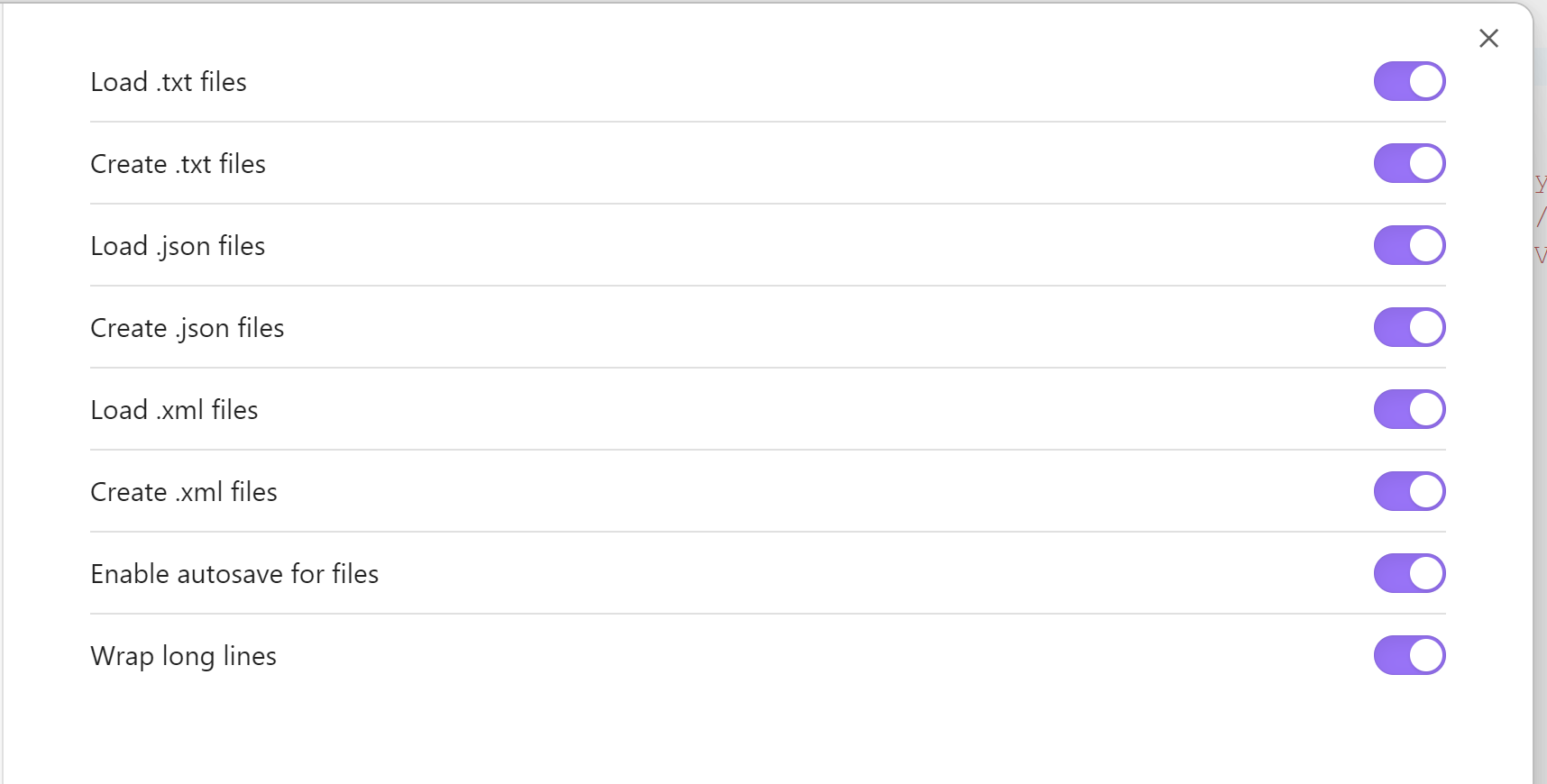
You can separately enable editing and creation of each type of data file. screenshot of settings screen
TXT editor

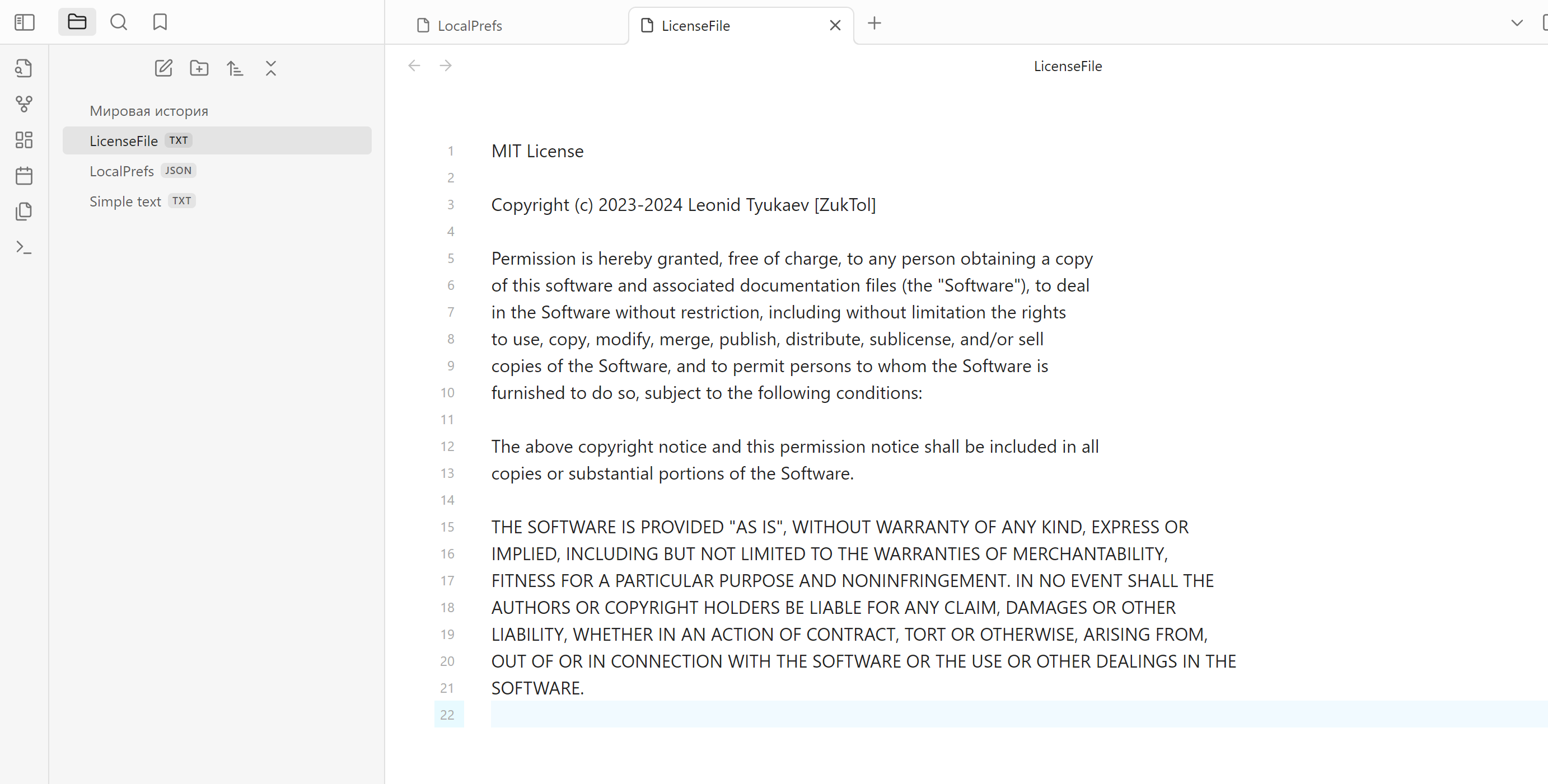
txt editor

JSON editor

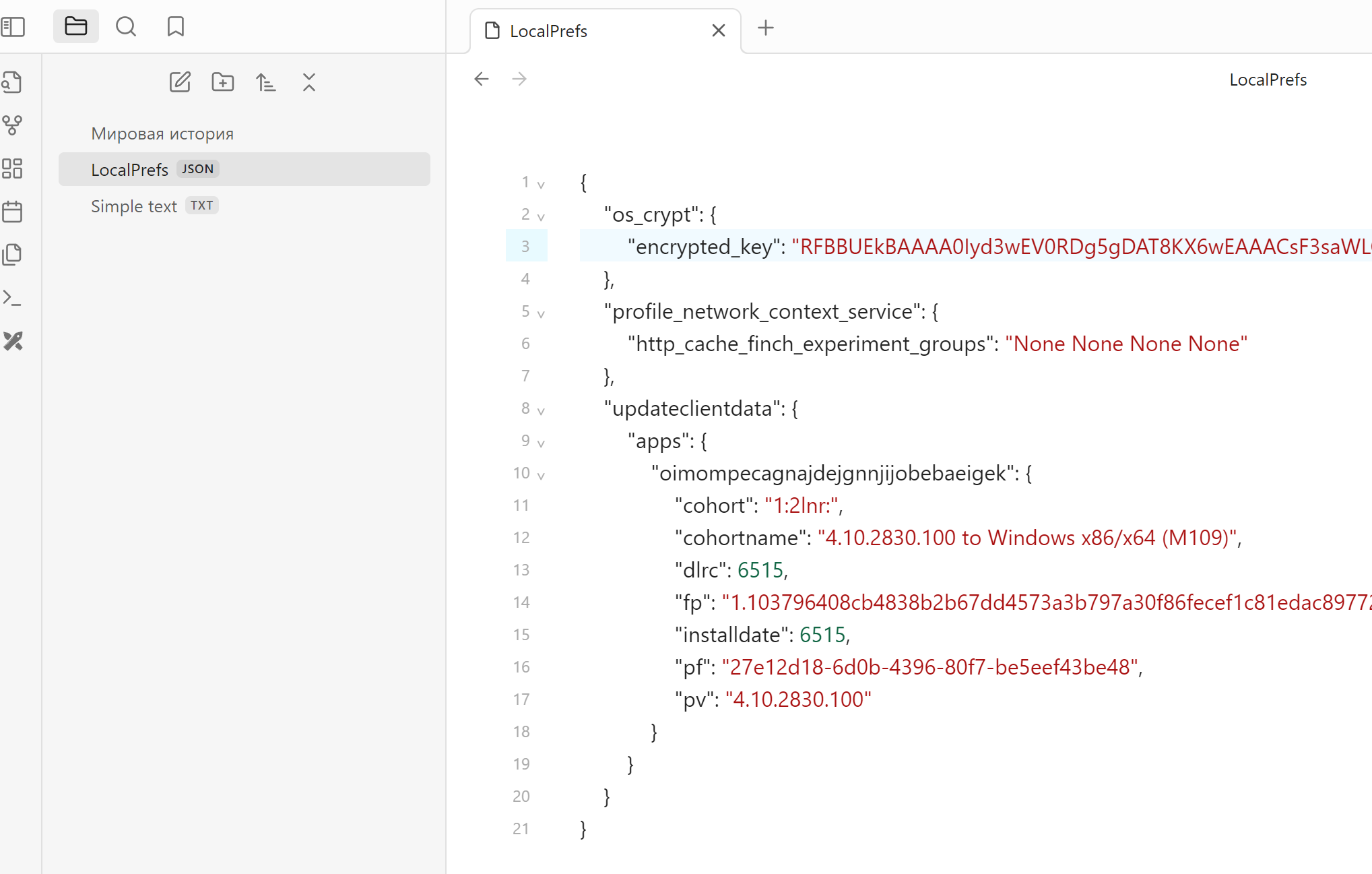
json editor

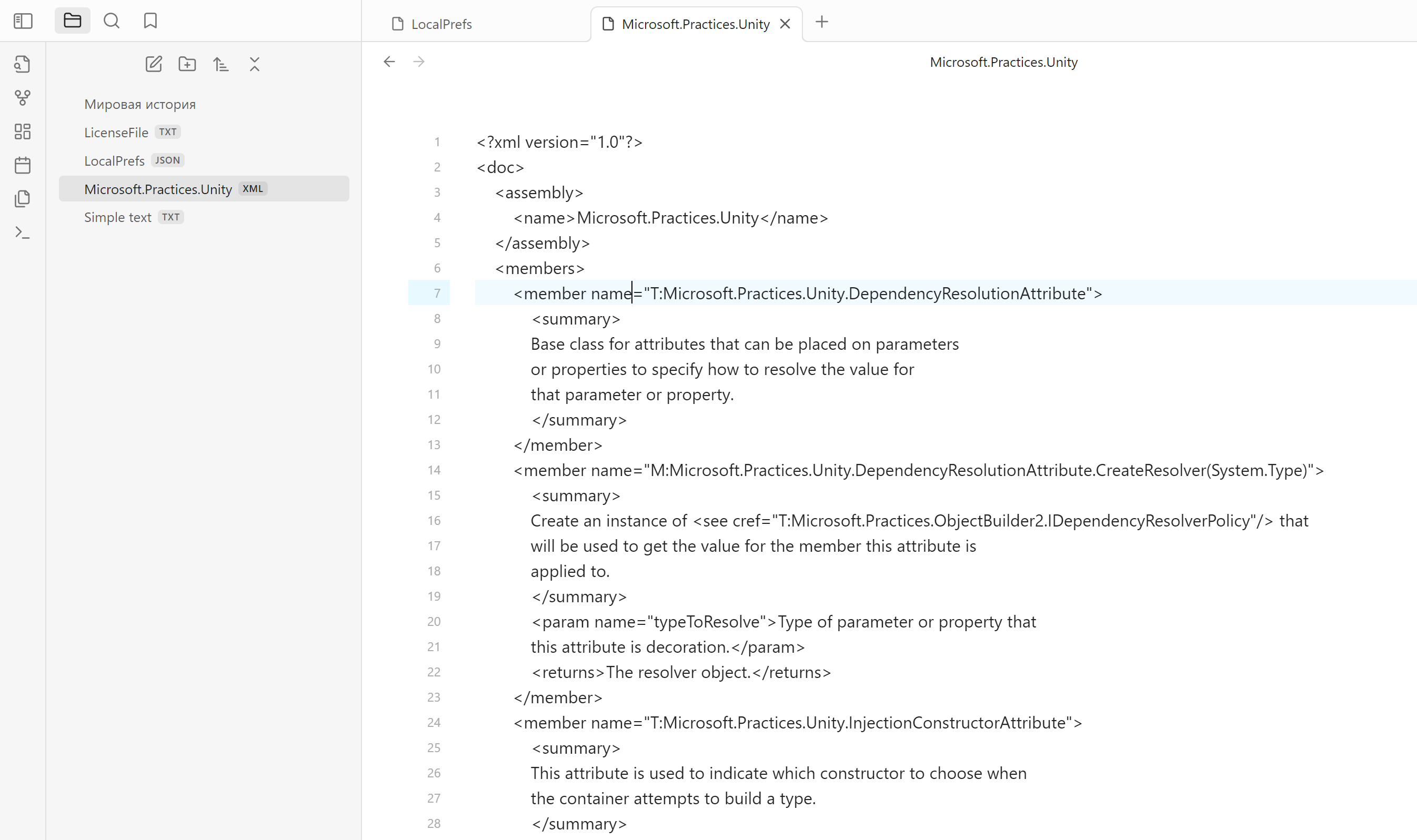
XML editor

Doesn't have highlighting yet, will be added in future releases xml editor
File creation

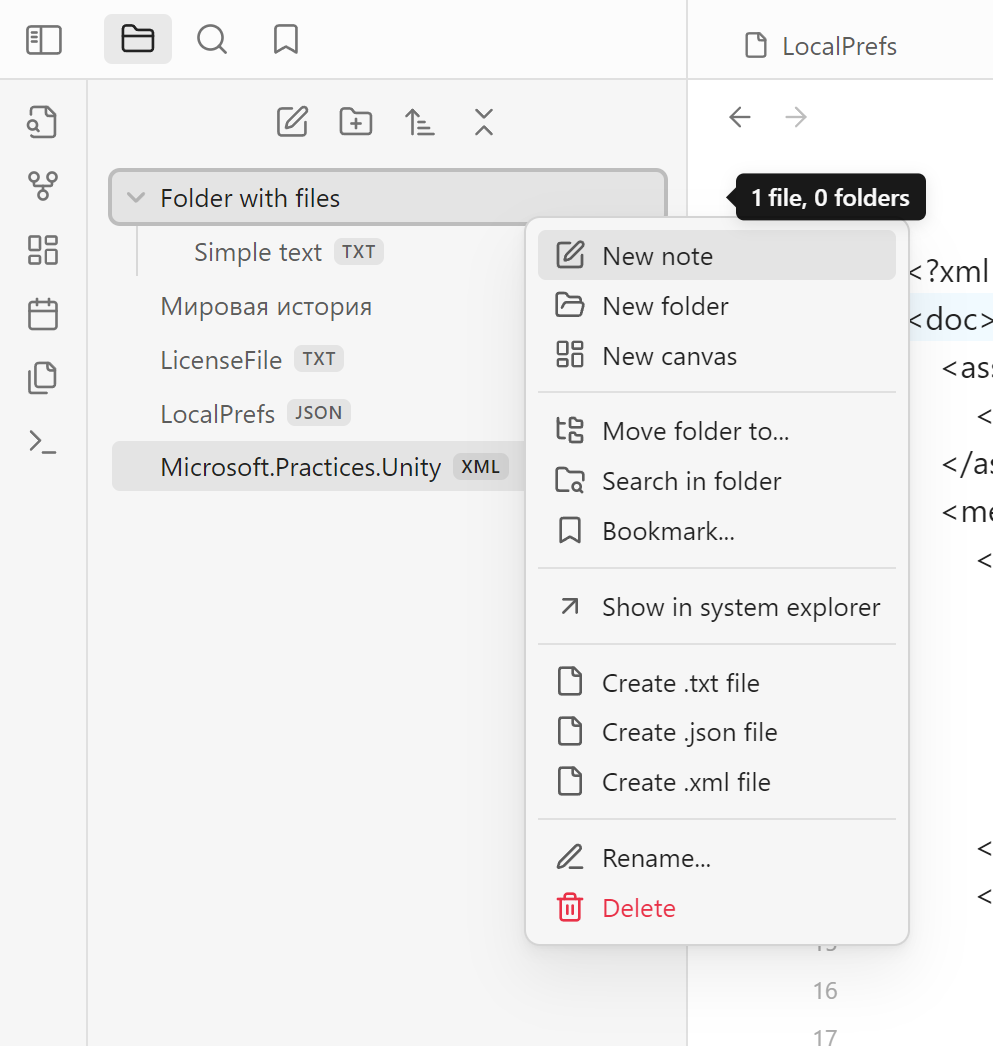
You can create files of each type from the context menu in file tree. If you click on the folder, file will be created inside the folder. If you click on any file, new file will be created on the same level that selected file. context menu
77%
HealthExcellent
ReviewSatisfactory
About
Edit and create .txt, .json, and .xml files directly in Obsidian. Add new files from the file-tree context menu—create inside a folder or alongside a selected file to keep files organized.
FilesEditingJSON
Details
Current version
1.3.0
Last updated
3 months ago
Created
3 years ago
Updates
8 releases
Downloads
19k
Compatible with
Obsidian 0.15.0+
License
MIT
Report bugRequest featureReport plugin
Author
zuktolzuktol
github.com/ZukTol
GitHubzuktol
  1. Community
  2. Plugins
  3. Files
  4. Data Files Editor

Related plugins

Remember cursor position

Remember cursor and scroll position for each note.

Thino

Quickly capture memos and display them in the sidebar with a heatmap. (Closed source)

Note Refactor

Extract note content into new notes and split notes.

Filename Heading Sync

Keep the filename with the first heading of a file in sync.

Gemini Scribe

Allows you to interact with Gemini and use your notes as context.

Notebook Navigator

Alternative file browser with folders, tags, properties, shortcuts, previews, keyboard navigation, drag and drop, and pinned notes.

Recent Files

Display a list of recently opened files.

Advanced Tables

Improved table navigation, formatting, and manipulation.

Outliner

Work with your lists like in Workflowy or Roam Research.

Meta Bind

Make your notes interactive with inline input fields, metadata displays, and buttons.