Search...Search plugins and themes...
⌘K
Sign in
  • Get started
  • Download
  • Pricing
  • Enterprise
  • Account
  • Obsidian
  • Overview
  • Sync
  • Publish
  • Canvas
  • Mobile
  • Web Clipper
  • CLI
  • Learn
  • Help
  • Developers
  • Changelog
  • About
  • Roadmap
  • Blog
  • Resources
  • System status
  • License overview
  • Terms of service
  • Privacy policy
  • Security
  • Community
  • Plugins
  • Themes
  • Discord
  • Forum / 中文论坛
  • Merch store
  • Brand guidelines
Follow us
DiscordTwitterBlueskyThreadsMastodonYouTubeGitHub
© 2026 Obsidian

Creation Ledger

torusheadstudiostorusheadstudios44 downloads

A creation activity ledger for tracking progress and resuming work-in-motion in long running creative projects.

Add to Obsidian
  • Overview
  • Scorecard
  • Updates1

Creation Ledger is a simple way to capture what you're working on, track progress, and quickly remember where to pick things up again — using plain Obsidian notes.

Who It's For

Creation Ledger is designed for people who:

  • Work on multiple ideas or projects
  • Frequently stop and restart work
  • Want lightweight structure without turning notes into a rigid task system

Installation

Method A: Install from Obsidian Community Plugins

  1. Open Obsidian Settings
  2. Go to Community Plugins
  3. Search for "Creation Ledger"
  4. Install and enable

Method B: Install from GitHub ZIP (Manual Install)

  1. Download the plugin ZIP from GitHub: https://github.com/torusheadstudios/obsidian-creation-ledger
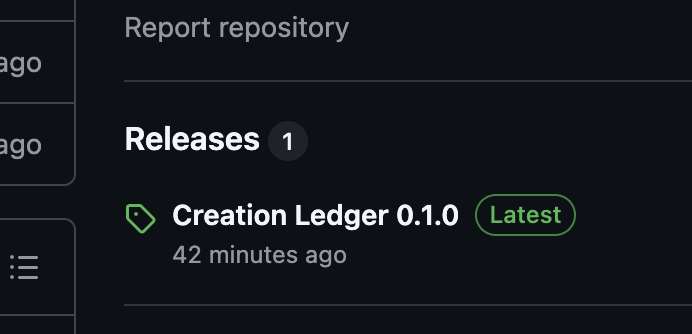
Download the .ZIP

Download the .ZIP

  1. Unzip the folder.

  2. Rename the folder to: creation-ledger

  3. Move the folder into: <your-vault>/.obsidian/plugins/

  4. Restart Obsidian

  5. Enable "Creation Ledger" in Community Plugins.
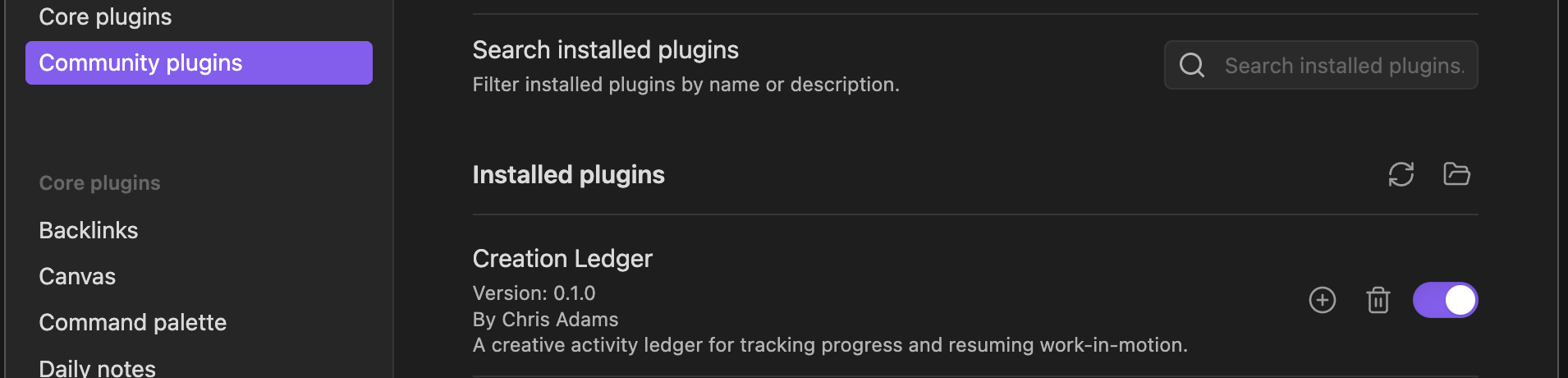
Enable Creation Ledger

Enable Creation Ledger

Quick Start

  1. Open the Command Palette (Cmd/Ctrl + P) and run "Creation Ledger: Capture Activity"

  2. Fill in the form with a title and status (project and tags are optional)

  3. Click Create — your note is saved automatically in the CreationLedger/ folder

That's it! Your activities are now being tracked as regular Markdown notes in your vault.

Optional: Install Dataview to use dashboards and the Kanban board. Activity capture works without it.

Documentation

  • Index — Detailed installation and setup
  • Getting Started — Detailed installation and setup
  • Dashboards — Overview views of your work
  • Kanban Board — Visual status board
  • Registries — Customize dropdown options
  • Troubleshooting — Common issues and solutions

Important to Know

  • All files are normal Markdown
  • You can move, rename, or delete anything
  • You can stop using the plugin at any time
  • Your notes remain usable forever
91%
HealthExcellent
ReviewSatisfactory
About
Capture what you're working on and track progress with lightweight activity notes saved as plain Markdown in a CreationLedger folder. Create quick entries with title, status, project and tags, and view work via optional dashboards and a Kanban board when paired with Dataview.
Project managementFoldersVisualization
Details
Current version
0.1.0
Last updated
5 months ago
Created
5 months ago
Updates
1 release
Downloads
44
Compatible with
Obsidian 1.5.0+
Platforms
Desktop, Mobile
License
MIT
Report bugRequest featureReport plugin
Author
torusheadstudiostorusheadstudios
github.com/torusheadstudios
GitHubtorusheadstudios
  1. Community
  2. Plugins
  3. Project management
  4. Creation Ledger

Related plugins

Kanban

Create Markdown-backed Kanban boards.

Tasks Map

A visual graph view of your tasks.

Folders to Graph

Display your vault folder structure into your graphs.

Advanced Canvas

Supercharge your canvas experience. Create presentations, flowcharts and more.

Excalidraw

Visual PKM powerhouse. Create and edit Excalidraw drawings.

Mermaid Tools

Improved Mermaid.js experience: visual toolbar with common elements and more.

Maps

Adds a map layout to bases so you can display notes as an interactive map view.

Tasks

Track tasks across your vault. Supports due dates, recurring tasks, done dates, sub-set of checklist items, and filtering.

Longform

Helps you write and edit novels, screenplays, and other long projects.

Flexplorer

Enhance the file explorer with custom sorting, pinning, and hiding.