Beauty Diagram
 Beauty Diagram5k downloads
Beautify Mermaid and PlantUML diagrams with 9 polished themes. Dark-mode friendly, per-block theme override, portable image output. No setup.
- Overview
- Scorecard
- Updates26
Make your Mermaid and PlantUML diagrams look like deck slides — without leaving your vault.
Beautify every ```mermaid and ```plantuml block in your Obsidian notes with 9 polished themes, in Reading View, with zero setup.
See it in action
The same flowchart LR source, three different themes — rendered by Beauty Diagram:
| Modern | Obsidian | Memphis (Premium) |
|---|---|---|
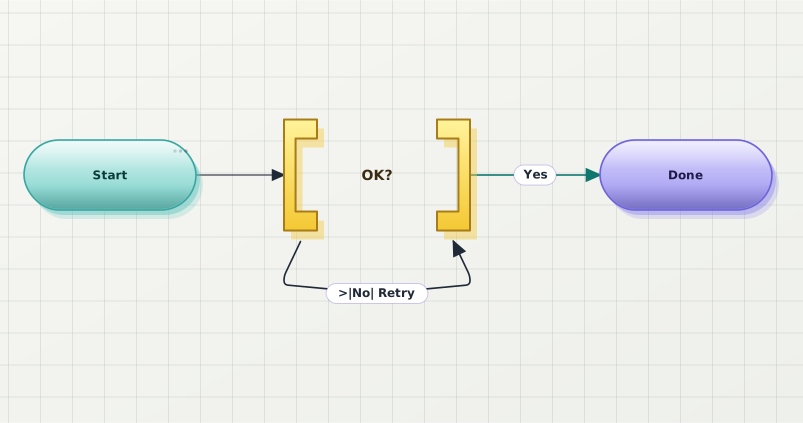 |
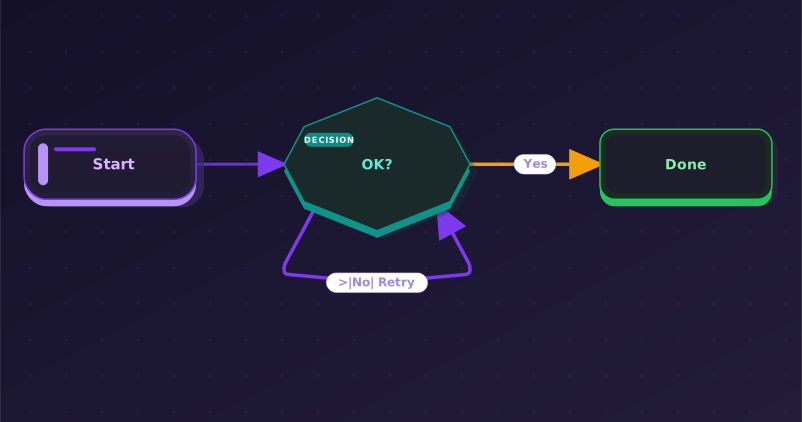 |
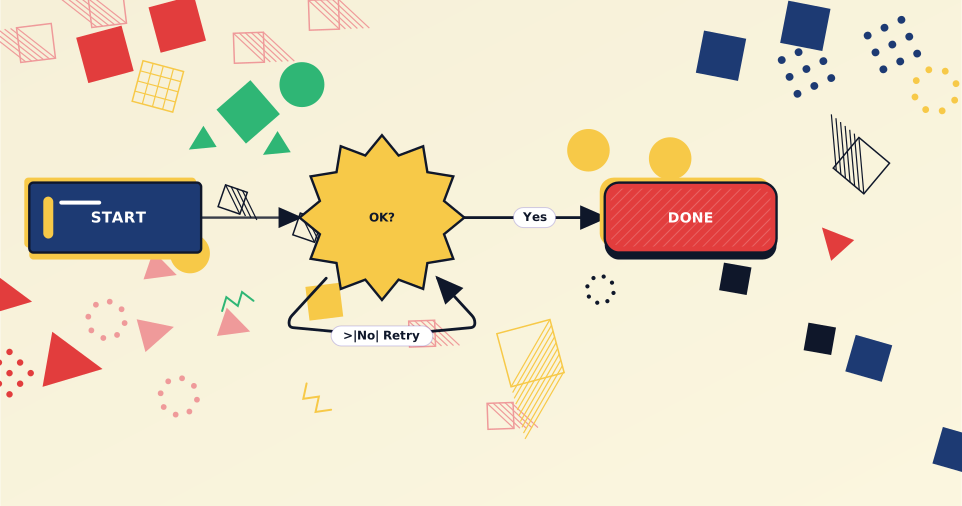 |
Why
- 9 polished themes out of the box: Classic, Modern, Slate, Atlas, Obsidian, Brutalist, Atelier, Blueprint, Memphis.
- Dark-mode friendly — diagrams keep contrast on dark vault backgrounds.
- Zero setup — install, enable, every mermaid block is rendered through Beauty Diagram. No API key needed for the free tier (anonymous renders are watermarked).
- Per-block theme override with a one-line directive. Mix themes in the same note.
- Embed share URLs — one command bakes
<img>references into the markdown so any reader (GitHub, Notion paste, blog static sites, plugin-less colleagues) sees the polished diagram. - PlantUML supported too, with the same theming pipeline. No local Java required.
- Honest error handling — if the Beauty Diagram service is unreachable, the error UI lets you one-click disable the plugin for mermaid blocks and revert to Obsidian's built-in renderer.
Theme gallery
| Classic | Modern | Slate |
|---|---|---|
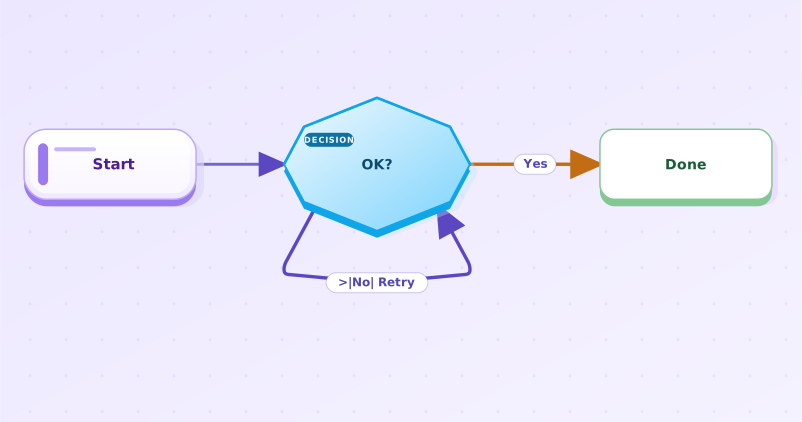 |
|
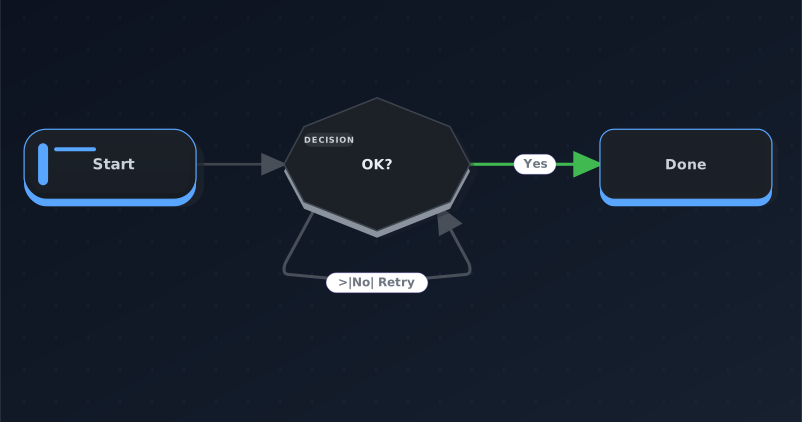 |
| Atlas (Pro) | Obsidian (Pro) | Brutalist (Pro) |
|---|---|---|
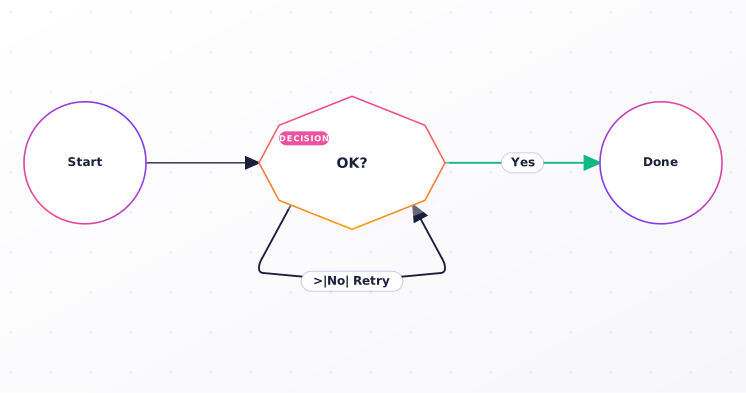 |
|
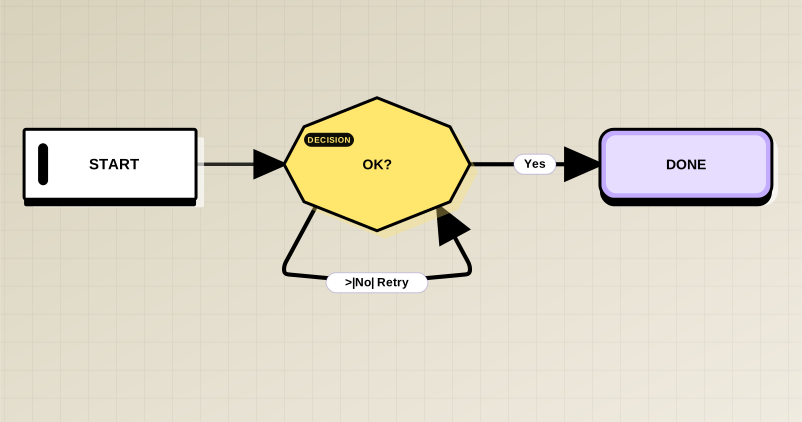 |
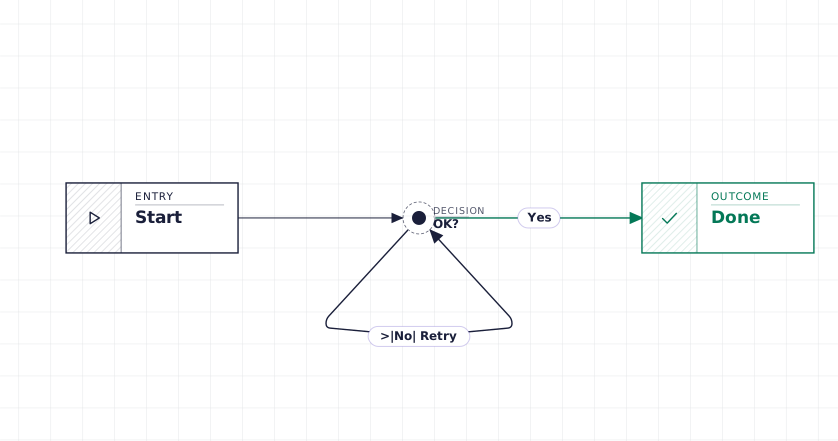
| Atelier (Pro) | Blueprint (Premium) | Memphis (Premium) |
|---|---|---|
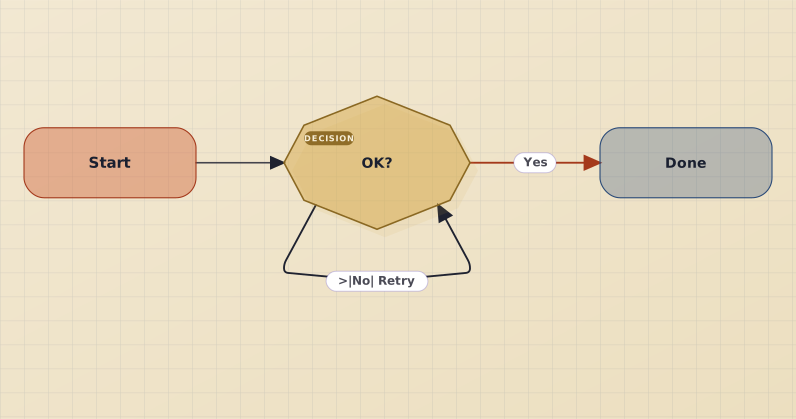 |
 |
|
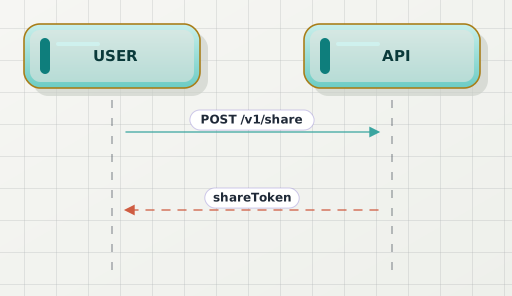
Sequence diagrams get the same treatment:
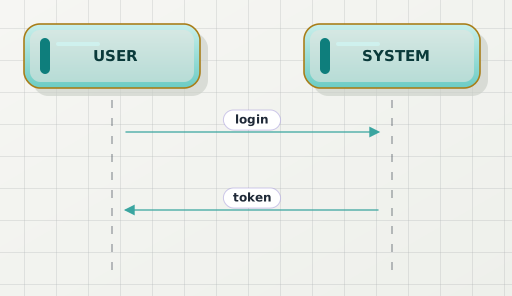
And PlantUML:
Installation
- Open Obsidian → Settings → Community plugins.
- Click Browse and search for Beauty Diagram.
- Install, then Enable the plugin.
- Open any note with a
```mermaidor```plantumlblock in Reading View.
Early access via BRAT (optional)
If you want to test pre-release builds ahead of the Community Plugins
listing, install BRAT,
then Add Beta plugin → paste beauty-diagram/obsidian-beauty-diagram.
Usage
Default render
Every ```mermaid and ```plantuml block in Reading View is rendered through Beauty Diagram automatically. Live Preview shows Obsidian's built-in renderer; switch to Reading View to see the beautified version.
Per-block theme override
Want Classic on one block and the default on the rest? Put a directive on the first line:
```mermaid
%% bd:theme=classic
flowchart LR
  A --> B
```
For PlantUML use ' bd:theme=classic instead.
You can stack directives — one per line. The bg directive sets the canvas background: theme (default), white, dark (the diagram's ink is automatically hue-lifted so edges and labels stay legible on the dark canvas), or transparent (for overlay on coloured backgrounds):
```mermaid
%% bd:theme=classic
%% bd:bg=dark
flowchart LR
  A --> B
```
Supported keys: theme (any of the 9 themes), bg (theme / white / dark / transparent), exclude. Directive lines are consumed by the plugin and stripped before rendering.
Opting a block out entirely
Prefer Obsidian's own rendering for a specific diagram? Add %% bd:exclude and the plugin leaves that block to the built-in renderer — no Beauty Diagram request, and the "Embed share URLs" commands skip it (removing any embed they previously added):
```mermaid
%% bd:exclude
gantt
  title I like the native gantt
```
Two ways to go watermark-free
Beauty Diagram offers two distinct features, depending on who you want to see the polished diagrams. Pick the one that matches your intent — they're independent and can be combined.
Option 1 — Watermark-free preview (for your own viewing in Obsidian)
By default every diagram renders via the anonymous endpoint /v1/beautify.svg — fast, no quota, always watermarked. This applies to everyone including Pro users.
If you have a Pro or Premium plan, you can opt in per page to render diagrams without watermark in your own Obsidian:
Open the page in any view.
Command Palette → Beauty Diagram: Toggle watermark-free preview for this page.
The plugin adds a marker to the page's YAML front-matter:
---
# Beauty Diagram: share-mode (watermark-free preview, consumes share quota per unique diagram).
bd-share: true
---
Switch to Reading View — diagrams now render via
/v1/share/<id>.svgand your Pro/Premium account drops the watermark.
Scope: this only changes what you see in your own Obsidian. The markdown source body is unchanged, so anyone reading the same
.mdfile outside your plugin (GitHub, Notion paste, a colleague without the plugin) still sees the watermarked anonymous render. To share watermark-free, use Option 2.
Quota model: each unique diagram source consumes 1 share quota (Pro: 100/month) on its first preview. Subsequent previews of the same source hit the local cache for free. Editing a diagram counts as a new unique source.
Run the toggle command again to disable — the marker is removed and the page reverts to anonymous render.
Free users see an upgrade prompt and no marker is written, so no quota is consumed by mistake.
Option 2 — Embed share URLs (so anyone, anywhere, sees the diagram)
When you want to publish your vault (Obsidian Publish, paste to Notion, blog export, GitHub README, etc.) and have the polished diagrams render for readers who don't have the plugin, run from Command Palette (Cmd+P):
- Beauty Diagram: Embed share URLs into this note — walks every Mermaid / PlantUML fence in the active note and inserts an
<img>reference next to it that renders anywhere standard markdown is read. - Beauty Diagram: Embed share URLs into this vault — same operation across every
.mdfile in the vault. Idempotent — re-running leaves existing embeds untouched (unless the fence source changed). - Beauty Diagram: Clean orphan embeds in vault — removes embed blocks whose source fence has been deleted.
The injected <img> URLs are watermark-free when an API key is configured (Pro+ account); otherwise they fall back to the anonymous watermarked URL — so the embed command never breaks just because you don't have a paid plan.
Difference from Option 1: this modifies your notes (writes
<img src="...">HTML). The diagram-rendering URL is baked into the markdown itself, so anyone who reads the file — even outside Obsidian — gets the polished render directly from our server. Same marker format as thebdCLI and VS Code extension, so all three tools interoperate.
Configuration
| Setting | Default | Notes |
|---|---|---|
| API key | empty | Optional. Required for watermark-free preview and for watermark-free embed URLs. Without one, preview renders anonymously (watermark, 10 KB source cap) and the embed command falls back to anonymous URLs. Get one at beauty-diagram.com/account/api-keys. |
| Default theme | Classic | One of 9. Per-block directive overrides. |
| Replace built-in mermaid render | on | Off lets Obsidian render mermaid blocks itself. |
| Handle plantuml fences | on | Obsidian has no built-in plantuml renderer. |
| Auto-inject on save | off | When on, every Markdown save runs the embed-share-URLs command. |
The Verify button next to the API key field surfaces your current plan and this month's share quota usage — use it before / after enabling watermark-free preview to confirm the gating.
How it compares
| Beauty Diagram | Obsidian built-in mermaid | obsidian-plantuml | |
|---|---|---|---|
| Mermaid support | ✓ | ✓ | — |
| PlantUML support | ✓ (no local setup) | — | ✓ (needs local Java or PUML server) |
| Themes | 9 | 1 | 1 |
| Dark-mode contrast | ✓ | depends on vault theme | depends |
| Source-injection (portable) | ✓ | — | — |
| Mobile-friendly | ✓ | ✓ | depends |
FAQ
Q: Does the plugin work in Live Preview? A: Not yet — render runs in Reading View only. Live Preview falls back to Obsidian's built-in. Roadmap.
Q: Where do my diagrams go? A: Anonymous renders (default) are stateless — the source is encoded directly into the embed URL and rendered on demand. The server doesn't persist anything. Watermark-free preview (Pro+ opt-in) saves the source to your Beauty Diagram account so it can be served watermark-free and shared via public URL — that's why it consumes share quota.
Q: My Pro key isn't removing the watermark.
A: API key alone doesn't auto-enable watermark-free preview — that would silently consume your monthly share quota. Watermark-free is an explicit per-page opt-in: run Beauty Diagram: Toggle watermark-free preview for this page from the Command Palette. The plugin adds bd-share: true to the front-matter and renders that page via the share endpoint. See Option 1 — Watermark-free preview above.
Q: I shared a .md file with a colleague who doesn't have the plugin — they still see watermarks.
A: The toggle command only affects what you see in your Obsidian; the markdown source body is unchanged. To share the polished render with someone who has no plugin, run Beauty Diagram: Embed share URLs into this note — that writes <img> URLs directly into the file so any standard markdown renderer (GitHub, Notion, blog static sites) will display the same diagram. See Option 2 — Embed share URLs above.
Q: Mobile support?
A: Yes. The plugin uses Obsidian's requestUrl API which works on iOS / Android. Image cache size is smaller on mobile (200 entries vs 1000 desktop).
Q: I want to edit the diagram in a richer editor. A: Hover any rendered diagram — a small ↗ Open in editor badge appears in the bottom-right corner. Click it to open the Beauty Diagram editor with the source prefilled. Edits there don't sync back to your Obsidian note — use Obsidian's source mode for that.
Q: I see "Couldn't render this diagram".
A: Common causes: source > 10 KB without an API key, or your network is blocking api.beauty-diagram.com. For mermaid blocks, click "Use Obsidian's built-in renderer" in the error UI to disable Beauty Diagram for mermaid and let Obsidian render them itself. PlantUML has no built-in fallback — re-enable network access or restore connectivity.
Privacy
This plugin makes HTTP requests to api.beauty-diagram.com by default to render diagrams. Disclosure:
- Anonymous render: every
```mermaid/```plantumlblock in Reading View triggers a GET to/v1/beautify.svgwith the block's source base64url-encoded into the URL query string. The server uses the source to render the SVG and does not persist it. - Watermark-free preview (per-page opt-in): pages with
bd-share: truein front-matter send their diagrams via POST to/v1/shareusing your API key. The server saves these to your Beauty Diagram account so they can be served watermark-free (see privacy policy). Without the front-matter marker the share endpoint is not called. - Embed share URLs command: explicit user action via Command Palette. Same
/v1/sharepath as the toggle but writes the resulting<img>URLs into the markdown file so the diagrams render anywhere markdown is read. - Analytics: the plugin sends an
X-Bd-Client: obsidianrequest header so we can see in aggregate which clients are healthy. No personal data, no telemetry endpoints beyond standard request logs.
Opt-out
Two levels of opt-out:
- Disable the plugin entirely — Settings → Community plugins → toggle Beauty Diagram off. Obsidian's built-in mermaid renders blocks; plantuml fences stay as plain text. Zero network requests.
- Disable per source format — Settings → Beauty Diagram → toggle "Replace built-in mermaid render" or "Handle plantuml fences" off. Affected blocks fall back to Obsidian default (mermaid) or plain text (plantuml). No network requests for the disabled format.
Self-host
If you run your own Beauty Diagram server (the project is self-hostable), set Settings → Beauty Diagram → Advanced → API base URL to your instance. The plugin will hit only that origin, never the hosted SaaS.
License
MIT. See LICENSE.