Arcadia Publisher
 arcadia-studio155 downloads
Publish notes as HTML, PDF, and ePub with customizable themes and templates.
- Overview
- Scorecard
- Updates10
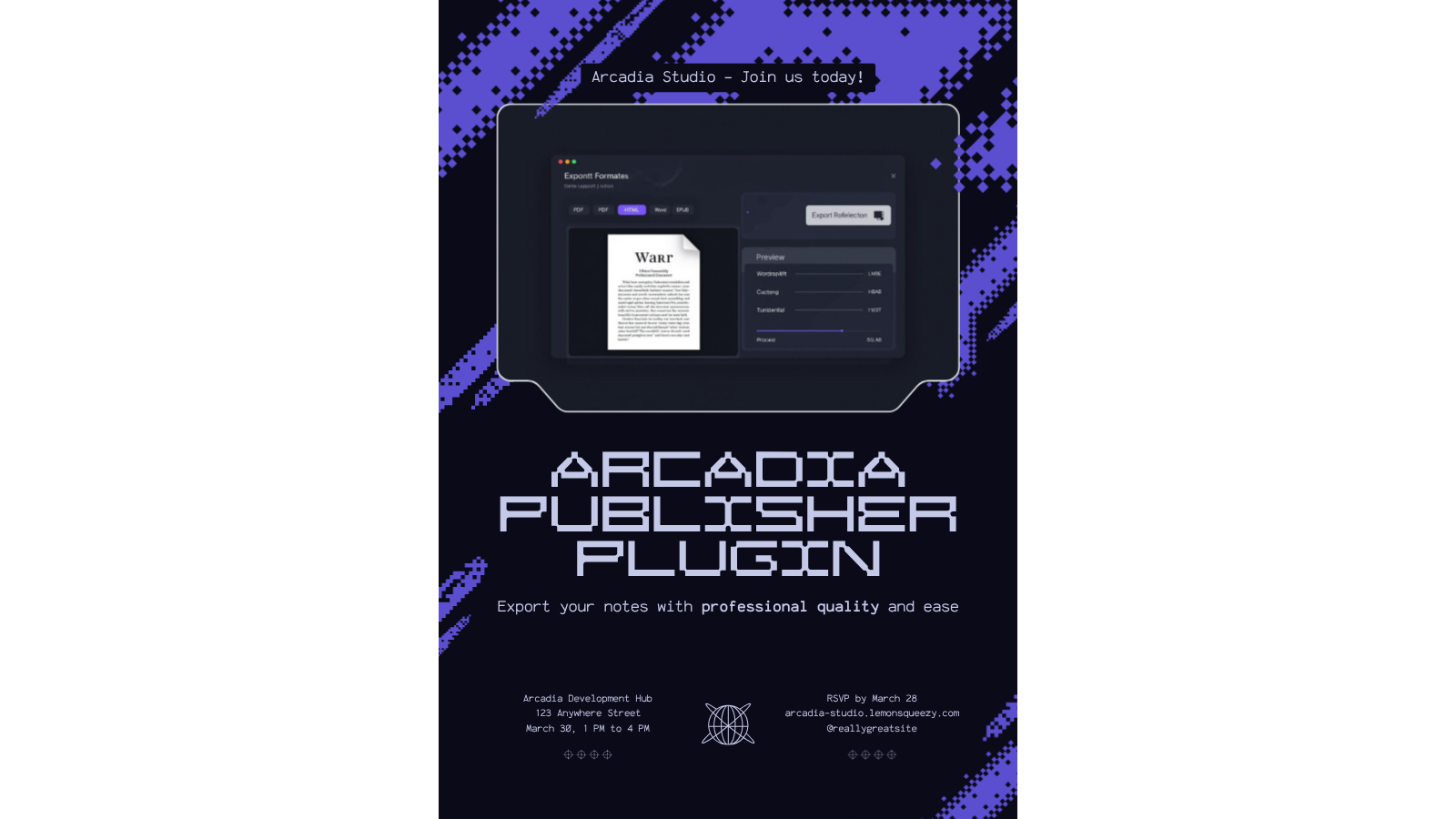
Arcadia Publisher turns any note into a polished, shareable document. Export the active note to PDF or HTML with print-ready typography, embedded images, an optional table of contents, and a frontmatter title block, all from the ribbon or the command palette. Exports are self-contained: images are embedded directly in the output, so the file you send is the file people see.
Desktop only. PDF rendering uses the desktop app's built-in print engine.
Features
- PDF export of the active note
- HTML export (single self-contained file)
- Embedded images (markdown and wiki-style embeds)
- Frontmatter title block (title, author, date)
- Table of contents with working anchor links
- Page size (Letter or A4) and font options
- Export modal, ribbon icon, and commands
The plugin is free, with no account, no license key, and no time limit.
Installation
The Community Plugins listing is pending review. Until it is approved, install with one of these methods:
Manual install (GitHub releases)
- Download
main.js,manifest.json, andstyles.cssfrom the latest release on GitHub Releases - Create the folder
.obsidian/plugins/arcadia-publisher/inside your vault and copy the three files into it - Reload Obsidian, then enable Arcadia Publisher under Settings > Community plugins
BRAT
- Install the BRAT plugin from Community Plugins
- In BRAT, choose "Add a beta plugin" and enter
Arcadia-Studio/obsidian-arcadia-publisher - Enable Arcadia Publisher under Settings > Community plugins
Quick start
- Open the note you want to publish
- Click the export ribbon icon (file-output), or run "Export current note..." from the command palette
- Pick PDF or HTML and click Export
- The finished file lands in your output folder (default:
exports/in your vault)
Direct commands skip the modal and use your current settings:
- Export current note to PDF
- Export current note to HTML
Settings
| Setting | Default | Description |
|---|---|---|
| Output directory | exports |
Vault-relative folder for exported files. Created automatically if missing. |
| Default export format | Format used by the ribbon icon and quick commands. | |
| Author name | (empty) | Shown in the document header when the note has no author frontmatter field. |
| Include frontmatter header | On | Adds a title block with title, author, and date to the top of the document. |
| Include table of contents | Off | Generates a linked table of contents from the note's headings. |
| Page size | Letter | Letter (8.5 x 11 in) or A4 (210 x 297 mm), used for PDF export. |
| Font family | Serif | Serif (Georgia), sans-serif (system UI), or monospace (Consolas). |
Frontmatter fields title, author, and date override the filename, the author setting, and the file's modified date in the exported header.
The plugin makes no network requests and collects no telemetry.
Support
Questions, bug reports, and feature requests: [email protected], or open an issue on GitHub.
License
The plugin code is MIT licensed. See LICENSE.
About Arcadia Studio
Arcadia Studio builds productivity tools for Obsidian users.