Anatomed 3D Anatomy
 fabijan456 downloads
Embed interactive, region-isolated 3D anatomy in your notes. Write a region in an anatomed code block to get a rotatable, validated 3D model with a toggleable legend.
- Overview
- Scorecard
- Updates7
Anatomed: 3D Anatomy for Obsidian
Embed interactive, region-isolated 3D anatomy directly in your notes. Write an anatomed
code block and get a live, rotatable 3D model inline, showing only the structures you asked
for, with a legend to toggle each one. Click a structure to open (or create) its note, wiring
anatomy into your knowledge map.
The models are a validated, Z-Anatomy-derived catalogue of ~3,500 named structures. Rendering is
always a bounded region (never a whole body system), with graded context: isolated /
related / regional.
Demo
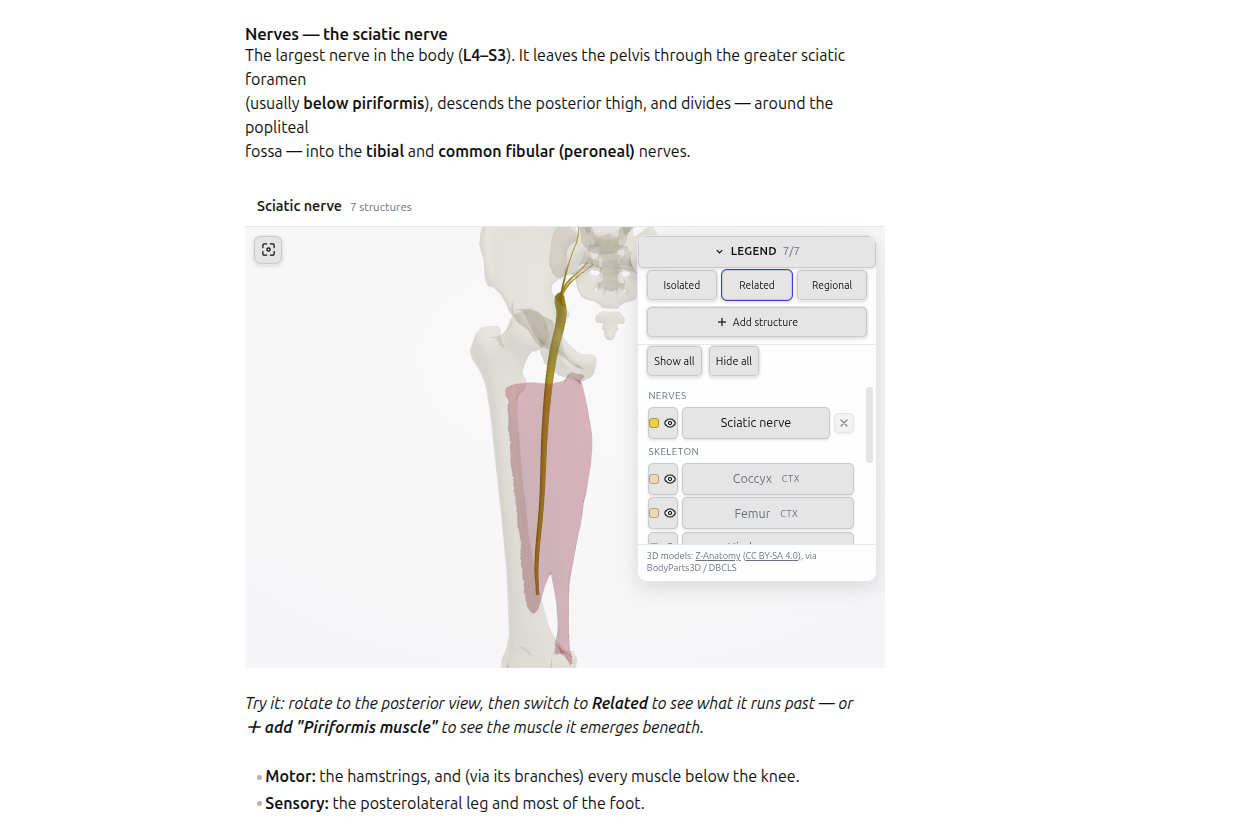
Write an anatomed block, get a live 3D model inline, toggle structures, and click one to open
its note. Click the image to play.
Install
Anatomed is an official Obsidian community plugin you can download directly from within Obsidian.
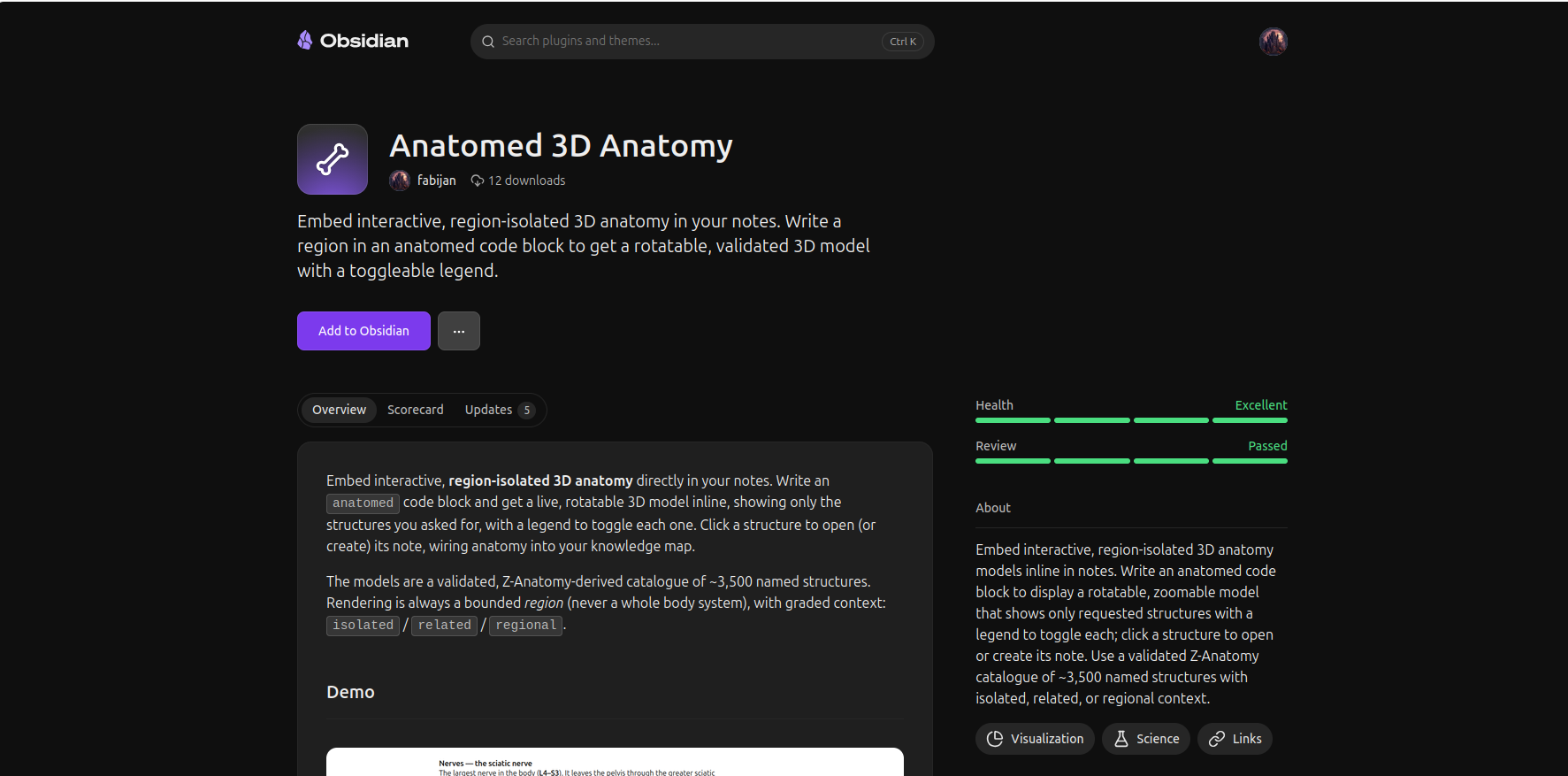
From the community catalogue: Settings → Community plugins → Browse → search "Anatomed 3D Anatomy" → Install → Enable.
Manually: download manifest.json, main.js, and styles.css from the
latest release into
<your-vault>/.obsidian/plugins/anatomed/, then enable the plugin in Settings → Community
plugins. Desktop only for now.
Usage
Add a fenced anatomed code block to any note:
```anatomed
region: cervical spine
detail: related
title: Cervical spine
```
region:/parts:accept one or more structures (comma-separated), in English or Latin.detail:acceptsisolated(default),related, orregional(surrounding structures shown translucent).title:sets an optional heading.
Drag to rotate, scroll to zoom, right-drag to pan; toggle structures in the legend; hover for
names. Click a structure to open (or create) a [[Structure]] note.
Settings
- Asset base URL: where the 3D models (and the
related/regionalcontext data) are fetched from. - Structure notes folder: where click-to-create notes are placed.
- Viewer height and Default detail.
Privacy & network
The plugin talks to exactly one host: the asset base URL configured in Settings (by default
the project's public Supabase bucket). It makes only these requests, and only when you render an
anatomed block:
- GLB 3D model files for the systems in that block.
parts-neighbors.json(the nearest-neighbour dataset), fetched once and only when a block usesdetail: relatedordetail: regional.
There are no other network requests: no third-party CDNs, no analytics, and no telemetry. The
structure catalogue (parts-catalog.json) is bundled with the plugin and needs no network. Models
are decoded locally with a meshopt decoder (inlined in the plugin); no external decoder is fetched.
Building from source
This repository is self-contained (see License below). The viewer core under src/ and widget/ is shared with
the sibling project anatomed-mcp (which renders the
same anatomy inline in Claude).
git clone https://github.com/pitfa19/anatomed-obsidian
cd anatomed-obsidian && npm install
npm run build            # -> main.js, styles.css   (npm run dev for an unminified build)
Layout: main.tsx (plugin entry) · src/ (region resolver + catalogue) · widget/ (R3F viewer
- helpers) ·
assets/parts-catalog.json(bundled catalogue). The GLB models and therelated/regionalneighbour data are fetched at runtime from the asset host.
License & attribution
The whole plugin — its code, the 3D anatomy models, and all data derived from them — is licensed under CC BY-SA 4.0 © 2026 Fabijan Pitlović. You may use, share, and adapt it (including commercially) provided you give attribution, indicate changes, and license derivatives under CC BY-SA 4.0 (or a compatible license).
The anatomy is derived from Z-Anatomy (Kervyn &
Zielinski, CC BY-SA 4.0), itself derived from BodyParts3D (DBCLS, CC BY-SA 2.1
Japan). See NOTICE for the full attribution and the changes made.