Amoeba
 Gregory Manni162 downloads
Adds a living organism to Graph view. The "Amoeba" interacts with your notes as it moves around the global graph, creating a unique dynamic visual.
- Overview
- Scorecard
- Updates4
Amoeba drops a living organism into your vault, bringing dynamic visual movement to Graph view, in addition to some neat note interaction features.
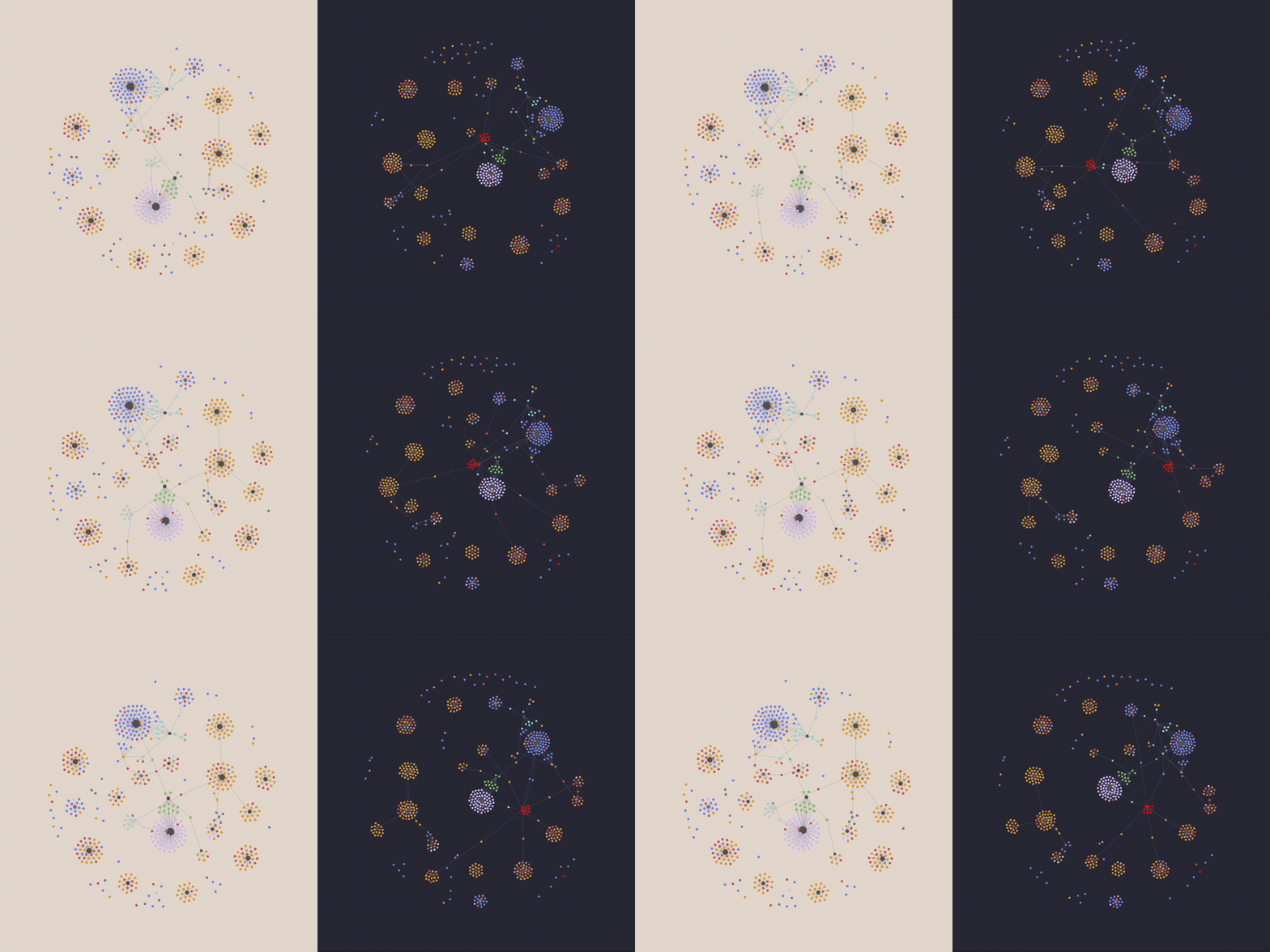
The Idea
Graph view looks great, but it quickly becomes the same stale, motionless vault overview that you saw yesterday. Ideas are organic and always changing, and our technology should reflect that.
Amoeba brings life into your graph by:
- Introducing a self-powered, moving 'Amoeba' note inside the Graph view environment, which sets the global graph in motion
- Providing customizable parameters to adjust the movement of the amoeba to your liking — including a spider preset!
- Writing an abstract poem each day using words pulled from notes in your vault
- Logging your broken links as the amoeba encounters them to help you clean up your vault
How it works
Amoeba creates a note inside your vault that randomly links and unlinks with other notes — a constantly self-updating process that causes the note to pull itself and other notes around the graph. Sub-notes that trail the amoeba add to the visual effect.
Beyond the nice visual, the amoeba can interact with the notes in your vault too. It constructs a poem using your own words, just for fun (English only for now). Turn on broken link scanning, and the amoeba logs broken links found across the notes it encounters and adds them to a checklist. Check them off as you fix them, and the amoeba eventually removes them from the log.
Parameters in settings help you determine the movement, speed, and look of your amoeba, including:
- Speed: how quickly the amoeba jumps to a new note
- Simultaneous links: how many notes the amoeba links to at once
- Pseudopods: the number of trailing sub-notes linked to the amoeba
- Color: can be changed in Graph view 'Groups' settings, like any other note
- Note interactions: toggle the note interaction features you want to use
Inside the Amoeba note itself, you will find:
- The Note Stream: shows the notes the amoeba is currently linked to
- Today's Vault Poem: a short, abstract poem built from the notes it visits
- Broken Link Encounters: a checklist log of broken links that have been discovered
- Pseudopods: a short list linking the amoeba's trailing sub-notes
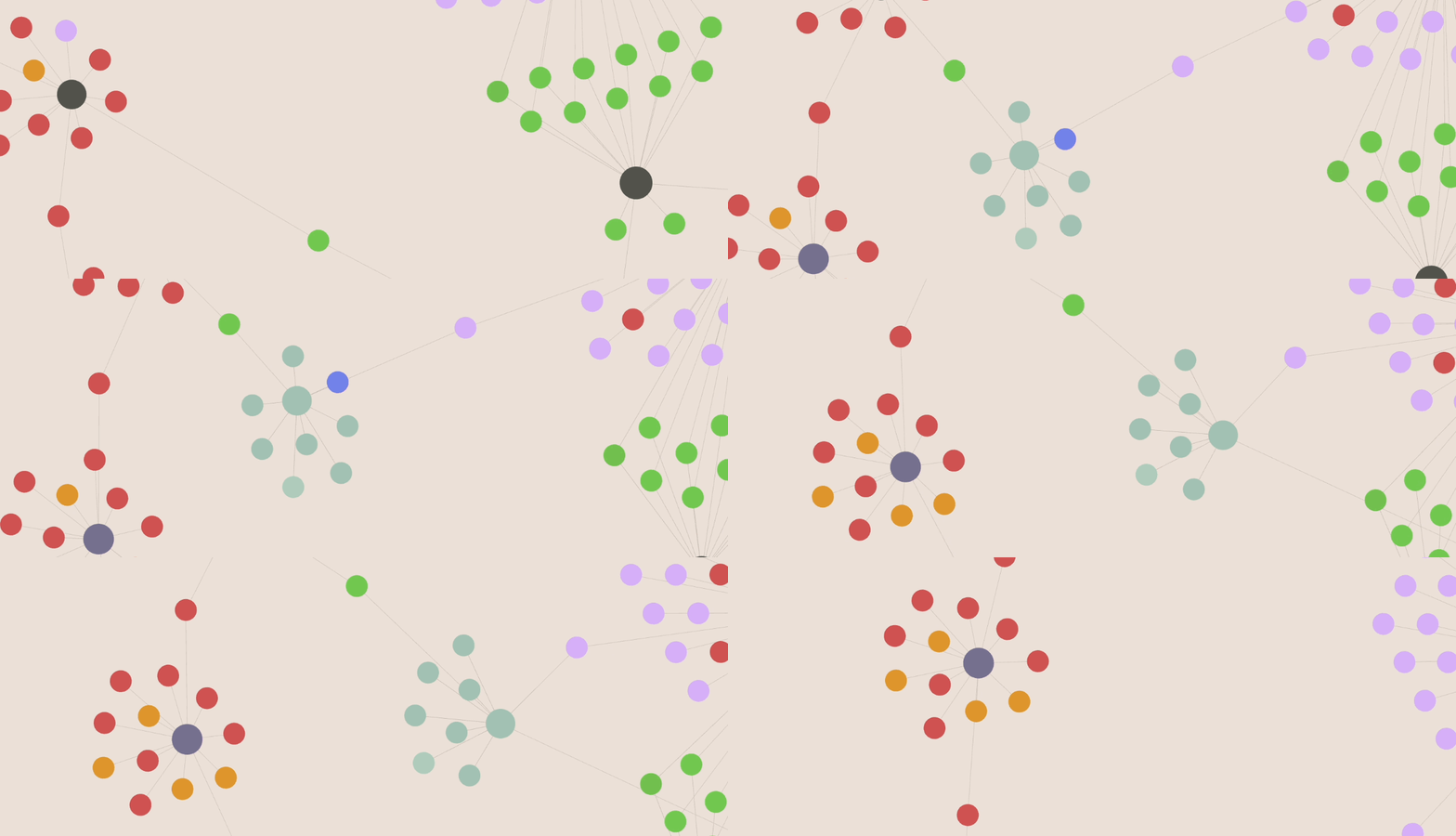
Note: This plugin frequently agitates the Graph view renderer, which may cause a spike in CPU usage as long as Graph view is open. It is not recommended for giant database-style vaults.
Getting started
- Install Amoeba from Settings → Community plugins in Obsidian, or manually by copying
main.js,manifest.json, andstyles.cssinto<vault>/.obsidian/plugins/amoeba/. - Enable the plugin.
- Open Settings → Amoeba and click Start Amoeba (or run the Start Amoeba command from the command palette) to create the 'Amoeba' note/folder and start it running.
- The amoeba immediately starts moving around your graph.
Commands
- Start Amoeba — Starts the amoeba moving and scanning the graph. If plugin is newly installed, initializes amoeba folder setup.
- Stop Amoeba — Stops the amoeba in its tracks: no more movement or note interactions.
- A frontmatter checkbox inside the Amoeba note serves the same function, as well as a button in settings.
FAQ
Why can't I see the amoeba moving?
Very large graph databases with several thousand links will likely make it hard to view the amoeba. It's also possible your Graph view 'Forces' settings aren't optimal for viewing.
What are the best Graph view 'Forces' settings to view the amoeba?
The most important is a high 'Link force' value, otherwise the amoeba will be stationary. Here's a good place to start with your settings: Center force = 0.50, Repel force = 13.50, Link force = 1.00, Link distance = 30.
Will this plugin write inside or change any of my existing notes?
No, only the 'Amoeba' note itself changes.
Will removing this plugin delete the 'Amoeba' folder or its contents?
No — no need to worry about losing any notes you add to the 'Amoeba' folder.
Why can't I write inside 'Amoeba.pseudopod' notes?
The Pseudopods slider in settings adds and removes 'Amoeba.pseudopod' notes, so they are uneditable on purpose. However, it's possible to link your own orphan notes to the 'Amoeba' to create the same effect, and these will not be impacted by the plugin.
Developer Notes
Feedback: To report bugs, request features, or leave your feedback, visit the Discussion page.
Support: If you like Amoeba and would like to support my work and other future creative projects, you can donate here: Ko-fi
The poem feature uses spencer kelly's compromise.js library for language processing
AI Use Disclosure: This plugin was created with the help of Claude Code.