Warm Paper
 Andy Ho1k downloads
A quiet, editorial Obsidian theme - warm paper surfaces, one moss accent, generous type.
- Overview
- Scorecard
- Updates11
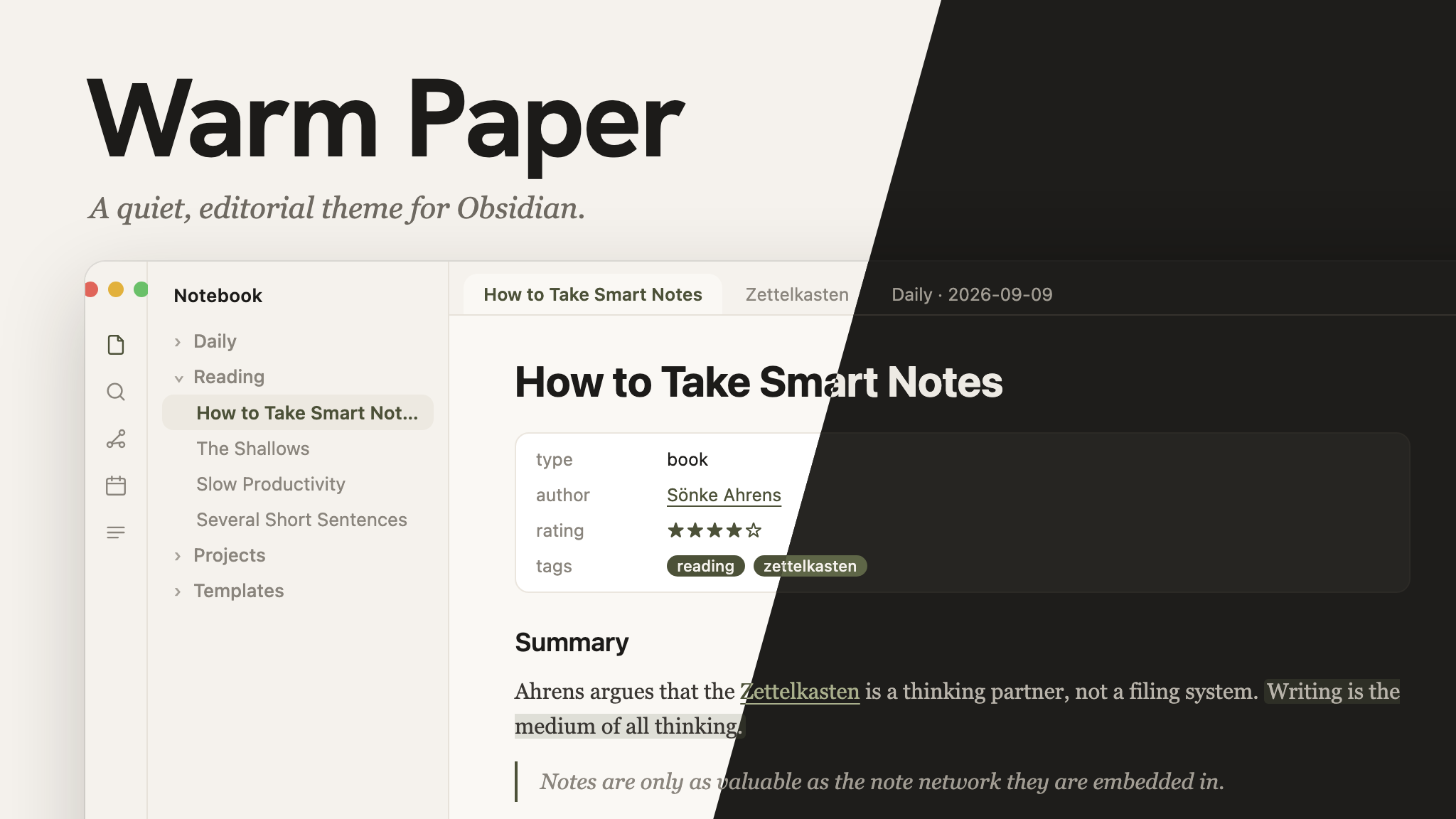
A quiet, editorial Obsidian theme. Warm off-white surfaces, one deep moss accent, generous radius, Georgia for reading — no gradients, no neon, nothing fighting for your attention.
Install
From Obsidian's theme browser (recommended): Settings → Appearance → Themes → Manage, search "Warm Paper", select it.
Manually:
- Download
theme.cssandmanifest.jsonfrom this repo. - In your vault, create the folder
.obsidian/themes/Warm Paper/and put both files inside it. - In Obsidian: Settings → Appearance → Themes, select Warm Paper.
Light and dark
Both are fully supported. Switch in Settings → Appearance → Base color scheme.
Accent color
Moss is the default accent. Four more are built in: Clay, Slate, Plum and Ink. Each one has tuned light and dark values.
- Install the Style Settings community plugin.
- Open Settings → Style Settings → Warm Paper → Accent color.
- Select an accent.
The accent changes links, tags, checkboxes, the active file and focus rings. Backgrounds and text stay the same.
Palette
| Token | Light | Dark |
|---|---|---|
| Background | #F5F2ED |
#1E1D1B |
| Surface | #F3F0EA |
#262522 |
| Text | #1C1B19 |
#EDEAE4 |
| Muted text | #8A857D |
#A19C93 |
| Accent (moss) | #4C5138 |
#5E6647 |
Cover image
The cover image is rendered from cover/index.html, which reads the
palette from theme.css. After a palette change, run cover/render.sh
(needs Google Chrome) to regenerate screenshot.png.
License
MIT — see LICENSE.