Terminal Notes
 theluckystrike60 downloads
Monospace text and square controls for your shell notes and runbooks.
- Overview
- Scorecard
- Updates3
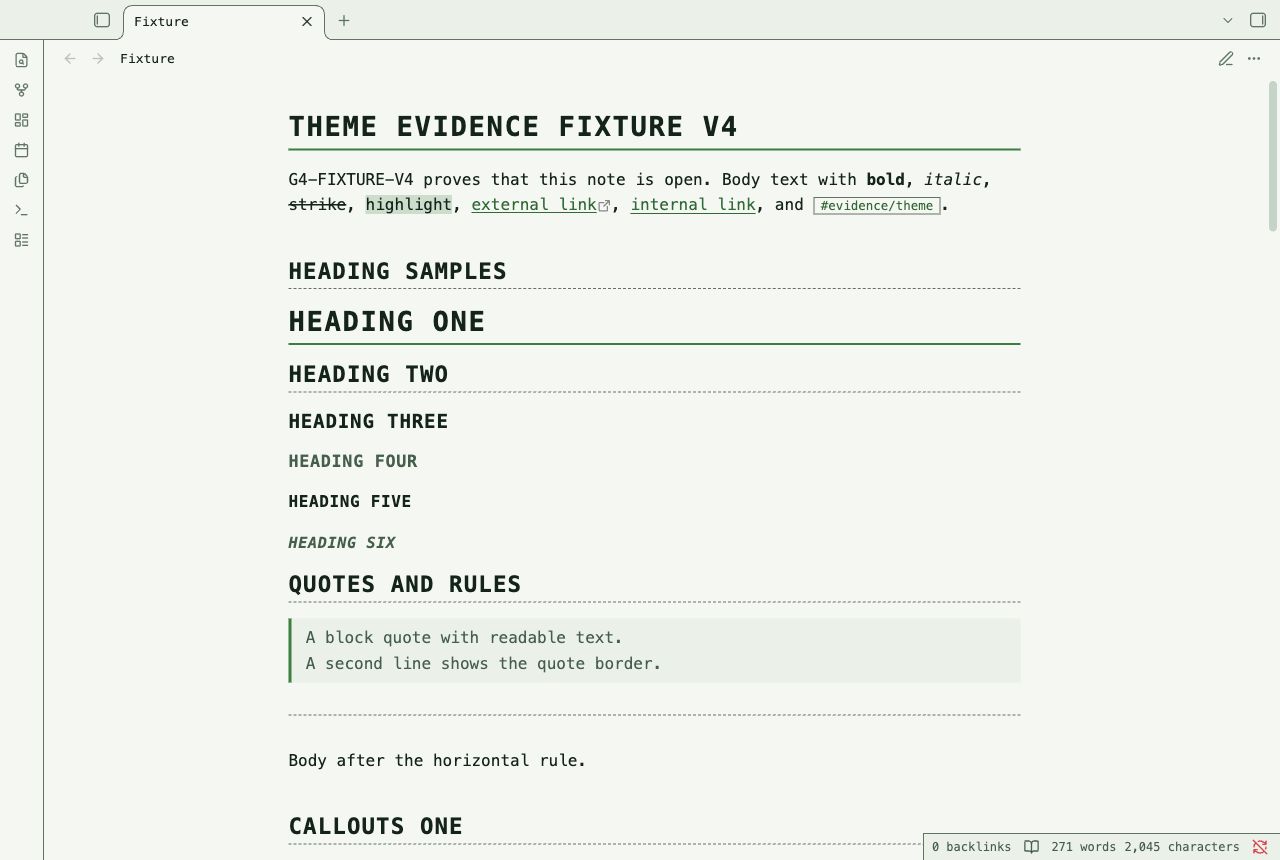
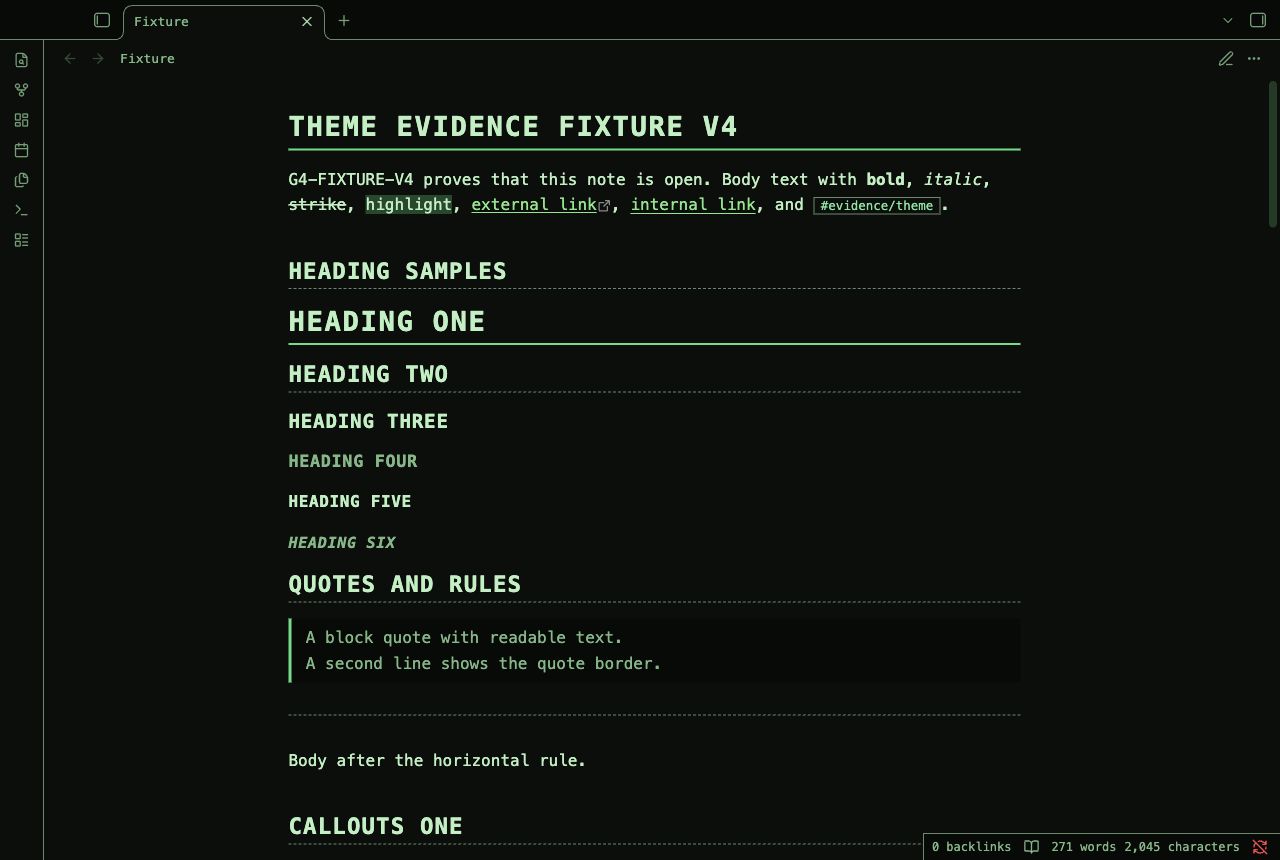
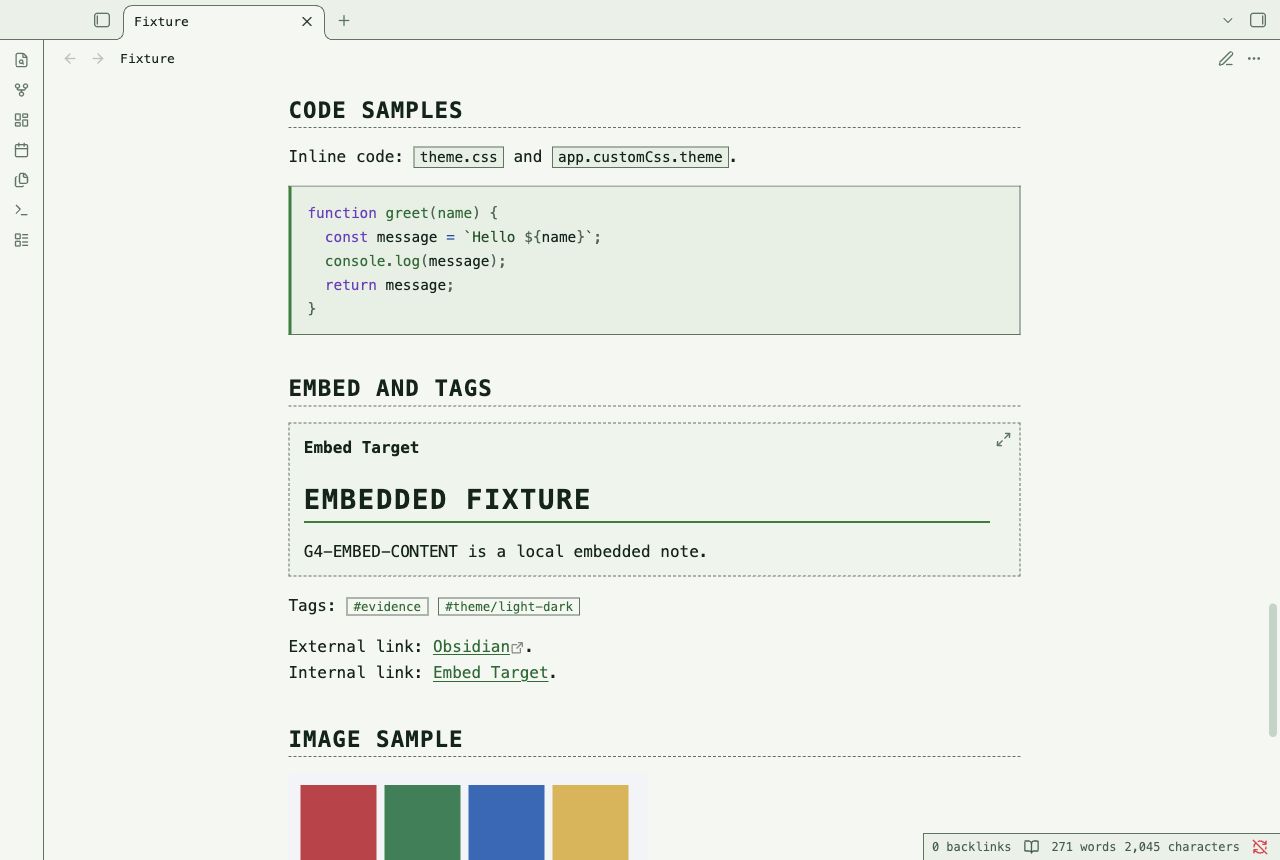
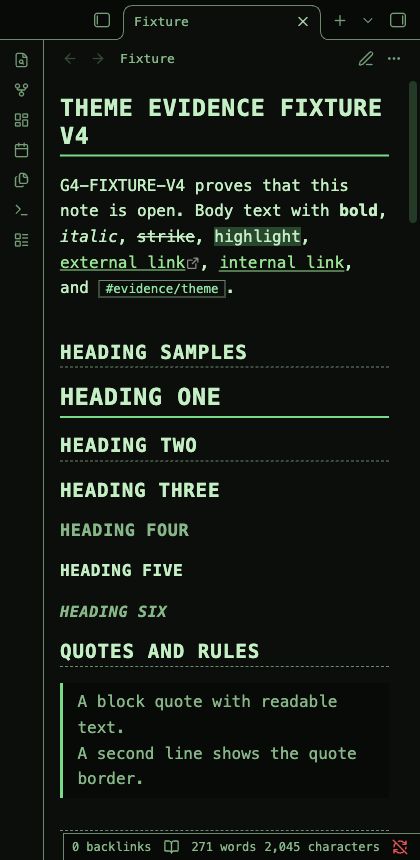
Terminal Notes is an Obsidian theme for command references, shell logs, and technical notes. Monospace text, square controls, and dashed rules give the page a terminal structure. Dark mode uses phosphor green on near-black. Light mode uses dark green on pale paper. Typed callout frames keep status labels and icons visible. Grid tables suit command and status records. Code blocks use a continuous green rail. Selected commands use an inverse cursor bar.
Screenshots
These images show the desktop renderer with a test note.
Install
- Download
theme.cssandmanifest.jsonfrom this repository. - Open your vault folder.
- Create the folder
.obsidian/themes/Terminal Notes/. - Put both files in that folder.
- Open Settings, then Appearance in Obsidian.
- Select Terminal Notes in the theme list.
Use the manifest name for the install folder. The repository name is not the install folder name.
Uninstall
- Select the default theme in Settings, then Appearance.
- Remove
.obsidian/themes/Terminal Notes/from the vault.
The theme does not change note text.
Compatibility
The manifest requires Obsidian 1.1.0 or later. The desktop renderer was tested with Obsidian 1.14.4. Mobile use was not tested. A narrow desktop capture does not test a mobile device. Community plugin views and screen readers were not tested.
Customization
Add a CSS snippet in Settings, then Appearance to override theme variables. For example, this snippet gives technical notes more reading width:
body {
  --file-line-width: 84ch;
  --line-height-normal: 1.7;
}
The core Accent color control changes terminal rails, selection bars, and control accents.
The --term-accent variable overrides that accent in a CSS snippet.
Callout status colors and link inks remain separate.
The --term-bg, --term-ink, and --term-rule variables control backgrounds, text, and borders.
Set these variables under .theme-light or .theme-dark in your snippet.
Check contrast after a color change.
This theme does not include Style Settings controls.
Known limits
- Monospace text fits fewer characters across narrow panes than most proportional fonts.
- Headings, callout titles, and table headers use uppercase letters. Tags keep their case. This can change the appearance of case-sensitive identifiers.
- Long code lines and wide tables can require horizontal scrolling.
- The theme presents command notes. It does not execute commands or add a terminal.
- Accent changes can reduce contrast. Check selected text and focus after a color change.
- Color mixing uses the current desktop renderer. The oldest declared app version was not tested.
- The native ribbon, tab headers, status bar, and file list were not reached by the Tab trace in Obsidian 1.14.4.
- The editor shows focus with an ink rail and a clear caret.
- System monospace fonts differ between operating systems. Line wraps can change with the font.
License
MIT License. Copyright (c) 2026 NoteMods. NoteMods maintains this theme.