
- Overview
- Scorecard
- Updates2
A light-only Obsidian theme with a cool periwinkle palette, misted glass surfaces, and deep indigo text. Rainveil gives the workspace a soft, rainy-day atmosphere while keeping notes clear and readable.
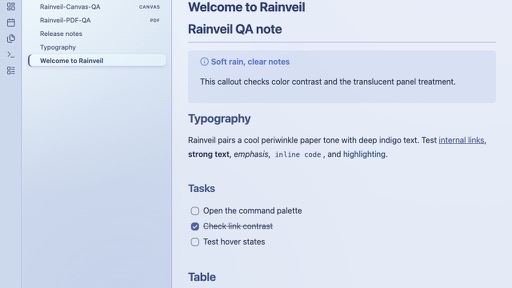
In Obsidian
| Reading view | Canvas |
|---|---|
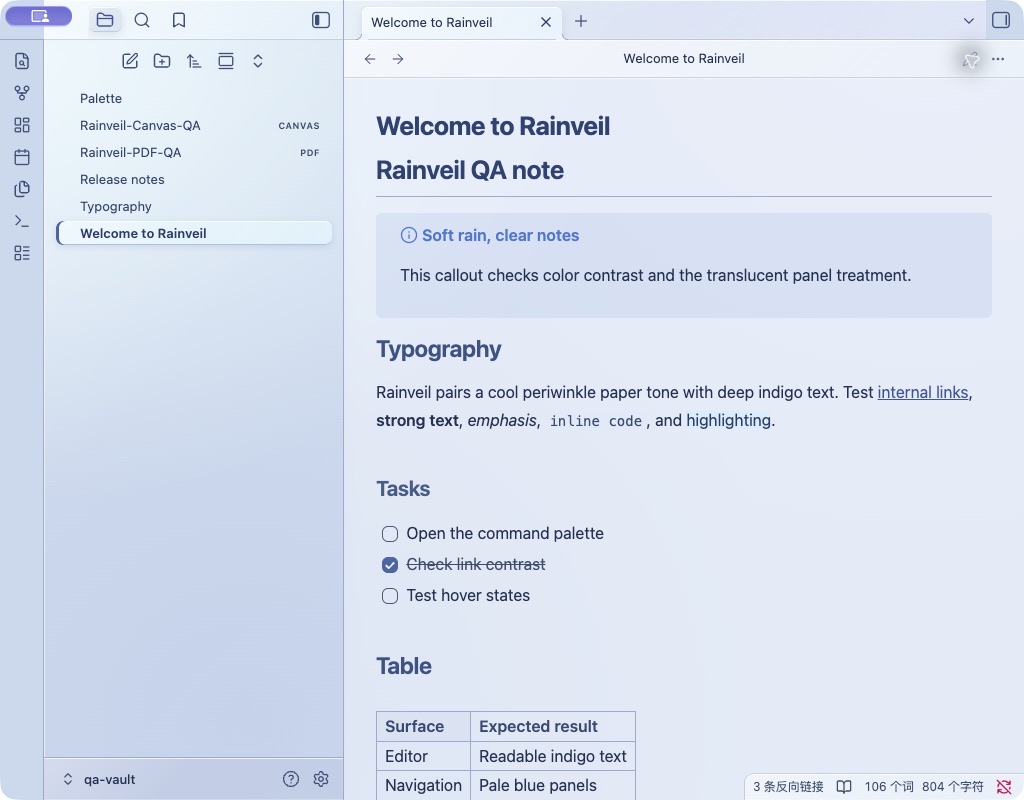 |
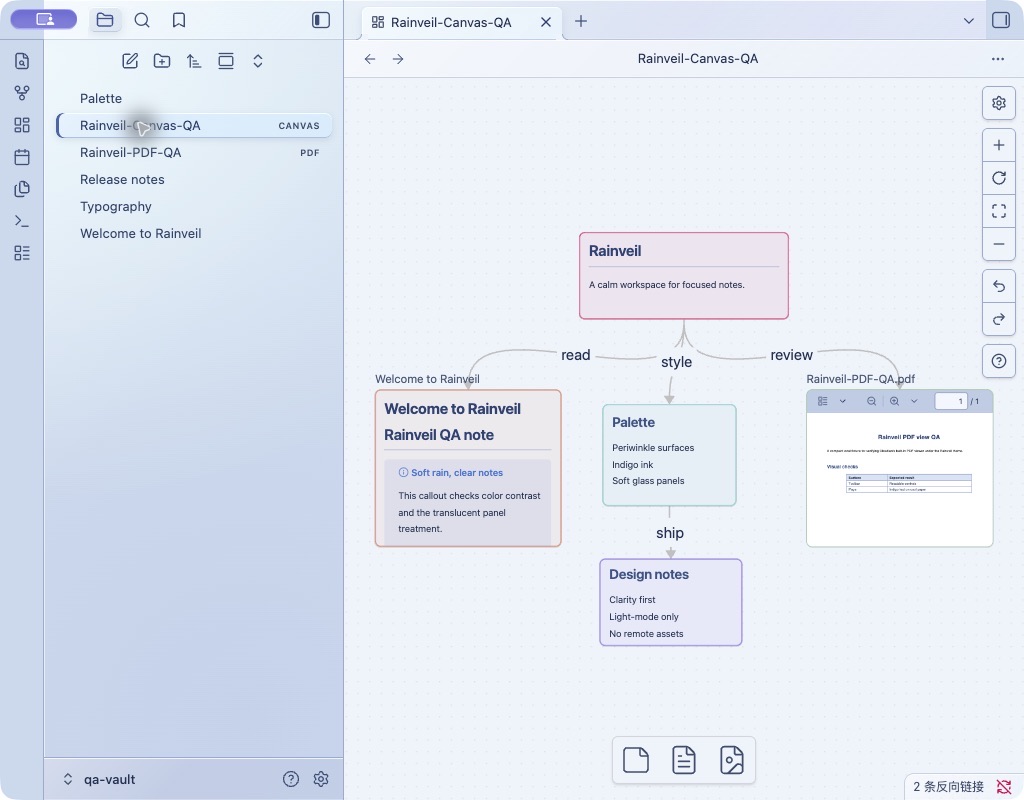 |
| Graph view | PDF view |
|---|---|
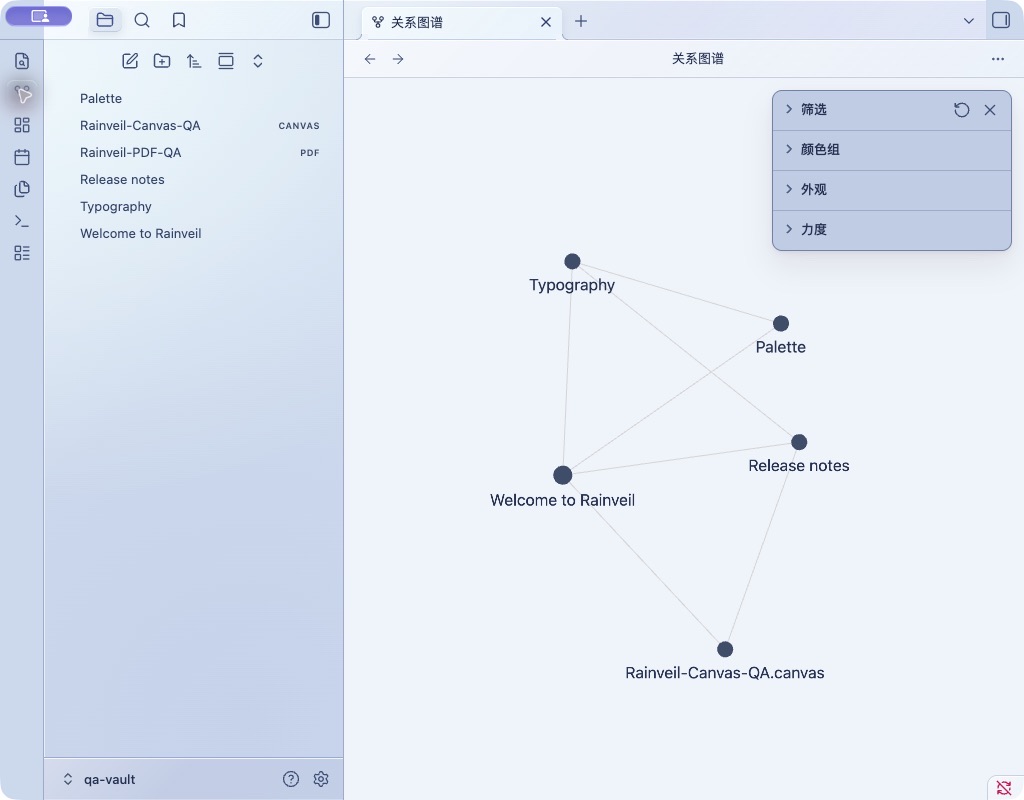 |
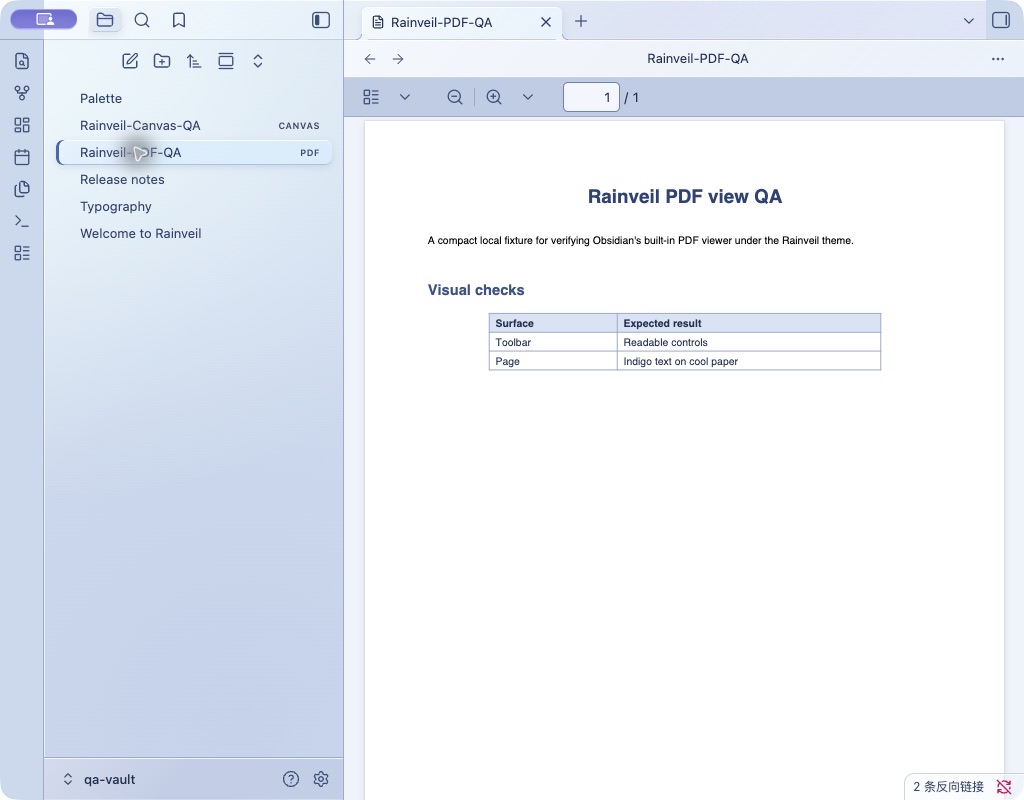 |
Features
- Pale blue paper tones with indigo text and accents.
- Translucent workspace chrome and softly blurred floating panels.
- Styling for Markdown, navigation, tabs, forms, and the built-in PDF view.
- Reduced-transparency and no-backdrop-filter fallbacks.
- No remote fonts, images, or other network-loaded assets.
Install from this repository
Copy theme.css and manifest.json into a folder named Rainveil under your vault's .obsidian/themes/ directory:
<your-vault>/.obsidian/themes/Rainveil/
Then choose Settings → Appearance → Themes → Rainveil.
Supported appearance
Rainveil is designed for Obsidian's Light mode. Dark mode is not currently styled. When submitting this theme to the Community Directory, select Light only.
Compatibility
The stylesheet uses the CSS :has() selector and backdrop-filter. Older installers may not support every effect. The stylesheet includes fallbacks, but performance and compatibility should be checked in Canvas, on mobile, and with reduced transparency before a release.
Release
For each release, update version in manifest.json using x.y.z format. Create a GitHub Release with the exact same tag, and attach manifest.json and theme.css. The initial Community Directory submission also requires a screenshot and review through the official theme submission guide.
License
Rainveil is available under the MIT License.