Midnight Studio
 Marcel Niemann38 downloads
A dark Obsidian theme with charcoal surfaces, readable text, and mint accents.
- Overview
- Scorecard
- Updates2
A quiet dark theme for Obsidian, with charcoal surfaces, readable text, and bright #00FF99 mint accents.
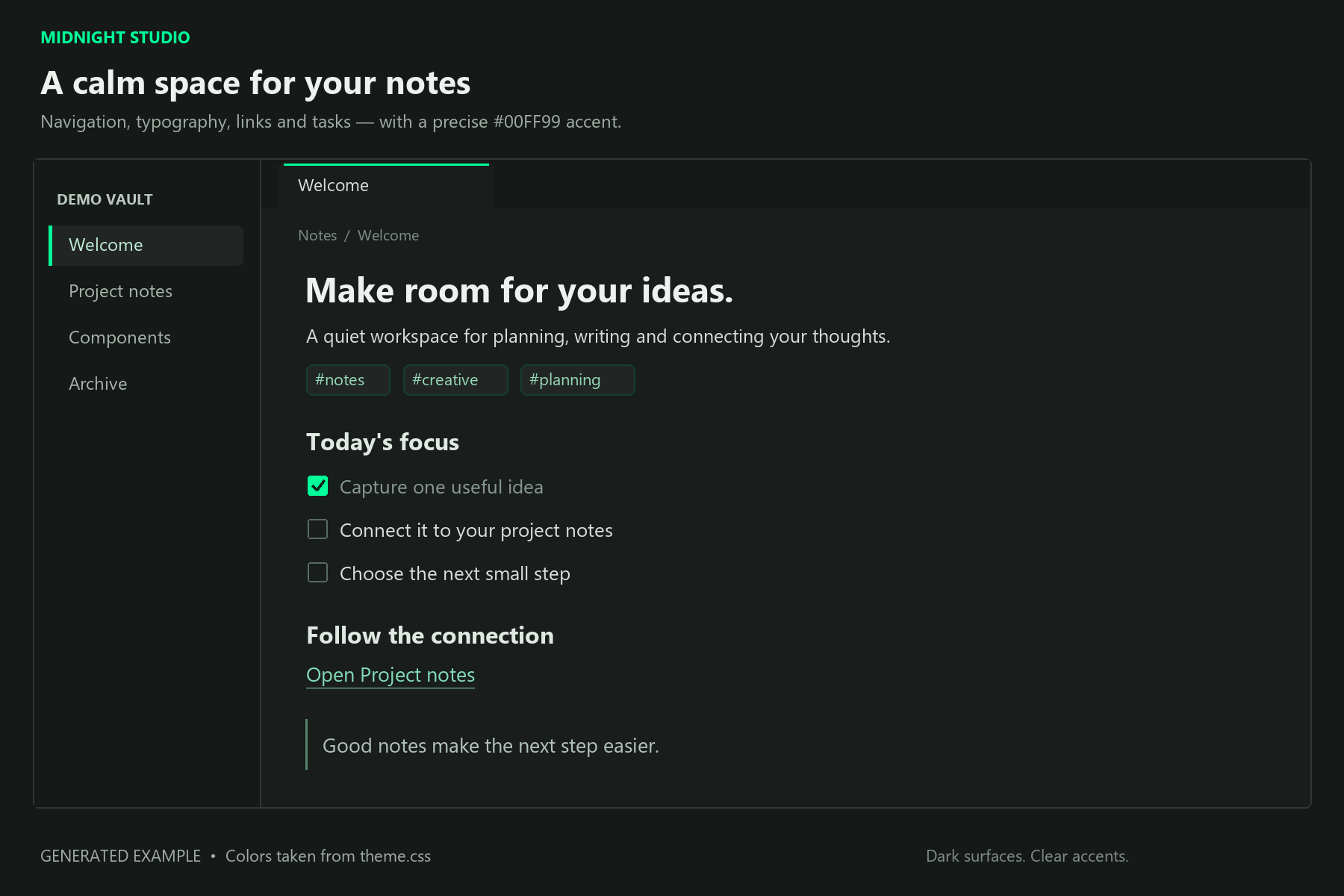
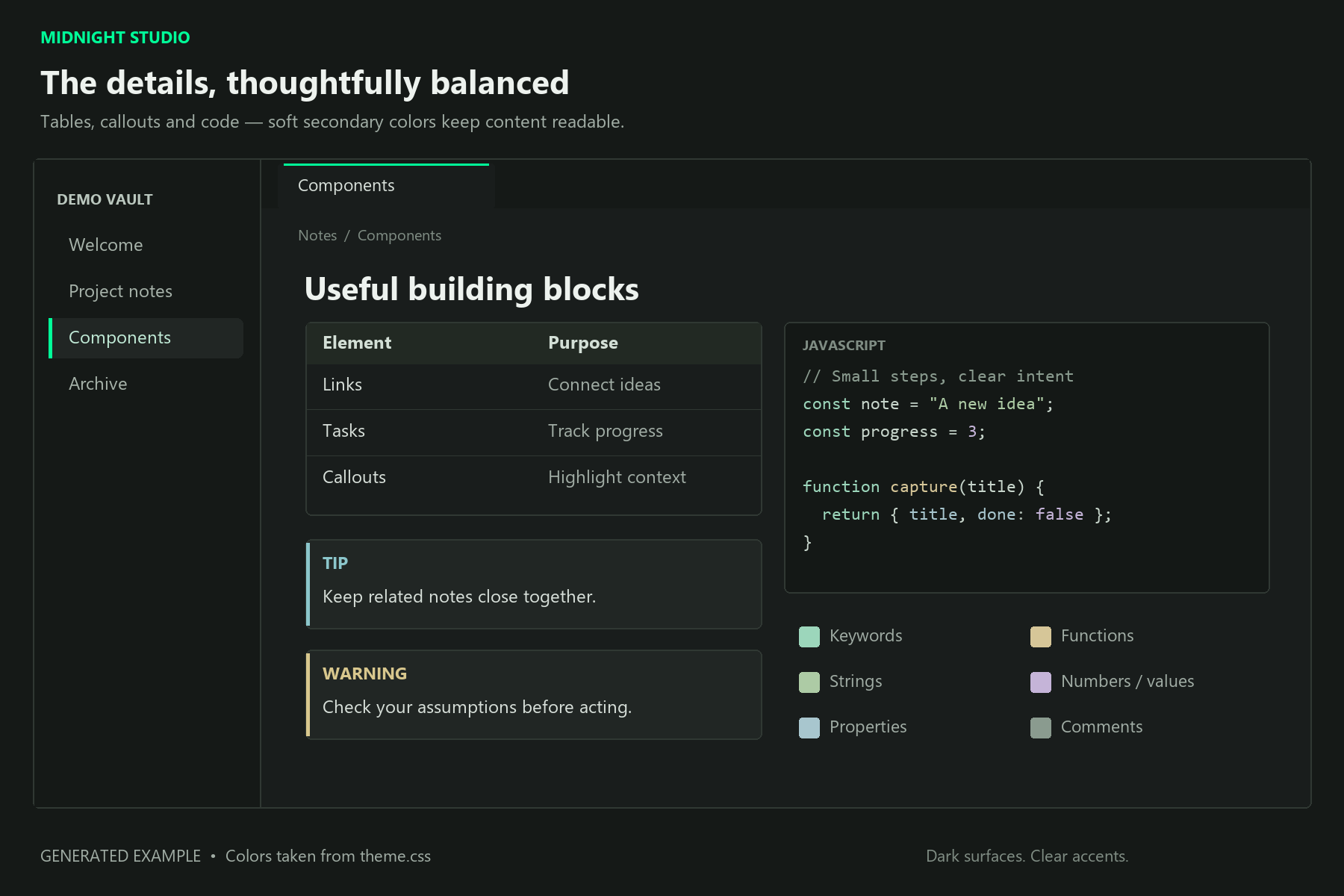
Generated examples using the colors defined in theme.css, rather than screenshots of Obsidian. Actual layout and code highlighting may vary with your settings, language, and plugins.
An actual screenshot from the demo vault is available separately for the community-directory listing.

Design
- Subtle accents for active tabs, selected files, links, and checkboxes.
- Soft secondary colors for code blocks and status indicators.
- Styled headings, tables, tags, quotes, and callouts.
- No external fonts, remote assets, or community plugins required.
- Your font choices and font size remain configurable in Obsidian.
Supported mode: Dark. Light mode uses Obsidian's default appearance.
Manual installation
- Download
theme.cssandmanifest.jsonfrom the latest GitHub release. - Create a folder named
Midnight Studioinside your vault's.obsidian/themesfolder. - Place both files directly inside that folder. Ensure the filenames are exactly
theme.cssandmanifest.json. - In Obsidian, open Settings → Appearance, select Dark as the base color scheme, and choose Midnight Studio from the theme list.
Community-directory installation becomes available after the theme is submitted and approved.
Development
Edit theme.css to adjust the theme. Install the development dependencies with npm ci, then run npm run lint to check the CSS using Obsidian's theme-review rules.
To regenerate the illustrative previews on Windows, install Python and Pillow, then run python scripts/render-previews.py. The renderer reads the theme palette and uses Windows Segoe UI and Consolas fonts.
To release an update, increment the version in manifest.json and package.json, add its minimum supported Obsidian version to versions.json, and push a matching Git tag without a v prefix. The release workflow creates a draft GitHub release with the two required theme files attached. Review and publish the draft before submitting or updating the theme in the directory.
Feedback
Report issues or suggest improvements in GitHub Issues. Include your Obsidian version and a screenshot where useful. Remove private note content before sharing screenshots.
License
MIT. You may use, modify, and share the theme under the terms in LICENSE.