Finding Aid
 theluckystrike29 downloads
Catalogue layouts for your archive notes and collection guides.
- Overview
- Scorecard
- Updates3
A light and dark Obsidian theme for archive inventories. Catalogue headings, inventory rules and square cards keep collection notes easy to scan. Callouts keep their type icons and colored edges. Warning uses a dashed edge. Keyboard controls have a focus ring. The editor uses a colored caret and an active-line rail.
Screenshots
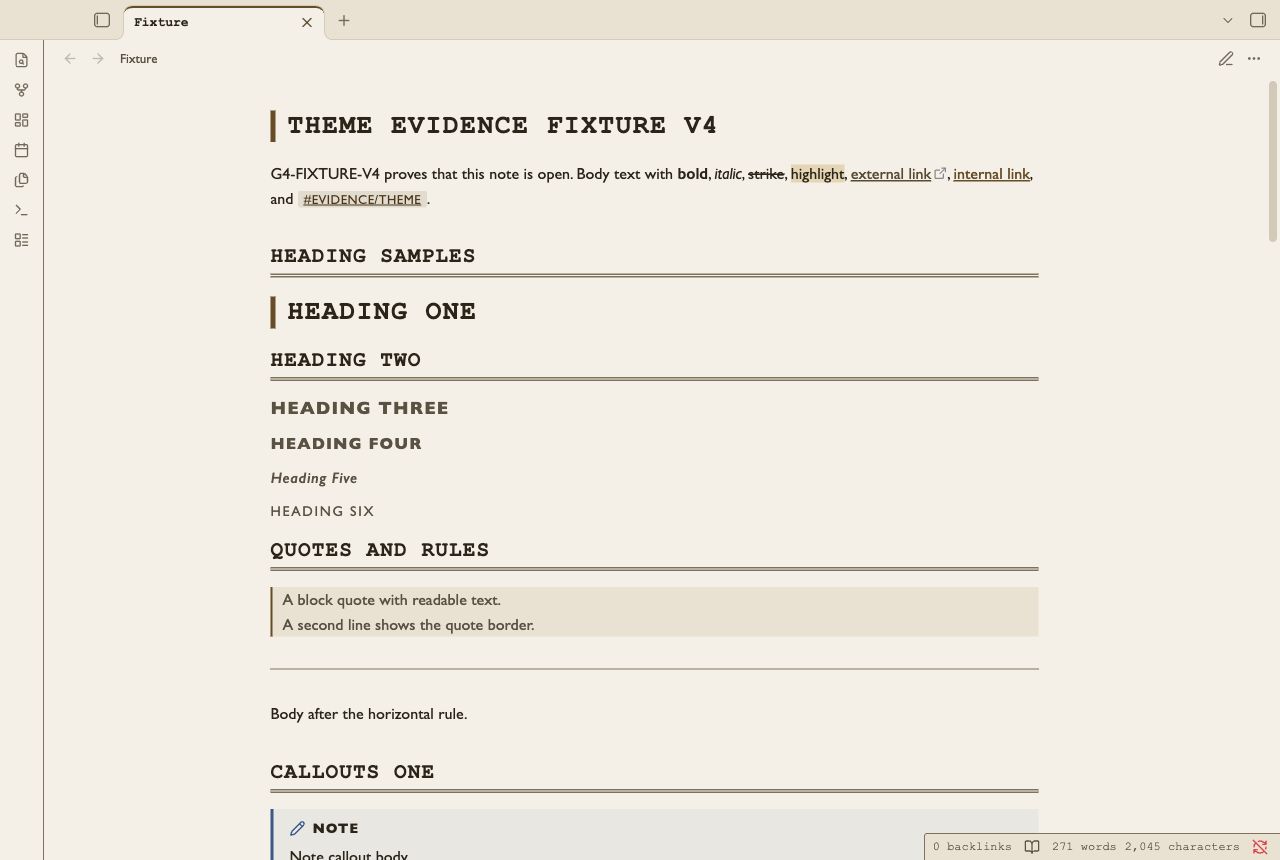
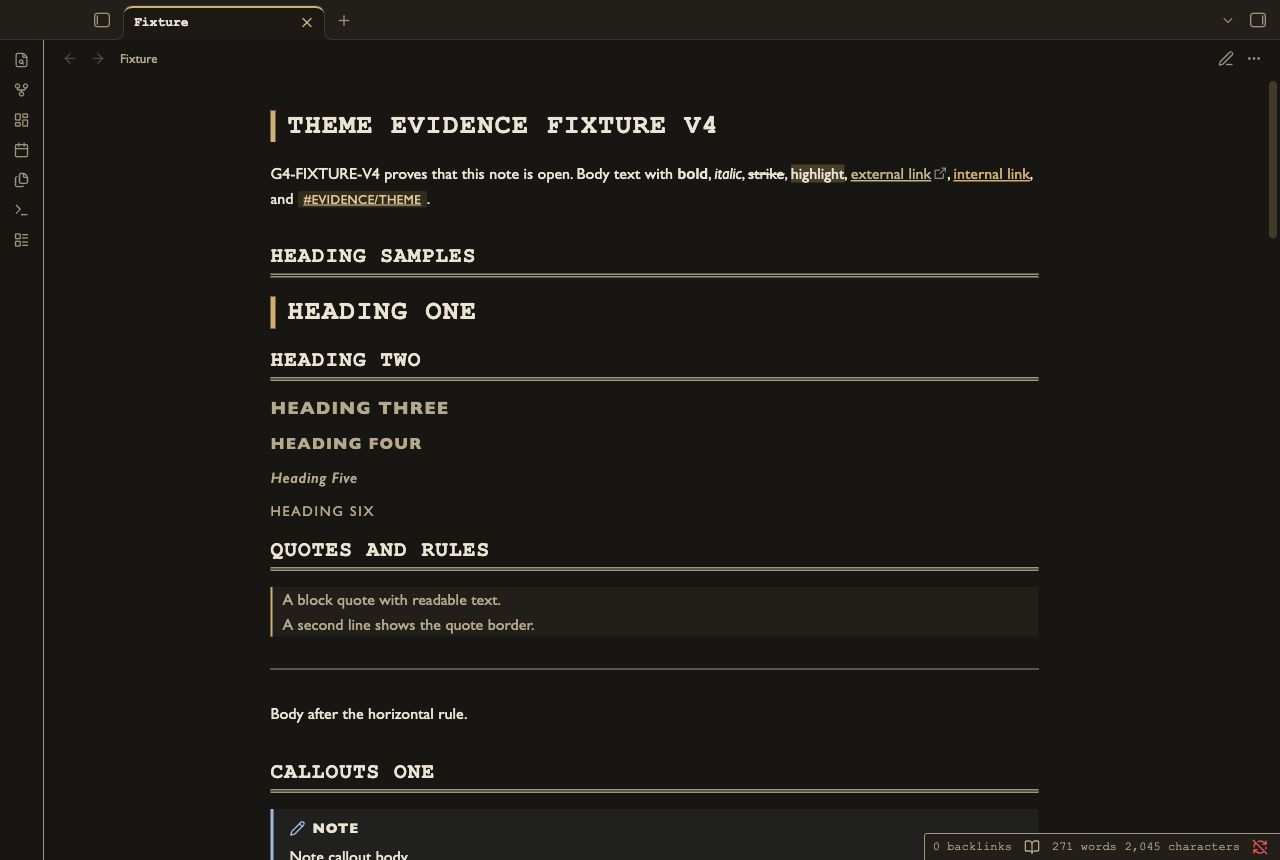
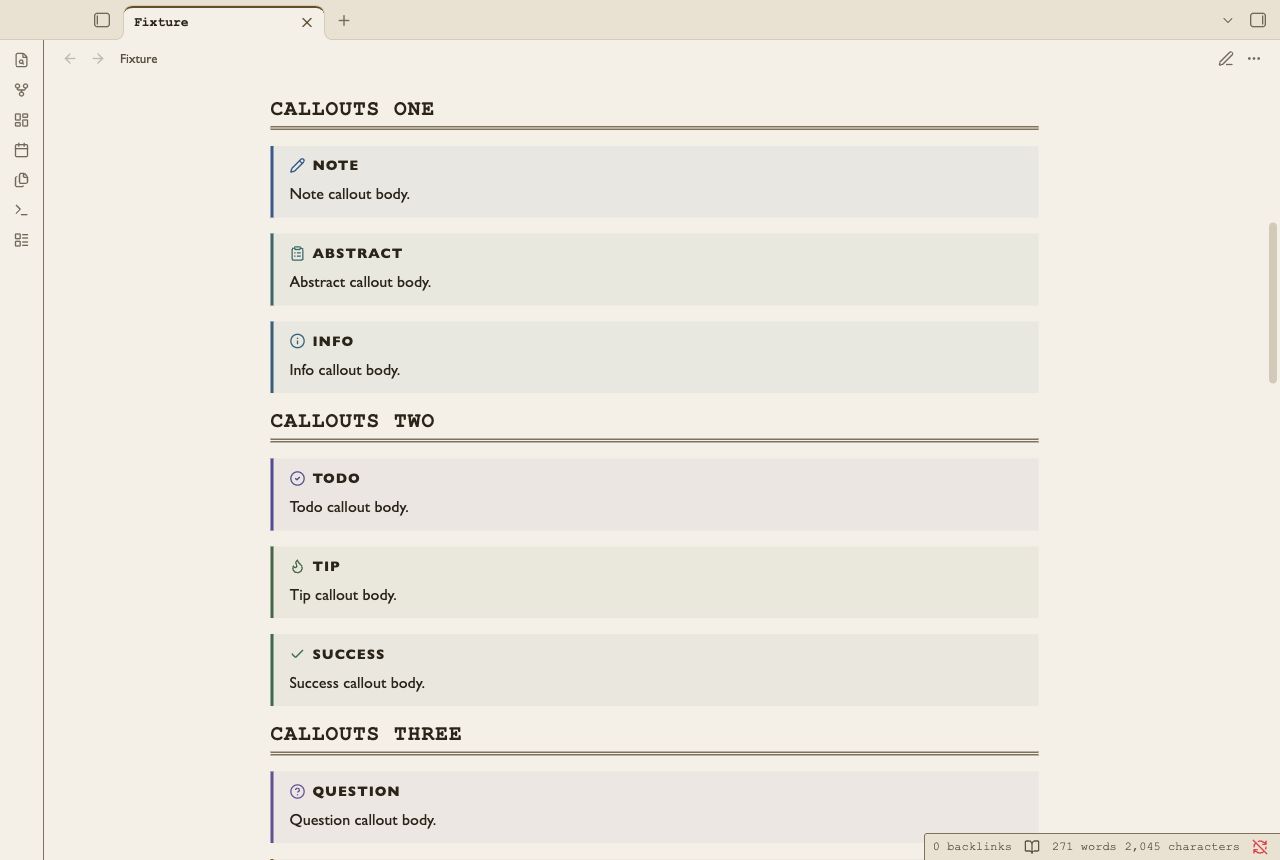
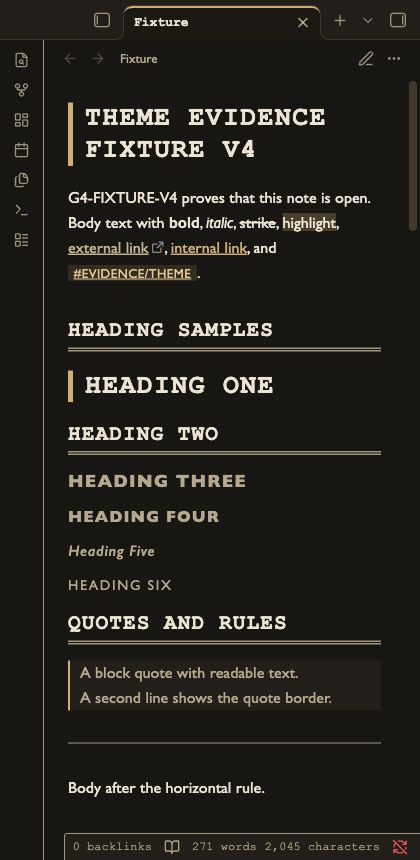
Install
- Open your vault folder.
- Create
.obsidian/themes/Finding Aid/. - Copy
theme.cssandmanifest.jsoninto that folder. - Open Obsidian Settings → Appearance.
- Select Finding Aid in the theme list.
Uninstall
- Select the default theme in Settings → Appearance.
- Remove
.obsidian/themes/Finding Aid/from your vault.
Compatibility
Minimum Obsidian version: 1.4.0. Tested on Obsidian 1.14.4 desktop in Reading view and Live Preview. The declared minimum version has not been tested. Custom callout colors use the CSS-color API tested in 1.14.4. Earlier API support is unknown. The 420 px screenshots show a narrow desktop window. Mobile is not tested. Community-directory installation is not tested.
Customization
Add a CSS snippet in your vault. Enable it in Settings → Appearance.
body.theme-light, body.theme-dark {
  --file-line-width: 46rem;
  --h1-size: 1.8em;
  --list-indent: 1.6em;
}
Change --text-accent and --background-modifier-border-focus together to adjust the accent.
Check contrast after a color change. Style Settings controls are not included.
Known limits
Monospaced catalogue headings use more width than body text. Long identifiers can wrap. System fonts can differ between computers. Native Obsidian controls determine keyboard reachability. Automated contrast checks do not certify screen-reader access. Startup console events before the harness attaches are unknown. Completed tasks use a check and muted text. Nested open tasks keep normal text. The theme keeps native callout icons. Reduced motion keeps embeds and icons available. Custom callout icons depend on the icon that Obsidian or a snippet supplies.
License
MIT. See LICENSE.