
- Overview
- Scorecard
- Updates4
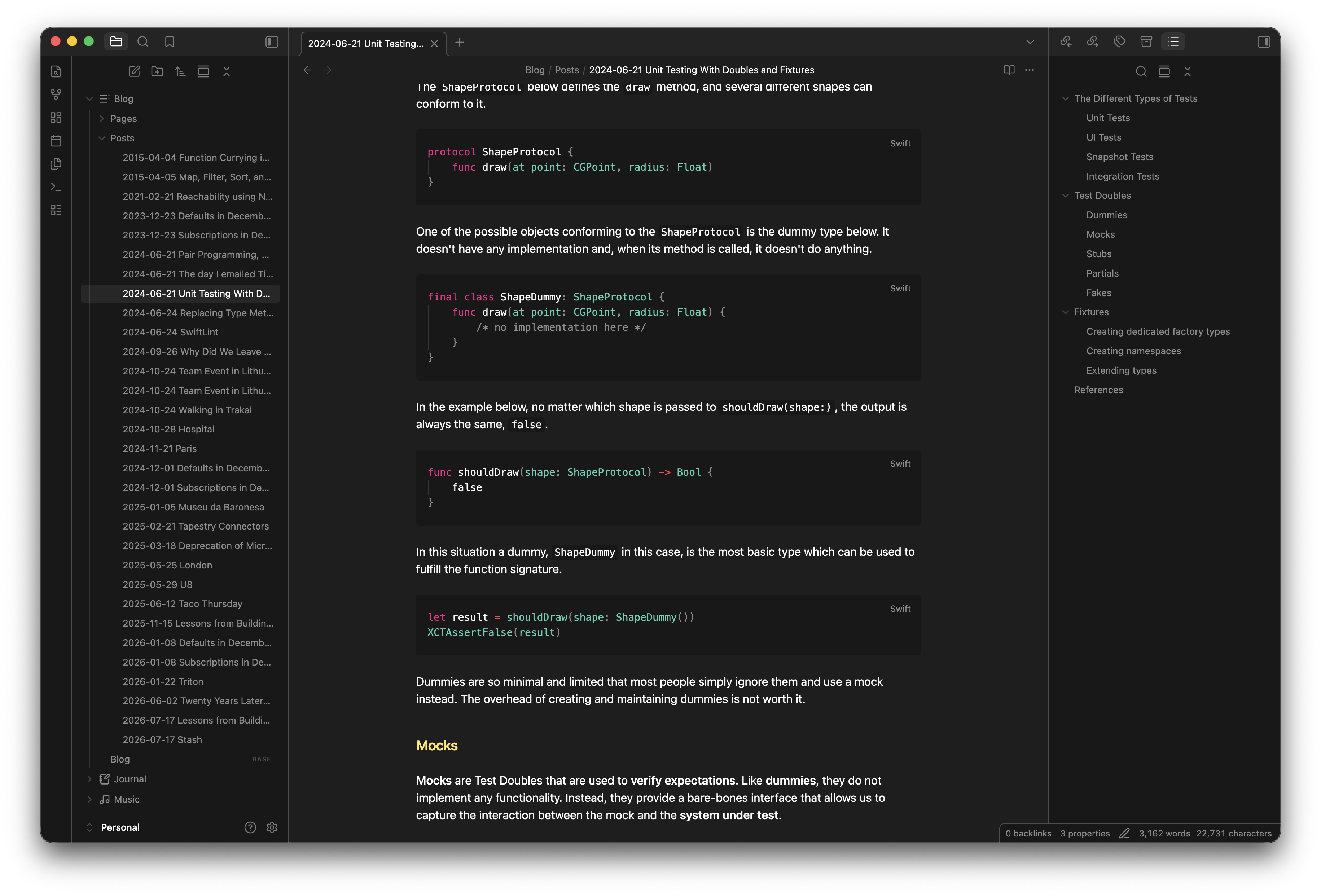
A dark color theme for Obsidian, originally created as an Xcode Font & Color Theme.
Part of the Default+ theme family.
Installation
Community Themes (recommended)
- Open Obsidian Settings
- Go to Appearance
- Click Manage next to Themes
- Search for Default+ and click Install and use
Manual installation
- Download
theme.cssandmanifest.jsonfrom this repository - Copy both files to
<vault>/.obsidian/themes/Default+/ - Open Obsidian Settings → Appearance → select Default+ under Themes
HealthExcellent
ReviewSatisfactory
About
Apply a dark color scheme inspired by Xcode to give Obsidian a cohesive, low-distraction look. Maintain readable typography and balanced contrast while preserving the Default+ theme family aesthetics.Details
Current version
1.0.3
Last updated
Last week
Created
2 weeks ago
Updates
4 releases
Downloads
163
License
MIT
Sponsor