
- Overview
- Scorecard
- Updates2
Read this in: English | 中文
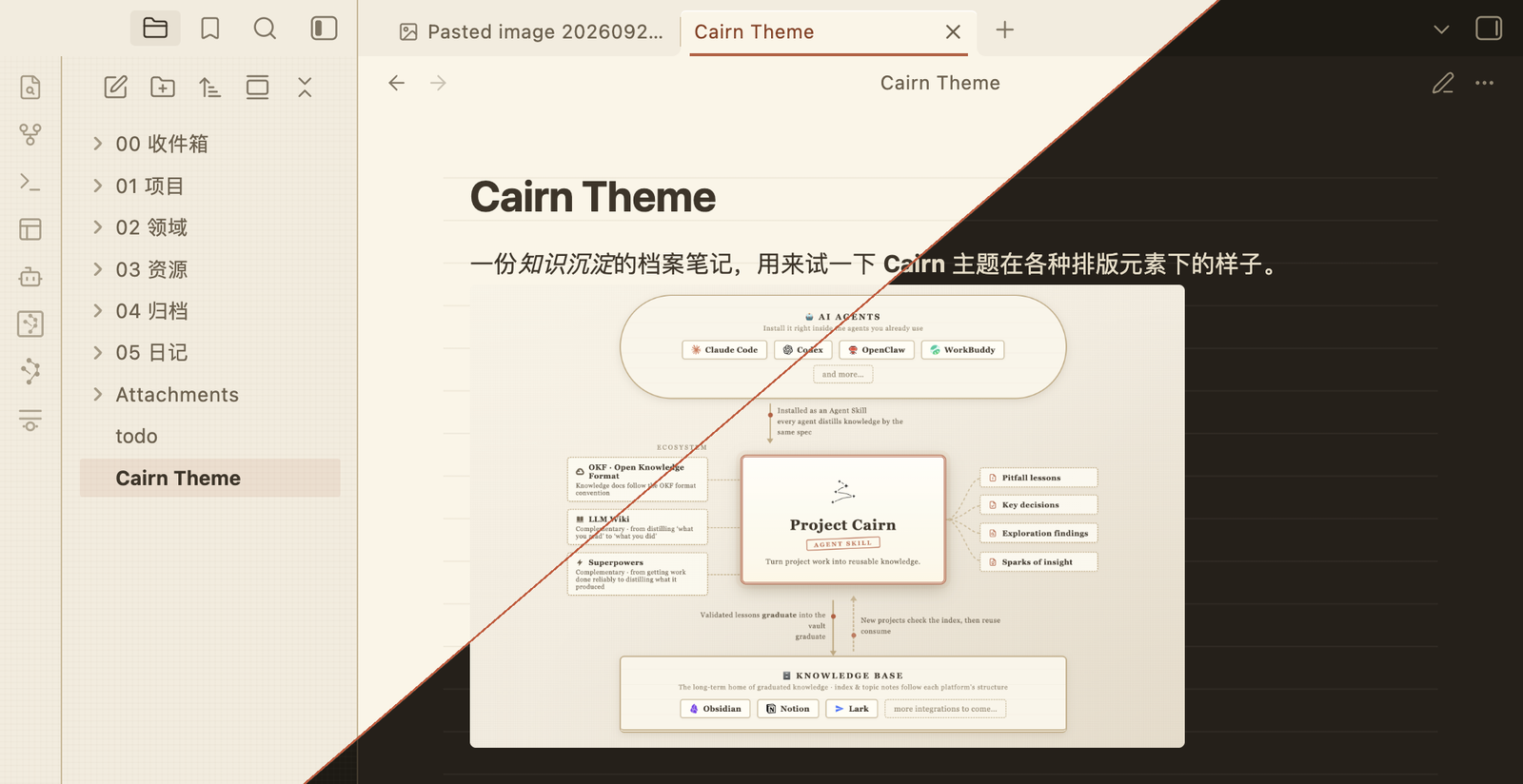
A kraft-paper archive for Obsidian — your vault as physical files on a warm paper desk.
Warm paper neutrals, brown ink, a single terracotta accent, and clean sans-serif type. Corners are small and archival, shadows are warm brown rather than gray, and surfaces carry a faint CSS paper grain. No pure white, no pure black, no cool grays anywhere.
Screenshots
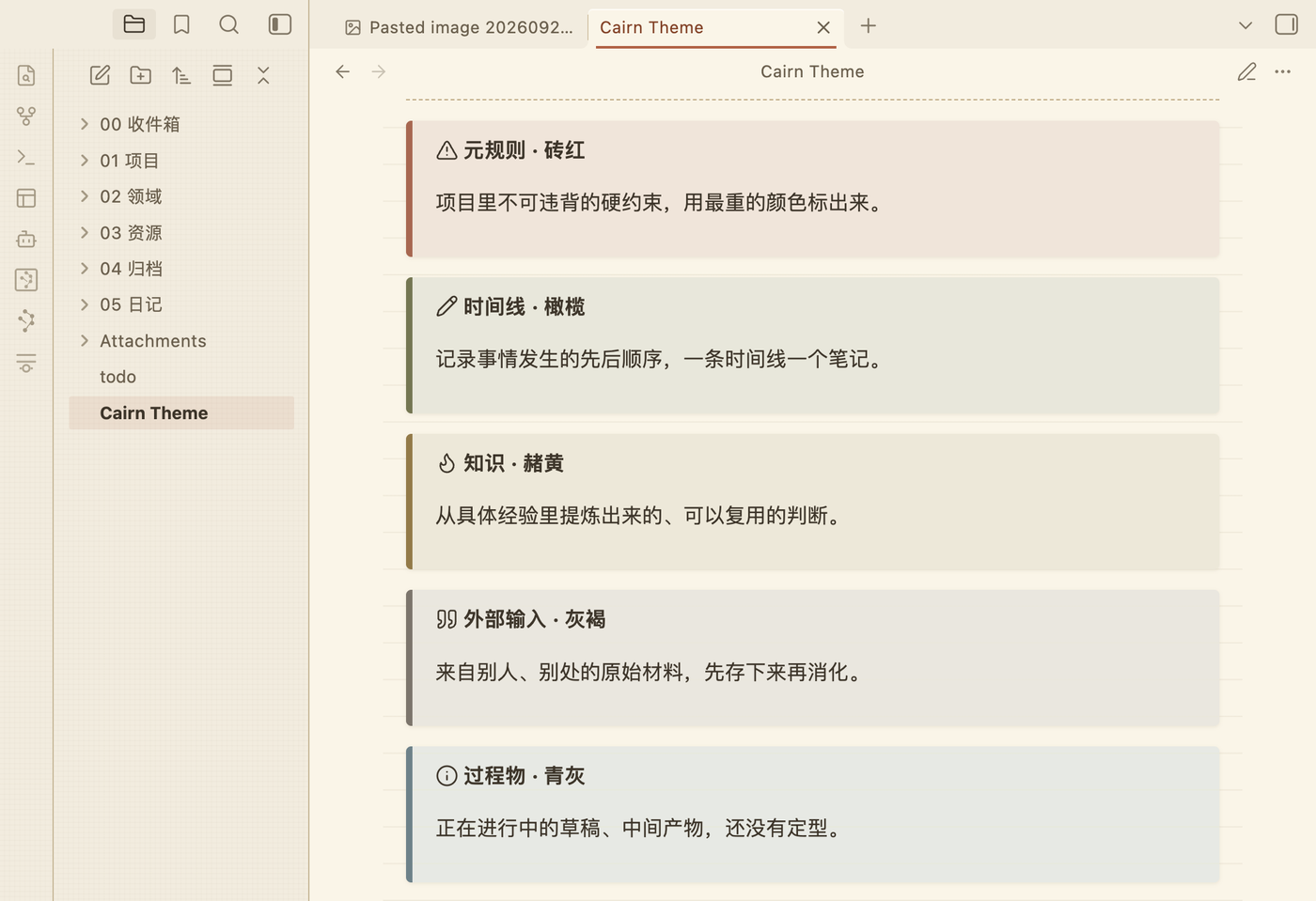
The five-colour callout system:
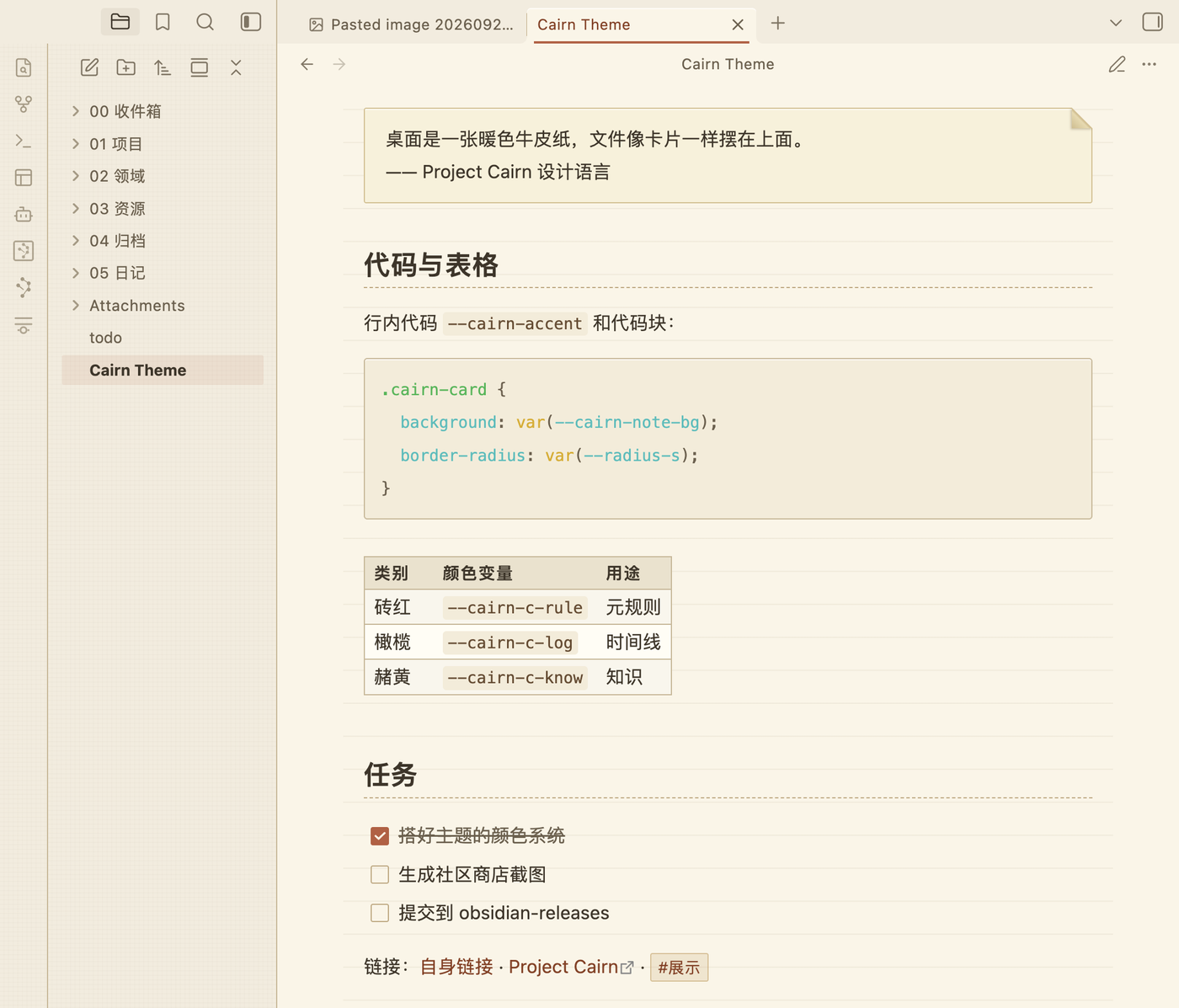
Blockquote card, code block, table and task list:
Cairn implements the Project Cairn design language. Its five category colors — 砖红 meta-rule, 橄榄 timeline, 赭黄 knowledge, 灰褐 external input, 青灰 process artifact — are mapped onto Obsidian's callout types, so a callout is color-coded the same way a file card is in the Cairn visualization.
The file explorer is left on Obsidian's own structure and takes the palette only — paper ground, ink labels, a terracotta marker on the open file. Blockquotes are paper cards with a turned-down corner.
Type scale, line width and spacing follow Obsidian's own conventions rather than the design system's landing-page values: 16px body, 42rem measure, 1.8 line height, em-relative headings. Wide letter-spacing is kept as a brand signature but restricted to labels — status bar, table headers, property keys — so Chinese body text keeps its rhythm.
Fonts
Cairn defaults to a system sans-serif stack: -apple-system, "PingFang SC", "Microsoft YaHei", "Noto Sans SC", sans-serif. Community themes may not load
remote assets, so no webfont is fetched — the stack falls through to whatever
sans faces your system has.
To use a different font, pick it in Settings → Appearance → Font (text, interface and monospace separately). Cairn only fills Obsidian's theme font slots, so your choice there always wins — headings and the inline title follow it too. No plugin needed.
Install
From Obsidian — Settings → Appearance → Themes → Manage → search for Cairn.
Manually — download manifest.json and theme.css from the
latest release into
<vault>/.obsidian/themes/Cairn/, then pick Cairn under Settings → Appearance.
Customise
Install the Style Settings plugin to adjust Cairn without writing CSS:
- accent, note surface, desk surface, ink and hairline colors (light and dark set separately)
- default font stack, line height, line width
- corner radius
- paper stock — ruled / aged / plain / flat, plus ruled line color, aged wash and quote card paper (drops all texture), plain quote (drops the blockquote card), underlined internal links, dimmed interface, block cursor
Development
Source lives in src/ as numbered modules; theme.css at the repo root is the
concatenated build output and should not be edited by hand.
npm run build   # src/ -> theme.css
npm run sync    # build, then copy into the test vault
npm run dev     # rebuild and sync on every change
npm run check   # build, then check against the Obsidian theme guidelines
npm run check fails the build on !important, @import, remote assets in
url(), unbalanced braces, or a missing light/dark block — the same things the
directory review looks for. It then reads the palette out of
src/02-color-light.css and src/03-color-dark.css and fails if any text
color drops below WCAG AA (4.5:1) on the surface it is actually painted on.
Two values are exempt, each for a stated reason in contrast.mjs.
Dark mode is an extension, not source material — the Cairn Design System ships light only. The dark palette keeps the brand's warm brown bias throughout.
The sync target defaults to the TestVault under iCloud. Point it elsewhere
with the OBSIDIAN_THEME_DIR environment variable:
OBSIDIAN_THEME_DIR="/path/to/vault/.obsidian/themes/Cairn" npm run dev
Obsidian reloads theme.css as soon as it changes. Changes to manifest.json
need an app restart.
Releasing
npm version patch   # bumps package.json, manifest.json and versions.json
git push --follow-tags
The release workflow builds the theme and attaches manifest.json and
theme.css to a GitHub release tagged with the same version.
License
MIT