TikZ
 dingzy5363 downloads
Render TikZ code blocks with your locally installed TeX distribution (TeX Live, MacTeX, MiKTeX) instead of a browser WASM engine. Full TikZ, real compiler logs, transparent caching.
- Overview
- Scorecard
- Updates2
An Obsidian desktop plugin that renders ```tikz code blocks by shelling out to a locally installed TeX distribution (TeX Live, MacTeX, or MiKTeX) instead of a browser WASM engine.
Forked and rewritten from artisticat1/obsidian-tikzjax: settings scaffolding and the ```tikz code block tag are preserved for backward compatibility, while the rendering engine is completely replaced with native TeX execution.
Requirements
- Obsidian Desktop (Windows, macOS, Linux). Mobile is unsupported (no Node.js child processes).
- A TeX distribution with
dvisvgminstalled:- Windows: MiKTeX or TeX Live
- macOS: MacTeX (or via Homebrew:
brew install --cask mactex-no-gui) - Linux: TeX Live
- Ubuntu/Debian:
sudo apt install texlive-latex-extra texlive-luatex texlive-pictures dvisvgm - Fedora:
sudo dnf install texlive-scheme-medium dvisvgm - Arch Linux:
sudo pacman -S texlive-basic texlive-latexextra texlive-pictures dvisvgm
- Ubuntu/Debian:
- Linux Flatpak note: If running Obsidian via Flatpak (
md.obsidian.Obsidian), the plugin automatically executes host TeX binaries viaflatpak-spawn --hostand uses~/.cache/obsidian-tikzfor scratch files without extra setup.
Installation
- Download
main.js,manifest.json, andstyles.cssfrom the latest GitHub Release. - Create a folder named
<vault>/.obsidian/plugins/tikz/in your vault. - Place the downloaded files into that folder.
- Reload Obsidian and enable TikZ in Settings → Community plugins.
Usage
Place TikZ code inside a ```tikz block. Standard figures, bare snippets, or complete documents are all supported:
```tikz
\begin{document}
\begin{tikzpicture}
  \draw[thick, ->] (0,0) -- (1,1) node[right] {$x$};
\end{tikzpicture}
\end{document}
```
Bare TikZ snippets and packages loaded inline are also accepted:
```tikz
\usepackage{forest}
\begin{forest}
[VP [NP [Det][N]] [V]]
\end{forest}
```
Cache & Scratch Files
- Render cache: Compiled diagrams (
<hash>.svg) are saved in<vault>/.obsidian/plugins/tikz/cache/(hidden inside the plugin directory; zero vault pollution). Failed compiles are not cached; the error block shows the live compiler log. When the entry limit is reached, the least recently used diagrams are dropped first. - Compile scratch files: Temporary TeX build files (
.tex,.dvi,.log) live in your OS temp folder (os.tmpdir()/obsidian-tikz/, or~/.cache/obsidian-tikz/on Flatpak) and are cleaned up immediately upon completion.
Settings
| Setting | Description | Default |
|---|---|---|
| Dark mode colours | Adaptive (mirrors lightness with contrast floor), Light canvas (light panel), or Off. |
Adaptive |
| TeX engine | dvilualatex (recommended), latex, xelatex, or pdflatex. |
dvilualatex |
| Binary paths | Custom path overrides for TeX engine and dvisvgm, with an Auto-detect button. |
Auto (PATH) |
| Extra PATH | Extra directories to append to PATH at runtime. |
Empty |
| Default preamble | Common packages injected when no \documentclass is provided. |
Standard TikZ packages |
| Allow shell escape | Enables -shell-escape (danger: executes arbitrary system commands). |
false |
| Restrict file access | Runs TeX with openin_any=p so a diagram cannot read files outside its build folder (\input{~/.ssh/config}). Side effect: \includegraphics/\input with absolute paths stop working. |
true |
| Compile timeout | Maximum seconds per compilation stage (1–3600) before killing the process tree. Time spent queued does not count. | 20 |
| Parallel compiles | How many diagrams compile at once; the rest queue. 0 = automatic (half the CPU cores, 1–4). |
0 |
| Maximum cache | Maximum cached SVGs (0 = unlimited). | 500 |
[!NOTE] On macOS, GUI apps launched from Finder or the Dock do not inherit your shell's
PATH. If binaries show as "not found", click Detect automatically or set the path manually (e.g./Library/TeX/texbin).
Dark Mode Customization
- Adaptive (default): Automatically mirrors colour lightness while maintaining a 3:1 contrast floor, ensuring labels and shapes remain legible against dark themes.
- Light canvas: Keeps original colours untouched and shows the diagram on a light panel (ideal for complex shading,
ball color, or colormaps). - Off: Leaves colours unchanged.
To force a diagram to look identical in both light and dark themes, give it a background rectangle:
\usetikzlibrary{backgrounds}
\begin{tikzpicture}[
    show background rectangle,
    background rectangle/.style={fill=white, draw=none},
  ]
  \draw[thick, ->] (0,0) -- (1,1) node[right] {$x$};
\end{tikzpicture}
Security
- Shell escape is off by default: Vault content is untrusted;
-shell-escapeis never enabled unless explicitly turned on by the user. - Direct argv execution: Subprocesses are spawned with an argv array (
spawn/execFile), never interpolated shell strings. - File reads are restricted: TeX runs with
openin_any=p, so a note cannot\inputor\includegraphicsarbitrary files (e.g.~/.ssh/config) into a diagram. It can be turned off in settings for trusted vaults. - SVG sanitization (allowlist, fail-closed): The SVG is parsed and only the elements dvisvgm/PGF emit are kept; event handlers, external
href/url()references,<style>,<a>and animation elements are removed. An SVG that cannot be parsed is rejected rather than displayed, and the result is inserted viaDOMParser, neverinnerHTML.
Development
npm run dev     # watch build (outputs main.js)
npm run build   # typecheck + production bundle
npm run lint    # eslint
npm test        # vitest unit tests
npm run clean   # clean generated bundle files
See AGENTS.md for architectural constraints and contribution rules.
License
MIT. Scaffolding based on artisticat1/obsidian-tikzjax.
Showcase
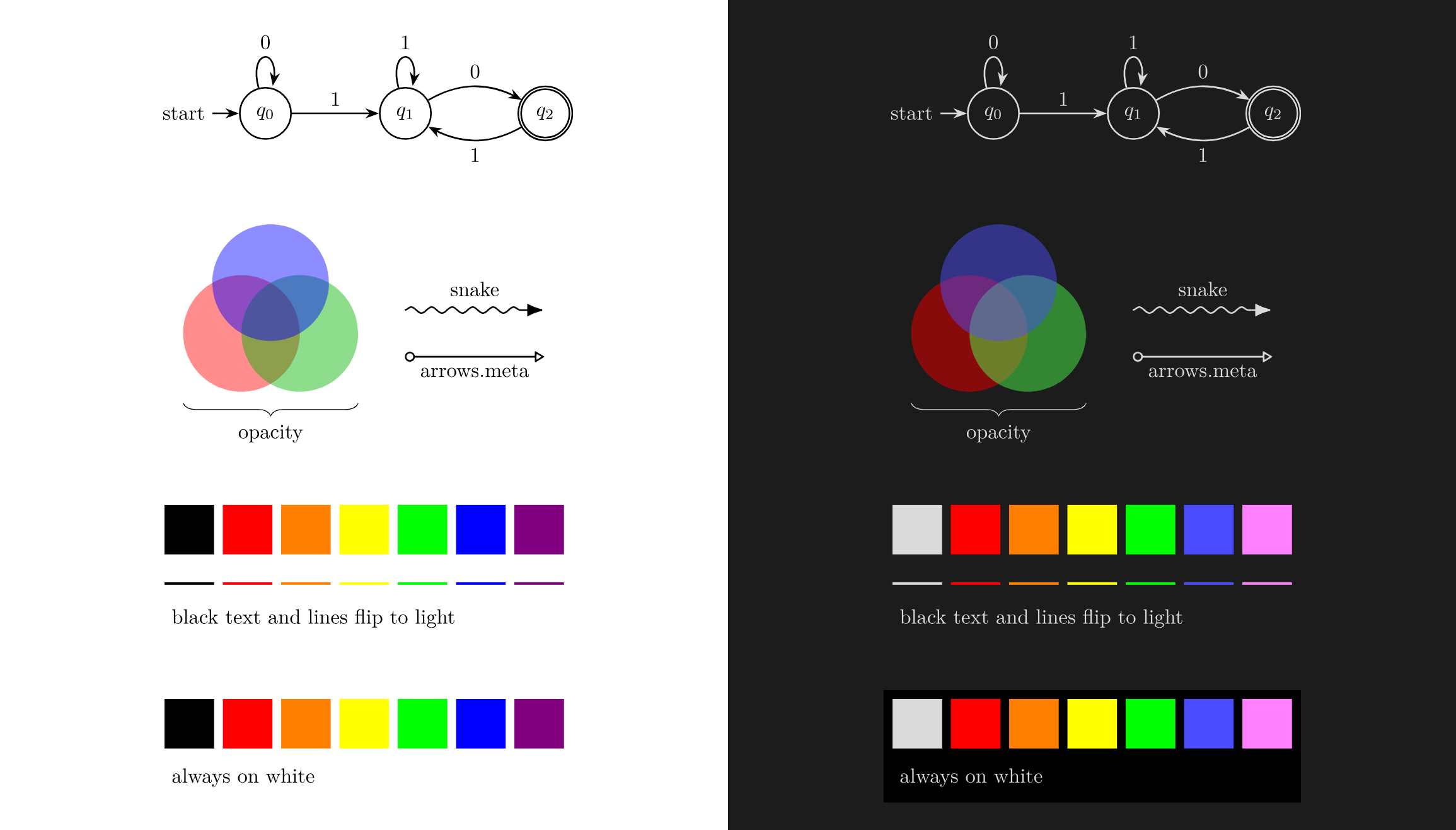
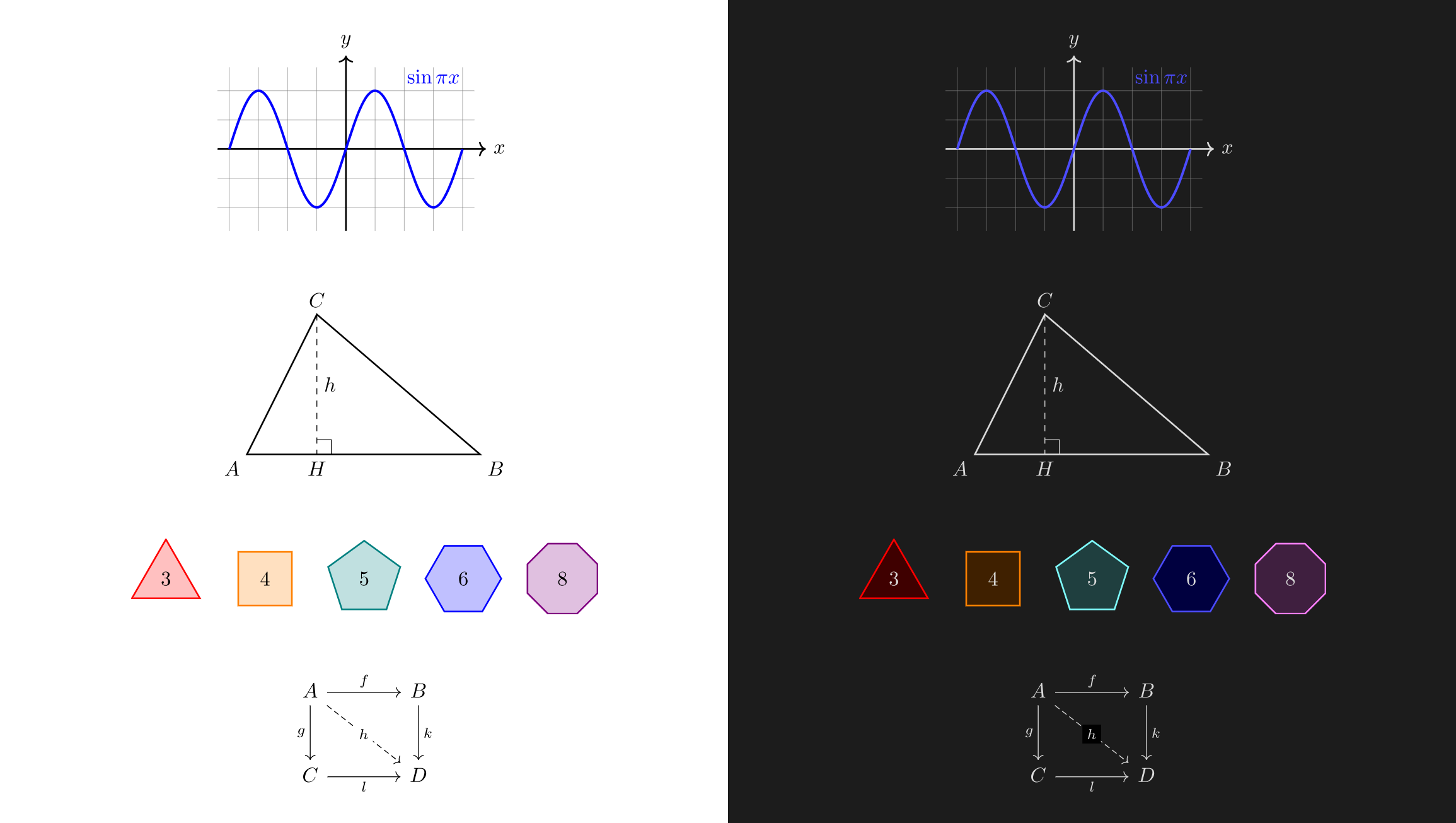
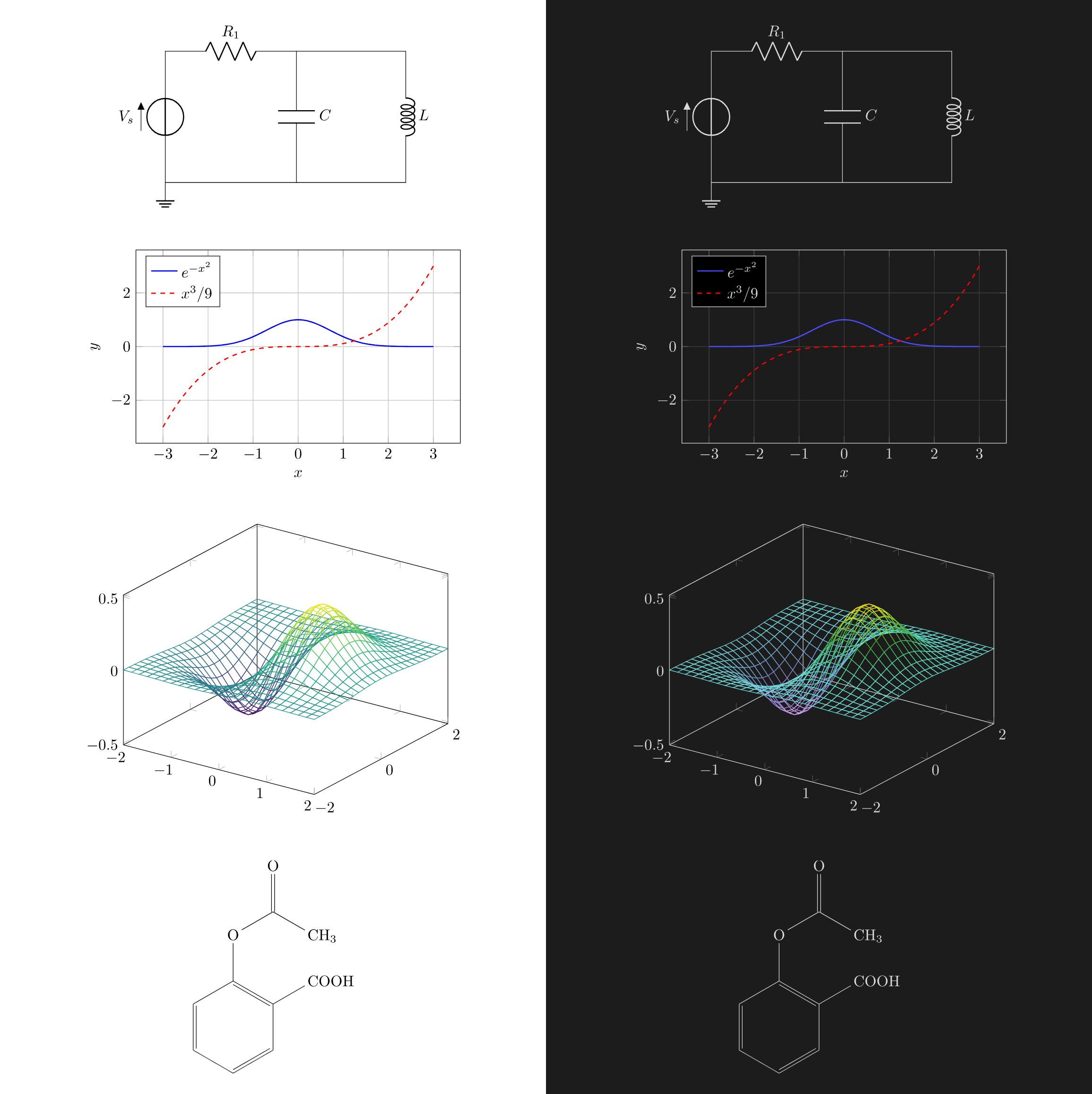
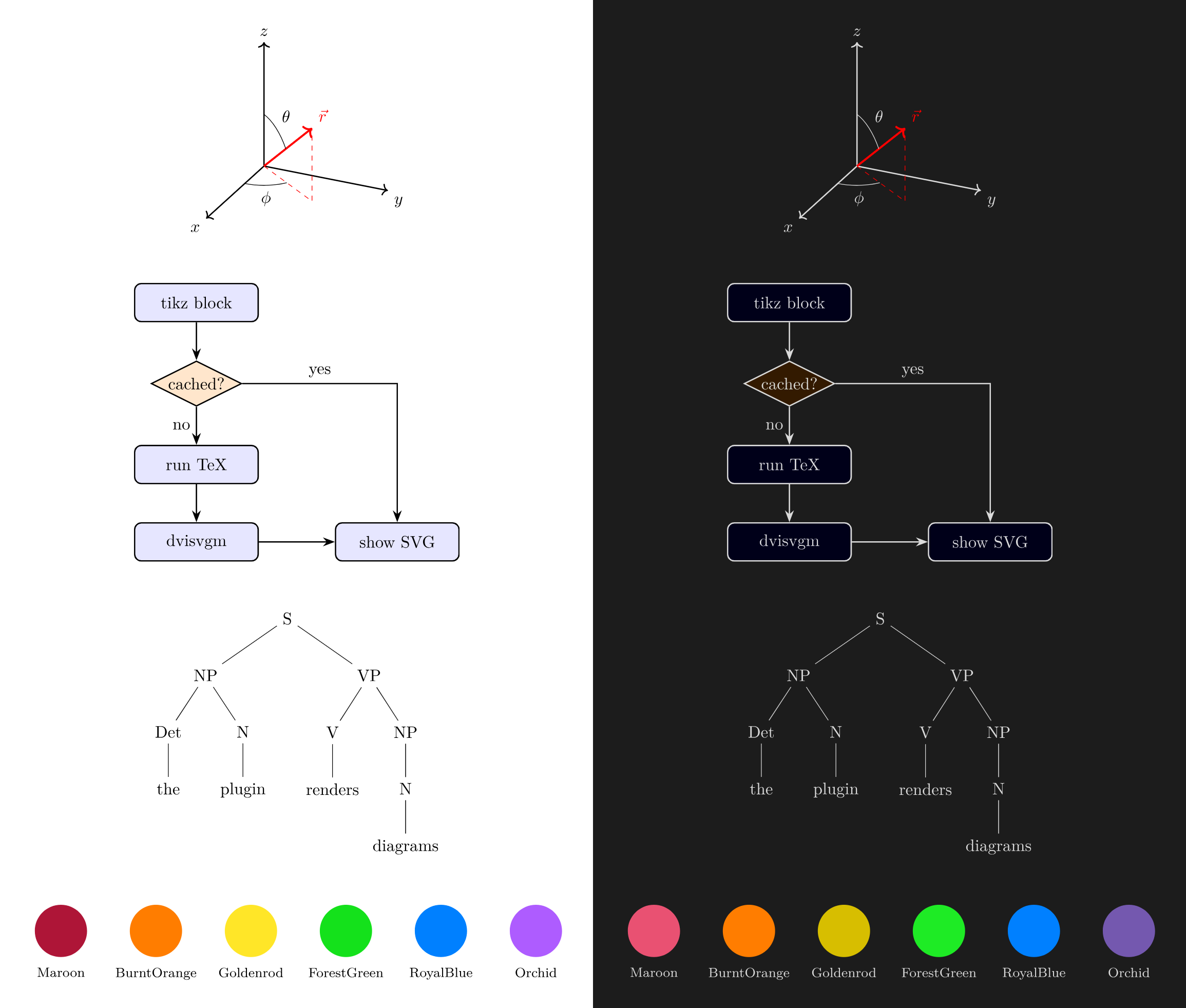
Diagrams rendered side-by-side in Light mode (left) and Dark mode (right) with automatic adaptive contrast:
Mathematics & Geometry
Circuits & Scientific Plots
3D Coordinates & Diagrams
Automata & Theme Adaptation