
- Overview
- Scorecard
- Updates12
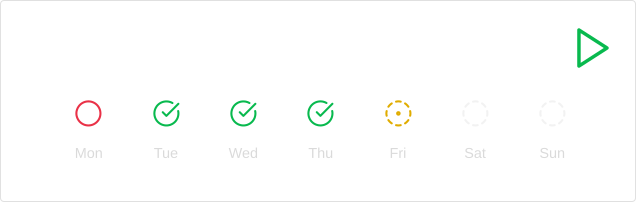
Spaced repetition using flashcards
Summary:
- Only manual input cards are supported;
- Support loading with js or by json;
- Works on mobile devices (Tested on android);
- Can run the quiz directly in the note by using
quizmarkdown block. - Shows the current steak, the number of repeated cards and the number of quizzes for the day;
- Shows charts with month, year, and cards progression;
- Enabling grouping by conditions;
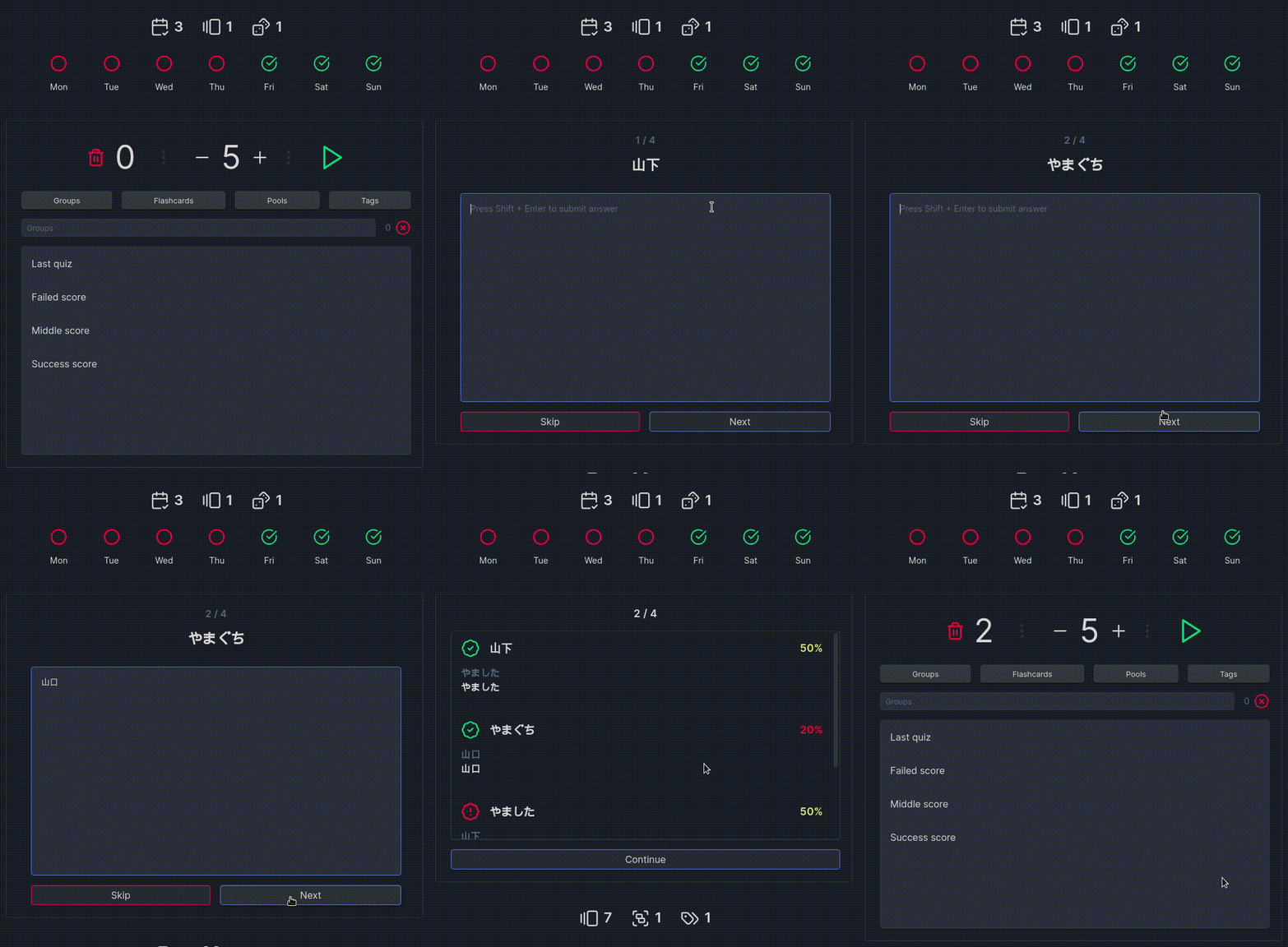
Demo
Card fields
{
    id: "uniqueID",  // Card unique id, if empty create automatically, using question data;
    question: {
        left: ['Question', ...],  // Left question options;
        right: ['Answer', ...]  // Right question options;
    },
    pool: "pool",  // Card pool;
    tags: ["tag1", "tag2", ...],  // Array of tags;
    defaultSide: "left",  // If card not reversible, then that side will be considered questions;
    notReversible: true  // If card reversible, then the questions and answers will switch places;
}
Definition
JSON
```quizjson
[
  {
    "question": {
        "left": ["question1", "subQuestion1"],
        "right": ["answer1", "answer2", "answer3"]
    },
    "pool": "testPool1",
    "tags": ["exampleTag1", "exampleTag2", "exampleTag3"],
    "notReversible": true
  }
]
```
JS
Must be enabled from settings.
In the code fc object is available with two methods:
addCard(flashcard);- Adds a card, if it is not valid performs an exception.commit();- Must be called after all cards have been added.
```quizjs

for(let i = 0; i < 100; i++) {
    fc.addCard({
        question: {
            left: [`question${i}`],
            right: [`answer${i}`]
        },
        pool: "testPool2",
        tags: [`exampleTag${i}`]
    });
}

fc.commit();
```
Running quiz
There are several ways to start a quiz:
- Using the
Simple Quiz:Run quiz!menu command; - Using play icon button in menu;
- Using start button in card placeholder, or today statistics, if the minify mode is not activated;
- Insert
quizmarkdown block, who render inline quiz form;
Depending on where the quiz was launched from, the set of cards will be different:
- Quiz from icon in menu, by command, or today statistics, all available cards will be loaded;
- Launching from the placeholder, only cards declared in it will be loaded;
- If start from
quizmarkdown block, by default it will load all possible cards, but you can customize withsourcesargument;
If saving results is enabled, the cards will be sorted by success, otherwise they will be randomly mixed.
More
Markdown blocks description
Groups description
Examples of usage
Manually installing the plugin
Copy over main.js, styles.css, manifest.json, to <vault>/.obsidian/plugins/simple-quiz/
TODO
- Add new card types
- Manually cards
- Matching cards
- Option select cards
- Add images to cards
Third-party libraries
HealthGood
ReviewCaution
About
Study with spaced-repetition flashcards directly inside notes using inline quiz blocks or menu commands. Load cards manually, via JSON or the JS API, organize by pools and tags, track streaks, daily quiz counts and repeated cards, and view monthly/yearly progress charts on desktop and mobile.Details
Current version
0.2.10
Last updated
2 years ago
Created
2 years ago
Updates
12 releases
Downloads
962
Compatible with
Obsidian 1.6.7+
Platforms
Desktop, Mobile
License
MIT