Search...Search plugins and themes...
⌘K
Sign in
  • Get started
  • Download
  • Pricing
  • Enterprise
  • Account
  • Obsidian
  • Overview
  • Sync
  • Publish
  • Canvas
  • Mobile
  • Web Clipper
  • CLI
  • Learn
  • Help
  • Developers
  • Changelog
  • About
  • Roadmap
  • Blog
  • Resources
  • System status
  • License overview
  • Terms of service
  • Privacy policy
  • Security
  • Community
  • Plugins
  • Themes
  • Discord
  • Forum / 中文论坛
  • Merch store
  • Brand guidelines
Follow us
DiscordTwitterBlueskyThreadsMastodonYouTubeGitHub
© 2026 Obsidian

Paste image Png to Jpeg

musugmusug12k downloads

Screenshot png to jpeg and compress and rename.

Add to Obsidian
  • Overview
  • Scorecard
  • Updates5

This plugin is inspired by obsidian-paste-image-rename, obsidian-paste-image-rename can be used when inserting images rename, I thought I could also compress and modify it when inserting, so I created this plugin

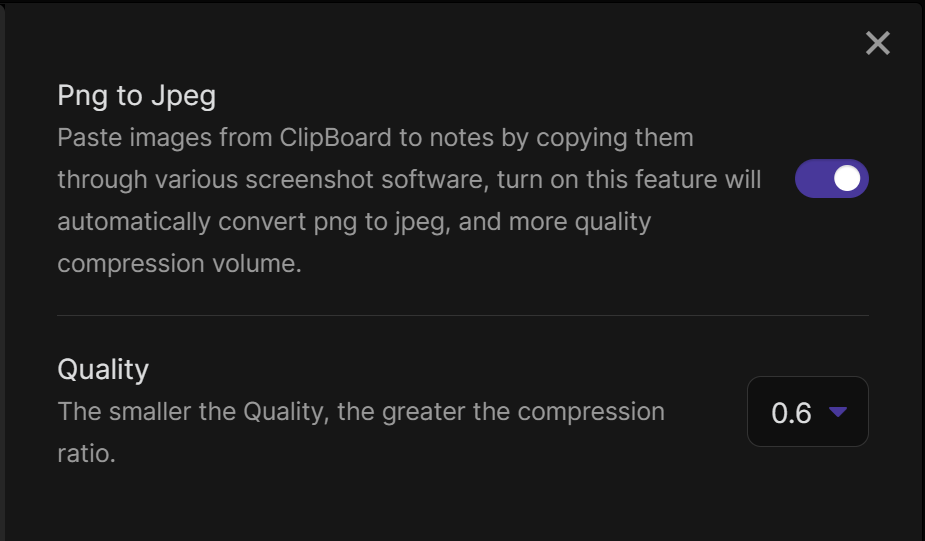
The plugin automatically handles the following when the image (png jpg jpeg) is pasted into the notes 1,Convert the image to jpeg format and compress it 2,store the image in the current notes directory in the images folder 3,Change the name of the image to the name of the current note plus a number

For example, a screenshot of hello.md will be named hello-1.jpeg... Also you can set whether to enable image compression or not and set the quality of the image, the smaller the quality, the higher the compression rate.
66%
HealthFair
ReviewSatisfactory
About
Convert pasted PNG and JPEG images to compressed JPEGs and save them in an images folder next to the current note. Rename files to the current note's name with a sequence number (e.g., hello-1.jpeg). Control compression quality to reduce file size.
ImagesAttachmentsAutomation
Details
Current version
1.0.4
Last updated
3 years ago
Created
4 years ago
Updates
5 releases
Downloads
12k
Compatible with
Obsidian 0.14.0+
Platforms
Desktop, Mobile
License
MIT
Report bugRequest featureReport plugin
Author
musugmusug
github.com/musug
GitHubmusug
  1. Community
  2. Plugins
  3. Images
  4. Paste image Png to Jpeg

Related plugins

Paste image rename

Rename image after pasting, support name pattern and auto renaming.

Image Context Menus

Image context menus (mostly on right click): Copy to clipboard, Open in default app, Show in system explorer, Reveal file in navigation, Open in new tab.

Ink

Hand write or draw directly between paragraphs using a digital pen, stylus, or Apple pencil.

Local Images Plus

A reincarnation of Local Images to download images in Markdown notes to local storage.

Attachment Management

Customize attachment path, auto-rename attachments, etc.

Image auto upload

Upload images from your clipboard by PicGo.

Imgur

Upload images from your clipboard to imgur.com and embeds uploaded image to your note.

QuickAdd

Quickly add new notes or content to your vault.

Templater

Create and use dynamic templates.

Homepage

Open a note, base, or workspace on startup, or set it for quick access later.